Free RedM Scripts
Free Work Bundle
LRRP Work Bundle FREE
support - LRRP Studio
 LRRP WORK BUNDLE — PREMIUM | RedM | VORP + RSG Support
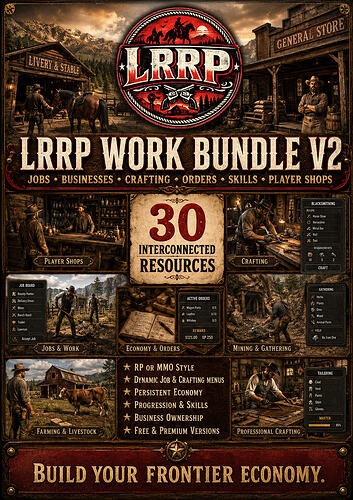
Build a complete working economy for your RedM server with the LRRP Work Bundle Premium — 30 interconnected resources covering employment, professions, businesses, crafting, gathering, salaries, recruitment, player shops, customer orders and persistent skill progression.
Premium removes the FREE Level 25 profession cap and gives server owners access to exposed configuration and content files for extensive customisation.
 PREMIUM EDITION — NO LEVEL 25 SKILL CAP
Players can continue progressing their supported profession skills without the FREE edition’s Level 25 restriction.
Premium also provides significantly greater server-side customisation of exposed files, allowing owners to adapt the economy and professions to their own server.
 30 RESOURCES INCLUDED

LRRP_jobs — Central jobs, employment, business, profession XP, job-menu and crafting-station framework
LRRP_salarays — Persistent employee wage and salary system
LRRP_guide — Integrated player Work Bundle guide/help UI
LRRP_mail — Player and business mail integration
LRRP_player_shops — Player and society/business shops, stock and trading
LRRP_idcards — Integrated identity-card system
LRRP_JobCentre — Recruitment, applications and hiring workflow
LRRP_Orders — Business ordering, preparation, ready and customer collection workflow
LRRP_PauseMenu — Custom Pause Menu and integrated Skills Journal
LRRP_breweries — Brewery properties and brewery workplace support
LRRP_bartending — Bartending and brewery profession integration
LRRP_blacksmith — Blacksmith crafting and skill progression
LRRP_brewery_crafting — Brewery production, recipes and progression
LRRP_cooking — Chef/cooking profession and progression
LRRP_doctors — Doctor profession crafting and progression
LRRP_fishing — Fishing gathering and progression
LRRP_gunsmith — Gunsmith crafting and progression
LRRP_horsecraft — Horse Trainer profession crafting
LRRP_hunter_crafting — Hunting profession crafting and progression
LRRP_jewelry_crafting — Jeweller crafting and progression
LRRP_law_bounty_crafting — Law and bounty profession crafting
LRRP_livestock_slaughter — Farming and livestock work
LRRP_lumberjack — Lumber gathering, processing and skill progression
LRRP_lumberyard — Lumberyard crafting, processing and business work
LRRP_mining — Mining and gold-panning progression
LRRP_native_crafting — Native crafting profession
LRRP_planting — Planting and crop-growing system
LRRP_smelting — Ore and metal-bar smelting progression
LRRP_tailor_crafting — Tailor crafting and progression
LRRP_train_driver_crafting — Railway and Train Driver crafting/progression
 COMPLETE WORKING ECONOMY
 Persistent profession XP
 Unlimited supported skill progression
 Integrated Skills Journal
 Employment and recruitment
 Business systems
 Persistent wages and salaries
 Business/customer ordering system
 Player and business shops
 Integrated mail
 ID cards
 Breweries and bartending
 Chef/cooking
Blacksmithing
 Gunsmithing
 Tailoring
Jewellery
 Doctor crafting
 Hunting
 Horse Trainer crafting
 Railway profession
 Planting and farming
 Livestock work
 Fishing
 Mining and gold panning
 Smelting
 Lumberjack and lumberyard work
 Persistent world job/crafting locations
 RP, MMO and Hybrid configuration options
 DYNAMIC ADMIN PLACEMENT
/placejobmenu
Allows administrators to select supported job menus and dynamically place them in the world. Placements are stored in the database.
/placecraftingmenu
Allows supported crafting stations to be dynamically placed, with coordinates and relevant blip data persisted and synchronised with the appropriate crafting resource.
INTEGRATED ORDER SYSTEM
Customers/businesses can place an order → businesses accept it → workers prepare the products → mark the order ready → customer collects → persistent order state is completed.
No separate delivery resource is required for the pickup/collection workflow.
PREMIUM CUSTOMISATION
Premium exposes server-facing configuration/content designed for customisation, including supported:
 Configuration
 Recipes
 Ingredients
Outputs
Prices
XP tuning
Locations
Access policies
 Blips
Blips
 Custom server branding/artwork
Core validation and orchestration can remain protected through CFX Asset Escrow while configurable content remains available for server owners.
 VORP + RSG SUPPORT
RedM
VORP — default framework
RSG-Core compatibility bridge
The compatibility layer covers common framework functionality including player/character information, currencies, jobs and grades, callbacks, notifications, inventory operations, usable items, metadata, business storage, weapon-transfer paths and menu compatibility.
 MULTI-LANGUAGE READY
Starter translations included for:
 English
 Spanish
 Brazilian Portuguese
 French
 German
 Italian
 Dutch
Dutch
 Polish
 Russian
Missing phrases safely fall back to English.
 COMPLETE DATABASE INSTALLATION
The package contains:
MASTER_INSTALL.sql
Individual install.sql inside every resource
31 SQL files total
863 standard inventory items covered
Duplicate-safe installation
Existing inventory settings preserved where possible
No destructive/reset SQL
Employment, profession XP, businesses, menus, crafting placements, Orders, shops, salaries, planting and other persistent systems survive server restarts.
COMPLETE CFX-READY PACKAGE
This download is the full Work Bundle, not a patch.
All 30 resources are included along with:
 Installation documentation
START_ORDER.cfg
 Master SQL installer
 Individual resource documentation
Framework/language documentation
Premium branding instructions
 Editable exposed configuration/content files
MAIN REQUIREMENTS
VORP installations use:
• vorp_core
• vorp_inventory
• vorp_menu
• oxmysql
RSG servers can use the included RSG compatibility bridge with the appropriate RSG resources.
Certain individual systems may additionally require syn_minigame and CFX RedM asset packs where declared by their manifests.
OPTIONAL LRRP STABLES INTEGRATION
LRRP Stables is not required.
If LRRP_stables is installed, the Work Bundle detects it at runtime and the Pause Menu can automatically expose Horse Papers.
Without LRRP Stables, everything else continues normally.
PREMIUM ADVANTAGES
 No FREE Level 25 profession cap
Custom server branding support
Extensive exposed configuration
Editable recipes and production content
Editable prices and economy values
XP/progression tuning
Configurable locations and blips
Configurable profession access policies
 RP / MMO / Hybrid server configuration
All 30 Work Bundle resources included
Build a connected RedM economy where professions actually feed into the wider server instead of existing as isolated jobs.
Free Horse System
** LRRP Horse System v2 FREE
newest updates - **
Added working Rest, Sleep, Play/Wallow, Graze and Drink horse actions.
- Fixed brushing animations.
- Fixed feeding/treat animations.
- Added horse personalities:
- Calm
- Affectionate
- Playful
- Spirited
- Cautious
- Independent
- Horse Info now shows the horse’s Personality.
- Added dance/prance for fully trained horses.
- Improved horse busy-state handling so training, breeding, brushing and other actions don’t clash.
- Improved the Horse Catcher so higher-tier horses are realistically catchable.
- Preserved the exact caught horse model/coat when it becomes owned.
- Expanded breeding from 150 to 162 configured bloodlines.
Stables • Catching • Breeding • Bloodlines • Foals • Tack • Training • Wagons • Papers • VORP • RSG • Multi-Language
 186 Total Bloodlines
 150 Crossbreeding Bloodlines to Unlock
450 Core Breeding Coat Variants
 24 Foundation Bloodlines
12 Special Heritage Bloodlines
Additional Genetic Throwbacks & Unique Forms
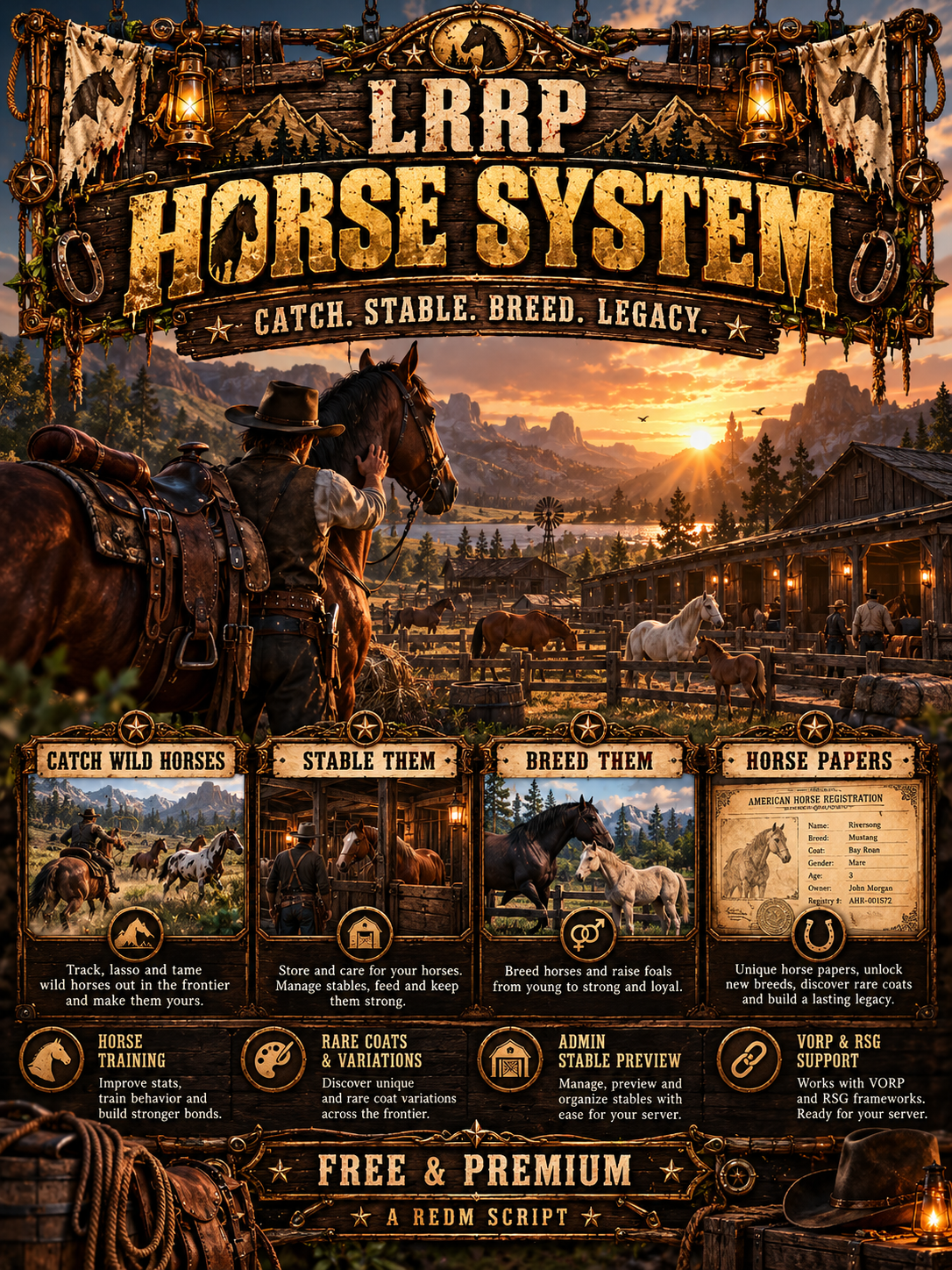
LRRP Horse System is an advanced horse ownership, stable, breeding and progression ecosystem designed for RedM.
Instead of horses simply being vehicles that players buy and forget about, LRRP Horse System turns them into persistent animals with ownership, bloodlines, ancestry, growth, training, tack, papers and long-term progression.
 VORP + RSG SUPPORT
LRRP Horse System now supports both:
- VORP Core
- RSG Core
VORP remains the default framework, meaning existing VORP installations can continue using the original setup.
Server owners can easily select their framework through the editable configuration.
The framework compatibility layer handles systems including:
- Player identification
- Character ownership
- Money
- Inventory
- Usable items
- Notifications
- Horse ownership
- Horse Papers
- Stable storage
- Wagon storage
- Character loading
- Framework callbacks
One Horse System. Two major RedM frameworks.
MULTI-LANGUAGE SUPPORT
Built-in language support allows server owners to change the Horse System language through a simple editable setting.
English is enabled by default.
Included language structure supports:
- English
- Spanish
- Portuguese
- French
- German
- Italian
- Dutch
- Polish
- Russian
- Turkish
The language system is framework-independent, meaning both VORP and RSG installations use the same localisation system.
Missing translation entries automatically fall back to English.
 COMPLETE STABLE SYSTEM
Players can manage their horses and wagons through the full LRRP Stable interface.
The Stable ecosystem includes areas for:
- Horses
- Horses for Sale
- My Horses
- Wagons
- My Wagons
- Tack
- Listings
- Horse Papers
- Horse management
- Stable management
Players can build genuine collections rather than treating horses as disposable mounts.
DEEP BREEDING SYSTEM
Breeding is available to everyone by default.
There is:
- No breeding job requirement
- No breeding level requirement
- No Work Bundle requirement
Players can freely breed compatible horses and develop generations of unique bloodlines.
Breeding is not simply:
Horse A + Horse B = random horse
The system tracks pedigree, ancestry, genetics and bloodline relationships so breeding decisions actually matter.
 BABY FOALS
Successful breeding can produce a genuine baby foal.
Foals enter the stable system young and progress through their development stages rather than instantly becoming adult horses.
Players can watch their breeding projects grow toward adulthood before progressing into systems such as training and advanced horse development.
This creates a full progression loop:
Breeding → Foal → Growth → Adult Horse → Training → Future Bloodline
FAMILY TREE & PEDIGREE
Every horse can develop a persistent history.
Horse Papers allow players to inspect pedigree information and navigate through previous generations of ancestors.
Depending on the horse and its history, records can include:
- Horse name
- Breed
- Sex
- Rarity
- Breeder
- Stable
- Registry
- Heritage
- Generation
- Coat
- Breeding status
- Pedigree relationships
- Statistics
- Growth
- Training
- Parents
- Grandparents
- Previous ancestors
Players can create genuine breeding families and recognised bloodlines.
INBREEDING DETECTION
The ancestry system can identify related horses and bloodlines.
Inbreeding and pedigree relationships become part of the breeding ecosystem, encouraging players to manage their bloodlines properly rather than repeatedly breeding within the same family.
This gives ancestry an actual gameplay purpose.
MASSIVE COAT & BLOODLINE VARIETY
The Horse System contains a large breeding and genetic progression catalogue.
Players can:
- Catch foundation horses
- Establish breeding lines
- Crossbreed horses
- Discover new bloodlines
- Discover different coat combinations
- Develop rare horses
- Unlock advanced breeding outcomes
- Build multi-generation pedigrees
- Discover genetic throwbacks
- Develop unique bloodline combinations
Former regional horse progression has been reworked into the wider American/frontier breeding ecosystem.
 WILD HORSE CATCHING
Wild horse spawning focuses on American/frontier appropriate horses.
Foundation horses can be discovered in the world while more advanced horses can be pushed deeper into breeding and crossbreeding progression.
Horse Catching is:
Open to everyone by default.
No LRRP Work Bundle is required.
 FREE WILD CATCH LIMIT
The Free version allows each character to successfully catch:
1 Wild Horse Every 12 Hours
If the cooldown is active, the player is informed when they can catch another horse.
Premium removes this restriction.
FREE STABLE LIMIT
Free players may own a maximum of:
5 Horses Per Character
The ownership limit is validated when horses are gained through supported systems.
If a player already owns 5/5 horses, another horse will not simply be added and lost.
The player must either:
- Free a stable slot
- Sell/remove an existing horse
- Upgrade to Premium
 UNLIMITED BREEDING
The Free stable limit does not place an artificial cooldown on breeding itself.
There is:
- No one-breed-per-day restriction
- No breeding job lock
- No breeding level lock
Players can continue using the breeding ecosystem as long as they have the required stable capacity for resulting horses.
 TACK SYSTEM
Players can preview and customise tack and equipment for their horses.
Supported equipment can include categories such as:
- Saddles
- Masks
- Horse equipment
- Tack pieces
- Cosmetic equipment
- Equipment variations
- Compatible horse accessories
The Tack Preview system lets players visually inspect equipment on their horse before making their choice.
 HORSE-POWERED WAGONS
Owned wagons aren’t magically powered.
Applicable wagons can require horses to be assigned to their harness positions before they are ready for use.
Example:
Horse Team: 0/2 → Not Ready
Attach the required horses:
Horse Team: 2/2 → Ready
Players can manage their wagon horse teams through the Stable system.
HORSE TRAINING
Horse Training is available without requiring the LRRP Work Bundle.
Horse development can progress through systems such as:
- Speed
- Bravery
- Handling
- Training progression
- Specialised horse development
Breeding creates the horse.
Training develops it.
 HORSE CARE
Horse care helps make horses persistent animals that players maintain rather than disposable transportation.
Horse-related systems can include:
- Grooming
- Brushing
- Care
- Bonding
- Maintenance
- Horse interaction
- Condition management
 HORSE PAPERS
Each horse can have persistent papers reflecting its identity, ownership and lineage.
Horse Papers can display detailed information about the horse and its ancestry.
When the LRRP Work Bundle is installed alongside Horse System, Horse Papers can automatically integrate with the LRRP Pause Menu.
The LRRP Work Bundle is NOT required to use Horse System.
 FREE VERSION INCLUDES
- VORP support
- RSG support
- VORP enabled by default
- Multi-language compatibility
- English enabled by default
- Permanent LRRP branding
- Maximum 5 owned horses per character
- 1 successful wild catch every 12 hours
- Unlimited breeding
- Full breeding system
- Bloodline progression
- Crossbreeding
- Genetics
- Pedigree system
- Inbreeding detection
- Foal growth
- Family trees
- Stable system
- Tack system
- Horse-powered wagons
- Training
- Horse care
- Horse Papers
- Horse management
- Optional LRRP Work Bundle integration
REQUIREMENTS
Designed for:
- RedM
- VORP Core OR RSG Core
- Compatible framework inventory
- oxmysql
Default Setup
Framework: VORP
Language: English
No LRRP Work Bundle is required.
 ASSET ESCROW
Core proprietary systems including horse ownership, genetics, progression, bloodlines and Free-version restriction logic are protected through CFX Asset Escrow.
Relevant configuration, language and setup files remain editable where required.
DOCUMENTATION
Included documentation covers:
- Installation
- VORP setup
- RSG setup
- Framework selection
- Language configuration
- Dependencies
- Database installation
- Stable configuration
- Horse catalogue
- Wild horse catching
- Breeding
- Bloodlines
- Crossbreeding
- Pedigree
- Foals
- Training
- Tack
- Wagons
- Horse Papers
- Free restrictions
- LRRP Work Bundle integration
Free Ranch Script
support - LRRP Studio
how it works - https://youtu.be/wx2m3-D9mxE
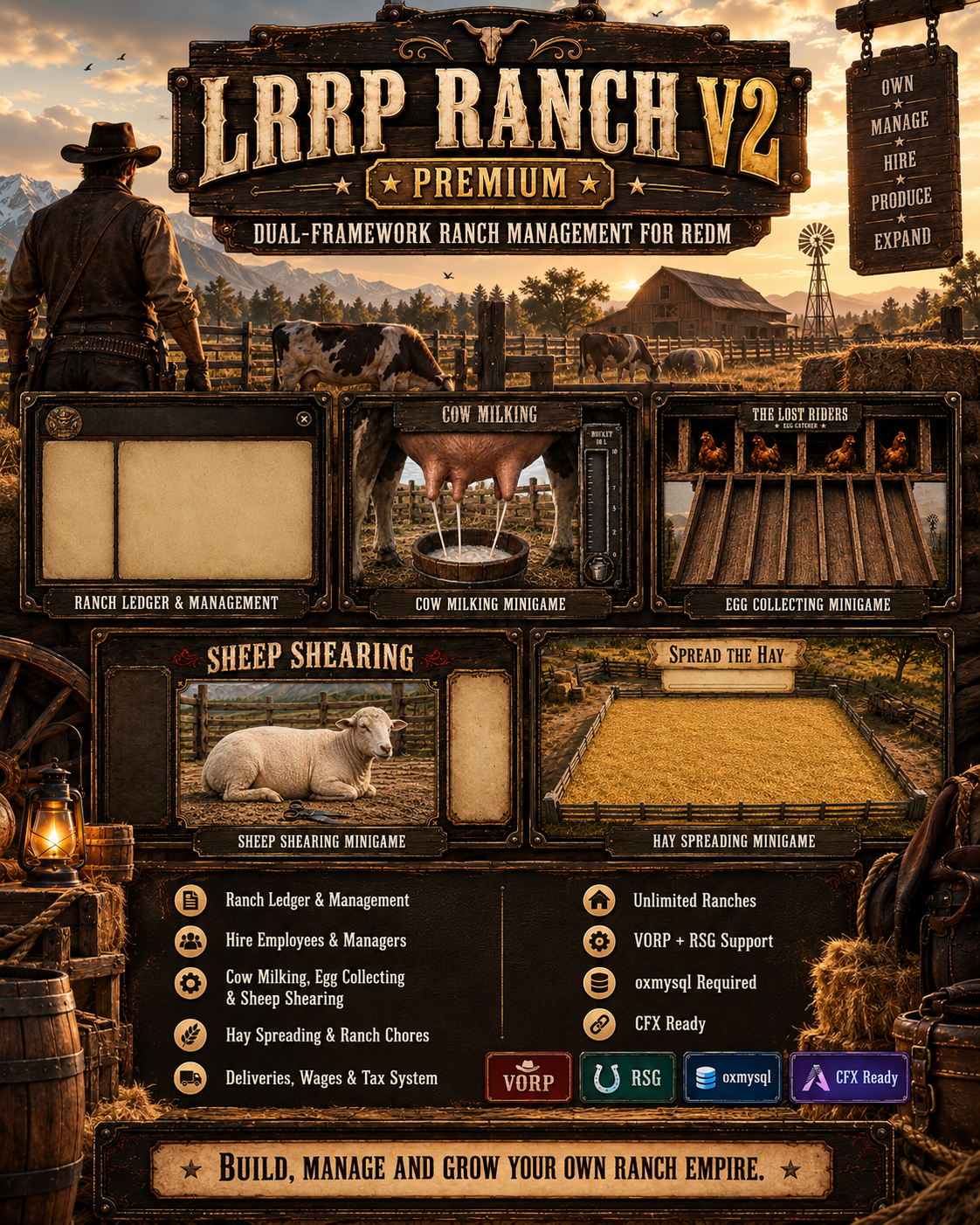
do chores to get the environment up.
collect milk and eggs
buy animals and herd 3 times.
sell at the sell barn.
employee system.
professional discord webhooks.
-
Uses VORP framework.
-
Uses `ranchtoken` from inventory to place a movable `p_outhouse02x` ranch prop before saving the ranch.
- The saved ranch keeps a nearby local outhouse prop visible after placement.
- Enforces 1 ranch connection per character: owner OR manager OR employee.
- Ranch starts at 0% environment.
- Forces setup before the real ranch menu opens.
- Owner/manager can set and later edit chore, milk, egg and herd locations.
- Milk uses one shared milk location, and eggs use one shared egg location.
- Herd trail is set through one guided `Set Herd Trail` option.
- Herd trail requires exactly 5 checkpoints and at least 25m total length.
- Herd checkpoint colours: start green, middle white, finish green.
- Monthly manual tax, paid from ledger before the due window.
- Default tax failure lists the ranch for sale at $50,000.
- Chores validate cooldowns before sending the player to a marker or animation.
- Chores add 10% environment with personal 1 hour cooldown.
- Environment decays with time and usage.
- Milk and eggs use syn_minigame and go into ranch ledger stock.
- Cow/chickens remain visible for 6 seconds after collection before cleanup.
- Ledger has money deposit/withdraw plus egg/milk stock withdraw.
- Buy animals: chickens, sheep, pigs, cows.
- One active animal batch per ranch.
- Herding has ranch-wide cooldown.
- During herding, animals walk the checkpoint trail and the player must stay close to the herd.
- During selling, animals follow the player to the Sell Barn.
- 1 stray max at a time. The player must run into range of the stray animal to bring it back.
- 1 wolf attack max per herd.
- No PvP animal killing.
- No herding dog yet.
- Sell Barn blips are loaded from `salelocation.lua`.
- Main editable settings are in `settings.lua`.
- Discord webhook can be set by owner in Management and logs ranch activity.
- Admin command `/deleteranch` deletes the nearest ranch within the configured radius. Optional: `/deleteranch 20`.
## Editable files
Use these files for easy editing:
```text
settings.lua – all main prices, cooldowns, controls, animals, tax, environment, production and herding settings
salelocation.lua – add/remove/edit Sell Barn locations and Sell Barn blip settings

Free Poker System
🃏 LRRP Poker | FREE & PREMIUM | RedM Texas Hold'em | VORP & RSG | Cash Games + Tournaments
Bring a complete Texas Hold'em poker system to your RedM server with LRRP Poker.
Designed for both casual saloon games and larger organised tournaments, LRRP Poker includes server-authoritative gameplay, cash tables, multi-table tournaments, Speed Poker, NPC opponents, persistent house funds, native poker animations and a fully integrated parchment-style interface.
🎰 FREE and PREMIUM editions are available.
🎥 Preview / Demonstration
📹 Video: [ADD VIDEO LINK]
🖼️ Screenshots/UI Preview:
[UPLOAD SCREENSHOTS DIRECTLY TO CFX]
♠️ Core Features
🃏 Full Texas Hold'em gameplay
💵 Cash games
🏆 Poker tournaments
⚡ Speed Poker mode
🤠 Optional NPC poker players
💰 Persistent house bankroll
🎴 Visible cards, chips, bets and pot presentation
🪑 Natural Rockstar poker seating
🎬 Native Rockstar poker animations
📜 Custom parchment-style poker UI
🎮 Keyboard-based poker controls
👥 Up to 6 seats per table
🔄 Side-pot handling
💸 Configurable rake system
⏱️ Turn timers and timeout protection
💤 Sitting-out system
👀 Optional Show Cards system
📊 Tournament chip rankings
🧠 Server-authoritative game logic
🛡️ Server-side cards, betting, stacks and payouts
💾 Persistent custom tables in Premium
🔧 Extensive editable configuration
🌐 VORP and RSG Core support
🔐 CFX Asset Escrow compatible
🎲 Server-Authoritative Poker
Important gameplay logic is handled by the server rather than trusting the client.
This includes:
♠️ Card generation
♥️ Player stacks
♦️ Bets and raises
♣️ Side pots
💰 Winnings and payouts
⏱️ Timeout decisions
🏆 Tournament state
💵 House bankroll
🎴 Show Cards validation
The NUI cannot choose or spoof the cards being revealed.
💵 Cash Games
Create traditional cash poker tables with configurable settings.
✅ Host-defined starting buy-in
✅ Minimum buy-in configurable
✅ Automatic blind calculation
✅ Approximately 100BB default stack structure
✅ Configurable rake
✅ Default 5% rake
✅ No-Flop-No-Drop support
✅ Player-count-based rake caps
✅ Top-ups between hands
✅ Sitting-out protection
✅ Automatic seat release for inactive cash players
The default minimum cash buy-in is $10, but server owners can configure this.
🏆 Tournament System
LRRP Poker includes a full tournament structure rather than simply running normal cash poker with a fixed buy-in.
Features include:
🏆 Configurable tournament buy-ins
💰 Configurable hosting fee
📈 Progressive blind levels
⏳ Configurable blind timers
🚪 Scalable late registration
🔄 Rebuys
💵 Dynamic prize pools
🥇 Dynamic paid places
🫧 Hand-for-hand bubble play
🔀 Automatic table balancing
🪑 Table breaking
🏁 Final-table consolidation
📊 Global live tournament ranking
💰 Rankings based on current chip stacks
By default, players can rebuy up to 2 times.
Multi-table tournaments can use tables located within the configured tournament radius.
⚡ Speed Poker
Want faster games?
Enable Speed Poker.
⚡ 30-second player turns by default
🎴 Faster hole-card dealing
🃏 Faster flop, turn and river dealing
🎬 Normal-speed player action/reaction animations
⏱️ Designed to significantly reduce downtime between hands
Normal Poker and Speed Poker timing can both be adjusted in the config.
🤠 NPC Poker Players
Optional poker guests can join games.
Included guest characters:
🎩 Daniel Negroni
♠️ Phil Ives
NPCs use configurable decision behaviour and are funded through the persistent house bankroll rather than creating unlimited money from nowhere.
Server owners can enable or disable NPC poker completely.
🎭 Poker Animations & World Presentation
Players use Rockstar's native poker seating and animation systems wherever possible.
Animations cover:
🎴 Holding cards
💵 Betting
✅ Checking
❌ Folding
🔥 Going all-in
🃏 Flop
♦️ Turn
♠️ River
👀 Revealing cards
🏆 Winning
💀 Losing
💰 Collecting the pot
LRRP Poker also uses in-world poker presentation props for:
🃏 Cards
🎴 Community cards
🔴 Poker chips
💵 Bets
🏆 Pot stacks
Poker furniture can be frozen, protected against damage and automatically re-anchored.
🖥️ Poker UI
The active-hand interface is positioned at the bottom centre of the screen.
Live player states include:
💵 BET
📞 CALL
⬆️ RAISE TO
🔥 RE-RAISE TO
💰 ALL IN
❌ FOLD
⏱️ FOLD (TIMEOUT)
💤 SITTING OUT
➡️ TO GO
The poker HUD has been designed so players can continue using:
🎥 Camera movement
👁️ First person
💬 Chat
🎙️ Voice
while remaining seated at the table.
⏱️ Timeout & AFK Protection
If a player's turn timer expires:
✅ The game automatically checks when checking is free
❌ Otherwise the hand is folded
The system will never automatically call a bet or spend the player's chips.
After 4 consecutive timeout folds, the player is marked:
💤 SITTING OUT
Pressing the configured READY key returns the player for the following hand.
Default READY key:
⌨️ Y
👀 Show Cards
Players who fold can optionally queue their cards to be shown.
Press:
⌨️ S — SHOW CARDS
The cards are not revealed while active betting is still taking place.
Instead, they are briefly displayed during the existing hand result sequence so the feature does not unnecessarily delay the next hand.
Uncontested winners can also choose to show their cards.
NPCs do not voluntarily use Show Cards.
🆓 FREE Edition
The FREE version contains the complete core poker gameplay system but has edition restrictions enforced by the protected server code.
📍 Included Poker Locations
🤠 Smithfields / Valentine
🏜️ Blackwater
FREE Includes
✅ Texas Hold'em
✅ Cash games
✅ Tournament gameplay
✅ Speed Poker
✅ NPC poker players
✅ Poker animations
✅ Cards and chip presentation
✅ Server-authoritative gameplay
✅ VORP support
✅ RSG Core support
✅ Configurable poker settings
✅ LRRP parchment UI
FREE Restrictions
🔒 Limited to the supplied Valentine and Blackwater tables
🔒 Custom table placement disabled
🔒 Custom table editing disabled
🔒 Custom table deletion disabled
🔒 LRRP branding remains enabled
Commands such as /placepoker are Premium-only.
💎 PREMIUM Edition
Premium includes the full system with no FREE edition table restriction.
📍 Supplied Premium Locations
♠️ Smithfields
♠️ Valentine Storage
♠️ Armadillo
♠️ Blackwater
♠️ Bastille
♠️ Colter
♠️ Emerald
♠️ Korrigan Left
♠️ Korrigan Centre
♠️ Korrigan Right
♠️ Limpany
♠️ Rhodes
♠️ Strawberry
♠️ Tumbleweed
The three Korrigan tables are positioned within the default tournament radius, making them suitable for an out-of-the-box multi-table tournament setup.
Premium Includes
✅ Everything from FREE
✅ All supplied poker locations
✅ Clean UI option
✅ Persistent custom poker tables
✅ Custom table placement
✅ Custom table editing
✅ Custom table deletion
✅ Configurable table locations
✅ Custom table names
✅ Adjustable seat count
✅ Premium placement tools
🛠️ Premium Table Placement
Admins can create poker tables in-game using:
/placepoker
Optional syntax:
/placepoker 4 High Stakes Room
The first argument sets the number of seats from 2–6.
Any remaining text becomes the table name.
🎮 Placement Controls
⬆️⬇️⬅️➡️ Arrow Keys — Move table
⇧ + Up/Down — Raise/lower
⇧ + Left/Right — Rotate
↵ Enter — Confirm placement
Esc / Back — Cancel
Additional commands:
/editpoker — Edit the nearest custom poker table
/deletepoker — Delete the nearest unused custom poker table
Custom Premium tables are stored persistently.
🔧 Framework Support
✅ VORP Core
✅ RSG Core
Framework can be selected manually or automatically detected.
Default:
Config.Framework = 'auto'
Auto detection checks:
-
vorp_core -
rsg-core
📦 Requirements
Required:
🔹 RedM
🔹 oxmysql
🔹 VORP Core OR RSG Core
Recommended resource order:
ensure oxmysql
ensure vorp_core
ensure LRRP_Poker
OR:
ensure oxmysql
ensure rsg-core
ensure LRRP_Poker
⚠️ The resource folder must remain named:
LRRP_Poker
🗄️ Database
The included SQL file can be imported manually:
sql/install.sql
The resource is also capable of creating its required database tables on first startup.
🔑 Admin Permissions
Premium placement commands can use framework admin permissions or ACE permissions.
Example:
add_ace group.admin lrrp.poker.admin allow
⚙️ Editable Configuration
The configuration provides control over areas including:
🔧 Framework selection
🔑 Admin permissions
🎮 Controls
📍 Interaction distance
🪑 Furniture models
📐 Chair positioning
🎴 Poker presentation props
🛠️ Table placement movement
💵 Cash-game settings
💰 Rake percentage
📊 Rake caps
🏆 Tournament settings
📈 Blind structures
🔄 Rebuys
🚪 Late registration
🥇 Payout structures
⚡ Speed Poker timing
🤠 NPC players
🏦 House bankroll
📜 Messages
🎬 Poker animations
📍 Poker locations
📝 Server-side logging
🔐 Asset Escrow
LRRP Poker uses CFX Asset Escrow.
Core gameplay and edition-enforcement code is protected.
Editable files include areas such as:
✅ config.lua
✅ Client framework bridge
✅ Server framework bridge
✅ Documentation
✅ SQL
✅ Theme configuration where applicable
The FREE/PREMIUM edition entitlement is enforced internally and cannot be unlocked by simply modifying the configuration.
🆕 v1.0.18 Highlights
🔄 Session & UI Hardening
Improved protection against old session packets reopening a poker HUD after a player leaves and quickly rejoins.
✅ New per-player UI session generation
✅ Stale session packets ignored
✅ Immediate local UI close when leaving
✅ NUI focus released correctly
✅ Old sessions prevented from reopening newer sessions
✅ Improved tournament/cash leave handling
Emergency escape command remains available:
/pokerleave
👀 Improved Show Cards
✅ Folded players can queue Show Cards immediately
✅ No additional waiting phase
✅ Cards reveal during the existing winner sequence
✅ Does not delay the next hand
✅ Server remains authoritative over shown cards
📊 Tournament Ranking
✅ Live global tournament chip rankings
✅ Table list sorted by tournament rank
✅ Local player's current global rank displayed
✅ Stable ordering for equal chip stacks
📜 UI Improvements
✅ Improved parchment safe area
✅ Better six-seat table support
✅ Player-list scrolling fallback
✅ Controls kept inside the parchment border
✅ Improved unusual-resolution/UI-scale handling
📊 Performance
LRRP Poker is primarily script/UI based and uses server-authoritative event-driven poker logic rather than continuously trusting or calculating gameplay on the client.
The resource also limits physical presentation and furniture handling using configurable streaming distances.
📈 Measured Resource Monitor / Profiler Result:
[ADD CURRENT TESTED RESMON RESULT HERE]
📸 Profiler / Resource Monitor Screenshot:
[UPLOAD PERFORMANCE SCREENSHOT HERE]
Performance will vary depending on server population, number of active poker tables, framework configuration and hardware.
📥 Download
🆓 LRRP Poker FREE:
[ADD FREE TEBEX/DIRECT CFX-COMPLIANT DOWNLOAD LINK]
💎 LRRP Poker PREMIUM:
[ADD PREMIUM TEBEX LINK]
🆘 Support
💬 Support is available for installation and resource-related issues.
Support: [ADD DISCORD OR SUPPORT WEBSITE]
📋 CFX Required Information
Code is accessible
Partially — config, framework bridges, SQL, docs and selected UI/theme files are editable; core code is protected by CFX Asset Escrow
Subscription-based
No
Lines (approximately)
FREE: ~5,481 relevant Lua/JS/CSS/HTML/SQL lines • PREMIUM: ~5,786
Requirements & dependencies
RedM, oxmysql, VORP Core or RSG Core
Support
Yes
🏷️ Suggested CFX Tags
script redm free paid escrow vorp rsg
❤️ Developed by LRRP Studio
🃏 Turn your saloons, casinos and private rooms into fully playable Texas Hold'em venues with LRRP Poker.
Free Inventory + Trade System
🎒 LRRP Inventory + Trading | FREE & PREMIUM
🤠 Complete RedM Inventory, Satchel & Secure Player Trading System
Upgrade your RedM server with LRRP Inventory — a complete inventory replacement for VORP featuring themed satchels, secure player-to-player trading, persistent satchel preferences, item metadata, storage support, weapon handling and a modernised LRRP interface. 🔥🐎
Both FREE and PREMIUM editions include the full core inventory and trading system, with the main difference being branding customisation.
🛒 DOWNLOAD / PURCHASE
👉
💬 SUPPORT
👉
✨ MAIN FEATURES
🎒 Complete RedM inventory system
🤝 Secure player-to-player trading
💵 Cash trading
🔐 Two-stage trade confirmation
📦 Persistent storage / stash support
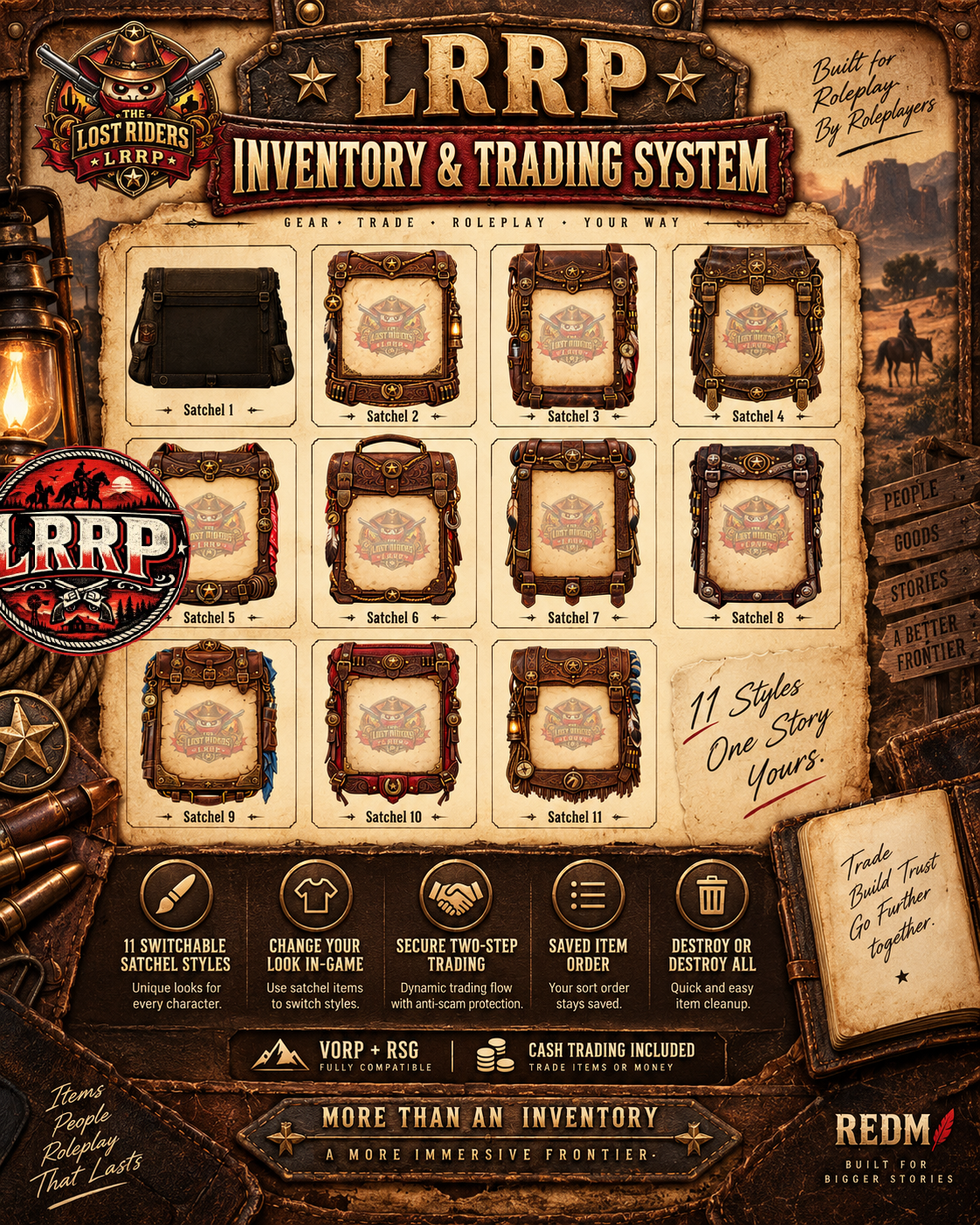
👜 11 selectable satchel styles
💾 Per-character satchel preference saving
🖱️ Double-click item use
📋 Right-click context actions
🗑️ Secure Destroy / Destroy All options
🔫 Weapon inventory support
🏷️ Weapon serial numbers
📝 Custom weapon labels & descriptions
⚖️ Weight-based inventory system
📦 Item metadata support
⏳ Item degradation / expiry support
🔎 Inventory search
🎯 Item filtering
🪶 Item descriptions
💰 Dollar item support
🔸 Gold item support options
🏹 Ammo inventory support
🔫 Dual-wield support
🔄 Advanced ammo reload behaviour
🛠️ Persistent durability support
🪢 One-use standard lasso option
🎙️ Push-to-talk while inventory is open
🚶 Walk while inventory is open
📊 Configurable inventory limits
🗄️ SQL persistence
🐎 VORP compatibility bridge
🌾 RSG bridge edition included
🎨 Premium custom branding support
📱 Improved readable UI
👜 11 SATCHEL STYLES
LRRP Inventory includes:
Satchel 1 → Satchel 11
Players can use a satchel item to instantly switch their inventory appearance.
✅ Satchel item is not consumed
✅ Selection is saved per character
✅ Selected style returns after reconnect
✅ Perfect for Tailor shops, crafting, progression or rewards
A recommended roleplay setup is:
🎒 Satchel 1 — Starter style
🧵 Satchels 2–11 — Unlock through your Tailor, shop, crafting or progression systems.
🤝 SECURE PLAYER TRADING
LRRP Inventory includes its own secure player trading system.
Players can trade:
📦 Inventory items
💵 Cash
Gold trading is disabled by default.
Rider Tokens remain a normal inventory item if your server uses:
vorp_gold
🔐 TWO-STAGE TRADE CONFIRMATION
Trades use a secure confirmation flow.
Both players must:
1️⃣ Accept the trade
2️⃣ Review the trade
3️⃣ Confirm the final trade
This helps reduce accidental exchanges and last-second item changes.
The trade system also includes:
📍 Distance checking
⏱️ Request timeout
⌛ Session timeout
🗄️ Database trade logging
🎙️ Voice communication while trading
📏 DEFAULT TRADE SETTINGS
Default values include:
📍 Request Distance: 4.0
📍 Active Trade Distance: 5.0
⏱️ Request Timeout: 15 seconds
⌛ Session Timeout: 180 seconds
These settings can be edited inside:
config/lrrp/trading.lua
🖱️ ITEM CONTROLS
Double Click
✅ Use item
✅ Equip weapon
Right Click
Normal removable items show:
🤝 Trade
🗑️ Destroy
🧹 Destroy All
Weapons support secure trade / destroy behaviour.
🚫 NO GROUND DROP EXPLOITS
LRRP Inventory can be configured so Destroy permanently removes an item instead of creating a pickup on the ground.
Default LRRP behaviour:
DeleteOnlyDontDrop = true
This means:
🗑️ Destroy = permanently delete
🚫 No dropped pickup box is created
This helps reduce duplication and item-transfer exploits.
⏱️ NEW PLAYER TRADE PROTECTION
The resource includes a configurable new-character protection system.
By default, new characters can be required to earn:
24 hours of actual online playtime
before they can pass money or items.
Existing characters can remain exempt.
The required playtime and message are configurable in:
config/config.lua
🔫 WEAPON SYSTEM
The inventory supports:
🔫 Unique weapons
🏷️ Serial numbers
📝 Custom labels
📖 Custom descriptions
⚖️ Weapon weight
🎒 Weapon limits
🔄 Equip / unequip
🔫 Dual wielding
🎯 Weapon metadata
📦 Job-specific weapon allowances
🧰 ITEM METADATA
Items can support metadata including:
🏷️ Custom label
⚖️ Custom weight
📝 Custom description
🖼️ Custom image
⏳ Expiration date
🔧 Durability information
Expired items can also be displayed differently inside the inventory.
🛠️ DURABILITY SUPPORT
LRRP Inventory includes persistent unique durability handling for configured tools.
Default examples include:
⛏️ Pickaxe — 100 uses
🪓 Hatchet — 100 uses
🔥 Tinderbox — 5 uses
Individual tools can retain their own usage values instead of merging into one shared durability stack.
🔫 ADVANCED AMMO BEHAVIOUR
LRRP Inventory includes improved weapon reload handling.
The system can:
🔄 Reload partial clips from gun-belt ammunition
📦 Automatically use a matching ammo box when completely dry
🎯 Preserve normal manual ammo-box use
🔫 Support dual-wield behaviour
These settings are configurable.
🪢 ONE-USE LASSO OPTION
The standard lasso can be configured as single-use after successfully hogtying another player.
The reinforced lasso can remain unlimited.
This behaviour can be enabled or disabled in the config.
🔎 SEARCH & FILTERING
Inventory searching is included.
Players can quickly find items using the built-in search interface.
Options include:
🔎 Search bar
⌨️ Automatic search focus
📂 Inventory filtering
📋 Configurable item ordering
🎙️ INVENTORY VOICE SUPPORT
Players can continue using push-to-talk while the inventory is open when enabled.
This is useful during:
🤝 Trading
📦 Storage management
🎒 Inventory organisation
🆓 FREE EDITION
The FREE edition includes the full core inventory and trading experience.
✅ FREE INCLUDES
🎒 Complete LRRP Inventory
🤝 Secure Trading
💵 Cash Trading
🔐 Two-stage Confirmation
👜 All 11 Satchel Styles
📦 Storage / Stashes
🔫 Weapons
🏷️ Metadata
🔎 Search
🗑️ Destroy / Destroy All
🛠️ Durability Systems
🔫 Ammo Improvements
🐎 VORP Compatibility Bridge
🌾 RSG Bridge Package
🎨 FREE BRANDING
The FREE edition uses locked LRRP branding.
There is no customer logo configuration in the FREE package.
The branding artwork and logo controls remain protected.
💎 PREMIUM EDITION
Premium includes the same complete core inventory and trading systems with additional branding control.
✅ PREMIUM INCLUDES
🎒 Complete LRRP Inventory
🤝 Secure Trading
💵 Cash Trading
🔐 Two-stage Confirmation
👜 All 11 Satchel Styles
📦 Storage / Stashes
🔫 Weapons
🏷️ Metadata
🔎 Search
🗑️ Destroy / Destroy All
🛠️ Durability Systems
🔫 Ammo Improvements
🐎 VORP Compatibility Bridge
🌾 RSG Bridge Package
🎨 PREMIUM BRANDING
Premium allows server owners to use their own logo.
Editable Premium files include:
html/config/lrrp_branding.js
and:
html/img/custom_logo.png
Simply replace the supplied custom logo with your own transparent PNG and configure the branding file.
Satchels 2–11 use clean no-logo artwork.
🆓 FREE vs 💎 PREMIUM
🆓 FREE
✅ Full inventory system
✅ Full trading system
✅ 11 satchels
✅ Cash trading
✅ Storage
✅ Weapons
✅ Search
✅ Metadata
✅ VORP bridge
✅ RSG bridge
🔒 LRRP branding locked
💎 PREMIUM
✅ Full inventory system
✅ Full trading system
✅ 11 satchels
✅ Cash trading
✅ Storage
✅ Weapons
✅ Search
✅ Metadata
✅ VORP bridge
✅ RSG bridge
🎨 Custom logo support
✨ Editable branding configuration
🐎 VORP VERSION
The VORP version is the complete LRRP Inventory UI replacement.
Required
🐎 vorp_core
🗄️ oxmysql
The package also includes a lightweight:
vorp_inventory
compatibility bridge.
This is not the old VORP Inventory.
It forwards legacy vorp_inventory exports and API calls into:
LRRP_Inventory
so older compatible resources can continue using normal VORP inventory calls.
⚠️ IMPORTANT VORP INSTALL NOTE
🚫 Do not run the old full vorp_inventory resource alongside LRRP Inventory.
You must:
1️⃣ Stop the server.
2️⃣ Back up your existing inventory resource and database.
3️⃣ Remove / disable the old full vorp_inventory.
4️⃣ Install:
LRRP_Inventory
5️⃣ Install the supplied lightweight:
vorp_inventory
bridge.
🌾 RSG SUPPORT
The package also includes an RSG bridge edition.
⚠️ The current RSG edition is a framework/API bridge around rsg-inventory.
It is not currently the full LRRP 11-Satchel NUI replacement used by the VORP edition.
For RSG:
✅ Keep rsg-inventory installed
✅ Keep rsg-core installed
✅ Install the supplied RSG LRRP bridge
✅ Add the included satchel item definitions
✅ Copy the included satchel images
⚙️ REQUIRED CFX / REDM REQUIREMENTS
🐎 VORP INSTALLATION
REQUIRED
🔴 RedM / CFX Server
🗄️ oxmysql
🐎 vorp_core
🎒 LRRP_Inventory
INCLUDED COMPATIBILITY RESOURCE
vorp_inventory
The included vorp_inventory folder is a lightweight compatibility bridge only.
🌾 RSG INSTALLATION
REQUIRED
🔴 RedM / CFX Server
📚 ox_lib
🌾 rsg-core
🎒 rsg-inventory
🌉 Supplied LRRP_Inventory RSG bridge
📦 REQUIRED RESOURCE NAME
The main inventory folder must remain exactly:
LRRP_Inventory
⚠️ Do not rename it.
The resource contains a resource-name guard and compatibility systems designed around this exact name.
🗄️ REQUIRED SQL — VORP
Run the following once:
LRRP_Inventory/sql/LRRP_Satchels.sql
LRRP_Inventory/sql/LRRP_Trading.sql
LRRP_Satchels.sql
Creates:
👜 Satchel 1–11 items
💾 Persistent satchel preference storage
LRRP_Trading.sql
Creates:
🤝 Completed-trade audit / logging storage
The satchel item inserts are designed to be duplicate-safe.
🌾 RSG ITEM SETUP
RSG uses Lua item definitions instead of the VORP satchel SQL item rows.
Use:
RSG_BRIDGE/rsg_satchel_items.lua
Then copy the satchel icons from:
RSG_BRIDGE/ITEM_IMAGES/
into the image directory used by rsg-inventory.
⚠️ Do not blindly run the VORP Satchel item INSERT statements against a standard RSG item system.
🚀 VORP START ORDER
Use:
ensure oxmysql
ensure vorp_core
ensure LRRP_Inventory
ensure vorp_inventory
The supplied compatibility bridge should start after LRRP Inventory.
Any third-party resource relying on exports.vorp_inventory should start after the compatibility bridge.
🚀 RSG START ORDER
Use:
ensure ox_lib
ensure rsg-core
ensure rsg-inventory
ensure LRRP_Inventory
🚨 IMPORTANT INSTALLATION RULES
⚠️ Install ONLY ONE edition — FREE or PREMIUM.
⚠️ Do not run FREE and PREMIUM together.
⚠️ Keep the main folder named exactly:
LRRP_Inventory
⚠️ VORP users must not run the old full VORP Inventory alongside LRRP Inventory.
⚠️ Use only the supplied lightweight vorp_inventory compatibility bridge.
⚠️ RSG users must keep rsg-inventory installed because the supplied RSG package is currently a bridge edition.
⚠️ Back up your database and current inventory before replacing an existing inventory system.
⚠️ Test secondary inventories / stashes before opening your server to players.
✅ CFX MANIFEST INFORMATION
The main VORP resource includes a CFX-ready fxmanifest.lua.
Manifest Details
✅ fx_version 'cerulean'
✅ game 'rdr3'
✅ Required RedM prerelease acknowledgement
✅ lua54 'yes'
✅ Author metadata
✅ Resource name metadata
✅ Description metadata
✅ Version:
1.0.7
✅ Shared scripts declared
✅ Client scripts declared
✅ Server scripts declared
✅ NUI files declared
✅ NUI page declared
✅ Server export declared
✅ Dependency declarations
✅ CFX Asset Escrow ignore configuration
🔗 DECLARED CFX DEPENDENCIES
The VORP manifest declares:
dependency 'oxmysql'
dependency 'vorp_core'
The server also loads:
@oxmysql/lib/MySQL.lua
The client loads:
@vorp_core/client/dataview.lua
Therefore both:
🗄️ oxmysql
and
🐎 vorp_core
must be available before LRRP Inventory starts.
🖥️ CFX NUI
The manifest includes:
files { 'html/**/*' }
and uses:
ui_page 'html/ui.html'
All inventory HTML, JavaScript, CSS and image assets are therefore loaded through the resource manifest.
📡 SERVER EXPORT
LRRP Inventory exposes:
vorp_inventoryApi
through:
server_exports { 'vorp_inventoryApi' }
This helps maintain compatibility with resources using supported VORP inventory APIs.
🔐 CFX ASSET ESCROW / EDITABLE FILES
The resource contains extensive editable files due to its VORP Inventory-derived GPL components.
Editable / escrow-ignored areas include:
⚙️ config/*.lua
⚙️ config/lrrp/*.lua
🌉 framework_bridge/*.lua
🌍 languages/*.lua
📦 shared/**/*.lua
📦 shared/**/*.js
💻 client/**/*.lua
🖥️ Inventory server models
🖥️ Inventory server services
🖥️ Inventory server controllers
📡 server/vorpInventoryApi.lua
🖥️ server/server.lua
🖥️ server/respawn.lua
📄 License / README files
🗄️ SQL files
🎨 html/config/lrrp_readability.css
Premium additionally exposes:
🎨 html/config/lrrp_branding.js
🖼️ html/img/custom_logo.png
LRRP-owned trading backend logic remains protected where configured.
📜 SOURCE / LICENSING NOTICE
The inventory core is derived from VORP Inventory and includes the corresponding GPL-2.0 licensing information in the package.
LRRP additions include systems such as:
🤝 Player Trading
👜 Satchel Skins
🎨 LRRP UI Customisation
🛡️ Additional Security / Protection
🛠️ Durability Improvements
🔄 Compatibility Systems
📱 Interface Improvements
The included license.md remains part of the resource.
📂 PACKAGE CONTENTS
The package includes:
🎒 LRRP_Inventory
🌉 VORP compatibility vorp_inventory bridge
🌾 RSG bridge package
👜 Satchel 1–11 assets
🗄️ Satchel SQL
🗄️ Trading SQL
🖼️ Inventory item images
⚙️ Config files
🌍 Language files
🤝 Trading system
📦 Storage support
🔫 Weapon systems
📡 Inventory API compatibility
📖 Installation guides
📋 Update notes
🧪 RECOMMENDED TESTING AFTER INSTALL
Before opening the server to players:
✅ Open normal inventory
✅ Test Use / Equip
✅ Test Trade
✅ Test Destroy
✅ Test Destroy All
✅ Test weapon equip / unequip
✅ Use a satchel item
✅ Reconnect and verify the satchel persists
✅ Test a two-player item trade
✅ Test a two-player cash trade
✅ Complete both trade confirmation stages
✅ Test at least one secondary stash / inventory
✅ Test resources that use legacy vorp_inventory exports
🛒 LRRP STUDIO
👉
💬 SUPPORT
👉
🎒 LRRP Studio — Carry it. Trade it. Make your inventory your own.
Free Camp System
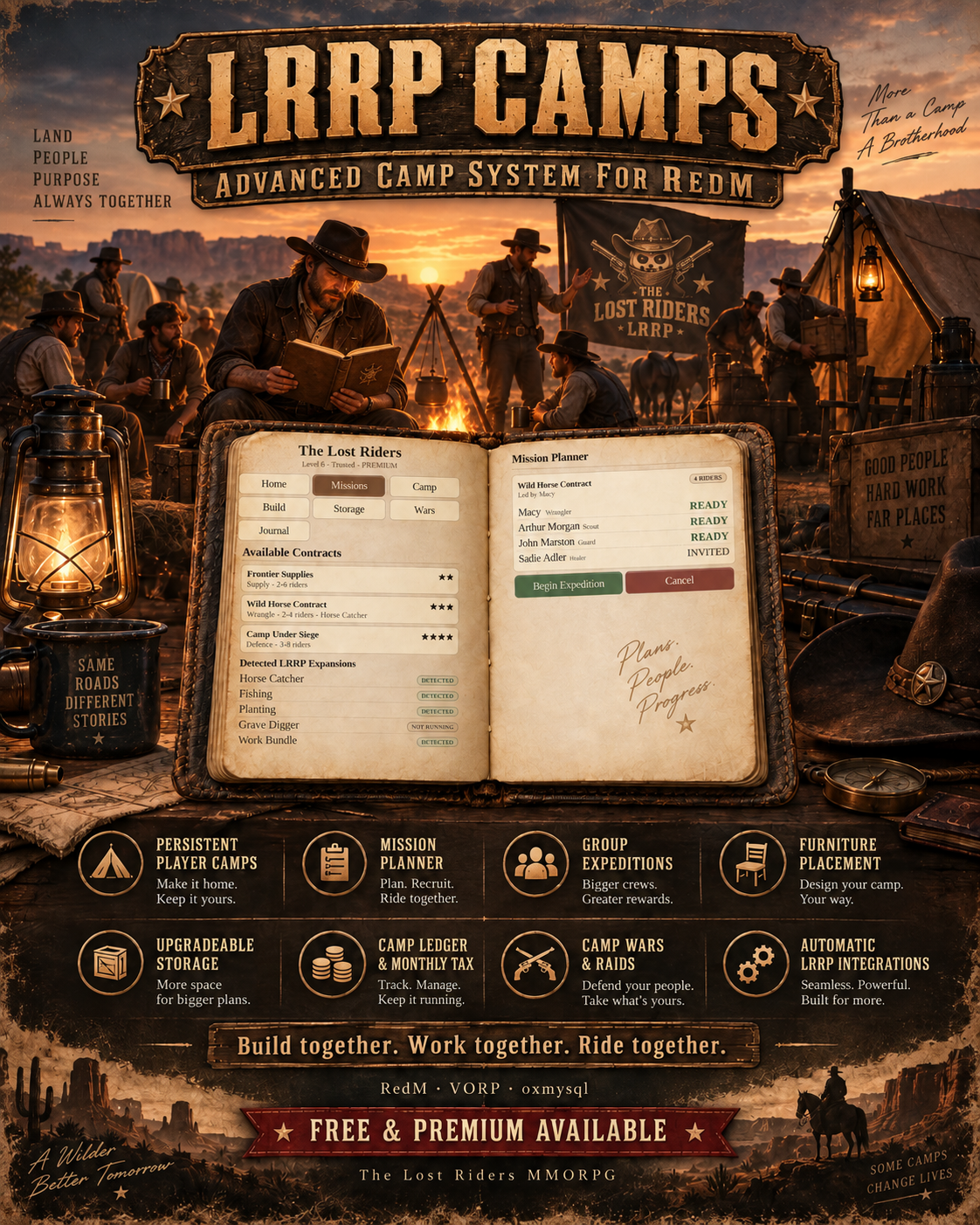
🏕️ LRRP Camps | Advanced Camp Building, Group Missions & Camp Progression | RedM
📖 Persistent Camps • Mission Planner • Group Expeditions • Furniture Placement • Storage • Ledger • Tax • Camp Wars
LRRP Camps transforms camping into a complete multiplayer progression system for RedM + VORP.
Players can establish and name their own persistent camp, invite members, decorate it using items from their inventory, upgrade shared storage, manage a camp ledger, pay monthly taxes, plan cooperative expeditions, build reputation and defend their home from rival camps.
The entire camp is managed through a custom notebook-style UI, designed to keep management clean, immersive and easy to use.
As your server grows, LRRP Camps can grow with it too. Supported LRRP resources are automatically detected, allowing additional specialist camp contracts to appear when the relevant package is running.
✨ MAIN FEATURES
🏕️ Persistent Player Camps
Players can create and name their own camp, with camp ownership, members, progression, furniture and finances saved across server restarts.
✅ Player-defined camp names
✅ Persistent camp locations
✅ Camp ownership
✅ Camp members
✅ Owner / Officer / Member ranks
✅ Configurable member permissions
✅ Camp relocation
✅ Camp disbanding
✅ Camp-to-camp minimum distance protection
✅ Configurable camp radius
✅ Configurable restricted placement areas
✅ Town placement protection
📖 CUSTOM NOTEBOOK UI
Normal camp management is handled through a custom immersive notebook interface.
The notebook manages:
👥 Members & ranks
💰 Camp Ledger
🧾 Monthly Tax
📦 Camp Storage
🪑 Furniture
📈 Camp Progression
⭐ Reputation
🗺️ Mission Planner
⚔️ Camp Wars
🔓 Raiding
📜 Camp History
⚙️ Camp Management
No dependency on vorp_menu is required for normal camp administration.
When placing or moving furniture, the notebook automatically closes, allowing the player to clearly see the object and surrounding world.
After placement or cancellation, camp management can continue cleanly.
🪑 INVENTORY → CAMP FURNITURE
Players can turn supported inventory items into real persistent camp props.
Use an eligible furniture item and place it inside the camp.
Examples include:
⛺ Tents
🔥 Campfires
🪑 Chairs
🛏️ Beds & bedrolls
🕯️ Lanterns & lighting
📦 Storage chests
🪵 Tables & benches
🚰 Water barrels & pumps
🐎 Horse equipment
🦌 Taxidermy
🧺 Rugs
📚 Bookshelves
🛢️ Barrels & crates
🎯 Decorations
…and more.
🎮 Placement Controls
⬆️⬇️⬅️➡️ Arrow Keys — Move object
⇧ + ⬆️⬇️ Shift + Up/Down — Raise / lower
⇧ + ⬅️➡️ Shift + Left/Right — Rotate
🖱️ Mouse Wheel — Fine positioning
↵ Enter — Confirm
⌫ Backspace — Cancel
Key mappings use RedM key mapping and can be rebound by players.
Furniture placement includes server-side validation and item rollback protection to help prevent item loss and duplication.
📦 UPGRADEABLE CAMP STORAGE
Camps can develop their storage as they progress.
Storage can advance through multiple configurable tiers, from a basic camp chest through to a substantial camp storehouse.
Upgrades can require:
💰 Camp funds
🧱 Camp materials
📈 Camp level
Storage access also respects camp permissions.
Server owners can configure:
✅ Storage tiers
✅ Capacity
✅ Upgrade prices
✅ Level requirements
✅ Material requirements
✅ Weapon storage behaviour
✅ Furniture requirements
💰 CAMP LEDGER
Each camp has its own persistent shared ledger.
Members can contribute money while authorised ranks can manage camp finances.
The ledger can fund:
🧾 Monthly tax
📦 Storage upgrades
🏕️ Camp development
🛠️ Upgrades
📋 Camp activities
Transaction history lets camps keep track of their shared finances.
🧾 MONTHLY CAMP TAX
Camps have a configurable monthly tax system.
✅ Configurable monthly amount
✅ Configurable due date
✅ Optional automatic payment from Camp Ledger
✅ Configurable grace period
✅ Overdue camp state
✅ Optional camp restrictions after grace period
✅ Automatic deletion disabled by default for additional safety
Missing one payment does not have to instantly destroy months of camp progress.
⭐ CAMP PROGRESSION
Working together develops the camp.
🏆 Camp XP
📈 Camp Levels
⭐ Camp Reputation
🧱 Camp Materials
💰 Camp Ledger earnings
The included progression system supports up to 10 configurable camp levels, with reputation ranks ranging from an unknown camp through to a legendary one.
🗺️ COOPERATIVE MISSION PLANNER
This isn't simply a list of missions.
Camp members can use the notebook to plan an expedition together.
The planner supports:
👥 Choose expedition party size
✉️ Invite camp members
✅ Player Ready states
🎯 Minimum / maximum party requirements
📋 Shared objectives
📈 Group progress
⚔️ Party-scaled encounters
🏆 Individual player rewards
💰 Camp Ledger rewards
⭐ Camp XP & Reputation
🧱 Camp material rewards
The mission scales around the players who actually participate rather than automatically involving everybody in the camp.
🤝 BUILT FOR TEAMWORK
Camp Contracts are designed to encourage players to work together instead of simply following the same waypoint.
Missions can include:
🪵 Gathering
🔎 Group searching
🗺️ Exploration
🐎 Travel
📦 Deliveries
⚔️ Defence
🏕️ Camp perimeter objectives
🐎 Specialist objectives
🎯 Multi-stage contracts
Some objectives can divide work between different members before bringing the expedition back together.
📜 BUILT-IN CAMP MISSIONS
LRRP Camps contains its own standalone mission content.
You do not need to own additional LRRP resources to use the mission system.
Built-in contracts include:
📦 Frontier Supplies
Gather a mixed order, regroup, protect the shipment and complete the delivery.
🔎 Missing Traveller
Search for clues as a group, locate the missing traveller and protect them on the journey to safety.
⚔️ Camp Defence
Prepare the camp perimeter and work together to defend the camp.
🗺️ Survey Expedition
Explore multiple frontier locations as a group and return with useful camp intelligence.
🐎 Trade Caravan
Prepare cargo, travel the route, defend the caravan and complete the delivery.
🔌 AUTOMATIC LRRP RESOURCE INTEGRATIONS
This is one of the biggest features of LRRP Camps.
The resource can automatically detect compatible LRRP packages that are currently running.
When a supported package is detected, additional relevant Camp Contracts become available.
If that package isn't running, those missions simply do not appear.
Current integration definitions include support for:
🐎 LRRP Horse Catcher
🎣 LRRP Fishing
🌱 LRRP Planting
⚰️ LRRP Grave Digger
⛏️ LRRP Work Bundle
🏦 LRRP Bank Robbery
💊 LRRP Drug Selling
📦 LRRP Contraband Processing
💰 LRRP Cash Register
This means a server can start with LRRP Camps alone and gradually expand its available camp content as additional compatible LRRP resources are installed.
🐎 Wild Horse Contract
When the Horse Catcher integration is available, Camps can generate a dedicated cooperative horse contract.
The mission generates a fresh mission-owned horse specifically for that expedition.
Players aren't sent looking for an existing horse that may already have been caught by somebody else.
The group must:
🔎 Locate the contract horse
🐎 Catch and mount it
🗺️ Transport it
🏁 Deliver it successfully
⚔️ CAMP WARS
Optional Camp Wars allow camps to establish rivalries with one another.
✅ Configurable enable/disable
✅ War declarations
✅ Optional acceptance requirement
✅ Configurable war duration
✅ Camp conflict integration
Servers that don't want camp PvP can disable the system.
🔓 CAMP RAIDS
Camps can optionally raid rival camp storage using the supported lockpick resource.
Raid protection includes:
🛡️ New camp protection
⏱️ Raid cooldowns
🛡️ Post-raid protection
👥 Minimum defenders online
🔐 Multiple successful locks
🎚️ Easy / Normal / Hard lock stages
🚨 Defender alerts
⏳ Temporary storage breach window
💰 Camp Ledger protected from raiders
Raiding can be configured independently of the rest of Camps.
🆓 FREE VS 💎 PREMIUM
🆓 FREE EDITION
The FREE version is designed as a fully usable introduction to LRRP Camps.
✅ Camp system
✅ Notebook management
✅ Furniture placement
✅ Storage
✅ Camp Ledger
✅ Tax system
✅ Group mission system
✅ Camp management features
✅ LRRP integrations where supported
✅ LRRP branded notebook
⚠️ FREE LIMIT: Only 1 active camp globally across the entire server.
This is a server-wide limitation — not one camp per player.
💎 PREMIUM EDITION
Premium unlocks the camp system for servers wanting to use it at full scale.
✅ Configurable/unlimited global camp allowance
✅ Full multiplayer camp ecosystem
✅ Clean notebook without FREE LRRP branding
✅ Complete configurable camp systems
✅ Full progression potential
✅ Camp memberships & permissions
✅ Group expedition system
✅ Automatic LRRP integrations
✅ Camp wars & raids
✅ Upgradeable storage
✅ Persistent furniture system
Server owners can still configure sensible limits for performance and their own economy.
⚙️ CONFIGURATION
A large portion of the resource is configurable without changing the core system.
Including:
⚙️ Camp radius
⚙️ Maximum camps
⚙️ Maximum members
⚙️ Maximum furniture
⚙️ Furniture mappings
⚙️ Placement speeds
⚙️ Restricted locations
⚙️ Storage tiers
⚙️ Storage requirements
⚙️ Tax amount
⚙️ Tax due date
⚙️ Grace period
⚙️ Camp progression
⚙️ Permissions
⚙️ Mission party sizes
⚙️ Mission rewards
⚙️ Enemy scaling
⚙️ Integration detection
⚙️ Wars
⚙️ Raids
⚙️ Raid protection
⚙️ Lock difficulty
⚙️ Mission locations
⚙️ Contract horse settings
📋 REQUIREMENTS
Required
✅ RedM
✅ VORP Core — vorp_core
✅ VORP Inventory — vorp_inventory
✅ oxmysql — database integration
✅ MySQL/MariaDB database
✅ OneSync/server networking as required by your RedM/VORP setup
Optional
🔓 lockpick resource — required only if you want to use Camp Raids/lockpicking.
🐎🎣🌱 Additional LRRP resources are optional and are only required for their corresponding automatically detected specialist Camp Contracts.
❌ vorp_menu is NOT required for normal LRRP Camps administration.
📂 IMPORTANT INSTALLATION INFORMATION
⚠️ The resource folder MUST remain exactly:
LRRP_camps
Do not rename the resource.
For installation:
- Back up your existing database and old
LRRP_campsfolder if upgrading. - Replace the entire old
LRRP_campsfolder — do not merge individual files. - Run the included
sql/install.sql. - Configure
config.luaif required. - Ensure dependencies load before Camps.
Example server.cfg order:
ensure oxmysql
ensure vorp_core
ensure vorp_inventory

# Optional - required for Camp Raids
ensure lockpick

ensure LRRP_camps
Restart the server after replacing/updating the resource.
🛒 DOWNLOAD
🆓 FREE:
💎 PREMIUM:
🛠️ SUPPORT:
Free House Robbery / Burglar
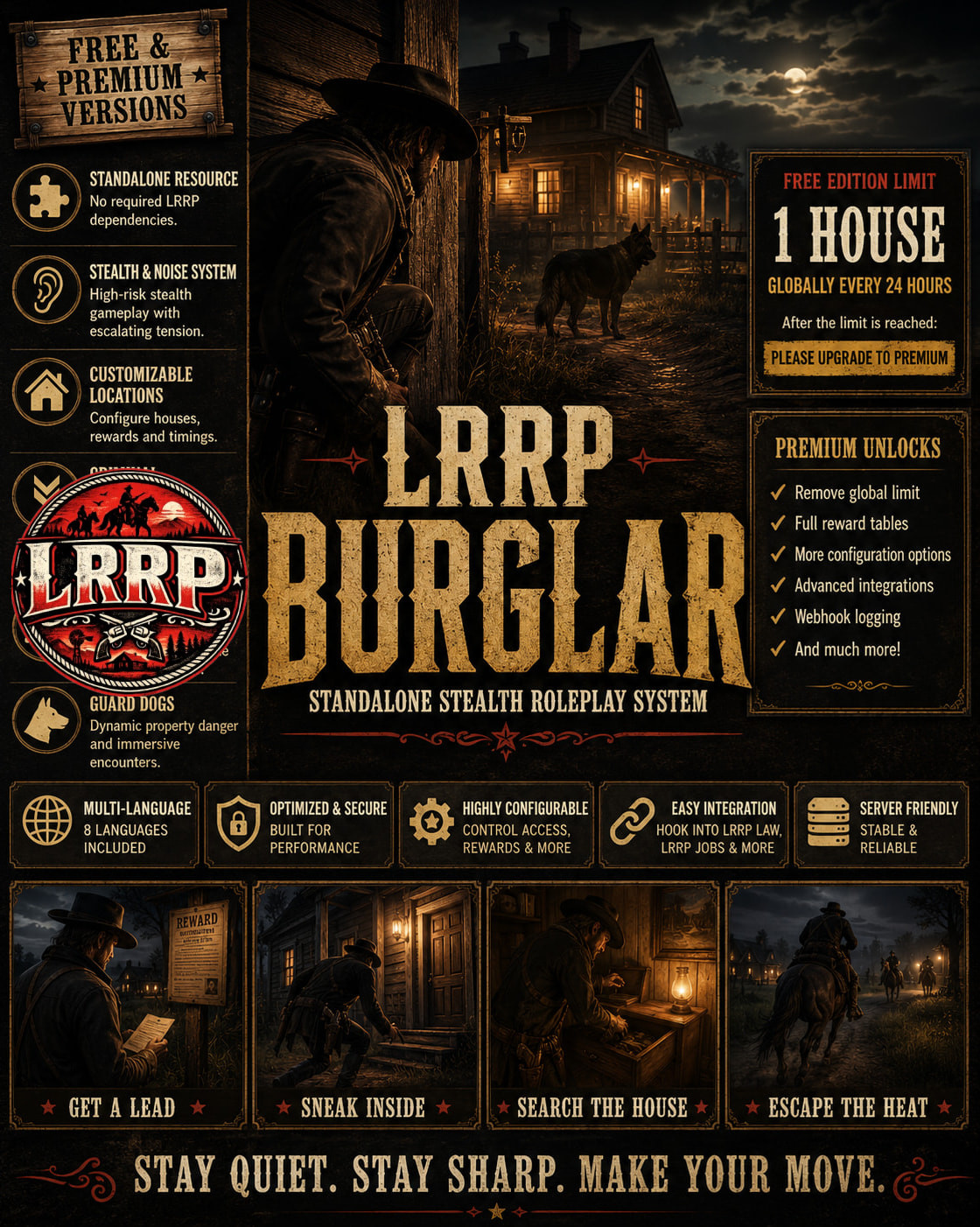
# LRRP Burglar — Standalone House Robbery System
support - https://discord.gg/RMPMrdzy8k
download - https://lrrp-studio.tebex.store/
LRRP Burglar is a complete standalone house robbery resource for VORP-powered RedM servers.
Players can obtain property leads, break into configured homes, search furniture and containers, manage their noise level, avoid guard dogs and sell stolen goods through the included Black Market.
The resource does not require LRRP Law, LRRP Jobs or LRRP Player Shops. It includes its own Criminal progression, Black Market, law-alert fallback, persistent cooldowns, lockpicking system and database storage.
Servers using the wider LRRP ecosystem can optionally connect the resource to LRRP Law, LRRP Jobs and the LRRP salary system.
## Main features
* Fully standalone VORP resource
* Built-in Black Market
* Free property leads
* Configurable robbery locations
* Configurable interiors and searchable objects
* Built-in lockpicking system
* Configurable lockpick difficulty
* Configurable lockpick consumption
* Built-in Criminal XP and levels
* Criminal-level requirements disabled by default
* Optional level-based property progression
* Optional level-based loot progression
* Configurable job restrictions
* Configurable required items
* Custom access export support
* Noise-based robbery system
* Guard dogs that chase and attack burglars
* Armed property occupants
* Immediate law alerts
* Five-lawman response at maximum noise
* Configurable jail sentence and fine
* Persistent sentences for players who disconnect
* Persistent property and character cooldowns
* Item-received notifications
* Server-authoritative rewards
* Server-authoritative Black Market transactions
* Complete SQL for all included items
* Included inventory images
* Multi-language support
* Optional LRRP integrations
* Free-to-Premium upgrade support
## Configurable access
By default, anyone can use the robbery system regardless of their Criminal level.
Server owners can optionally enable:
* Minimum Criminal levels
* Level-based property tiers
* Level-based reward tiers
* Job restrictions
* Required items
* Character whitelists
* Custom permission exports
* Custom reputation or progression systems
This allows the resource to be adapted to almost any VORP server without exposing the protected gameplay code.
## Black Market
The included Black Market allows players to sell configured stolen goods without requiring LRRP Player Shops.
The Black Market includes:
* Configurable stolen-item prices
* Quantity selection
* Server-side inventory validation
* Server-side payment validation
* Item-received and sale notifications
* Persistent market state
* Optional law raid integration
The Premium edition also includes Black Market raids and relocation.
## Law response
The standalone fallback law system supports:
* Configurable law jobs
* Crime notifications
* Temporary map markers
* Maximum-noise responses
* Jail sentences
* Financial fines
* Persistent pending sentences
When LRRP Law is installed, the resource can instead use:
* LRRP Lawpad alerts
* LRRP duty checks
* LRRP jail handling
* LRRP fine handling
## LRRP Jobs integration
When LRRP Jobs is available, the resource can use its existing Criminal XP and level system.
Without LRRP Jobs, the built-in standalone Criminal progression is used automatically.
## Free Edition
The Free edition contains the complete basic house robbery experience.
### Free-edition limit
Only one successful house robbery can be completed globally every rolling 24 hours.
This limit applies across the entire server.
Failed lockpicks, cancelled attempts and denied entries do not consume the global allowance.
After the daily robbery has been completed, additional attempts display:
**Please upgrade to Premium.**
The Free-edition quota is controlled by protected server code and cannot be increased through the editable configuration.
## Premium Edition
The Premium edition removes the Free global limit and unlocks the complete feature set.
Premium includes:
* No Free-edition global robbery cap
* Full server-wide robbery activity
* All configured robbery locations
* Full loot progression
* Valuable and high-value reward pools
* Protected rare jackpot rewards
* Black Market law raids
* Black Market closure
* Configurable law raid reward
* Black Market relocation
* Black Market Placement Token
* Persistent market location
* Offline token ownership
* Protected webhook logging
* Advanced integration options
Normal property and character cooldowns remain configurable.
## Multi-language support
Included languages:
* English
* Spanish
* French
* German
* Italian
* Portuguese-Brazil
* Dutch
* Polish
All visible prompts, notifications, menus and law messages use locale keys.
Additional languages can be added by creating another locale JSON file. Missing translation keys automatically fall back to English.
## Editable files
The following areas remain accessible and configurable:
* General configuration
* Integration configuration
* Access requirements
* Law jobs
* Robbery locations
* Gameplay timings
* Ordinary reward tables
* Black Market sale prices
* Item definitions
* Locale files
* SQL
* Documentation
* Inventory images
## Protected files
The protected code handles:
* Free and Premium edition identity
* Free-edition global quota
* Premium feature gates
* Reward generation
* Rare reward rolls
* Inventory validation
* Black Market transactions
* Law raid validation
* Black Market relocation
* Sentence enforcement
* Distance checks
* Cooldown validation
* Anti-exploit checks
Editing an escrow-ignored configuration file cannot unlock Premium features.
## Requirements
* VORP Core
* VORP Inventory
* VORP Menu
* VORP Progress Bar
* oxmysql
LRRP resources are optional and are not required for standalone use.
## Installation
1. Choose either the Free or Premium edition.
2. Import the included `install.sql`.
3. Add the `LRRP_Burglar` folder to your resources.
4. Ensure the required VORP resources and oxmysql start first.
5. Add `ensure LRRP_Burglar` to your server configuration.
6. Configure the resource using the editable configuration files.
7. Select your preferred locale.
Do not run the Free and Premium editions at the same time.
Free and Premium use compatible database tables, allowing servers to upgrade without deleting their saved progression or cooldown data.
## Release information
**Code is accessible**
No — core gameplay, security and edition code are protected. Configuration, integrations, locales, SQL, item definitions, documentation and images remain accessible.
**Subscription-based**
No
**Lines approximately**
4,500 lines
**Requirements**
VORP Core, VORP Inventory, VORP Menu, VORP Progress Bar and oxmysql
**Support**
Yes
support - https://discord.gg/RMPMrdzy8k
download - https://lrrp-studio.tebex.store/
Developed for immersive RedM roleplay servers by LRRP
Free Law & Bounty Hunter System
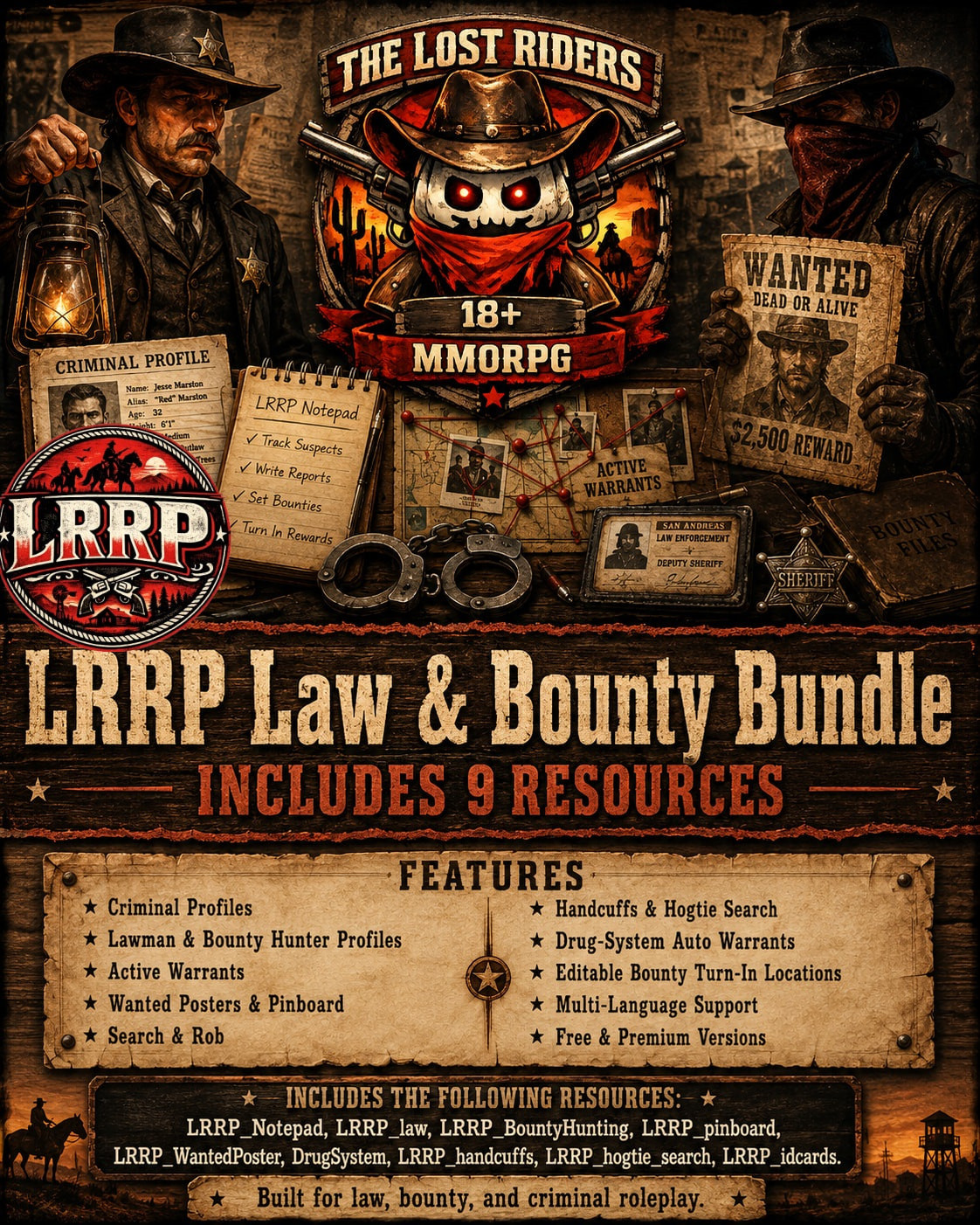
LRRP Free Law & Bounty System
Free Law, Bounty, Criminal, Pinboard, Wanted Poster, Search & Handcuff Pack
download: https://lrrp-studio.tebex.store/
discord: LRRP Studio
Works with LRRP work bundle. (update for free & premium LRRP_Jobs included)
The LRRP Free Law & Bounty System gives your RedM/VORP server a connected western law roleplay setup with law notepads, criminal profiles, active warrants, wanted posters, pinboards, bounty hunting support, handcuffs, hogtie search, search & rob features, and contraband crime support.
This pack is designed for servers that want a stronger sheriff, criminal and bounty hunter roleplay loop. Lawmen can create criminal records, track suspects, manage warrants, use the notepad/lawpad system, and connect wanted criminals to public boards. Bounty hunters can use wanted information to track targets, while criminals can build a reputation through contraband and crime activity.
Included resources:
- LRRP_FreeNotepad
- LRRP_law
- LRRP_BountyHunting
- LRRP_pinboard
- LRRP_WantedPoster
- DrugSystem contraband support
- LRRP_handcuffs
- LRRP_hogtie_search
Main features:
- Law notepad / lawpad
- Criminal profiles
- Lawman profile support
- Bounty hunter profile support
- Active warrants
- Wanted posters
- Public pinboards
- Bounty turn-in locations
- Drug-sale automatic warrants
- Search & rob support
- Handcuff system
- Hogtie search system
- Criminal XP support from contraband and robbery
- Editable jail and release locations
- Editable contraband setup
- Editable blocked search item list
- Editable UI styling, logos and assets
- Multi-language structure
- Compatible with LRRP Free Work Skills and LRRP Premium Work Skills
Server owners can edit configs, contraband, blocked search items, bounty drop-offs, language text, UI styling, logos, webhooks, and jail/release locations without exposing protected script logic.
Dependencies:
- RedM
- VORP Core
- VORP Inventory
- VORP Menu
- oxmysql
Compatible with:
- LRRP_FreeJobs
- LRRP_jobs
- LRRP Free Work Skills Bundle
- LRRP Premium Work Skills Bundle
Support: LRRP Studio
Release Information:
Code is accessible: No, configuration files are accessible
Subscription-based: No
Requirements & dependencies: RedM, VORP Core, VORP Inventory, VORP Menu, oxmysql
Support: Yes
Developed for immersive RedM roleplay servers by Lost Riders MMORPG.
Free Admin Menu


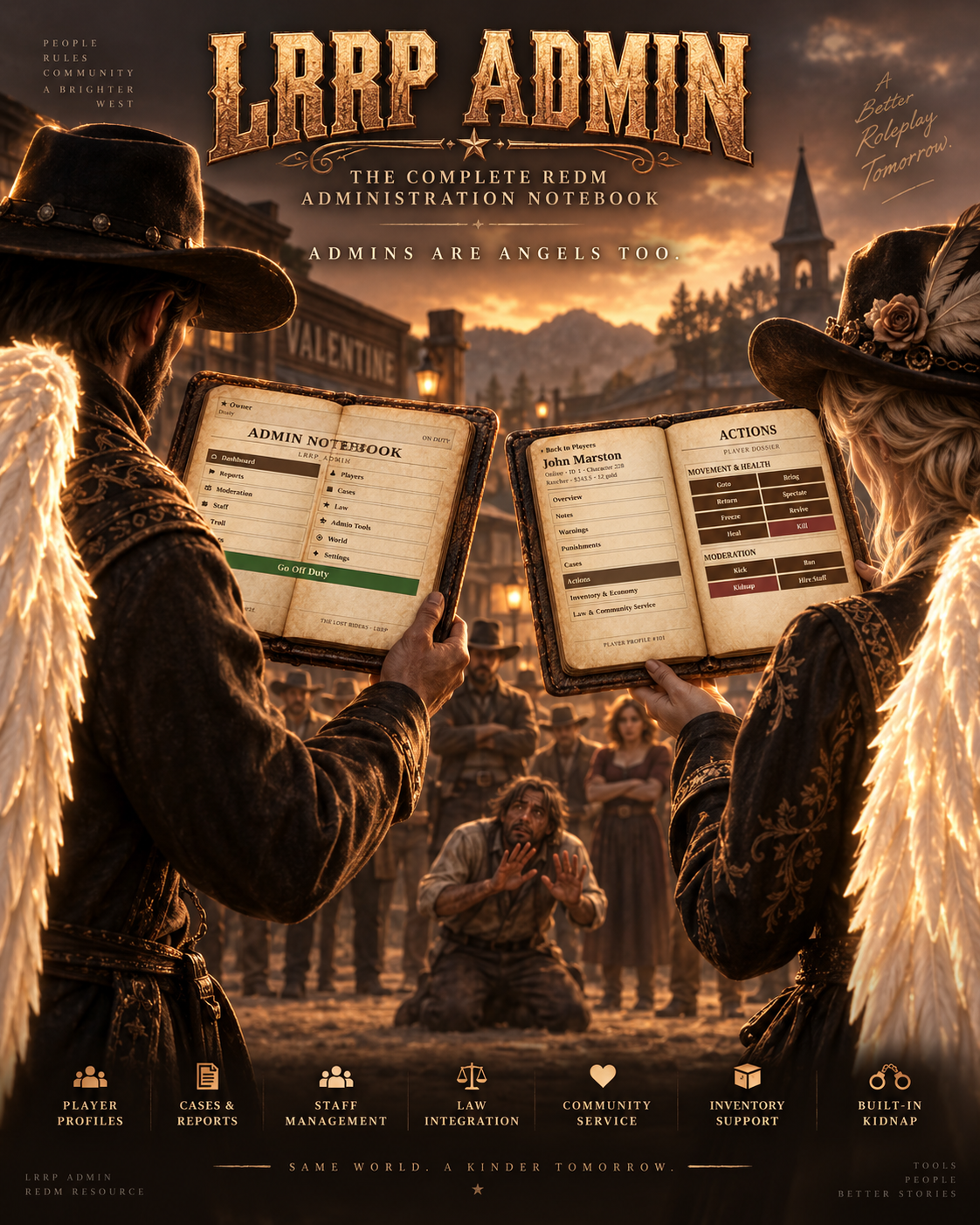
# 📖 LRRP Admin — FREE & PREMIUM v1.1.0
Download - https://lrrp-studio.tebex.store/
### 🤠 Complete Database-Backed Administration Notebook for RedM | VORP
**LRRP Admin** is a complete RedM administration system built around an immersive **two-page notebook interface**.
Instead of filling the screen with a conventional admin panel, staff management, player moderation, reports, investigations, server tools, integrations and administrative utilities are organised inside a detailed book-style interface designed specifically for RedM.
The system combines day-to-day moderation with persistent player profiles, staff management, permission control, reports, cases, inventory/economy tools, law integrations, advanced admin utilities, a searchable entity spawner and even a built-in cinematic kidnapping system.
---
# 📚 TWO-PAGE ADMIN NOTEBOOK
The interface is organised into clearly separated categories:
🏠 **Dashboard**
👥 **Players**
🚩 **Reports**
📁 **Cases**
⚖️ **Moderation**
⭐ **Law**
👑 **Staff**
⚙️ **Admin Tools**
☠️ **Troll Tools**
🌎 **World & Server**
📜 **Logs**
✨ **Settings & Integrations**
Dense information is handled through pagination and drill-down pages so lists stay inside the notebook rather than overflowing across the UI.
---
# 👥 PERSISTENT PLAYER PROFILES
Every player can have a persistent administrative dossier.
Player profiles can contain:
🪪 Character identity
🟢 Online / offline status
🆔 Character ID
🔎 Player identifiers
📍 Live coordinates
📌 Last-known coordinates
📝 Staff notes
⚠️ Warnings
⚖️ Punishment history
📁 Linked cases
🚨 Law status
🧹 Community Service status
🎒 Inventory information
🔫 Weapon information
💰 Economy information
💼 Job information
⭐ XP information
Historical profiles remain available even when the player is offline.
---
# 🎮 LIVE PLAYER ACTIONS
When a player is online, authorised staff can perform actions directly from their profile.
### 📍 Movement
➡️ Goto Player
⬅️ Bring Player
↩️ Return Player
📌 Teleport Player to Coordinates
👁️ Spectate
🧊 Freeze / Unfreeze
### ❤️ Health
💚 Heal
⚕️ Revive
💀 Kill
### 🛡️ Moderation
⚠️ Warn
👢 Kick
🔨 Temporary Ban
⛔ Permanent Ban
🆔 Identifier Ban
🔓 Unban
🧹 Community Service
🎭 Kidnap
All actions are controlled through the permission system.
---
# ⚠️ WARNINGS & PUNISHMENTS
Warnings can be stored permanently against player profiles.
Default warning categories include:
• General
• RDM
• VDM
• Fail RP
• Exploiting
• Toxic Behaviour
• Other
Severity levels include:
🟢 Low
🟡 Medium
🟠 High
🔴 Final
Punishment history remains attached to the player's profile for future staff review.
---
# 🔨 ADVANCED BAN SYSTEM
LRRP Admin supports multiple forms of punishment.
Staff can issue:
⏱️ Temporary bans
⛔ Permanent bans
🆔 Identifier bans
🔓 Unbans
Included duration presets include:
**1 Hour • 1 Day • 3 Days • 7 Days • 30 Days • Permanent**
Identifier bans can also be issued against known identifiers even when the player is not currently connected.
---
# 🚩 PLAYER REPORT SYSTEM
Players can submit staff reports using:
```
/report [message]
```
Reports appear directly inside the Admin Notebook.
Staff can:
👀 View reports
✋ Claim reports
💬 Reply directly to players
✅ Resolve reports
🗑️ Delete reports
📁 Convert reports into cases
The report system includes persistent **live report conversations**, allowing players and staff to communicate while the issue is being handled.
---
# 📁 ADMIN CASE SYSTEM
Create persistent investigation cases for more complicated situations.
Cases support:
📌 Case title
📝 Case summary
👥 Linked players
👮 Assigned staff
📊 Case status
📜 Case events/history
✅ Closing investigations
Cases and associated player links are stored in MySQL.
---
# 👑 COMPLETE STAFF MANAGEMENT
LRRP Admin includes its own persistent staff hierarchy.
### Default hierarchy:
**Owner**
⬇️
**Manager**
⬇️
**Snr Admin**
⬇️
**Admin**
⬇️
**Snr Mod**
⬇️
**Mod**
⬇️
**Trial-Mod**
Each rank has its own permission set.
---
# 🔐 GRANULAR PERMISSIONS
This is not an all-or-nothing admin system.
Permissions can be independently controlled for areas including:
👥 Players
🎒 Inventory
💰 Economy
⚖️ Moderation
📁 Cases
🚩 Reports
👑 Staff Management
📍 Teleports
🛡️ Admin Tools
🚨 Law
☠️ Troll Tools
🌎 World Controls
📜 Logs
🔌 Integrations
Rank permissions can be edited from the notebook.
Individual staff members can also receive:
✅ Personal permission overrides
❌ Personal permission restrictions
### Manager Protection
Managers can only modify ranks **below Manager**.
A Manager also **cannot grant a permission they do not personally possess**.
Staff can never manage an equal or higher-ranking staff member.
---
# 👮 STAFF PROFILES
Staff history is persistent.
Admin profiles can record:
👑 Current rank
⏱️ Duty time
📈 Rank changes
⬆️ Promotions
⬇️ Demotions
⏸️ Suspensions
🔥 Staff removal
📜 Historical actions
Firing a staff member does **not erase their history**.
If the member is rehired later, their existing staff profile can be reactivated.
---
# 💬 STAFF CHAT
v1.1.0 includes an internal staff communication system.
Authorised staff can send messages directly through the Admin Notebook without needing an external chat resource.
Messages are stored in the database for staff use.
---
# 🎒 LRRP INVENTORY INTEGRATION
### ✅ LRRP Inventory — Preferred
LRRP Admin automatically detects:
`LRRP_Inventory`
Both FREE and PREMIUM LRRP Inventory editions are supported through the public exports.
Staff can access:
🎒 Full inventory
📦 Items
🔫 Weapons
👁️ View inventory
📂 Open player inventory
➕ Give weapons
➖ Remove weapons
🧹 Pocket Wipe
### 🧹 Pocket Wipe
Protected staff can wipe:
📦 Items only
🔫 Weapons only
💥 Items + Weapons
A confirmation phrase is required before executing the wipe.
### 🔄 VORP Inventory Fallback
If LRRP Inventory is unavailable, a compatible:
`vorp_inventory`
installation can be used as a fallback.
If neither supported inventory is running, inventory actions fail safely.
---
# 💰 ECONOMY MANAGEMENT
Authorised staff can manage player economy information directly.
Supported actions include:
💵 Add Money
💵 Remove Money
💵 Set Money
🪙 Add Gold
🪙 Remove Gold
🪙 Set Gold
Economy actions require their own permissions and are audit logged.
---
# 💼 JOB & XP MANAGEMENT
v1.1.0 expands player administration with:
💼 Job management
⭐ XP management
📊 Player progression controls
These permissions can be completely separated from ordinary moderation permissions.
---
# 🎭 PED & CHARACTER TOOLS
Administrators can temporarily transform themselves or players into RedM ped models.
Features include:
🔎 Searchable ped catalogue
🎭 Change Admin Ped
🎭 Change Player Ped
⌨️ Custom model entry
↩️ Restore Character
📏 Character scale controls
Default configurable scale range:
**0.40 – 2.00**
Restore Character can call the configured VORP character reload when available.
---
# 🐎 SEARCHABLE ENTITY SPAWNER
v1.1.0 includes a searchable model catalogue so huge lists don't overwhelm the notebook.
Staff can search for and spawn:
👤 Peds
🐎 Horses
🚃 Vehicles
📦 Objects
Admin-created entities can also be cleaned up using:
### 🧹 Cleanup My Admin Spawns
---
# 🛡️ ADVANCED SELF TOOLS
Permission-controlled staff utilities include:
✈️ Noclip
🛡️ God Mode
👻 Invisibility
❤️ Heal Self
⚕️ Revive Self
♾️ Infinite Ammo
🟡 Golden Cores
🦘 Super Jump
🆔 Player IDs
📍 Player Blips
Each capability can be independently restricted by staff rank.
---
# 📍 ADVANCED TELEPORT SYSTEM
Included movement tools:
📌 Teleport to Coordinates
🗺️ Teleport to Waypoint
📋 Copy Coordinates
📍 Show Coordinates
↩️ Return to Previous Position
💾 Save Current Location
🔙 Return to Saved Location
The system automatically remembers the administrator's previous location before supported teleports.
The separate **Saved Location** acts as a session bookmark.
Where practical, teleports preserve the administrator's current mount or vehicle.
Waypoint teleports also search for safe ground before placing the administrator.
---
# 👥 MASS ADMIN ACTIONS
High-ranking staff can be given access to server-wide actions:
📍 Bring All
❤️ Heal All
⚕️ Revive All
👢 Kick All
Mass Kick requires an additional confirmation phrase.
These permissions are deliberately separated from ordinary staff permissions.
---
# 🗄️ ADMIN STASH TOOLS
When using supported inventory integration, administrators can:
📂 Open an existing registered stash
➕ Create dedicated admin stashes
Admin-created stashes use an:
`LRRP_Admin:`
namespace.
Existing resource stashes are **not recreated or overwritten**.
---
# 📊 SERVER INTELLIGENCE
Authorised administrators can view server-wide information directly from the notebook.
Includes information such as:
💵 Total server money
🪙 Total server gold
👥 Character count
💼 Job distribution
🏆 Largest jobs
💰 Top-money characters
📈 24-hour player peak
🏆 All-time player peak
⏱️ Server uptime
This gives senior staff a quick overview of server activity and economy information.
---
# 🚨 LRRP LAW INTEGRATION
LRRP Admin automatically checks for supported LRRP law resources.
Supported integrations include:
⭐ `LRRP_law`
🎯 `LRRP_BountyHunting`
📓 `LRRP_FreeNotepad`
📓 `LRRP_PremiumNotepad`
Available functionality can include:
🚨 View wanted status
⛓️ Jail / sentence actions
💰 Fine actions
📜 Warrant controls
🔓 Clear warrant
💵 Clear bounty
Every law action has its own permission.
The law and bounty resources are detected independently, so one can be installed without requiring the other.
---
# 🧹 LRRP COMMUNITY SERVICE INTEGRATION
Automatically supports:
`LRRP_comps`
Staff can assign or release Community Service directly from the player's profile.
LRRP Admin uses the Community Service resource's supported exports, meaning the FREE/PREMIUM rules of that resource remain enforced.
If Community Service isn't installed, the notebook safely reports:
**“Please install LRRP Community Service”**
It is an optional integration.
---
# 🎭 BUILT-IN CINEMATIC KIDNAP SYSTEM
The old separate Kidnap resource is **not required**.
Kidnapping is built directly into LRRP Admin.
The cinematic sequence includes:
🐎 Mounted kidnappers
👥 Five NPC kidnappers
🏇 Mounted pursuit behaviour
🥊 Punch / grab sequence
👜 Restrained / bagged state
🖼️ Full-screen kidnapped transition
📍 Delivery in front of the administrator
🔓 Release / cleanup handling
If the target is mounted, the kidnappers can pursue them on horseback before completing the scene.
A `/free` command remains available as a failsafe.
---
# ☠️ TROLL MENU
The notebook includes controlled staff troll tools.
Available effects include:
😂 Ragdoll
🏃 Drain Stamina
🥃 Drunk Effect
🚀 Launch
👋 Slap
🔥 Set on Fire
⚡ Thunder Strike
🧊 Timed Freeze
🌎 Earthquake
Every action is permission controlled and audit logged.
Crash-style or intentionally destructive player actions are not included.
---
# 🌎 WORLD & SERVER TOOLS
Senior staff can control supported world functions directly from the notebook.
📢 Server announcements
☀️ Weather control
🕒 Time control
📊 Server intelligence
Available weather options include:
**Sunny • Clouds • Misty • Fog • Overcast • Rain • Thunder • Snow • Blizzard**
---
# 📜 COMPLETE AUDIT LOGGING
Administrative actions are recorded in a persistent searchable audit system.
Logs can contain:
👑 Acting administrator
⚙️ Action performed
👤 Target profile
📝 Additional details
📅 Date / time
Audit retention is configurable.
Set:
```
Config.AuditRetentionDays = 0
```
to keep logs indefinitely.
---
# 💾 DATABASE-BACKED SYSTEM
LRRP Admin stores important information in MySQL rather than losing everything on restart.
Persistent systems include:
👤 Player profiles
👑 Staff profiles
📝 Notes
⚠️ Warnings
⚖️ Punishments
🔨 Bans
🚩 Reports
💬 Report messages
📁 Cases
👥 Case-player relationships
🔐 Rank permissions
🔐 Individual staff overrides
⏱️ Duty sessions
💬 Staff chat
📊 Server statistics
📜 Audit logs
Historical lists are queried as required rather than loading every historical player record into server memory.
---
# 🆓 FREE vs 💎 PREMIUM
| Feature | 🆓 FREE | 💎 PREMIUM |
|----|----|----|
| Complete Admin Notebook | ✅ | ✅ |
| Player Profiles | ✅ | ✅ |
| Staff Management | ✅ | ✅ |
| Granular Permissions | ✅ | ✅ |
| Reports | ✅ | ✅ |
| Cases | ✅ | ✅ |
| Moderation | ✅ | ✅ |
| Ban System | ✅ | ✅ |
| Inventory Tools | ✅ | ✅ |
| Economy Tools | ✅ | ✅ |
| Job / XP Controls | ✅ | ✅ |
| Ped System | ✅ | ✅ |
| Entity Spawner | ✅ | ✅ |
| Advanced Admin Tools | ✅ | ✅ |
| Law Integration | ✅ | ✅ |
| Community Service Integration | ✅ | ✅ |
| Built-In Kidnap | ✅ | ✅ |
| Troll Menu | ✅ | ✅ |
| World Controls | ✅ | ✅ |
| Audit Logs | ✅ | ✅ |
| Database Persistence | ✅ | ✅ |
| Notebook Design | **LRRP Branded** | **Clean Premium Book** |
| Function Limits | **None** | **None** |
### 🆓 FREE EDITION
The FREE version contains the **same administration functionality** as Premium.
The difference is branding:
🔒 Uses the protected **LRRP-branded notebook design**
There are **no reduced staff tools or artificial action limits**.
### 💎 PREMIUM EDITION
Premium contains the same complete administration system with:
✨ **Clean, unbranded Premium notebook design**
Ideal for servers wanting the administration interface to fit naturally into their own branding.
---
# 🔐 FIRST OWNER BOOTSTRAP
Recommended ACE configuration:
```
add_ace group.admin lrrp.admin.owner allow
```
If no active staff records exist, the first player with this ACE who opens the notebook can be inserted as **Owner**.
Alternatively, while the player is online, run from server console:
```
lrrpadmin_bootstrap [serverId]
```
---
# ⌨️ COMMANDS
### Open Admin Notebook
```
/admin
```
Default key:
```
F10
```
### Player Report
```
/report [message]
```
### Staff Report Reply
```
/reportreply
```
### Kidnap
```
/kidnap [id]
```
### Kidnap Failsafe Release
```
/free
```
The primary Kidnap functionality is also available from the Player Profile UI for authorised staff.
---
# ⚙️ REQUIRED DEPENDENCIES
### ✅ Required
**RedM / CFX Server**
`oxmysql`
`vorp_core`
### 🟢 Optional Integrations
`LRRP_Inventory` — preferred inventory integration
`vorp_inventory` — fallback compatible inventory integration
`LRRP_comps` — Community Service
`LRRP_law` — Law system
`LRRP_BountyHunting` — Bounty system
`LRRP_FreeNotepad` / `LRRP_PremiumNotepad` — Lawpad integration
The optional LRRP resources are **not required for the core Admin Notebook**.
---
# 📦 RECOMMENDED START ORDER
```
ensure oxmysql
ensure vorp_core
# Optional inventory integration
ensure LRRP_Inventory
# OR compatible fallback
# ensure vorp_inventory
# Optional LRRP integrations
ensure LRRP_comps
ensure LRRP_law
ensure LRRP_BountyHunting
ensure LRRP_Admin
```
Optional integrations can also be detected from their live resource state when supported actions are used.
---
# 📂 IMPORTANT RESOURCE NAME
The resource folder **must remain exactly:**
```
LRRP_Admin
```
⚠️ **DO NOT RENAME THE RESOURCE.**
Resource-name protection is built into both editions.
If renamed:
❌ Server-side LRRP Admin stops itself
❌ Client-side LRRP Admin refuses to initialise
---
# 🗄️ DATABASE INSTALLATION
### Fresh Installation
Import:
```
sql/install.sql
```
### Updating from v1.0.x
Run:
```
sql/update_v1.1.0.sql
```
once after the existing installation.
A fresh v1.1.0 installation only needs the main:
```
sql/install.sql
```
---
# 🔐 CFX ASSET ESCROW
LRRP Admin is structured for **Cfx.re Asset Escrow**.
Protected core client/server functionality can remain secured while important customer-editable files remain available.
Editable / escrow-excluded files include:
```
config.lua
shared/permissions.lua
sql/*.sql
README.md
INSTALL.txt
```
The NUI book interface is also part of the supplied resource.
No third-party encryption, external licence-token system or remote code-loading system is required.
---
# 📥 DOWNLOAD / PURCHASE
[LRRP Studio Tebex Store](https://lrrp-studio.tebex.store/?utm_source=chatgpt.com)
# 🆘 SUPPORT
[LRRP Studio Discord Support](https://discord.gg/RMPMrdzy8k?utm_source=chatgpt.com)
---
# 📋 CFX REQUIRED INFORMATION
| | Information |
|----|----|
| **Code is accessible** | **No** — core runtime Lua is intended for Cfx.re Asset Escrow protection. Configuration, permissions, SQL, documentation and applicable UI files remain accessible. |
| **Subscription-based** | **No** |
| **Lines (approximately)** | **\~6,100 lines** across Lua, NUI, SQL and supporting resource files |
| **Requirements & dependencies** | **RedM, oxmysql, vorp_core. LRRP_Inventory / vorp_inventory, LRRP_comps, LRRP_law, LRRP_BountyHunting and Lawpad resources are optional integrations.** |
| **Support** | **Yes — LRRP Studio Discord** |
CFX currently requires this information table on releases that are paid or use Asset Escrow. [Cfx Forum](https://forum.cfx.re/t/releases-rules-and-faq/240725)
---
# 🎮 PLATFORM INFORMATION
**Platform:** RedM
**Framework:** VORP
**Resource:** `LRRP_Admin`
**Version:** `v1.1.0`
**Database:** MySQL / oxmysql
**Edition:** FREE & PREMIUM
**Asset Escrow:** Supported
Free Legendary Animals
**LRRP Legendary Animals**
**Support:** https://discord.gg/RMPMrdzy8k
**Download:** https://lrrp-studio.tebex.store/
Hunt legendary animals using a fully interactive falling-cage trap system built for RedM.
Blacksmiths can craft the Legendary Trap, while hunters place it inside a legendary animal territory using raw meat as bait. The legendary animal approaches the bait alive, the cage drops around it, and players must kill the animal before dismantling the trap and skinning the carcass.
The free version allows each character to successfully catch **one legendary animal every 24 hours**. This restriction is securely enforced server-side and cannot be disabled through configuration.
### Features
* Interactive falling-cage legendary animal trap
* Blacksmith-crafted trap item
* Raw meat bait requirement
* Animal approaches and enters the trap alive
* Kill, dismantle and skin gameplay sequence
* Configurable legendary animal locations
* Configurable animal models and rewards
* Configurable companion animal types and amounts
* Companion animals remain killable
* VORP Hunting support enabled by default
* Optional LRRP Hunting XP integration
* Custom framework bridge support
* No Hunting level restrictions
* Server-side reward and trap validation
* SQL installer included
* Multi-language configuration
* Configurable trap props, timings and notifications
* One legendary catch per character every 24 hours
### Requirements
* RedM
* VORP Core
* VORP Inventory
* VORP Hunting by default, or a configured alternative system
* oxmysql
### Free-Version Notice
After catching a legendary animal, the player must wait 24 hours before catching another. The cooldown is saved by character and remains active after reconnects and server restarts.
**Support:** https://discord.gg/RMPMrdzy8k
**Download:** https://the-lost-riders-mmorpg.tebex.io/package/7584035
**Code is accessible:** Partially
**Subscription-based:** No
**Requirements:** Listed above
**Support:** Yes
Free Drug Selling
Yes — I checked both LRRP_DrugSelling v1.1.0 FREE and PREMIUM packages and matched the description to what is actually included.
💊 LRRP Drug Selling — FREE & PREMIUM
🤠 Dynamic NPC Contraband Selling System for RedM | VORP & RSG
Bring a much deeper underground economy to your RedM server with LRRP Drug Selling — an NPC-driven contraband system where players can build their criminal activity through street dealing, risky high-value transactions, robberies, law alerts, area heat and dynamic NPC encounters.
Players don't simply press a button and receive money. They choose what they're selling, find a suitable town, attract NPC buyers, negotiate offers, complete interactive handovers and deal with the consequences when transactions go wrong.
The system supports VORP by default with full RSG Core compatibility.
🌵 HOW STREET SELLING WORKS
Players obtain configured contraband and travel to one of the supported selling areas.
Press Y to open the interactive contraband wheel and choose which product to sell.
Once street dealing begins:
👤 NPC buyers approach the player
💬 Buyers make individual offers
💰 Buyers can purchase 1–3 units at a time
✅ Players can accept offers
❌ Players can reject offers
⏱️ Offers expire if ignored
🎯 Successful deals use an interactive timing minigame
💵 Rewards are validated server-side
🚨 Law may be alerted
🔥 Areas can become too hot
🔪 Buyers may attempt to rob you
🏃 Robbers may grab your stash and run
🔫 Locals can revolt against persistent dealers
Open the wheel again and select the centre LRRP option to stop selling.
A /drugwheel fallback/testing command is also included.
🎡 INTERACTIVE CONTRABAND WHEEL
The selling system includes its own NUI radial menu.
Only contraband the player actually possesses is displayed.
From the wheel, players can:
💊 Select their contraband
🚶 Begin street dealing
🔄 Change the product they're selling
🛑 Stop dealing
The UI takes mouse focus while open so normal camera/game movement does not interfere with selection.
💰 DEFAULT CONTRABAND
The resource includes:
Contraband
Default Price
Criminal XP
Required Level
💎 Cocaine Chunks
$125
250 XP
50
🥃 Moonshine
$45
200 XP
25
🧪 Resin Oil
$25
150 XP
20
🌿 Big Buds
$16
150 XP
20
🍃 Small Buds
$11
150 XP
15
💊 Cocaine Bits
$10
150 XP
15
📦 Cocaine Brick
$4,500
2,500 XP
55
Prices, XP and required levels are all configurable.
➕ ADD YOUR OWN CONTRABAND
Server owners are not limited to the included products.
An escrow-excluded custom_drugs.lua file is provided specifically for adding custom items without editing the protected core.
Configure your own:
📦 Item name
🏷️ Display name
💰 Sale value
⭐ Criminal XP
🔐 Required criminal level
🚶 Street-selling availability
Custom products can also use their own dialogue.
🎯 INTERACTIVE DEAL MINIGAME
Normal transactions include an interactive timing minigame.
Players must stop the moving marker inside the successful zone.
🟡 Standard Hit
Completes the normal transaction.
🟢 Bonus Hit
Completes a cleaner handover and applies an increased payout.
❌ Miss
The transaction fails, no payout is received and the player's contraband is retained.
The supplied configuration includes a +25% bonus multiplier for successful bonus deals.
💬 DYNAMIC BUYER DIALOGUE
The system contains an extensive dialogue configuration for NPC interactions.
Different conversations can occur depending on:
💊 Product being sold
🤝 Normal transaction
❌ Rejected offer
😡 Aggressive encounter
🔪 Robbery event
📦 Cocaine Brick mission
Custom contraband can automatically fall back to generic buyer dialogue or have completely custom conversations added.
🔪 NPC ROBBERIES
Not every buyer can be trusted.
There is a configurable chance that an NPC will attempt to steal the player's contraband.
The buyer may:
🔪 Pull a weapon and attack
🏃 Grab the stash and flee
💊 Steal a configurable quantity of contraband
Players can fight back and subdue the robber.
If successful, they must get close enough and recover their stash.
If the robber escapes far enough away, the stolen contraband is lost.
Default robbery chance:
12%
Default stolen quantity:
1–3 units
Fully configurable.
🔫 LOCALS REVOLT SYSTEM
Stay in an area causing trouble for too long and the locals may decide they've had enough.
A configurable event can spawn a hostile group of armed NPCs who attack the dealer.
Default configuration includes:
👥 5–10 hostile locals
🔫 Armed attackers
🎯 Configurable accuracy
🔴 Enemy map markers
⚠️ Large warning notification
✅ Ambush-cleared notification
🧹 Automatic NPC cleanup
The event chance, ped models, weapons, number of attackers and difficulty are editable.
🔥 AREA HEAT SYSTEM
Continually selling in the same town attracts attention.
By default, selling for approximately 10 minutes within the same area causes the location to become hot.
When an area becomes hot:
🔴 A heat zone can appear on the map
🚫 Selling in that area becomes temporarily unavailable
🔫 Angry locals can be sent after the dealer
⏳ Players must move elsewhere or wait for the area to cool down
Default cooldown:
30 minutes
Default visible heat blip:
5 minutes
Heat can operate using either:
⏱️ Time spent dealing
or
📦 Number of completed sales
🗺️ INCLUDED SELLING AREAS
The default configuration contains selling zones for:
📍 Valentine
📍 Strawberry
📍 Rhodes
📍 Saint Denis
📍 Blackwater
📍 Annesburg
📍 Van Horn
📍 Tumbleweed
📍 Armadillo
📍 Colter
📍 Emerald Ranch
📍 Lagras
Coordinates and radiuses can be edited or completely replaced.
Servers can also disable the town-only restriction if they want selling available elsewhere.
🤠 OUTLAW TOWNS
Armadillo and Tumbleweed have special behaviour.
By default these areas can operate as outlaw territories where normal street transactions do not send regular law alerts.
They also receive enhanced sale bonuses:
💰 Normal sale: +25%
💰 Bonus sale: +50%
These values are configurable.
🚨 LAW / DISPATCH SYSTEM
Law alerts are configurable through the editable lawalerts.lua.
Native integration is provided for:
✅ LRRP Law
The resource can report contraband activity and provide law with the selling location.
Included alert areas cover locations such as:
Valentine • Blackwater • Strawberry • Rhodes • Saint Denis • Annesburg • Van Horn • Emerald Ranch • Lagras • Colter
The integration file is escrow ignored, allowing other dispatch/law systems to be connected.
⭐ CRIMINAL XP INTEGRATION
The resource automatically supports:
✅ LRRP Jobs
When LRRP_jobs is running, contraband can require specific Criminal Activity levels and successful transactions can award Criminal XP.
If LRRP Jobs isn't installed, the configurable fallback level allows the selling resource to continue functioning independently.
This means LRRP Jobs is optional, not mandatory.
👑 OPTIONAL REPUTATION SYSTEM
An expandable reputation system is also included.
Reputation can be tracked independently by town, allowing players to gradually establish themselves in different locations.
Available reputation tiers include:
Street Rookie → Corner Dealer → Pusher → Supplier → Kingpin
Higher reputation can influence:
💰 Sale values
📦 Larger orders
👥 Buyer frequency
📈 Multi-unit purchase chance
The system is configurable and can be disabled.
💵 CASH OR DIRTY MONEY
Servers can choose how illegal transactions pay players.
💵 CASH
Money is paid directly into the player's supported currency.
💰 DIRTY MONEY
Players receive a configurable dirty_money inventory item instead.
This allows LRRP Drug Selling to be connected to a separate laundering system.
📦 COCAINE BRICK — BIG SALE MISSION
The Cocaine Brick isn't treated like normal street contraband.
It launches a dedicated high-risk criminal mission.
The transaction can include:
🧪 Sample transaction
📍 Random meeting location
👥 Armed criminal group
🔫 Armed guards
🏃 Runner NPC
💰 High-value payout
⭐ Major Criminal XP reward
🚨 Law alert
🔪 Buyer robbery attempt
👮 Undercover law sting
⏱️ Mission cooldown
The player first supplies a sample.
The buyer may reject it, forcing the player to wait before attempting another deal.
If accepted, a random meeting location is selected.
🕵️ UNDERCOVER STINGS
High-value Cocaine Brick transactions can secretly be law-enforcement operations.
The included configuration supports a chance for the buyers to turn out to be undercover law.
Default configuration includes:
🚔 Undercover operation chance
💵 Fine: $250
⛓️ Sentence: 15 minutes
👥 Nearby involved players can be detected
📍 Law receives the transaction location
All values are configurable.
🔫 BIG SALE ROBBERIES
A Cocaine Brick meetup can also become a setup.
The buyer group may attempt to rob the dealer.
Default chance:
35%
Successful defence can provide an additional configurable reward between:
$500 – $1,500
📍 BIG SALE LOCATIONS
The supplied configuration includes several potential meetup points:
🍓 Strawberry Stable
🚂 Valentine Train Station
⛏️ Motherlode Mine
🥊 Blackwater Fight Club
🏔️ Wapiti
These can be changed or expanded.
🆓 FREE vs 💎 PREMIUM
Feature
🆓 FREE
💎 PREMIUM
NPC Street Selling
✅
✅
Interactive Contraband Wheel
✅
✅
VORP Support
✅
✅
RSG Support
✅
✅
Multi-Unit Buyers
✅
✅
Deal Minigame
✅
✅
Area Heat
✅
✅
NPC Robberies
✅
✅
Robber Chase System
✅
✅
Locals Revolt
✅
✅
Law Alerts
✅
✅
Criminal XP Integration
✅
✅
Reputation System
✅
✅
Custom Contraband
✅
✅
Cash / Dirty Money
✅
✅
Cocaine Brick Mission
✅
✅
Undercover Stings
✅
✅
Big-Sale Robberies
✅
✅
Global Selling Allowance
10 units total
Unlimited
🆓 FREE EDITION LIMIT
The FREE version allows:
10 contraband units sold globally across the entire server.
⚠️ This is not 10 per player.
Every player and character shares the same allowance.
For example, if the server has only 2 units remaining and an NPC attempts to purchase 3, the transaction is automatically limited to 2.
When the server reaches:
10 / 10 units sold
further selling is blocked and the player receives:
“Please upgrade to Premium”
The FREE usage counter is stored in the database and therefore survives server/resource restarts.
💎 PREMIUM EDITION
Premium removes the FREE edition's global 10-unit restriction.
✅ Unlimited normal selling
There is no FREE-edition global allowance in Premium.
Server owners can still configure normal gameplay limitations such as:
🔥 Area heat
⏱️ Per-character cooldowns
🚨 Law activity
⭐ Criminal level requirements
📦 Inventory availability
🕒 Big-sale cooldowns
⚙️ CONFIGURATION
Major editable systems include:
⚙️ Framework selection
🎡 Action-wheel behaviour
👤 NPC buyers
📍 Selling locations
💊 Contraband
➕ Custom contraband
💰 Prices
⭐ XP
🔐 Criminal levels
📦 Buyer quantities
💵 Cash / dirty-money payouts
🔪 Robberies
🏃 Robber chases
🔫 Locals revolt
🔥 Area heat
👑 Reputation
🎯 Deal minigame
🚨 Law alerts
💬 Dialogue
⏱️ Sale cooldowns
📦 Cocaine Brick mission
🕵️ Undercover stings
📍 Big-sale locations
🧩 FRAMEWORK SUPPORT
✅ VORP — Default
Required:
oxmysql
vorp_core
vorp_inventory
Run:
install.sql
before starting the resource.
Recommended order:
ensure oxmysql
ensure vorp_core
ensure vorp_inventory

# Optional
ensure LRRP_jobs
ensure LRRP_law

ensure LRRP_DrugSelling
🤠 RSG CORE SUPPORT
Set:
Config.Framework = 'rsg'
Required:
oxmysql
ox_lib
rsg-core
rsg-inventory
The package includes:
rsg_items.lua
to provide the supplied default item definitions where required.
Make sure corresponding inventory images are installed if you want custom inventory icons.
🔌 OPTIONAL INTEGRATIONS
These are not required for the base resource:
⭐ LRRP_jobs — Criminal XP / level progression
🚨 LRRP_law — Dispatch and law alerts
Because the integration/configuration files remain editable, alternative systems can be connected.
📁 IMPORTANT RESOURCE NAME
The folder MUST remain named exactly:
LRRP_DrugSelling
Renaming the resource causes it to stop and report an error in the server console.
🗄️ DATABASE
For VORP, run:
install.sql
The supplied SQL creates the required reputation table and installs the default inventory items.
The FREE edition additionally creates the persistent global usage counter used for its 10-unit server-wide allowance.
🔐 CFX ASSET ESCROW
The resource is prepared for Cfx.re Asset Escrow.
Core Lua functionality can remain protected while important customer configuration remains editable.
Escrow-excluded files include:
config.lua
contraband.lua
custom_drugs.lua
cooldowns.lua
dialogue.lua
lawalerts.lua
rsg_items.lua
install.sql
README.md
NUI files remain accessible because Cfx Asset Escrow does not currently protect NUI content. Cfx Documentation
No third-party encryption or remote code-loading system is required.
📥 DOWNLOAD / PURCHASE
LRRP Studio Tebex:
Download / Purchase LRRP Resources
🆘 SUPPORT
LRRP Studio Discord:
Join LRRP Support Discord
📋 CFX REQUIRED INFORMATION
Information
Code is accessible
No — core Lua is intended for Cfx.re Asset Escrow protection; configuration/integration files and applicable NUI remain editable
Subscription-based
No
Lines (approximately)
~6,700 lines across Lua, NUI and SQL components
Requirements & dependencies
RedM + oxmysql + VORP Core/VORP Inventory OR RSG Core/RSG Inventory/ox_lib
Support
Yes — Discord support available
Free Blackjack Script
LRRP_blackjack is a multiplayer RedM Blackjack resource for VORP and RSG.
🎰 Up to 4 players per table
🤵 NPC dealer
🃏 Shared cards and player actions
🎲 Side games and insurance
📜 Clean parchment UI
🛠️ Custom table placement
🔐 Server-authoritative gameplay
💎 FREE & PREMIUM editions
FREE: 1 custom Blackjack table with LRRP branding.
PREMIUM: Unlimited custom tables with branding removed.
Requirements
- RedM
- VORP or RSG Core
- oxmysql
- Resource name must remain
LRRP_blackjack
All gameplay uses the server’s virtual in-game economy only.
Free Hunting Script
LRRP Hunting & Hunter’s Guide
Download - https://lrrp-studio.tebex.store/
Support - LRRP Studio
Bring structured hunting progression, daily objectives, animal tracking and an immersive Hunter’s Guide to your RedM server.
The Free Edition includes both the complete LRRP_hunting resource and the LRRP_hunters_guide, allowing the package to run without LRRP Jobs or any other LRRP resources. Standard VORP Core and VORP Inventory are required.
Features
- Complete standalone hunting system included
- Interactive Hunter’s Guide UI
- Three hunting objectives per 24-hour cycle
- Tracks animals killed and skinned
- Objective progress updates automatically
- Hunting rewards and butcher-value support
- Hunting-level support
- Includes required hunting items and SQL
- Works with the hunting system provided in the package
- Optional support for
vorp_hunting - Can connect to custom hunting resources through the included bridge
- Optional LRRP Jobs XP integration
- LRRP Jobs integration disabled by default
- Server-side Free Edition restrictions
- Premium features display as locked
- Players attempting locked features receive:
Please upgrade to Premium.
Free Edition Restrictions
- Limited to three hunting objectives per cycle
- Additional objective slots are Premium locked
- Legendary finale objectives are unavailable
- Full Hunter’s Guide completion rewards are unavailable
- UI colours, layout and branding cannot be changed
- Free Edition restrictions cannot be bypassed through the configuration
Dependencies
vorp_core
vorp_inventory
No other LRRP resources are required.
Included Resources
LRRP_hunting
LRRP_hunters_guide
Optional Integrations
LRRP_jobs
vorp_hunting
Custom hunting resources
The included bridge documentation explains how developers can send animal kills, skinning progress, animal information and rewards from another hunting system into the Hunter’s Guide.
Free Signs Script
# LRRP GraveDigger
support - https://discord.gg/RMPMrdzy8k
download - https://lrrp-studio.tebex.store/
video - https://www.tiktok.com/@LRRP-Scripts/video/7668321628203371798?is_from_webapp=1&sender_device=pc&web_id=7652870049623655958
LRRP GraveDigger is a standalone grave-robbing activity for VORP-powered RedM servers.
Players can visit supported graves, use a spade, complete a configurable digging sequence and uncover ordinary valuables, rare items and Black Market goods.
The resource contains its own Criminal progression, law-alert fallback, persistent grave cooldowns, Black Market selling system, database storage and complete item SQL.
It does not require LRRP Law, LRRP Jobs, LRRP Burglar or LRRP Player Shops. Optional integrations are included for servers already using the wider LRRP ecosystem.
## Main features
* Fully standalone VORP resource
* Configurable supported grave models
* Configurable grave locations
* Spade requirement
* Optional spade consumption
* Configurable digging duration
* Digging animation
* Attached digging tool
* Dirt-pile visual
* Optional skill check
* Persistent global grave cooldowns
* Built-in Criminal XP and levels
* Criminal-level restrictions disabled by default
* Optional level-based loot progression
* Configurable job restrictions
* Configurable required items
* Custom access export support
* Immediate law alerts
* Configurable map markers
* Item-received notifications
* Built-in Black Market
* Shared Black Market support with LRRP Burglar
* Server-authoritative rewards
* Server-authoritative Black Market sales
* Complete SQL for all included items
* Included inventory images
* Multi-language support
* Optional LRRP Law and Jobs integrations
* Free-to-Premium upgrade support
## Configurable access
By default, anyone can rob supported graves regardless of Criminal level.
Server owners can optionally enable:
* Minimum Criminal levels
* Level-based reward pools
* Job restrictions
* Required-item restrictions
* Character whitelists
* Custom permission exports
* External reputation systems
* Custom Criminal progression
This allows the resource owner to control access without editing the protected core.
## Grave-robbing process
Players approach a supported grave while carrying the configured digging tool.
The resource can then:
1. Check the grave cooldown.
2. Check the player’s access.
3. Check for the required item.
4. Begin the digging animation.
5. Attach the digging tool.
6. Display the dirt-pile visual.
7. Run the optional skill check.
8. Alert configured law jobs.
9. Validate the completion server-side.
10. Generate and award the reward.
11. Apply the grave cooldown.
Cancelled or failed attempts do not issue rewards.
## Grave cooldowns
Each successfully robbed grave enters a global cooldown.
The same grave cannot be repeatedly robbed by several players during that cooldown.
The default cooldown can be configured by the server owner and remains saved through resource and server restarts.
## Black Market
LRRP GraveDigger includes its own standalone Black Market for selling configured grave rewards.
When LRRP Burglar is installed, GraveDigger can register its sellable items with Burglar’s Black Market instead of spawning a duplicate fence.
When Burglar is not installed, GraveDigger automatically uses its own Black Market.
The Black Market supports:
* Configurable item prices
* Quantity selection
* Server-side inventory checks
* Server-side payment validation
* Sale notifications
* Multi-language menu text
## Criminal progression
The standalone edition includes its own Criminal XP and level storage.
Grave robberies can award configurable Criminal XP.
When LRRP Jobs is installed, the resource can optionally use its existing Criminal level instead.
When Burglar and GraveDigger both use standalone progression, they contribute to the same Criminal level.
## Law integration
The built-in law system supports:
* Configurable law job names
* Crime notifications
* Temporary map markers
* Configurable alert duration
* Custom law-event integrations
When LRRP Law is present, the resource can optionally send alerts directly to the LRRP Lawpad and use LRRP duty checks.
The resource remains fully operational when LRRP Law is not installed.
## Free Edition
The Free edition contains the complete basic grave-robbing activity.
### Free-edition limit
Only five successful grave robberies can be completed globally every rolling 24 hours.
The allowance is shared across the entire server.
Cancelled digs, failed skill checks and interrupted attempts do not consume a use.
After five successful grave robberies have been completed, further attempts display:
**Please upgrade to Premium.**
The five-use quota is controlled by protected server code and cannot be changed through the editable configuration.
## Premium Edition
The Premium edition removes the Free global limit and unlocks the complete reward system.
Premium includes:
* No Free-edition global grave limit
* Unlimited server-wide activity subject to grave cooldowns
* Full ordinary reward pool
* Full valuable reward pool
* Full high-value reward pool
* Protected rare jackpot rewards
* Expanded Criminal-level progression
* Protected webhook logging
* Advanced integration options
* Full server-authoritative validation
Normal grave cooldowns remain configurable.
## Multi-language support
Included languages:
* English
* Spanish
* French
* German
* Italian
* Portuguese-Brazil
* Dutch
* Polish
Every visible prompt, notification, menu entry and law message uses the locale system.
Additional languages can be added through editable JSON files. Missing translations automatically fall back to English.
## Editable files
The following areas remain accessible:
* General configuration
* Integration configuration
* Access requirements
* Law jobs
* Grave models
* Grave locations
* Digging duration
* Grave cooldown
* Required items
* Ordinary reward tables
* Black Market prices
* Item definitions
* Locale files
* SQL
* Documentation
* Inventory images
## Protected files
The protected code handles:
* Free and Premium edition identity
* Five-use Free quota
* Premium feature gates
* Grave reservations
* Cooldown validation
* Reward generation
* Rare reward rolls
* Inventory validation
* Black Market transactions
* Distance checks
* Anti-spam protection
* Anti-exploit protection
Premium cannot be unlocked by editing the accessible configuration files.
## Requirements
* VORP Core
* VORP Inventory
* VORP Menu
* VORP Progress Bar
* oxmysql
All LRRP integrations are optional.
## Installation
1. Choose either the Free or Premium edition.
2. Import the included `install.sql`.
3. Add the `LRRP_GraveDigger` folder to your server resources.
4. Ensure oxmysql and the required VORP resources start first.
5. Add `ensure LRRP_GraveDigger` to the server configuration.
6. Configure grave settings, rewards and integrations.
7. Select the required locale.
Do not run the Free and Premium editions simultaneously.
Free and Premium use compatible database tables, allowing servers to upgrade without wiping saved cooldowns or Criminal progression.
## Release information
**Code is accessible**
No — core gameplay, security and edition code are protected. Configuration, integrations, locales, SQL, item definitions, documentation and images remain accessible.
**Subscription-based**
No
**Lines approximately**
2,100 lines
**Requirements**
VORP Core, VORP Inventory, VORP Menu, VORP Progress Bar and oxmysql
support - https://discord.gg/RMPMrdzy8k
download - https://lrrp-studio.tebex.store/
video - https://www.tiktok.com/@LRRP-Scripts/video/7668321628203371798?is_from_webapp=1&sender_device=pc&web_id=7652870049623655958
Developed for immersive RedM roleplay servers by LRRP
Free NPC Loot
# LRRP NPC Loot Rewards — Free Edition
download - https://lrrp-studio.tebex.store/
support - https://discord.gg/RMPMrdzy8k
Turn dead NPCs into an interactive looting opportunity with **LRRP NPC Loot Rewards**.
This standalone RedM resource allows players to search eligible dead NPCs and receive configurable random rewards. The Free Edition includes a secure usage limit of **5 NPC searches every 6 hours**, making it ideal for public servers that want balanced NPC looting without allowing players to farm unlimited rewards.
The limit is controlled and validated by the server. Reconnecting, changing character, or restarting the resource will not allow players to avoid the restriction.
## Features
* Search and loot dead NPCs
* Random configurable cash rewards
* Optional configurable item rewards
* Fixed Free Edition limit of 5 NPCs every 6 hours
* Persistent account-based usage tracking
* Prevents reconnect and character-switch bypasses
* Prevents the same NPC from being looted repeatedly
* Server-side distance and NPC validation
* Protection against duplicate and simultaneous reward requests
* Configurable notifications and reward messages
* Standalone wallet fallback included
* Optional VORP cash and inventory support
* Optional LRRP Jobs Criminal XP integration
* LRRP Jobs integration is disabled by default
* No SQL required
* No required framework dependencies
* Escrow-friendly editable configuration files
## Free Edition Restriction
Players can successfully loot a maximum of:
**5 NPCs every 6 hours**
Once the limit has been reached, the player will receive a message showing that they must wait before looting more NPCs and may be prompted to upgrade to the Premium Edition.
The Free Edition limit cannot be increased through the configuration files.
## Optional Integrations
The resource works completely standalone, but server owners can optionally enable support for:
* VORP Core cash rewards
* VORP Inventory item rewards
* LRRP Jobs Criminal Activity XP
* Custom economy or inventory systems through server adapters
LRRP Jobs is not required and Criminal XP rewards are turned off by default.
## Installation
1. Add the resource to your server resources folder.
2. Configure the editable settings.
3. Add the resource to your `server.cfg`.
4. Restart the server.
Only install one edition of the resource at a time.
download - https://the-lost-riders-mmorpg.tebex.io/package/7596844
Developed for immersive RedM roleplay servers

Free Bull Riding
**LRRP Free Bull Riding**
## Download - https://lrrp-studio.tebex.store/
## Support - https://discord.gg/RMPMrdzy8k
Bring competitive bull riding to your RedM server with **LRRP Free Bull Riding**.
Players must balance themselves while the bull becomes increasingly difficult to control. Ride times are saved to a persistent leaderboard, allowing players to compete for the best score.
## Features
* Standalone RedM resource.
* Skill-based balance minigame.
* Increasing bull difficulty.
* Top 10 leaderboard.
* Personal-best tracking.
* Global or arena-specific leaderboards.
* Multiple configurable arenas.
* Configurable locations, blips, controls and difficulty.
* One active rider per arena.
* Automatic database-table creation.
* Optional VORP and RSG character-name detection.
* Server-side ride and score validation.
## Free Version Limit
Rides are limited to **30 seconds**.
When the player reaches the limit, they are thrown from the bull and shown:
> Free version limit reached. Please upgrade to LRRP Bull Riding Premium.
The limit is enforced through the protected gameplay code and cannot be changed through the configuration.
The Free edition includes a fixed LRRP-branded UI. Supported UI customisation is available in the Premium edition.
## Requirements
* RedM.
* `oxmysql`.
* `redm_ridebull`.
No VORP, RSG, LRRP Jobs or LRRP Menu Protection dependency is required.
## Installation
1. Install `oxmysql` and `redm_ridebull`.
2. Add `LRRP_FreeBullRiding` to your resources.
3. Import `LRRP_FreeBullRiding.sql`, or allow the script to create its table automatically.
4. Configure your arenas inside `config.lua`.
5. Add:
```
ensure oxmysql
ensure redm_ridebull
ensure LRRP_FreeBullRiding
```
Do not run the Free and Premium editions together.
## Performance
* Idle: `[INSERT RESMON]`
* Active ride: `[INSERT RESMON]`
## Download - https://the-lost-riders-mmorpg.tebex.io/package/7582806
## Support - https://discord.gg/RMPMrdzy8k
## Required Information
| Information | Details |
|----|----|
| Code is accessible | Partially — configuration is open; core Lua is escrow protected |
| Subscription-based | No |
| Lines approximately | 1,798 |
| Requirements | RedM, oxmysql and redm_ridebull |
| Support | Yes |
| Custom 3D assets | No |
| MLO | No |
Free Hideout / Moonshine System
# \[FREE\] LRRP Hideouts
download - https://lrrp-studio.tebex.store/
support - https://discord.gg/H6ZNuZycSY
Create, operate and defend fully functioning moonshine hideouts across the RedM world.
LRRP Hideouts is built using **VORP as its base**, while remaining independent from LRRP resources. Server owners can optionally connect the resource to LRRP Law, VORP law jobs or their own custom framework.
The Free Edition allows a maximum of **two active hideouts across the server**. When the limit is reached, players attempting to place another hideout will be told to upgrade to the Premium Edition.
## Features
* Place permanent moonshine hideouts around the map
* Maximum of two active hideouts server-wide
* Secure server-side hideout limit
* Moonshine hideout token placement system
* Hideout ownership and member management
* Construct and operate a moonshine still
* Produce mash, alcohol and finished moonshine
* Hideout storage and production systems
* Hideout taxation system
* Outhouse and criminal scent features
* Law raid and hideout bust mechanics
* Lockpicking and dynamite raid options
* Temporary raid access
* Hideout world recovery after server restarts
* Database protection for high-activity servers
* Configurable notifications and messages
* Configurable ingredients, production amounts and timers
* Configurable law jobs
* Optional duty requirements
* Optional dispatch integrations
* Escrow-friendly configuration and bridge files
## Framework Support
The resource uses VORP as its default base and supports:
* VORP law jobs
* LRRP Law
* Custom police or sheriff resources
* Custom framework exports
* No law integration
LRRP Law and LRRP Jobs are not required.
## Free Edition Limit
The Free Edition supports a maximum of two active hideouts across the entire server.
Existing hideouts are never automatically removed. If the database already contains more than two hideouts, players will be unable to place another until the number of active hideouts drops below the Free Edition limit.
Moving an existing hideout does not use an additional slot.
## Included SQL
A complete installation file is provided for all hideout tables and inventory items, including:
* Moonshine Hideout Token
* Lockpick
* Dynamite
* Condenser
* Copper Pipe
* Rubber Tube
* Glass Bottle
* Sugar
* Hops
* Apple
* Water
* Alcohol
* Apple Mash
* Moonshine
The installer is designed to avoid overwriting existing inventory entries.
## Requirements
* `vorp_core`
* `vorp_inventory`
* `vorp_menu`
* `oxmysql`
## Installation
1. Import the included `install.sql`.
2. Add the resource to your server resources folder.
3. Configure your law integration and available jobs.
4. Add `ensure LRRP_Hideouts_Free` to your server configuration.
5. Restart the server.
## Premium Edition
The Premium Edition removes the two-hideout server limit and is intended for servers wanting to operate multiple gangs, moonshine organisations and hideout locations.
Upgrade to LRRP Hideouts Premium to unlock unlimited hideout placement.
Developed for immersive RedM roleplay servers by LRRP
Free Clothing + Hair + Makeup


 LRRP Clothing, Barber & Beauty | RedM | FREE + PREMIUM | v2.0.0
Transform player appearance with the LRRP Clothing, Barber & Beauty system — three integrated resources designed to work together through the LRRP parchment-style Clothing Store UI.
Players can browse thousands of clothing components, switch genuine clothing colourways, style and recolour hair, use bright/unusual hair colours, customise facial hair, apply detailed makeup and cosmetic overlays, save outfits/looks and much more.
Everything is enabled by default so server owners can see the full potential of the system immediately. Features can then be disabled, restricted by role/rank, or separated into dedicated Tailor, Barber and Beauty locations through the editable configuration.
 Free -
Premium -
 Support - LRRP Studio
LRRP Clothing
A complete clothing catalogue and fitting-room system built around the LRRP parchment UI.
 13,085 selectable multiplayer clothing components
 6,679 Male components
 6,406 Female components
Huge clothing catalogue
Male & female clothing
Style → Colourway organisation
Genuine available garment colourways
Some garment families contain 20–30+ colourways
Shirts
Pants
Skirts
Boots
Boot accessories
Hats
Vests
Coats
Closed coats
Ponchos
Cloaks
Suspenders
Belts
Belt buckles
Gunbelt accessories
Holsters
Neckwear
Neckties
Gloves
Gauntlets
Jewellery
Eyewear
Dresses
Badges
Accessories
Satchels
Loadout components
Hair accessories
And many more supported wearable categories
Proper colourway system
The catalogue keeps the actual clothing style on the left-hand page, while available colours are controlled from the right-hand Fitting Room.
No need to browse hundreds of fake separate “colour” garments.
 Select the style
Select the colour
 Preview it live
Purchase when happy
 Live Fitting Room
Trying clothing on does not automatically permanently save it.
Live character preview
Change clothing before buying
Change colour before buying
Temporary previews
Cancel restores committed clothing
Purchase & Wear permanently commits the item
Safety rollback if a clothing component fails
Existing valid clothing can be automatically preserved/imported
This prevents players from keeping unpaid preview clothing.
 Saved Outfits
Create and manage complete outfits directly through LRRP.
Save Outfit
Name outfits
Wear saved outfits
Rename outfits
Favourite outfits
Delete outfits
Up to 30 outfits by default
Outfit limits configurable
Saved outfits use committed/purchased clothing
Unpaid previews cannot be exploited through Saved Outfits
LRRP Barber
LRRP Barber integrates directly into the Clothing Store UI by default.
No completely different menu — Hair & Grooming remains part of the same LRRP appearance experience.
Male hairstyles
Female hairstyles
Natural hair colours
Facial hair / beards
Beard colours
Hair accessories
Supported grooming states
Pomade states
Live preview
Persistent committed appearance
Role/rank restrictions supported
Optional dedicated Barber locations
 FULL 256-Position Hair Colour Palette
Want more than brown, black and blonde?
LRRP Barber includes support for the full 256-position hair tint palette, enabled by default.
 Green / Lime
 Blue / Cyan
 Purple
 Pink
Pink
 Red
Red
 Orange
 Grey / White
 Natural Browns
 Blonde shades
 Black shades
…and many more supported shades.
Natural colours are also available including:
Blonde
Brown
Dark Brown
Dark Blonde
Dark Ginger
Ginger
Light Ginger
Light Brown
Light Blonde
Medium Brown
Jet Black
Grey
Dark Grey
Light Grey
Salt & Pepper
Strawberry Blonde
And more
Full palette access is ON by default, but owners can disable or restrict it if they want a more historically realistic server.
LRRP Beauty
A complete cosmetic overlay system integrated directly into the LRRP appearance UI.
Instead of treating makeup as clothing, LRRP Beauty uses proper appearance controls including supported styles, palettes, colours and opacity.
 Included Beauty Categories
24 Eyebrow styles
15 Eyeliner styles
5 Eye Shadow styles
7 Lipstick styles
4 Blush styles
16 Scar styles
15 Freckle styles
16 Mole styles
16 Spots & Blemish styles
25 Ageing Detail styles
14 Complexion Detail styles
16 Skin Discolouration styles
Foundation
8 Grime / Dirt styles
Full colour palettes are enabled by default for supported cosmetics.
Players can control available:
Style
Colour
Palette
Opacity / intensity
All directly through the LRRP Fitting Room UI.
Saved Looks
When Clothing + Barber + Beauty are installed together, the system can go beyond Saved Outfits.
A Saved Look can preserve the player’s committed appearance across the integrated system.
Clothing
Clothing colourways
Hairstyle
Hair colour
 Facial hair / grooming
Beauty appearance
Preview-only changes are not permanently saved.
One Integrated Appearance Store
By default, everything is accessible through the LRRP Clothing Store.
Players can access:
Clothing Catalogue
Hair & Grooming
Makeup & Beauty
Saved Outfits / Saved Looks
Repair Appearance
The modules remain separate resources internally for stability, while players experience them as one integrated system.
Integrated, Separate or Hybrid Locations
Server owners are not forced to use one setup.
Integrated Mode — DEFAULT
Every configured Clothing Store can provide:
Clothing
Hair
Grooming
Beauty
Saved Looks
Badges
 Separate Stations
Run dedicated locations such as:
Tailor
Barber
Beauty Shop
 Hybrid Mode
Mix them however you want.
For example:
Valentine
Clothing
Blackwater
Hair & Grooming
Saint Denis
Clothing
Hair
Beauty
All still use the LRRP UI.
Role & Rank Restrictions
Appearance features can be configured and restricted without replacing the core system.
Owners can control access to features such as:
Full Hair Palette
Badges
Hair
Beards
Hair Accessories
Beauty
Saved Looks
Individual services
This makes it possible to keep certain appearance options exclusive to specific roles, ranks or configured locations.
Character Creation Compatibility
When the LRRP character module is also installed, the appearance system can be automatically detected during character creation.
Clothing integration
Hair integration
Grooming integration
Beauty integration
Existing clothing preservation
Male/Female catalogue detection
Initial appearance preview
Committed appearance persistence
The character integration is optional — Clothing, Barber and Beauty do not require the character module simply to operate normally.
FREE Edition
The FREE package lets servers experience the system before upgrading.
Complete LRRP Clothing system
Same 13,085-record master catalogue available for browsing/preview where configured
Approximately 25% clothing purchase entitlement — 3,270 components
Locked Premium clothing protected from purchase
Live clothing preview
Clothing colourway system
Saved Outfits
Hair & Grooming integration
Natural hair colours
Full 256-position hair palette enabled by default
Facial hair
Hair accessories
Beauty system
Full supported Beauty palettes
Cosmetic opacity controls
Integrated appearance menu
Configurable stations
LRRP FREE branding
Premium-only clothing clearly directs players towards the Premium edition.
PREMIUM Edition
Unlock the complete LRRP appearance system.
Full 13,085-component clothing catalogue purchase access
6,679 Male components
6,406 Female components
Complete clothing colourways
No FREE clothing entitlement restriction
Full Hair & Grooming
Full 256-position hair palette
Full Beauty system
Saved Outfits
Saved Looks
Badges & Accessories
Integrated / Separate / Hybrid stores
Role/rank configuration
Character creation integration support
Clean Premium presentation
Configuration
Major server settings are available through editable configuration.
Server owners can configure:
Enabled appearance features
Integrated / Separate / Hybrid mode
Store locations
Barber locations
Beauty locations
Interaction distance
Draw distance
Prices
Currency
Clothing purchase behaviour
Natural hair colours
Full hair palette
Beauty categories
Role/rank restrictions
Badges
Saved Outfits
Saved Looks
Cameras
Outfit limits
Safety / rollback behaviour
Existing clothing preservation
Character creator integration
Branding options
…and more.
All major features are enabled by default so customers can immediately experience the complete system and then configure it to suit their server.
 CFX / SERVER REQUIREMENTS
Required
RedM / CFX Server
game 'rdr3'
fx_version 'cerulean'
Lua 5.4
oxmysql
MySQL/MariaDB database
Run the included Clothing SQL
Run the included Beauty SQL
lrrp_clothing must start before Barber and Beauty
Recommended Start Order
ensure oxmysql
ensure lrrp_clothing
ensure LRRP_Barber
ensure LRRP_Beauty
OneSync
OneSync is required with the default LRRP Clothing configuration for server-side distance/security checks.
Server distance checks can be changed through configuration, but keeping OneSync enabled is strongly recommended.
Barber Requirements
LRRP_Barber requires:
lrrp_clothing
Barber uses the existing LRRP Clothing interface and does not require its own SQL installation.
Beauty Requirements
LRRP_Beauty requires:
lrrp_clothing
oxmysql
Included sql/install.sql
Clothing Requirements
lrrp_clothing requires:
oxmysql
Included sql/install.sql
CFX Manifest
All three resources are packaged as v2.0.0 and use:
fx_version 'cerulean'
game 'rdr3'
lua54 'yes'
version '2.0.0'
Free Grave Digger Script
# LRRP GraveDigger
support - https://discord.gg/RMPMrdzy8k
download - https://lrrp-studio.tebex.store/
video - https://www.tiktok.com/@LRRP-Scripts/video/7668321628203371798?is_from_webapp=1&sender_device=pc&web_id=7652870049623655958
LRRP GraveDigger is a standalone grave-robbing activity for VORP-powered RedM servers.
Players can visit supported graves, use a spade, complete a configurable digging sequence and uncover ordinary valuables, rare items and Black Market goods.
The resource contains its own Criminal progression, law-alert fallback, persistent grave cooldowns, Black Market selling system, database storage and complete item SQL.
It does not require LRRP Law, LRRP Jobs, LRRP Burglar or LRRP Player Shops. Optional integrations are included for servers already using the wider LRRP ecosystem.
## Main features
* Fully standalone VORP resource
* Configurable supported grave models
* Configurable grave locations
* Spade requirement
* Optional spade consumption
* Configurable digging duration
* Digging animation
* Attached digging tool
* Dirt-pile visual
* Optional skill check
* Persistent global grave cooldowns
* Built-in Criminal XP and levels
* Criminal-level restrictions disabled by default
* Optional level-based loot progression
* Configurable job restrictions
* Configurable required items
* Custom access export support
* Immediate law alerts
* Configurable map markers
* Item-received notifications
* Built-in Black Market
* Shared Black Market support with LRRP Burglar
* Server-authoritative rewards
* Server-authoritative Black Market sales
* Complete SQL for all included items
* Included inventory images
* Multi-language support
* Optional LRRP Law and Jobs integrations
* Free-to-Premium upgrade support
## Configurable access
By default, anyone can rob supported graves regardless of Criminal level.
Server owners can optionally enable:
* Minimum Criminal levels
* Level-based reward pools
* Job restrictions
* Required-item restrictions
* Character whitelists
* Custom permission exports
* External reputation systems
* Custom Criminal progression
This allows the resource owner to control access without editing the protected core.
## Grave-robbing process
Players approach a supported grave while carrying the configured digging tool.
The resource can then:
1. Check the grave cooldown.
2. Check the player’s access.
3. Check for the required item.
4. Begin the digging animation.
5. Attach the digging tool.
6. Display the dirt-pile visual.
7. Run the optional skill check.
8. Alert configured law jobs.
9. Validate the completion server-side.
10. Generate and award the reward.
11. Apply the grave cooldown.
Cancelled or failed attempts do not issue rewards.
## Grave cooldowns
Each successfully robbed grave enters a global cooldown.
The same grave cannot be repeatedly robbed by several players during that cooldown.
The default cooldown can be configured by the server owner and remains saved through resource and server restarts.
## Black Market
LRRP GraveDigger includes its own standalone Black Market for selling configured grave rewards.
When LRRP Burglar is installed, GraveDigger can register its sellable items with Burglar’s Black Market instead of spawning a duplicate fence.
When Burglar is not installed, GraveDigger automatically uses its own Black Market.
The Black Market supports:
* Configurable item prices
* Quantity selection
* Server-side inventory checks
* Server-side payment validation
* Sale notifications
* Multi-language menu text
## Criminal progression
The standalone edition includes its own Criminal XP and level storage.
Grave robberies can award configurable Criminal XP.
When LRRP Jobs is installed, the resource can optionally use its existing Criminal level instead.
When Burglar and GraveDigger both use standalone progression, they contribute to the same Criminal level.
## Law integration
The built-in law system supports:
* Configurable law job names
* Crime notifications
* Temporary map markers
* Configurable alert duration
* Custom law-event integrations
When LRRP Law is present, the resource can optionally send alerts directly to the LRRP Lawpad and use LRRP duty checks.
The resource remains fully operational when LRRP Law is not installed.
## Free Edition
The Free edition contains the complete basic grave-robbing activity.
### Free-edition limit
Only five successful grave robberies can be completed globally every rolling 24 hours.
The allowance is shared across the entire server.
Cancelled digs, failed skill checks and interrupted attempts do not consume a use.
After five successful grave robberies have been completed, further attempts display:
**Please upgrade to Premium.**
The five-use quota is controlled by protected server code and cannot be changed through the editable configuration.
## Premium Edition
The Premium edition removes the Free global limit and unlocks the complete reward system.
Premium includes:
* No Free-edition global grave limit
* Unlimited server-wide activity subject to grave cooldowns
* Full ordinary reward pool
* Full valuable reward pool
* Full high-value reward pool
* Protected rare jackpot rewards
* Expanded Criminal-level progression
* Protected webhook logging
* Advanced integration options
* Full server-authoritative validation
Normal grave cooldowns remain configurable.
## Multi-language support
Included languages:
* English
* Spanish
* French
* German
* Italian
* Portuguese-Brazil
* Dutch
* Polish
Every visible prompt, notification, menu entry and law message uses the locale system.
Additional languages can be added through editable JSON files. Missing translations automatically fall back to English.
## Editable files
The following areas remain accessible:
* General configuration
* Integration configuration
* Access requirements
* Law jobs
* Grave models
* Grave locations
* Digging duration
* Grave cooldown
* Required items
* Ordinary reward tables
* Black Market prices
* Item definitions
* Locale files
* SQL
* Documentation
* Inventory images
## Protected files
The protected code handles:
* Free and Premium edition identity
* Five-use Free quota
* Premium feature gates
* Grave reservations
* Cooldown validation
* Reward generation
* Rare reward rolls
* Inventory validation
* Black Market transactions
* Distance checks
* Anti-spam protection
* Anti-exploit protection
Premium cannot be unlocked by editing the accessible configuration files.
## Requirements
* VORP Core
* VORP Inventory
* VORP Menu
* VORP Progress Bar
* oxmysql
All LRRP integrations are optional.
## Installation
1. Choose either the Free or Premium edition.
2. Import the included `install.sql`.
3. Add the `LRRP_GraveDigger` folder to your server resources.
4. Ensure oxmysql and the required VORP resources start first.
5. Add `ensure LRRP_GraveDigger` to the server configuration.
6. Configure grave settings, rewards and integrations.
7. Select the required locale.
Do not run the Free and Premium editions simultaneously.
Free and Premium use compatible database tables, allowing servers to upgrade without wiping saved cooldowns or Criminal progression.
## Release information
**Code is accessible**
No — core gameplay, security and edition code are protected. Configuration, integrations, locales, SQL, item definitions, documentation and images remain accessible.
**Subscription-based**
No
**Lines approximately**
2,100 lines
**Requirements**
VORP Core, VORP Inventory, VORP Menu, VORP Progress Bar and oxmysql
support - https://discord.gg/RMPMrdzy8k
download - https://lrrp-studio.tebex.store/
video - https://www.tiktok.com/@LRRP-Scripts/video/7668321628203371798?is_from_webapp=1&sender_device=pc&web_id=7652870049623655958
Developed for immersive RedM roleplay servers by LRRP
Free Community Service
# LRRP Community Service
download - https://lrrp-studio.tebex.store/
support - https://discord.gg/H6ZNuZycSY
A complete Community Service system for RedM, designed for RP servers that want a proper punishment system players cannot simply AFK or log out to avoid.
The FREE edition includes the full core community-service experience, with staff able to assign players up to **5 minutes of community service per sentence**.
## How It Works
When a player is sentenced to community service, they are:
* Automatically changed into **prison clothing**
* Transported to the **community-service plantation**
* Required to **work the fields**
* Given **random skill checks** throughout their punishment
Community service is not just an AFK timer.
Players must actively complete their punishment.
If a player **fails a skill check**, additional time is added to their remaining sentence.
This helps stop players from simply standing AFK until their punishment is over.
## Logging Out Won't Remove Your Punishment
Community-service sentences are persistent.
If a player:
* Logs out
* Disconnects
* Crashes
* Leaves the server
their remaining punishment is saved.
When they return, they will still have community service remaining and must continue their sentence.
**Logging out does not clear community service.**
## FREE Edition Limit
The FREE edition allows staff to assign a maximum initial sentence of:
**5 Minutes**
Failed skill checks can still add additional time during the punishment.
The 5-minute assignment limit is enforced server-side inside protected code and is not controlled by an editable config value.
## Commands
```
/coms [id] [mins]
/uncoms [id]
```
Example:
```
/coms 4 5
/uncoms 4
```
## Features
* Persistent community-service sentences
* Prison clothing
* Plantation work area
* Field-working punishment
* Random skill checks
* Failed skill checks add extra time
* Anti-AFK design
* Logout/disconnect protection
* Server-authoritative punishment timer
* Guard NPC support
* Configurable service locations
* Configurable animations
* Configurable notifications
* Configurable failure penalties
* Admin permissions
* LRRP Admin Pad compatibility
* Community-service history/stat tracking
* Asset Escrow ready
* Editable configuration files where relevant
## FREE vs PREMIUM
### FREE
Maximum initial sentence:
**5 Minutes**
### PREMIUM
Maximum sentence:
**Server Configurable**
Upgrade to Premium if your server needs longer or fully configurable community-service punishments.
## Compatibility
Designed for:
* RedM
* VORP
* LRRP Admin Pad
## Installation
1. Place `LRRP_comps` inside your resources folder.
2. Configure the editable files.
3. Add:
```
ensure LRRP_comps
```
to your `server.cfg`.
4. Restart the resource or server.
## Important
Do not run the FREE and PREMIUM editions at the same time.
Both versions use the resource name:
```
LRRP_comps
```
This keeps integrations and exports compatible when upgrading.
---
**The Lost Riders Resources**
Community service that players actually have to complete.
Developed for immersive RedM roleplay servers
Free Fishing Script
LRRP Fishing — Free Edition
download - https://lrrp-studio.tebex.store/
support - https://discord.gg/H6ZNuZycSY
LRRP Fishing is a standalone fishing resource for RedM, featuring an interactive fishing system, configurable bait, catch notifications and server-controlled rewards.
The Free Edition allows players to catch three common fish:
* Bluegill
* Perch
* Rock Bass
When the system selects a Premium fish, the player will receive an upgrade notification instead of the fish. Premium catches are securely restricted by the server and cannot be unlocked by adding extra fish to the Free configuration.
## Features
* Standalone fishing system
* Three catchable fish
* Interactive fishing gameplay
* Configurable fishing locations
* All fish can be caught in any water by default
* Optional VORP Inventory support
* Optional VORP job restrictions
* Optional LRRP XP progression
* LRRP progression disabled by default
* Server-side reward validation
* Configurable bait requirements
* SQL for fishing equipment, bait and fish
* Item images included
* Installation README included
* Editable configuration files
* Asset Escrow compatible
The resource does not require LRRP Jobs or LRRP progression to function. Framework and inventory integrations can be enabled through the configuration.
The Free Edition is designed to let server owners test and use the complete fishing experience before upgrading to the expanded Premium Edition.
Free Planting
LRRP Planting Free
download -
support - LRRP Studio
LRRP Planting Free is a standalone planting and watering resource designed for RedM servers.
Players can plant, grow, water and harvest 10 included crop types using an easy-to-configure farming system. The resource also includes river bucket filling and functional water pumps, meaning no separate water-filling resource is required.
Features
- 10 included plant types
- Maximum of 10 active plants per character
- Server-side Free edition restrictions
- Premium-only seeds are safely blocked
- Blocked seeds are not removed from the player’s inventory
- Plant growth and watering stages
- Configurable growth times and harvest rewards
- Hoe and plant trimmer support
- River water filling
- Functional world water pumps
- Clean and dirty water containers
- Shared limit of 5 filled buckets every 6 hours
- Water allowance saved in SQL
- Reconnecting or restarting does not reset the allowance
- Remaining cooldown time shown to the player
- Level requirements disabled by default
- Optional farming and criminal level integration
- Configurable notifications and language files
- SQL included for every crop, seed and required tool
- No required LRRP resources
- Optional VORP and LRRP integrations
When a player attempts to use a Premium-only seed, they will be informed that the crop requires LRRP Planting Premium.
When the water allowance is reached, the player will be shown how long remains before they can fill more containers.
Included Water System
The Free edition includes both:
- River bucket filling
- Water-pump bucket filling
Both systems are enabled by default and can be disabled individually through the configuration.
The five-container allowance is shared between rivers and pumps. Players cannot receive five fills from each source.
Configuration
Server owners can configure:
- Growth times
- Harvest amounts
- Watering requirements
- Active plant limits
- Tool durability and requirements
- River filling
- Water-pump filling
- Additional pump locations
- Notifications
- Level requirements
- XP integration
- Item names
Installation
- Import the included SQL file.
- Add the resource to your server resources folder.
- Ensure the resource in
server.cfg. - Stop any previous standalone watering-can or water-pump resources.
- Review the configuration files before starting the resource.
Premium Edition
Upgrade to LRRP Planting Premium to unlock every included crop, custom plant creation, unlimited crop types and advanced configuration options.
Developed for immersive RedM roleplay servers by Lost Riders MMORPG.
Free Cafe Tycoon
# ☕ LRRP Café Tycoon — Free
download - https://lrrp-studio.tebex.store/
support - https://discord.gg/RMPMrdzy8k
Build, manage and grow your own working café business with **LRRP Café Tycoon Free**.
Players can purchase a café, hire workers, order ingredients, produce food and develop their business through the first stages of the tycoon system. The resource is standalone from other LRRP scripts and does not require a business licence or business slip.
Valentine Café is enabled by default, with optional presets included for **Blackwater Reborn** and **SpoonI Strawberry Café**.
## Features
* Purchase and manage your own café
* Valentine location enabled by default
* Optional Blackwater Reborn café preset
* Optional SpoonI Strawberry Café preset
* Add unlimited custom café locations
* Configurable purchase and upgrade prices
* Hire and manage café workers
* Order ingredients from suppliers
* Store ingredients inside the café pantry
* Produce and collect finished food
* Café income and ledger system
* Configurable blips, NPCs, delivery points and worker locations
* Cash purchasing enabled by default
* Optional Rider Token purchasing support
* Optional external progression bridge
* Full SQL installation included
* Detailed configuration and installation guide included
## Free Edition Limits
The Free edition allows café progression up to:
### Stage 2 — Working Kitchen
The following limits are securely enforced by the server:
* Maximum Stage 2 progression
* Maximum two café workers
* Stage 1 and Stage 2 recipes
* Stage 2 storage capacity
* Stage 2 supplier budget
* Stage 2 production capacity
* Stage 2 material-saving bonuses
Attempting to unlock later upgrades will display a notification asking the player to upgrade to the Premium edition.
The Premium restrictions are protected by server-side validation and cannot be bypassed by editing the configuration, interface or database stage.
## Optional MLO Support
Presets are included for:
* Valentine Café — enabled by default
* Blackwater Reborn — disabled by default
* SpoonI Strawberry Café — disabled by default
Only enable locations for MLOs installed on your server.
## Requirements
* VORP Core
* VORP Inventory
* oxmysql
No LRRP Jobs, LRRP Cooking, business slip or other LRRP resource is required.
support - https://discord.gg/RMPMrdzy8k
Developed for immersive RedM roleplay servers by Lost Riders MMORPG.
Free General Store Robbery
# LRRP Cash Register Robbery — Premium Edition
download - https://lrrp-studio.tebex.store/
support - https://discord.gg/RMPMrdzy8k
video - https://www.tiktok.com/@LRRP-Scripts/video/7648665359003716886?is_from_webapp=1&sender_device=pc&web_id=7652870049623655958
Create repeatable and immersive cash register robberies throughout your RedM world with a standalone robbery system featuring an antique keypad minigame, configurable cooldown modes, persistent register states and extensive integration support.
The Premium Edition allows players to rob every configured cash register, with full control over personal cooldowns, shared register cooldowns, rewards, locations, law alerts and optional XP progression.
## Features
* Antique cash register keypad minigame
* Nine robbery locations included
* Rob every configured cash register
* Configurable personal cooldown duration
* Configurable shared register cooldowns
* Persistent cooldown and register data
* Configurable cash rewards
* Configurable rare item rewards
* Optional failed-attempt penalties
* Optional webhook logging
* Server-side distance validation
* Server-side session validation
* Server-generated robbery combinations
* Editable notification system
* Editable economy bridge
* Unlimited additional robbery locations
* Standalone resource with no required job or law scripts
## Cooldown Modes
Choose how player cooldowns should operate:
* `per_register` — each cash register has its own player cooldown
* `global` — one player cooldown applies across every register
* `none` — players have no personal robbery cooldown
Shared register cooldowns can also be configured separately, preventing the same register from being repeatedly robbed by different players.
## Optional Integrations
All integrations are disabled by default.
* Optional LRRP Jobs criminal XP support
* Optional LRRP Law alerts
* Optional VORP law integration
* Custom law-resource bridge
* Custom economy bridge
* VORP and RSG economy support
XP is not enabled by default and the XP display remains completely hidden unless the integration is turned on.
## Configuration
Server owners can configure:
* Cash rewards
* Rare rewards
* Cooldown mode
* Cooldown duration
* Shared register reset time
* Failed-attempt behaviour
* Police alert chance
* Required law count
* Webhooks
* Notifications
* Economy framework
* Robbery locations
* Custom law integrations
* Optional LRRP Jobs XP rewards
## Requirements
* RedM server
* OneSync recommended
No SQL installation is required.
## Installation
1. Place the resource inside your server resources folder.
2. Add the resource to your `server.cfg`.
3. Configure rewards, cooldowns, locations and optional integrations.
4. Restart the server.
Do not run the Free and Premium editions at the same time.
Developed for immersive RedM roleplay servers by Lost Riders MMORPG.
Free Mining & Motherlode
# ⛏️ LRRP Mining & Motherlode Free
download - https://lrrp-studio.tebex.store/
support - https://discord.gg/RMPMrdzy8k
A complete mining and Motherlode package built for VORP servers.
Players can travel between multiple mines, break rocks, collect ores, gather paydirt and process their materials through the Motherlode hopper and Collection Sack system.
The resource does not depend on LRRP Jobs, external minigames, external menu resources or any other LRRP package.
## Features
* 12 configurable mine groups
* Over 350 mining locations
* Configurable map blips for every mine
* Separate Motherlode, hopper and Collection Sack blips
* Built-in mining skill check
* Built-in Motherlode interface
* Pickaxe durability system
* Rock depletion and respawn cooldowns
* Shared ore pool enabled by default
* Optional separate reward tables for each mine
* Configurable ores, chances and reward amounts
* Configurable mine locations and blips
* Motherlode paydirt processing
* Persistent Collection Sack storage
* Collect individual materials or collect everything
* Server-side reward validation
* Optional LRRP Jobs Mining XP support
* LRRP XP integration disabled by default
* SQL included for the pickaxe, paydirt and every default ore
* Duplicate-safe SQL that does not overwrite existing items
* No mine cart system
## Free Edition Limit
Players can process up to one full hopper, equal to 100 paydirt, every rolling 24 hours.
Smaller deposits count towards the same allowance. For example, processing 40 paydirt and then another 60 paydirt will use the full daily allowance.
The limit is stored against the player account and survives:
* Relogging
* Character switching
* Resource restarts
* Server restarts
* Multiple smaller hopper deposits
Once the allowance has been used, the player is shown an upgrade message and the remaining reset time.
## Reward Configuration
All mines can use the same ore pool by default, allowing players to find every configured ore at any mine.
Server owners can also enable separate mine rewards so different mines produce different rocks, ores and gemstones.
Every reward can be enabled, disabled or adjusted through the configuration.
## Included Items
The included SQL covers the default resource items, including:
* Pickaxe
* Paydirt
* Rock
* Charcoal
* Nitrite
* Salt
* Tin
* Copper
* Iron
* Coal
* Silver Ore
* Gold Nugget
* Opal
* Emerald
* Ruby
* Sapphire
* Diamond
* Fuksin Ore
Existing database entries are left unchanged and only missing items are added.
## Requirements
* VORP Core
* VORP Inventory
* oxmysql
LRRP Jobs is completely optional and is only required when the optional Mining XP integration is enabled.
i also use https://forum.cfx.re/t/fix-annesburg-coal-factory/5379340
it works great with the motherlode
Developed for immersive RedM roleplay servers by Lost Riders MMORPG.
Free Traders Market
## LRRP Traders Market — Free
**Support:** https://discord.gg/H6ZNuZycSY
**Download:** https://lrrp-studio.tebex.store/
LRRP Traders Market Free is a secure, connected player-to-player marketplace for VORP RedM servers.
Players can visit any configured Traders Market location to browse listings from across the server, list items and weapons for sale, purchase goods from other characters, manage their own listings, adjust prices, collect sale earnings and reclaim expired or removed items.
> There is no Free Edition label, watermark or forced advertising displayed in the interface.
### Features
* Connected marketplace across all configured locations
* List and purchase stackable items
* List and purchase individual weapons
* Browse and search player listings
* Configurable market categories
* Personal listing management
* Change the price of active listings
* Remove active listings
* Seller ledger for completed sales
* Claim expired or returned items
* Configurable market sales tax
* Configurable listing expiration period
* Main Discord audit webhook
* Personal player purchase and sale webhooks
* Configurable market locations and interaction distances
* Configurable map blips
* Replaceable market background and logo
* Configurable interface headings, colours, opacity and scale
* Configurable minimum and maximum prices
* Configurable listing quantities
* Item blacklist
* Contraband item protection
* Protection against buying your own listings
* Server-side inventory and money validation
* Server-side market proximity checks
* Transaction and listing locks
* Admin listing removal tools
* Admin market unlock command
* Admin orphaned weapon cleanup
* Admin tax controls
* Secure server-authoritative transactions
* Detailed installation instructions and README included
The Free version uses the same database structure as Premium, allowing server owners to upgrade without losing existing listings, ledger money, returned items or personal webhook settings.
**Support:** https://discord.gg/H6ZNuZycSY
If anyone has experience creating showcase videos, feel free to message me here or on Discord. I’m offering the **Premium versions of my scripts free of charge** in exchange for high-quality showcase videos demonstrating their features.
**Discord:** https://discord.gg/H6ZNuZycSY
Free Streamers Script
# 🎥 LRRP Streamers — FREE & PREMIUM v1.2.0
### 🤠 Streamer Office, Live Detection & Creator Reward System for RedM | VORP
Turn your server's content creators into an actual part of the roleplay economy with **LRRP Streamers**.
LRRP Streamers provides a complete **Streamers Office system** where server owners can hire recognised content creators, allow them to register their streaming platforms, automatically check when they are live, reward verified streaming time and display live streamer information through Discord and in-game blips.
Admins can place the Streamers Office **anywhere on the map**, and the location is permanently saved to the database.
Supports:
🟣 Twitch
🎵 TikTok
🔴 YouTube
💬 Discord
---
# 🏢 PLACE YOUR OWN STREAMERS OFFICE
There is no permanently fixed office location.
An authorised administrator can simply stand where they want the office and use:
```
/placestreamer
```
The resource will permanently save:
📍 Office coordinates
🗺️ Office blip
🏷️ Office information
👤 Creator information
The new location is stored in SQL and automatically synced to players.
If no custom office has been placed yet, the supplied default location can be used as a fallback.
Players can approach the Streamers Office and press:
### **G**
to interact with it.
---
# 👑 STREAMER MANAGEMENT
Administrators can manage their server's official creators directly through the Streamers Office.
Admins can:
👤 Hire streamers
❌ Disable streamers
📋 View streamer profiles
🔗 View linked streaming platforms
🟢 Check live status
💰 Monitor rewards
⏱️ Track verified live time
The office menu is designed as the primary workflow rather than requiring staff to manage everything through commands.
---
# 🎥 MULTI-PLATFORM STREAMING
Hired streamers can connect supported accounts for:
🟣 **Twitch**
🎵 **TikTok**
🔴 **YouTube**
Streamers can register links or usernames through the provided commands.
Examples:
```
/streamlink twitch \
/streamlink tiktok \
/streamlink youtube \
```
A streamer can also save their Discord display name using:
```
/streamdiscord \
```
---
# 🔴 AUTOMATIC LIVE DETECTION
LRRP Streamers can automatically check whether hired creators are currently live while they are online on the server.
The default configuration checks streamer status every:
### **30 seconds**
Live status is then used by the reward system and Streamers Office.
When a streamer is detected as live:
🟢 Their status updates
🗺️ The Streamers Office blip can change colour
💰 Verified reward time begins accumulating
💬 Their Discord streamer profile can update
📊 Their total live time is recorded
If the streamer stops streaming, the system stops counting that period toward their verified reward progress.
---
# 🗺️ LIVE STREAMER OFFICE BLIP
The Streamers Office blip is visible server-wide.
Normally the office uses its configured standard colour.
When an active hired streamer is:
✅ Online in the server
✅ Detected as LIVE
the office blip can automatically change colour.
Default behaviour:
⚪ **White — No active live streamer**
🟢 **Green — Hired streamer currently LIVE**
The name can also change to:
### **Streamers Office - Streamer Live**
Blip settings are configurable.
---
# 💰 AUTOMATIC STREAMER WAGES
Reward your creators for verified streaming activity.
The supplied default configuration pays:
### 💵 Cash
**$50 every 15 verified live minutes**
### 🪙 Rider Tokens
**5 Rider Tokens every 24 hours of verified live time**
These are default values and can be changed.
Configure:
💵 Cash reward amount
⏱️ Cash payment interval
🪙 Token amount
⏱️ Token reward interval
💰 Currency types
---
# 💼 LRRP SALARY INTEGRATION
Streamer cash wages integrate with:
```
LRRP_salarays
```
Rather than immediately placing wages into the player's pocket, cash can be deposited into their Streamers salary balance for collection through the LRRP Salary system.
This creates a more immersive workflow where streaming operates like an actual server role.
Rider Tokens are paid directly because the salary resource handles cash balances.
---
# 🪙 RIDER TOKEN SUPPORT
The supplied configuration uses:
```
VORP Gold
```
as the Rider Token currency.
This makes it suitable for LRRP servers using VORP Gold as their premium or secondary **Rider Token** economy.
Currency behaviour is configurable.
---
# 💬 DISCORD STREAMER PROFILES
LRRP Streamers can automatically create Discord profiles for hired creators through a configured webhook.
Instead of repeatedly posting new messages and filling the channel with duplicates, the resource can:
📨 Create the creator's streamer profile
📝 Store its Discord message ID
🔄 Edit the existing message
🟢 Update LIVE status
⚪ Update offline status
❌ Show disabled status
This allows servers to maintain a cleaner dedicated streamer channel.
---
# 🎨 CUSTOM DISCORD BRANDING
Server owners can configure:
🏷️ Webhook username
🖼️ Discord avatar/logo
🎨 Profile colours
📝 Menu subtitle
Example editable options include:
```
Config.Branding.menuSubtext
Config.Discord.username
Config.Discord.avatarUrl
```
Because the resource uses **VORP menus**, it does not require a large custom HTML/NUI interface.
---
# 🟣 TWITCH SUPPORT
Twitch can work using two methods.
### 🌐 Public / Best-Effort Mode
The supplied configuration can attempt to determine Twitch live status from publicly available Twitch web information.
This means server owners can use basic Twitch live checking without immediately configuring their own Twitch API credentials.
### 🔑 Official API
For more reliable integration, optional Twitch credentials can be configured server-side.
Supported configuration includes:
`clientId`
`clientSecret`
`bearerToken`
---
# 🔴 YOUTUBE SUPPORT
YouTube supports public checking for suitable live links.
An optional:
### **YouTube API Key**
can also be configured for stronger channel and handle checking.
Supported inputs include:
🔗 Live video URLs
📺 Channel information
🏷️ Handles
🆔 Channel IDs
---
# 🎵 TIKTOK SUPPORT
TikTok live checking uses publicly available live-page information.
No simple official public TikTok live-status endpoint is required for the included implementation.
⚠️ Public website-based detection can require updates in the future if Twitch, TikTok or YouTube change their public website structures.
---
# 📊 PERSISTENT STREAMER STATISTICS
Streamer information is stored in MySQL.
The database tracks information including:
👤 Streamer profile
🆔 Character information
💬 Discord information
🟢 Current live state
🎥 Current live platform
⏱️ Total verified live minutes
💵 Total cash paid
🪙 Total tokens paid
⏱️ Reward progress
📅 Last live time
📅 Last live check
📨 Discord message ID
Streamer platform information is stored separately so profiles can maintain multiple streaming accounts.
---
# 💰 PAYOUT HISTORY
LRRP Streamers also includes database-backed payout records.
Transactions can store:
👤 Streamer profile
💵 Reward type
💰 Amount
🎥 Platform
📅 Payment date/time
This provides a persistent record of creator rewards rather than relying exclusively on runtime memory.
---
# 🌎 MULTI-LANGUAGE SUPPORT
Included translations cover:
🇬🇧 English
🇪🇸 Spanish
🇫🇷 French
🇩🇪 German
🇵🇹 Portuguese
🇮🇹 Italian
🇳🇱 Dutch
🇵🇱 Polish
🇹🇷 Turkish
🇷🇺 Russian
🇨🇳 Chinese
🇸🇦 Arabic
🇮🇳 Hindi
🇮🇩 Indonesian
Set the language through:
```
Config.Locale = 'en'
```
Translations remain editable.
---
# 🔐 ADMIN PERMISSIONS
Administrators can be authorised through:
👑 VORP groups
🆔 Trusted identifiers
🔐 ACE permissions
Supported default VORP groups include:
`admin`
`superadmin`
`owner`
Recommended ACE:
```
add_ace group.admin lrrp_streamers.admin allow
```
---
# 🛠️ ADMIN COMMANDS
### 📍 Place Streamers Office
```
/placestreamer
```
Places and permanently saves the office at the administrator's current position.
### 👤 Hire Streamer
```
/hirestreamer \
```
### ❌ Disable Streamer
```
/disablestreamer \
```
### 🔐 Admin Check
```
/streameradmincheck
```
The Streamers Office menu remains the recommended management method.
---
# 🎥 STREAMER COMMANDS
### Set platform
```
/streamlink \
```
or:
```
/streamlink twitch \
/streamlink tiktok \
/streamlink youtube \
```
### Set Discord name
```
/streamdiscord \
```
### Refresh stream status
```
/refreshstream
```
### Open Streamers functionality
```
/streamers
```
---
# 🆓 FREE vs 💎 PREMIUM
| Feature | 🆓 FREE | 💎 PREMIUM |
|----|----|----|
| Streamers Office | ✅ | ✅ |
| Custom Office Placement | ✅ | ✅ |
| SQL Persistence | ✅ | ✅ |
| Twitch Support | ✅ | ✅ |
| TikTok Support | ✅ | ✅ |
| YouTube Support | ✅ | ✅ |
| Discord Profiles | ✅ | ✅ |
| Automatic Live Detection | ✅ | ✅ |
| Live Office Blip | ✅ | ✅ |
| Streamer Cash Wages | ✅ | ✅ |
| Rider Token Rewards | ✅ | ✅ |
| LRRP Salary Integration | ✅ | ✅ |
| Multi-Language Support | ✅ | ✅ |
| Admin Management | ✅ | ✅ |
| Persistent Statistics | ✅ | ✅ |
| Payout History | ✅ | ✅ |
| Active Hired Streamers | **1** | **Unlimited** |
---
# 🆓 FREE EDITION
The FREE edition includes the full core Streamers Office experience.
The limitation is:
### **1 active hired streamer**
If an administrator attempts to hire or reactivate an additional streamer, the server blocks the action and displays an upgrade message.
This restriction is enforced server-side.
Ideal for servers that want to try the Streamers system with one official creator.
---
# 💎 PREMIUM EDITION
Premium removes the FREE active-streamer restriction.
### ♾️ Unlimited active hired streamers
Create a complete content creator programme for larger communities without the FREE edition's one-streamer limit.
All other normal configuration and verification rules remain available.
---
# ⚙️ CONFIGURATION
Server owners retain editable configuration for:
🏢 Office location
🗺️ Blips
💵 Cash wages
🪙 Rider Tokens
⏱️ Payment intervals
🔄 Live-check intervals
👑 Admin groups
🆔 Admin identifiers
🔐 ACE permissions
🎥 Platform settings
💬 Discord profiles
🎨 Branding
🌎 Languages
🔑 API credentials
📨 Discord webhook
---
# 🧩 REQUIREMENTS
### ✅ Required
**RedM**
`vorp_core`
`vorp_menu`
`oxmysql`
`LRRP_salarays`
This version is designed for:
### **VORP**
---
# 📦 INSTALLATION
1. Add the correct Streamers edition to your resources folder.
FREE:
```
LRRP_FreeStreamers
```
or PREMIUM:
```
LRRP_PremiumStreamers
```
2. Ensure the dependencies start first.
Example:
```
ensure oxmysql
ensure vorp_core
ensure vorp_menu
ensure LRRP_salarays
```
3. Start the edition you purchased.
FREE:
```
ensure LRRP_FreeStreamers
```
PREMIUM:
```
ensure LRRP_PremiumStreamers
```
4. Configure:
```
config.lua
server/sv_config.lua
```
5. Add your Discord webhook and any optional Twitch/YouTube API credentials.
6. Restart the server.
---
# 🗄️ DATABASE
The required SQL tables can automatically create when the resource starts.
A manual installer is also included:
```
sql/install.sql
```
Database tables include storage for:
🏢 Streamers Offices
👤 Streamer Profiles
🎥 Streaming Platforms
💰 Streamer Payouts
💼 Salary information
---
# 🔐 CFX ASSET ESCROW
Both editions are prepared for **Cfx.re Asset Escrow**.
Protected files include the core:
🔒 Client logic
🔒 Server logic
🔒 FREE/PREMIUM build enforcement
Important customer configuration remains editable.
### ✏️ Escrow-Ignored Files
```
config.lua
config/languages.lua
server/sv_config.lua
README.md
sql/install.sql
```
This allows customers to configure their server without exposing the protected core functionality.
No third-party obfuscation or external licence-token system is required.
---
# 🔑 SERVER-ONLY API CONFIGURATION
Sensitive credentials are stored inside:
```
server/sv_config.lua
```
rather than being loaded on the client.
This includes:
💬 Discord Webhook
🟣 Twitch credentials
🔴 YouTube API key
Keep webhook URLs and private API credentials private.
---
# 📥 DOWNLOAD / PURCHASE
**LRRP Studio**
https://lrrp-studio.tebex.store/
# 🆘 SUPPORT
**LRRP Studio Discord**
https://discord.gg/RMPMrdzy8k
---
# 📋 CFX REQUIRED INFORMATION
| | Information |
|----|----|
| **Code is accessible** | **No** — core client/server logic is protected through CFX Asset Escrow. Configuration, languages, server configuration, SQL and documentation remain accessible. |
| **Subscription-based** | **No** |
| **Lines (approximately)** | **\~2,500–2,650 lines of Lua/SQL per edition** |
| **Requirements & dependencies** | **RedM, VORP Core, VORP Menu, oxmysql, LRRP_salarays** |
| **Support** | **Yes — LRRP Studio Discord** |
Free Ghost Hunting Script
👻 LRRP_GhostHunting — FREE & PREMIUM
Story-Driven Paranormal Investigation System for RedM
Turn the world of Red Dead Redemption into a full paranormal investigation experience.
LRRP_GhostHunting is a story-driven ghost hunting resource where players meet a mysterious Ghost Hunter in Van Horn, receive a paranormal journal and a modified native metal detector, then travel across the map investigating hauntings, speaking with spirits, uncovering their identities, recovering lost objects and slowly piecing together a much larger mystery.
This is not simply a ghost-spawning script. It is a complete quest-driven supernatural storyline with investigation, dialogue, exploration, evidence, Hunter Vision, unique quest items and persistent progression.
🕯️ THE GHOST HUNTER
Players begin by meeting the Ghost Hunter at his headquarters in Van Horn.
He casually stands smoking until approached and uses a full parchment-style multiple-choice dialogue system.
On the first interaction he gives the player:
📖 Ghost Hunter Journal
🔦 Ghost Detector
The journal and detector are real inventory items.
The journal can be opened directly from the player's inventory and becomes the central part of the entire storyline.
📖 DYNAMIC GHOST HUNTER JOURNAL
The journal changes as the player actually discovers information.
A case may begin as:
Unknown Spirit
After speaking to the apparition:
Mary
After discovering further evidence:
Mary Hargrove
The journal can progressively record:
- 👻 Spirit identity
- 💀 Cause of death
- 📍 Exact investigation location
- 🔎 Search area
- 📋 Current objective
- 📝 Field notes
- 🧠 Current theories
- 🎒 Recovered quest objects
- ✅ Completed investigations
- 🌙 Reported sighting times
Quest instructions are designed to be easy to follow, giving players the actual town/region, landmark or building they need to search while still allowing the detector to guide them to the final few metres.
🔦 NATIVE GHOST DETECTOR
The system uses RedM's real:
WEAPON_KIT_METAL_DETECTOR
rather than a custom modern paranormal prop.
The detector has been repurposed into a supernatural tracking device.
As the player approaches paranormal activity:
🔹 Far away — occasional flash
🔹 Getting warmer — slow flashing
🔹 Closer — increasingly rapid flashing
🔹 Very close — extremely fast reaction
🔹 Direct contact — light stays constantly ON
The detector guides players toward the next active clue, not merely the final quest item.
This creates a proper hot/cold investigation mechanic.
👁️ HUNTER VISION
Players can activate Hunter Vision using Caps Lock.
Hunter Vision allows paranormal evidence and spirits to become visible.
Ghosts appear at approximately 30% opacity, giving them a transparent supernatural appearance.
Spirits can:
- wander around haunted areas;
- stop when approached;
- turn toward the player;
- communicate through the parchment dialogue system;
- lead players toward evidence;
- reveal information about their death;
- react differently as their story is uncovered.
Normal ghost activity takes place between:
20:00 – 05:00
However, the resource does not simply tell players “come back at night.”
Instead, the journal and NPC naturally provide reported sighting times such as:
“Two ranch hands reported seeing the woman after midnight. Another swore he saw her shortly before two in the morning.”
This allows players to work out when they should investigate through the story itself.
💬 INTERACTIVE GHOST DIALOGUE
Ghosts are not just visual NPCs.
Players can approach manifested spirits and receive a native-style bottom-right prompt such as:
G — Speak to Spirit
Once their identity has been discovered:
G — Speak to Mary
The ghost stops wandering, faces the player and opens the same parchment dialogue UI used by the Ghost Hunter.
For example, Mary's first words are:
“Wait… you can see me?”
Players then receive multiple dialogue choices.
NPC and ghost responses never disappear automatically.
The player must either:
Press Enter to Continue
or
Click Continue
so there is always enough time to read the storyline.
🕵️ INVESTIGATION GAMEPLAY
Each case follows a clear investigation loop:
Meet the Ghost Hunter
➡️ Receive the next case
➡️ Read the journal
➡️ Travel to the named location
➡️ Investigate around the reported sighting time
➡️ Follow the Ghost Detector
➡️ Activate Hunter Vision
➡️ Find and speak to the spirit
➡️ Investigate paranormal clues
➡️ Discover their identity and story
➡️ Recover the unique quest object
➡️ Return to Van Horn
➡️ Hand the object to the Ghost Hunter
Evidence points use clear bottom-right G interaction prompts, including interactions such as:
🔎 Investigate disturbed ground
👁️ Examine ghostly vision
📜 Inspect faded writing
⚰️ Examine graves
🏚️ Search abandoned structures
🎖️ Inspect recovered belongings
Each investigation is intended to be atmospheric while remaining easy enough for players to understand without needing admin help.
🎒 QUEST RELIC SYSTEM
Each ghost is connected to a unique physical object.
Examples include:
💍 Mary's Locket
🎖️ Broken Cavalry Medal
⚫ Black Funeral Token
…and further supernatural relics throughout the Premium storyline.
These are quest objects, not individual rewards.
When a player recovers one:
- It is added to their inventory.
- The journal records it as recovered.
- They return it to the Ghost Hunter.
- The server verifies the correct item exists.
- The item is deleted from the player's inventory.
- The case is permanently marked as delivered.
- The next investigation becomes available.
This is fully server-validated to prevent skipping or duplicating progression.
🆓 FREE EDITION
The FREE edition contains the complete first investigation:
👻 Case 01 — The Woman at Emerald Ranch
Players can experience the complete Ghost Hunting system:
✅ Meet the Van Horn Ghost Hunter
✅ Receive Journal
✅ Receive Ghost Detector
✅ Investigate Emerald Ranch
✅ Use the native detector hot/cold system
✅ Use Hunter Vision
✅ Find Mary
✅ Speak with Mary
✅ Discover Mary Hargrove's identity
✅ Investigate the barn
✅ Follow paranormal clues
✅ Recover Mary's Locket
✅ Return to Van Horn
✅ Hand Mary's Locket to the Ghost Hunter
✅ Locket is removed from inventory
✅ Case 1 is permanently completed
After returning Mary's Locket, the Ghost Hunter tells the player:
“Please upgrade to premium to carry on the quest line.”
Case 2 remains locked.
The player can continue using their journal, but the remaining storyline requires Premium.
⭐ PREMIUM EDITION
Premium contains the complete Ghost Hunting experience.
✅ Everything in FREE
✅ 8 full paranormal investigations
✅ Multiple towns and regions across the Red Dead map
✅ Unique ghosts and stories
✅ Different investigation environments
✅ Full progressive journal
✅ Multiple evidence stages per case
✅ Unique quest relic for every investigation
✅ Persistent per-character storyline progression
✅ Full mystery connecting the individual hauntings
✅ All relic hand-ins
✅ Complete ending sequence
✅ Exclusive final reward
Premium continues immediately into:
Case 02 — The Last Bugle
📍 Bolger Glade, Lemoyne — south of Rhodes
and progresses through the complete supernatural storyline.
🌫️ THE FINAL INVESTIGATION
Once every Premium investigation has been completed and all eight recovered objects have been returned to the Ghost Hunter, the true ending becomes available.
After the final hand-in...
Something changes.
Around 10–15 seconds later, every spirit the player helped throughout the storyline manifests around them in a circle.
For this one moment:
👻 Hunter Vision is not required
👻 Every spirit can be seen normally
👻 The spirits face the player
👻 They give their final words
👻 They thank the player for remembering/freeing them
The detector experiences overwhelming paranormal activity.
Then the spirits begin to fade.
Using the supernatural smoke system inspired by LRRP_Vampire, the ghosts disappear through pale spectral smoke until the player is left alone.
Only after the spirits have passed on does the player receive the storyline's exclusive final item:
🏆 Spirit Hunter's Relic
This item cannot be obtained through normal gameplay, crafting or shops.
It is awarded only for completing the full Premium Ghost Hunting storyline.
💾 PERSISTENT PROGRESSION
Progress is saved per character.
The system remembers:
- current case;
- discovered ghost identity;
- evidence collected;
- clues investigated;
- recovered relic;
- relic hand-ins;
- completed investigations;
- final storyline completion.
Progress survives resource restarts and updates.
FREE ➜ PREMIUM UPGRADES
Players who finish Case 1 using FREE do not need to restart the storyline.
If the server owner replaces FREE with PREMIUM, the player's existing progression is retained and Case 2 automatically becomes available.
⚙️ CONFIGURATION
Important gameplay settings are configurable, including:
⚙️ Framework
⚙️ Ghost Hunter location
⚙️ Ghost Hunter model
⚙️ Haunted locations
⚙️ Ghost models
⚙️ Ghost coordinates
⚙️ Wander radius
⚙️ Evidence locations
⚙️ Interaction radius
⚙️ Detector ranges
⚙️ Detector flash speeds
⚙️ Hunter Vision duration
⚙️ Hunter Vision cooldown
⚙️ Ghost opacity
⚙️ Active paranormal hours
⚙️ Finale timing
⚙️ Finale smoke effects
⚙️ Quest items
Locations can be adjusted for custom maps/MLOs.
🧩 FRAMEWORK SUPPORT
VORP — Default
Requires:
✅ vorp_core
✅ vorp_inventory
An installation SQL file is supplied for the required inventory items.
RSG Core
Supported through configuration.
Requires:
✅ rsg-core
✅ rsg-inventory
An RSG item definition file is supplied for merging into your server items.
📦 INCLUDED
Both editions use the exact resource name:
LRRP_GhostHunting
⚠️ The resource name must not be changed.
Only install one edition at a time.
Included:
📁 Complete RedM resource
📖 Ghost Hunter Journal UI
💬 Parchment dialogue UI
🖼️ Inventory item images
🗃️ VORP installation SQL
📋 RSG item definitions
⚙️ Editable configuration
👻 Quest/evidence system
💾 Persistent character progression
🔧 CFX / REDM REQUIREMENTS
✅ RedM server
✅ Current CFX server artifacts recommended
✅ game 'rdr3'
✅ Lua 5.4 enabled
✅ VORP or RSG Core configuration
✅ Compatible inventory resource for selected framework
✅ Native RedM WEAPON_KIT_METAL_DETECTOR
✅ Resource folder must remain LRRP_GhostHunting
No separate custom metal detector model is required.
🏷️ Resource
LRRP_GhostHunting
Created by LRRP Studio
👻 Investigate the dead.
📖 Discover their stories.
🔦 Follow the signals.
🕯️ Recover what they left behind.
🌫️ And finally... set them free.
Free Witch Script
🧙 LRRP Witch — FREE & PREMIUM | RedM | VORP | Broom Flight, Magic & Mimic
🧙 Become a Witch. Master the Skies. Unleash Your Magic.
Bring supernatural roleplay to your RedM server with LRRP Witch, a magical transformation system featuring broomstick flight, supernatural abilities, appearance mimicry, magical energy, and a beautifully designed witch-themed interface.
Players can embrace the powers of witchcraft, take to the skies, disguise themselves as others, and experience an entirely different side of the Wild West.
Try the FREE edition before upgrading to PREMIUM!
🎬 Video Showcase: https://youtu.be/-0sm4_zgrNM
🆓 FREE Download: https://lrrp-studio.tebex.store/package/freewitch
👑 PREMIUM: https://lrrp-studio.tebex.store/package/premwitch
💬 Discord Support: https://discord.gg/RMPMrdzy8k
✨ MAIN FEATURES
- 🧙 Magical Witch transformation
- 🧪 Witch's Potion unlock system
- 🧹 Flyable broomstick with smooth movement
- 🎮 WASD directional flight controls
- 🚀 Magical flight boost
- ⬆️ Adjustable flight height
- 🪂 Smooth, controlled broomstick landing
- 🔮 Magical energy system
- ⚡ Flight Energy management
- 🎭 Mimic nearby NPC appearances
- 👥 Mimic other players using their server ID
- 🧙♀️ Separate male and female Witch appearances
- 📖 Custom witch-themed notebook interface
- 🌙 Decorative supernatural HUD
- 🪄 Magical status and ability displays
- ⚙️ Configurable flight and ability settings
- 🛠️ Administrator broom positioning tool
- 🎨 Immersive roleplay-friendly interface
- 🆓 Free and Premium editions
🧹 BROOMSTICK FLIGHT
Take to the skies with a fully controllable magical broomstick.
Witches can travel across the wilderness, soar over towns, explore the mountains and descend safely back to the ground.
Flight Controls
Control
Action
Left Alt
Toggle broomstick flight
W / A / S / D
Control flight movement
Shift
Ascend
Ctrl
Descend
Space
Magical flight boost
🪂 Smooth Landing
When a Witch disables flight while airborne, the broomstick enters a controlled descent rather than dropping the character.
✨ Gentle landing behaviour
✨ Horizontal steering during descent
✨ Reduced Flight Energy consumption while landing
✨ Automatic flight exit after safe touchdown
🔮 MAGIC & ENERGY
Witchcraft is governed by magical energy.
The custom supernatural HUD displays the Witch's current magical condition, including:
⚡ Flight Energy — Powers broomstick flight and movement.
🔮 Magic — Displays the Witch's magical reserves.
The decorative interface features mystical symbols, purple magical effects, a bubbling cauldron and an ornate supernatural border.
🎭 MIMIC ABILITY
Witches can disguise themselves by taking on the appearance of others.
Available commands:
/mimic — Copy the appearance of a nearby eligible NPC.
/mimic [server ID] — Copy the appearance of a specific online player.
Perfect for supernatural encounters, secret identities, mysterious characters and immersive witchcraft roleplay.
🧪 WITCH TRANSFORMATION
Players can unlock their Witch powers using a special Witch's Potion.
Once unlocked, the character gains access to supernatural transformation and the Witch's magical abilities.
🧙 Male Witch appearance
🧙♀️ Female Witch appearance
✨ Distinctive supernatural character designs
🔮 Magical transformation gameplay
📖 CUSTOM WITCH INTERFACE
LRRP Witch includes a decorative supernatural interface designed specifically for witchcraft gameplay.
Featuring:
- 🌙 Moon and mystical symbols
- 💜 Purple magical effects
- 🧪 Bubbling magical cauldron
- 📊 Flight and Magic energy bars
- 🧙 Transformation status
- 🪄 Flight status
- 📖 Witch-themed notebook interface
Designed to complement the atmosphere of Red Dead Redemption 2.
🆓 FREE EDITION
Experience the Witch system before upgrading.
The Free edition provides access to the core supernatural experience with edition restrictions.
✅ Witch transformation
✅ Broomstick flight
✅ Magical HUD
✅ Core Witch abilities
✅ Configurable settings
🏷️ LRRP Studio branding included.
Free edition gameplay limits apply. Refer to the Free package for the exact allowance.
🔗 FREE: https://lrrp-studio.tebex.store/package/freewitch
👑 PREMIUM EDITION
Unlock the unrestricted Witch experience.
✅ Full Witch transformation system
✅ Broomstick flight
✅ Flight boost and controlled landing
✅ Magical energy management
✅ Mimic abilities
✅ Male and female Witch appearances
✅ Complete supernatural interface
✅ Editable configuration
✅ No Free edition usage restrictions
✅ No mandatory Free edition watermark
🔗 PREMIUM: https://lrrp-studio.tebex.store/package/premwitch
⚙️ CONFIGURATION
Server owners can customise supported gameplay settings through the editable configuration.
🛠️ Witch transformation settings
🧹 Broomstick positioning
⚡ Flight Energy behaviour
🚀 Flight boost settings
🪂 Landing behaviour
🧙 Character appearance settings
🎮 Flight controls and movement
🔮 Magical ability settings
The resource also includes an administrator broom alignment command:
/broomposition
This allows administrators to fine-tune broomstick positioning in-game.
📦 REQUIREMENTS & DEPENDENCIES
Platform: RedM / Cfx.re
Framework: VORP
Database: MySQL / MariaDB where required by the included installation files
Inventory: Compatible VORP inventory for the Witch's Potion
Additional: Follow the included resource installation and item setup instructions.
Resource version: 1.0.0
Resource name: LRRP_Witch
Custom MLO: Not required.
Custom map: Not required.
Custom vehicle assets: Not required.
📥 INSTALLATION
- Download your chosen edition from LRRP Studio.
- Extract the resource into your RedM server resources directory.
- Keep the required resource folder name unchanged.
- Install the included inventory item and database entries where applicable.
- Review the editable configuration.
- Ensure the required framework and inventory resources start first.
- Add the resource to your
server.cfg. - Restart the server and test the Witch's Potion and transformation.
Note: Install either Free or Premium, not both simultaneously.
🔐 CFX ASSET ESCROW
LRRP Witch is prepared for Cfx.re Asset Escrow distribution.
🔒 Protected core gameplay logic
⚙️ Editable configuration
🛠️ Server-owner configuration options
📦 Distribution through the official LRRP Studio Tebex store
Free and Premium editions are provided separately.
📋 CFX RELEASE INFORMATION
Information
Details
Resource
LRRP Witch
Version
1.0.0
Platform
RedM
Category
Script
Framework
VORP
Code accessible
Partially — editable configuration; protected core
Subscription-based
No — individual package releases
Price
Free edition available; Premium price shown on Tebex
Lines of code
To be confirmed from release files
Requirements
RedM, VORP, compatible inventory
Support
Yes — Discord
Escrow
Cfx.re Asset Escrow
Custom MLO included
No
Custom map included
No
Support language
English
🎬 VIDEO SHOWCASE
Watch LRRP Witch in action:
🛒 DOWNLOAD & PURCHASE
🆓 FREE EDITION
https://lrrp-studio.tebex.store/package/freewitch
👑 PREMIUM EDITION
https://lrrp-studio.tebex.store/package/premwitch
🌐 OFFICIAL STORE
https://lrrp-studio.tebex.store
💬 DISCORD — SUPPORT & UPDATES
🧙 LRRP STUDIO
Your world. Your story. Your magic.
Bring witchcraft, supernatural transformations and magical broomstick flight to your RedM server.
🆓 Try Free. 👑 Upgrade to Premium. 🧹 Take to the skies.
Developed by LRRP Studio.
Free Zombies Script
🧟 LRRP Zombies — The Outbreak
ONE BITE. ONE INFECTION. AN ENTIRE TOWN COULD FALL.
Bring a contagious zombie outbreak to your RedM server with LRRP_Zombies, a multiplayer infection and survival resource developed by LRRP Studio.
Start as Patient Zero, infect unsuspecting players and NPCs, build an undead horde and watch the infection spread across the frontier.
Every infected player becomes another potential carrier, helping the outbreak grow.
But the living aren't completely helpless. Survivors can search for medical supplies, craft antidotes and attempt to escape before the infection overwhelms them.
🎮 Two outbreak modes. Player and NPC infection. Supernatural zombie abilities. Custom HUD and notebook.
🩸 Main Features
🧟 Patient Zero — Start the Infection
- Become the original infected zombie.
- Activate outbreaks through
/zombiemenu. - Built-in corpse-style zombie character appearance.
- Infect nearby players and NPCs.
- Unlock special Patient Zero abilities.
- Command nearby infected NPCs.
- View your infection count and spreading horde.
- Configurable outbreak restrictions and duration.
Patient Zero uses a built-in corpse-themed ped by default. The resource does not include a custom streamed Undead Marston model.
🦠 Contagious Player Infection
One infected player can create an entire army!
- Infect players through a close-range bite.
- Vampire-inspired paired grapple/bite animation.
- Infected victims transform into zombie characters.
- Random male and female zombie appearance pools.
- Newly infected players can spread the outbreak.
- Server-side infection validation and bite cooldowns.
- Original character restoration when infection ends.
Being infected doesn't mean your game is over — it means you've joined the undead!
🤖 NPC Zombie Infection & AI
The resource includes an experimental NPC infection and pursuit system.
- Bite and convert civilian NPCs into infected.
- Support for ambient NPC conversion.
- Infected NPCs search for nearby living targets.
- NPC-to-NPC chain-infection logic.
- Horde pursuit and target selection.
- Configurable NPC limits.
- Distance-based zombie management.
- Server-side conversion checks and cleanup.
NPC infection and networking should be tested on the target server before public deployment.
🌎 Two Outbreak Game Modes
🌵 Mode 1 — Free-Roam Outbreak
Start an infection during normal RedM gameplay.
- Patient Zero begins an outbreak in a permitted area.
- Other players can participate.
- NPC infections can spread through the surrounding area.
- Survivors can gather supplies or attempt to contain the outbreak.
- Configurable radius, duration and infection limits.
🚨 Mode 2 — Organised Outbreak Event
Administrators can organise controlled zombie events.
- Admin-controlled outbreak activation.
- Configurable event area.
- Survivor participation system.
- Zombie infection objectives.
- Antidote crafting.
- Timed survivor extraction.
- Configurable duration and population limits.
Both modes can be enabled or disabled through config.lua.
💀 Zombie Abilities
🩸 Infectious Bite
Grab a nearby human and attempt to infect them with the zombie bite animation.
👃 Scent Sense
Hold the configured control to detect nearby living targets using proximity sensing.
⚰️ Play Dead
Collapse onto the ground and disguise yourself as a corpse.
💨 Frenzy Sprint
Temporarily increase movement speed to pursue escaping survivors.
📢 Call the Horde
Patient Zero can summon nearby infected NPCs towards their position.
Abilities use configurable cooldowns and energy settings.
🎮 Quick Abilities & Configurable Controls
Zombie abilities can be activated without reopening the notebook.
The resource includes an F6 Quick Abilities panel, direct hotkeys and configurable commands.
Default key
Action
G
Infectious Bite
Left Alt (hold)
Scent Sense
X
Play Dead
J
Frenzy
H
Call Horde — Patient Zero
F6
Quick Abilities
E
Survivor interaction
Server owners can customise supported RedM key assignments, modify commands, configure modifier combinations and disable individual ability hotkeys.
All controls are documented in the included README.
📖 Custom Zombie Notebook & HUD
Includes a zombie-western themed notebook and full-screen NUI interface.
🧟 Zombie HUD
- Hunger: Tracks the zombie's need to feed.
- Infection Energy: Powers supernatural abilities.
- Infected: Displays the current infection count.
- State: Displays Patient Zero or the active infection state.
- Custom full-screen zombie-themed artwork.
- Dynamic progress bars and status indicators.
📕 Zombie Notebook
- Outbreak overview and activation.
- Zombie abilities.
- Infected army information.
- Infection statistics and infection tree.
- Survivor information.
- Administrator controls.
The notebook and HUD use separate interface assets.
💉 Human Survivor Gameplay
Players who remain human have their own objectives.
🧪 Antidote Crafting
Search designated outbreak supply locations for ingredients.
Collect:
- Antidote Herbs
- Empty Antidote Vials
Combine the ingredients to create a Zombie Antidote.
Antidotes can be used to cure infections, with supported nearby-player curing interactions.
🚪 Escape the Outbreak
In organised events, survivors can reach a designated extraction area once it becomes available.
🛡️ Participation Protection
By default, human players must opt into an outbreak before player bites can infect them.
Server owners can configure this behaviour to match their roleplay rules.
🌳 Infection Tree & Statistics
Track the spread of your outbreak.
- Player infections.
- NPC infections.
- Infection relationships.
- Outbreak participation statistics.
- Patient Zero infection information.
The resource records which infected participants spread the outbreak to other players.
🍖 Permanent Zombie Unlock
Players can unlock the Zombie Notebook using:
rotten_flesh
When the item is used:
- The character becomes contaminated.
- One Rotten Flesh item is consumed.
-
/zombiemenubecomes permanently accessible. - Access is stored in the database.
Administrators can access admin controls without the unlock item when they have the configured ACE permission.
🆓 Free vs 💎 Premium
Feature
🆓 Free Tester
💎 Premium
Patient Zero transformation
✅
✅
Player infection
✅
✅
NPC infection system
✅
✅
Random zombie appearances
✅
✅
Bite animation
✅
✅
Zombie notebook and HUD
✅
✅
Quick ability controls
✅
✅
Scent Sense
✅
✅
Play Dead / Frenzy
✅
✅
NPC zombie limit
5
Configurable
Global outbreak starts
3 per UTC day
No daily demo cap
Outbreak duration
Up to 5 minutes
Configurable
Infection limit
10
Configurable
Extended outbreak gameplay
❌
✅
Demo upgrade interruption
Yes
No
🆓 Free Edition — Experience the Infection
The Free edition is a playable tester featuring core zombie abilities, player infection and introductory NPC infection gameplay.
Default Free limits:
- Maximum 3 outbreak starts globally per UTC day.
- Maximum outbreak duration of 300 seconds.
- Maximum 5 active infected NPCs.
- Maximum 10 total infections.
- Demo upgrade interruption.
💎 Premium Edition — Unleash the Outbreak
The Premium edition removes the Free tester restrictions and offers the complete currently implemented outbreak system.
- Configurable outbreak duration.
- Configurable infection and NPC population limits.
- Free-roam and organised event modes.
- Full available ability set.
- Survivor objectives and antidote gameplay.
- No forced demo interruption.
Server safety limits and configurable cooldowns still apply.
⚙️ Requirements & Dependencies
Platform: RedM / Red Dead Redemption 2
Framework: VORP Core or RSG-Core
Required dependency: oxmysql
Inventory: Compatible VORP or RSG inventory system
Resource folder: LRRP_Zombies
Configuration: Editable config.lua
Admin permissions: ACE support
Database: SQL installation files included.
Included Inventory Items
Item
Purpose
rotten_flesh
Permanent Zombie menu unlock
zombie_herbs
Antidote crafting ingredient
zombie_vial
Antidote crafting ingredient
zombie_antidote
Infection cure
The VORP installer includes duplicate-safe item registration using ON DUPLICATE KEY UPDATE, while RSG item definitions are provided separately.
🛠️ Installation
- Download the Free or Premium edition.
- Extract
LRRP_Zombiesinto your RedM resources folder. - Install the appropriate SQL and inventory item definitions.
- Set your framework in
config.lua. - Configure zombie models, controls and outbreak limits.
- Add the resource to
server.cfg.
# Zombie administrator permissions
add_ace group.admin lrrp.zombies.admin allow

# Start after framework and oxmysql
ensure LRRP_Zombies
Only install one edition at a time.
Detailed VORP/RSG setup instructions are included in the README.
🔊 Zombie Audio
Includes six edited zombie audio effects for gameplay actions and atmospheric reactions.
Audio includes:
- Zombie moans.
- Bite growls.
- Female infected alerts.
- Short aggression sounds.
- Horde alert effects.
Sounds are associated with relevant zombie actions rather than arbitrary continuous playback.
📦 Resource & Asset Information
- Resource version: v0.2.3 Beta
- Platform: RedM
- Lua source: Approximately 1,441 lines
- Lua + NUI source: Approximately 1,618 lines
- Compressed package: Approximately 5.4 MB
- Custom NUI images: 2 PNG backgrounds, 1672×941
- Inventory icons: 4 PNG files, 100×100
- Audio assets: 6 MP3 files
- Custom streamed 3D models: None
- Custom MLO / YMAP: None
- Character models: Uses existing RDR2 ped models
⚡ Performance
Idle resource usage: [INSERT VERIFIED RESMON / PROFILER VALUE] ms
Active outbreak usage: [INSERT VERIFIED RESMON / PROFILER VALUE] ms
Performance screenshot: [ATTACH ACTUAL RESOURCE PROFILER / RESMON SCREENSHOT]
NPC population, infection checks and active pursuit behaviour can affect performance. The resource includes configurable NPC limits, scan intervals and distance-based cleanup.
📥 Downloads
🆓 Free Tester
💎 Premium Edition
🏪 LRRP Studio Store
💬 Support, Updates & Assistance
📋 CFX Required Script Information
Field
Information
Code is accessible
Yes — supplied Lua and NUI source files are readable; verify final escrow delivery
Subscription-based
No — individual package purchases
Lines (approximately)
~1,618 Lua / NUI lines
Requirements & dependencies
RedM, VORP or RSG, oxmysql, compatible inventory
Support
Yes — LRRP Studio Discord
📋 CFX Asset Information
Field
Information
Assets are accessible
Yes — included PNG/MP3 assets in supplied packages
Subscription-based
No
Polygons (model and LOD)
N/A — no custom 3D model or LOD included
Texture size and amount
1672×941 PNG (2), 100×100 PNG (4)
Requirements & dependencies
RedM NUI; base-game RDR2 ped models
Support
Yes — LRRP Studio Discord
No custom Map / MLO assets are included.
🧟 THE OUTBREAK STARTS WITH YOU
One player becomes Patient Zero.
One bite creates another infected.
Soon, an entire frontier town could be fighting for survival.
Will you survive the infection — or become part of the horde?
🩸 LRRP Zombies — The Outbreak
Developed by LRRP Studio for RedM.
Free Tester and Premium editions available.

Free Invisible Man
👻 LRRP Invisible Man — The Unseen Mischief | Free & Premium
Become invisible. Steal hats. Play tricks. Cause chaos.
Introducing LRRP_InvisibleMan, a supernatural free-roam mischief resource for RedM, developed by LRRP Studio.
Transform into the mysterious Invisible Man, disappear at will, sneak around unsuspecting players, steal their hats, pickpocket small amounts of money and cause confusion using supernatural abilities.
Unlike traditional combat or horror-event resources, Invisible Man focuses on player interaction, stealth, roleplay and mischievous fun.
Players will never know who is standing right behind them!
🎬 Official Gameplay Showcase
▶️ Watch the resource in action:
👻 Main Features
🫥 Supernatural Invisibility
- Hold Left Alt to become invisible.
- Release Left Alt to become visible again.
- Multiplayer visibility synchronisation.
- Custom disappearing and reappearing effects.
- Configurable Veil Energy consumption.
- Automatic energy regeneration.
- Temporary exposure when Suspicion becomes too high.
- Normal character height.
🎭 Invisible Man Transformation
- Enter Invisible Man mode using the custom notebook.
- Included XML-based Invisible Man outfit preset.
- Configurable character model and appearance settings.
- Return to your normal character when finished.
- Separate resource events and database tables to avoid conflicts with other LRRP supernatural systems.
🎩 Hat Snatcher — Player & NPC Interactions
Sneak up behind unsuspecting players and temporarily steal their hats!
- Player-versus-player hat snatching.
- NPC hat snatching support.
- Custom swoosh sound when a hat is successfully taken.
- Victims can reclaim their hats.
- Automatic hat restoration after 45 seconds by default.
- Configurable cooldowns and interaction distances.
Hats are never permanently deleted from the victim's owned inventory or wardrobe.
💰 Invisible Pickpocketing
Become a mischievous invisible thief!
- Pickpocket nearby players.
- Steal up to $1 per successful interaction.
- One successful pickpocket per thief/victim pair every 60 minutes.
- Server-side money transactions and cooldown validation.
- NPC pickpocket roleplay interaction support.
- Configurable pickpocket range.
This is designed for entertaining roleplay interactions rather than excessive money theft.
👣 Fake Footsteps
Confuse nearby players with mysterious footsteps!
- Indoor footstep sound effects.
- Outdoor dirt and gravel footsteps.
- Distance-based sound playback.
- Configurable cooldowns.
- Create distractions without revealing your position.
💨 Phantom Push
Give another player a small supernatural shove!
- Player interaction support.
- NPC reaction support.
- Configurable range and cooldown.
- Designed as a harmless prank rather than a combat ability.
📖 Custom Notebook & Supernatural HUD
Invisible Man includes a custom Victorian-inspired notebook and ornate full-screen supernatural HUD.
Custom HUD
- Veil Energy — tracks invisibility power.
- Suspicion — shows how close you are to being exposed.
- Tricks — counts successful mischief actions.
- State — displays your current supernatural state.
Interactive Notebook
- Transformation controls.
- Power information.
- Trick journal and statistics.
- Contract information.
- Administrator settings.
🎡 Mischief Wheel
Quickly access your available tricks without repeatedly opening the notebook.
Open with H or /invisiblewheel.
🧵 Permanent Unlock System
Players unlock the resource using the inventory item:
invisible_thread
When used:
- The mysterious thread snaps.
- One thread is consumed.
-
/invisiblemenuis permanently unlocked for that character. - Access is saved in SQL and persists across reconnects.
Administrators can access the notebook without using the item.
The resource includes the VORP SQL item registration, an RSG item definition and a custom inventory icon.
🆓 FREE vs 💎 PREMIUM
Feature
Free Tester
Premium
Invisible Man transformation
✅
✅
Hold Left Alt invisibility
✅
✅
Custom notebook & HUD
✅
✅
Permanent thread unlock
✅
✅
Player hat snatching
✅
✅
NPC hat interactions
✅
✅
Player pickpocketing
✅
✅
Fake footsteps
✅
✅
Phantom Push
✅
✅
Full-length free-roam usage
❌
✅
Demo interruption
Yes
No
Global daily demo limit
3 starts
None
🆓 Free Edition — Try the Unseen
The Free edition is a playable tester.
Players can experience the core abilities, invisibility, hat snatching and supernatural tricks.
Default Free limits:
- 3 global demo starts per UTC day.
- Maximum 4 minutes per demo.
- Demo ends after 4 successful tricks, if reached sooner.
- Upgrade notification when the trial finishes.
💎 Premium Edition — Unlimited Mischief
Enjoy the complete currently implemented free-roam experience without the Free edition's demo interruption or global daily start limit.
Individual ability cooldowns, Veil Energy and server-configured gameplay restrictions still apply.
⚙️ Framework Compatibility & Requirements
- Platform: RedM
- Framework: VORP Core / RSG-Core
- Database: oxmysql
- Inventory: Compatible VORP or RSG inventory
-
Resource name:
LRRP_InvisibleMan -
Configuration: Editable
config.lua - SQL: Included installation files
- Admin permissions: ACE permission support
Installation
- Download your chosen edition.
- Extract
LRRP_InvisibleManinto your server resources. - Follow the included VORP or RSG database/item installation instructions.
- Configure your framework in
config.lua. - Ensure the resource after its dependencies.
ensure LRRP_InvisibleMan
Only install one edition at a time.
📦 Resource Information
- Release: v0.1.4 Beta
- Resource type: Lua script with custom HTML/CSS/JavaScript NUI
- Source code: Approximately 947 lines across Lua and NUI files
- Package size: Approximately 4.6 MB compressed
- Graphics: 2 × 1672×941 PNG interface backgrounds, 1 × 100×100 PNG inventory icon
- Audio: 4 MP3 sound effects
- Outfit: XML MetaPed clothing preset
- Custom streamed 3D models: None
- Custom Map / MLO: None
The Invisible Man outfit uses existing RedM MetaPed components referenced by the included XML preset. Its visual compatibility may vary depending on the server's character and clothing resources.
⚡ Performance & Resource Usage
Idle resource usage: [INSERT VERIFIED RESMON VALUE] ms
Active resource usage: [INSERT VERIFIED RESMON VALUE] ms
Performance evidence: [ATTACH RESMON OR PROFILER SCREENSHOT]
Resource usage depends on active players, trick interactions, and server configuration.
📥 Downloads
🆓 FREE TESTER
🎈 Download Free Invisible Man:
https://lrrp-studio.tebex.store/package/freeinv
💎 PREMIUM EDITION
👻 Download Premium Invisible Man:
https://lrrp-studio.tebex.store/package/preminv
🏪 LRRP Studio
https://lrrp-studio.tebex.store/
💬 Support & Updates
📋 CFX Required Script Information
Field
Information
Code is accessible
Yes — in the supplied beta ZIPs; verify final Tebex delivery
Subscription-based
No — assuming individual package purchases
Lines (approximately)
~947 Lua / NUI lines
Requirements & dependencies
RedM, VORP or RSG, oxmysql, compatible inventory
Support
Yes — Discord
📋 CFX Required Asset / Model Information
Field
Information
Assets are accessible
Yes — NUI graphics and audio supplied in the ZIP
Subscription-based
No
Polygons (model and LOD)
N/A — no custom streamed 3D model or LOD
Texture size and amount
2 × 1672×941 PNG; 1 × 100×100 PNG
Requirements & dependencies
RedM NUI; existing MetaPed clothing components
Support
Yes
👻 Become the Unseen
Sneak into saloons. Steal a stranger's hat. Make mysterious footsteps appear. Give your friends a supernatural fright.
They can hear you. They can feel you nearby. But they cannot see you.
🎩 LRRP Invisible Man — The Unseen Mischief
Developed by LRRP Studio for RedM.
Free Tester and Premium editions available.

Free Killer Clown
🎃 LRRP KillerClown — Halloween Survival Horror |
A RedM multiplayer horror experience inspired by classic asymmetrical survival games.
🔪 One killer. Multiple survivors. Nowhere to hide.
Bring a terrifying new survival experience to your RedM server with LRRP_KillerClown, featuring a supernatural killer clown, player-controlled hunts, heartbeat tracking, melee executions, rescue mechanics, and hidden objectives.
Players must hide, escape, rescue their friends, or discover how to defeat a killer who cannot be stopped by ordinary gunfire.
The clown doesn't announce his arrival to the survivors.
When you see him coming, RUN!
🎬 Official Gameplay Showcase
🎪 Main Features
🤡 Killer Clown Transformation
- Transform into a terrifying supernatural clown.
- Included streamed clown costume assets.
- Configurable character scaling — 1.5× normal size by default.
- Horror-themed melee weapon.
- Temporary supernatural abilities and gunfire immunity.
- Character restoration when the event finishes.
❤️ Heartbeat Sense — Hot & Cold Tracking
- Hold Left Alt to sense nearby survivors.
- Uses a real heartbeat audio clip.
- Heartbeats get faster as the clown approaches a survivor.
- Heartbeats slow down as the survivor moves farther away.
- Complete silence when nobody is within detection range.
- Configurable detection radius and Sense energy consumption.
- Custom visual energy meter.
The closer you get, the louder their fear becomes.
🔪 Horror Combat & Executions
- One successful melee attack can incapacitate a survivor.
- Downed survivors have a limited rescue window.
- The clown can perform a finishing action.
- Other players can attempt to rescue injured teammates.
- Eliminated survivors remain out of the active hunt.
- Configurable attack distance, cooldowns and rescue timing.
🔫 Supernatural Killer
Ordinary gunfire cannot stop the clown during the protected hunt.
Survivors must discover clues, work together and exploit the killer's supernatural vulnerability.
🩸 Survival & Escape Gameplay
- Players can hide from the killer.
- Cooperative survivor rescue system.
- Hidden carnival clues.
- Supernatural ritual objectives.
- Temporary killer vulnerability.
- Banishment mechanics.
- Escape objectives.
- Final Hunt atmosphere when only one survivor remains.
📖 Custom Horror Notebook & HUD
- Fully themed carnival-style notebook.
- Custom killer HUD with ornate clown artwork.
- Heartbeat Sense energy meter.
- Rage meter.
- Kill counter.
- Current killer state indicator.
- Ability information, hunt controls and administrator options.
🎈 Permanent Clown Unlock System
Players can unlock the clown menu using the special inventory item:
clowns_balloon
When used, the balloon pops and is removed from the player's inventory.
The player then permanently unlocks:
/clownmenu
Unlocks are saved in SQL and persist across reconnects and server restarts.
Administrators can access the menu without a balloon, using the configured ACE permission.
🔊 Horror Sound Design
Includes eight themed audio clips/effects, used for gameplay events such as:
- Clown taunts and creepy laughter.
- Heartbeat tracking.
- Rising tension.
- Special horror moments.
- Supernatural encounters.
- Carnival squeaks and bait sounds.
Sounds are triggered by gameplay conditions and abilities rather than playing continuously at random.
🎮 Available Gameplay Modes — Premium
🔪 Horror Hunt
One supernatural killer hunts nearby survivors. Players must hide, rescue teammates and survive.
🚪 Escape
Survivors cooperate to discover objectives and reach an escape point.
🕯️ Ritual
Search for cursed carnival clues, weaken the clown and attempt to banish him.
🤖 AI Killer — Experimental
An optional admin-controlled AI hunt mode is included for testing on quieter servers. NPC model compatibility may depend on the server's RedM build and clothing setup.
🆓 FREE vs 💎 PREMIUM
Feature
Free Tester
Premium
Clown transformation
✅
✅
Costume assets
✅
✅
Custom notebook & HUD
✅
✅
Balloon unlock
✅
✅
Heartbeat Sense
✅
✅
Melee combat
✅
✅
Downed / rescue mechanics
✅
✅
Full-length hunts
❌
✅
Escape objectives
Limited demo
✅
Ritual and banishment gameplay
Limited demo
✅
Additional game modes
❌
✅
Experimental AI hunt
❌
✅
Daily event limit
3 global
Unlimited
Demo interruption
Yes
No
🆓 Free Edition — Try the Nightmare
The Free version is designed as a playable tester.
Players can experience the clown transformation, heartbeat tracking, pursuit mechanics and early combat gameplay.
The demo is intentionally short and ends with a Premium upgrade message.
Default Free restrictions:
- Maximum 3 demo starts globally per 24-hour period.
- Maximum 225 seconds per demo.
- Demo may end 32 seconds after the first survivor is incapacitated.
- Full-length hunts and advanced modes require Premium.
Players retain their permanent /clownmenu unlock even after the demo ends.
💎 Premium Edition — The Full Nightmare
Unlock the complete experience with longer configurable events, unrestricted daily starts, additional game modes, survivor objectives, ritual mechanics and experimental NPC events.
⚙️ Requirements & Dependencies
- Platform: RedM / Red Dead Redemption 2
- Framework: VORP Core or RSG-Core
- Database: oxmysql
- Inventory: Compatible VORP or RSG inventory system
-
Resource folder:
LRRP_KillerClown -
Configuration: Editable
config.lua -
Database installation: Included
install.sql - RSG inventory setup: Included item definition
The resource includes client/server Lua scripts, NUI files, streamed costume assets, inventory images, audio files and installation documentation.
No separate clown costume resource is required.
Note: The included costume uses a Story Mode clothing replacement. Compatibility with custom player models and wardrobe systems should be verified on the target server.
📦 Resource & Asset Information
- Resource type: Lua gameplay script with custom NUI and streamed costume assets
- Version: v0.1.8 Beta
- Approximate Lua and UI source: 1,350 lines
- Package size: Approximately 15 MB
-
Streamed drawable: 1
.yddfile -
Streamed texture dictionaries: 2
.ytdfiles, approximately 4.5 MB each - NUI graphics: Notebook, HUD frame and balloon inventory icon
- Audio: 8 included MP3 files
- Custom maps / MLOs: None
- Custom vehicles: None
⚡ Performance
Resource monitor information:
- Idle usage: [INSERT VERIFIED RESMON VALUE] ms
- Active hunt usage: [INSERT VERIFIED RESMON VALUE] ms
- Performance screenshot: [ATTACH RESMON / PROFILER SCREENSHOT]
Performance depends on active participants, detection settings, and the number of spawned event entities.
🧾 CFX Required Script Information
Field
Information
Code is accessible
Yes — in the current beta ZIP; final escrow delivery must be verified
Subscription-based
No — individual packages
Lines (approximately)
~1,350 Lua / UI source lines
Requirements & dependencies
RedM, VORP or RSG, oxmysql, compatible inventory
Support
Yes — LRRP Studio Discord
🎭 CFX Required Model / Asset Information
Field
Information
Assets are accessible
Yes — streamed files included in current ZIP
Subscription-based
No
Polygons (model and LOD)
[INSERT VERIFIED POLYGON / LOD COUNTS]
Texture size and amount
2 YTD texture dictionaries, ~4.5 MB each; internal resolutions to be verified
Requirements & dependencies
RedM; included within LRRP_KillerClown
Support
Yes
📥 Download — Free & Premium
🎈 FREE TESTER — Download
💎 PREMIUM — Full Horror Experience
🏪 LRRP Studio Store
💬 Discord Support
🎃 Will You Survive the Carnival?
A towering supernatural killer. A terrifying heartbeat in the darkness. One chance to escape.
Welcome to LRRP KillerClown.
Developed by LRRP Studio for RedM.
Free and Premium editions available.
Free Vampire System
🧛 LRRP Vampire | FREE & PREMIUM
🌙 Complete RedM Vampire System for VORP & RSG
Transform your RedM server with LRRP Vampire — a full supernatural vampire system featuring Original Vampires, Turned Vampires, Blood Vision, feeding, infectious bites, Shadow Step, Bat Form, supernatural abilities, progression and much more.
Choose the FREE Edition to test the complete vampire experience with a server-wide trial period, or upgrade to PREMIUM for unrestricted vampire gameplay. 🩸🔥
🧛 CORE VAMPIRE FEATURES
✅ Original Vampire system
✅ Turned Vampire system
✅ Persistent Original Vampires
✅ Blood & Power meters
✅ Blood Vision
✅ Shadow Step teleportation
✅ Blood Lock targeting
✅ Infectious vampire bites
✅ NPC & player feeding
✅ Bat Form
✅ Vampire Rush
✅ Monstrous Form
✅ Vampire progression & ranks
✅ Sunlight / day & night behaviour
✅ Original vampire bloodlines
✅ Custom vampire appearance
✅ Custom Original formal outfit
✅ Vampire cure item
✅ Human Blood item
✅ Vampire's Blood transformation item
✅ VORP support
✅ RSG support
✅ SQL persistence
✅ Custom NUI interface
✅ Admin controls
✅ Editable configuration
✅ Multi-resource compatibility controls
🩸 ORIGINAL VAMPIRES
Using:
vampires_blood
creates an Original Vampire.
Originals use the included streamed custom player_zero vampire appearance and a formal black/red Story Mode outfit.
The outfit is configured without:
🚫 Hat
🚫 Gloves
🚫 Satchel
🚫 Belt
🚫 Gunbelt
🚫 Buckle
🚫 Holsters
Original Vampires persist across reconnects and revival.
If another appearance resource changes the vampire outfit, players can use:
/vampoutfit
to reapply the Original outfit.
🧛 TURNED VAMPIRES
Originals can infect other players through the vampire bite system.
A bitten player becomes temporarily weakened before transforming into a Turned Vampire using the CS_Vampire model.
🩸 The newly turned vampire must physically feed within 60 seconds.
If they successfully feed:
✅ Their transformation is stabilised for that life.
If they die or reconnect:
👤 They return human.
If the Original responsible for their bloodline dies:
🩸 Their currently active Turned descendants return human.
The Original remains an Original after revival.
👁️ BLOOD VISION
At night, hold:
Left ALT
to activate Vampire Focus / Blood Vision.
Blood Vision can identify nearby living targets through walls within the configured range.
Target colours
🔴 Normal / unrelated players
🔵 Vampires you personally turned
🟣 Your sire
🟡 Human NPCs
Blood Vision slowly drains Vampire Power while held.
It works alongside:
✅ Shadow Step
✅ Blood Lock
✅ Feeding
✅ Shadow Bite
without replacing those controls.
🌑 SHADOW STEP
Hold:
Left ALT
to activate Vampire Focus.
Use:
Right Click
to perform Shadow Step or Shadow Bite when a Blood Lock target is selected.
Shadow Step includes:
🌫️ Smoke effects
🦇 Bat effects
📍 World destination marker
🏠 Roof / ground surface detection
🛡️ Collision safety checks
⚡ Power cost
⏱️ Cooldown protection
The system checks the chosen destination before moving the vampire to help prevent players becoming stuck inside floors, roofs or walls.
🦇 BAT FORM
Use:
/bat
to transform into Bat Form at night.
Bat Form consumes Vampire Power and allows vampires to take on the configured bat model:
A_C_Bat_01
Leaving Bat Form restores the player's vampire appearance.
⚡ VAMPIRE RUSH
Press:
K
or use:
vamprush
to activate Vampire Rush.
Rush consumes Vampire Power while active.
👹 MONSTROUS FORM
Use:
/vampform
to activate the vampire's monstrous transformation.
The model and Power cost can be configured by the server owner.
🩸 FEEDING
Press:
G
or use:
vampfeed
to perform a standard vampire feed.
Vampires can feed from:
👤 Players
🤠 Human NPCs
Feeding restores Blood.
By default, feeding from an ambient NPC is fatal once the feeding/grapple animation finishes.
This can be changed in:
config.lua
with:
Config.Feed.KillNpcOnFeed = false
🦷 INFECTIOUS BITE
Use:
/bite
or:
/bit
to perform the infectious vampire bite.
The system includes:
🩸 Transformation weakness
⏱️ 60-second feed requirement
🧛 Turned Vampire transformation
❤️ Blood restoration
🧬 Sire / descendant relationships
🌑 Night-only vampire behaviour
☀️ DAYTIME & NIGHTTIME
Original Vampires are configured as sunlight immune.
During daylight:
✅ Passive melee super-strength remains active
✅ G Feed remains available
🚫 Active supernatural powers remain dormant
At night:
🌑 Vampire powers become fully available.
Default configured time:
☀️ Day: 06:00 – 20:00
🌙 Night: 20:00 – 06:00
These values are editable.
💪 ORIGINAL SUPER STRENGTH
Original Vampires retain passive melee super-strength during daylight.
The default configured melee modifier is:
2.0x
This can be changed inside config.lua.
🩸 BLOOD SYSTEM
Default Blood settings include:
❤️ Maximum Blood: 100
🩸 Starting Blood: 100
⏳ Blood gradually drains over time
🧴 Human Blood restores Blood
👤 Player feeding restores Blood
🤠 NPC feeding restores Blood
At 0 Blood, starvation becomes fatal unless the vampire feeds.
The default starvation window is:
⏱️ 60 seconds
⚡ POWER SYSTEM
Vampire supernatural abilities use a separate Power meter.
Power is consumed by abilities including:
🌑 Shadow Step
🦇 Bat Form
⚡ Vampire Rush
👹 Monstrous Form
👁️ Blood Vision
Power regenerates over time when appropriate.
All costs and regeneration values are editable.
📈 VAMPIRE PROGRESSION
Vampires can gain XP from feeding.
Default progression includes:
🩸 Fledgling — 0 XP
🩸 Blooded — 250 XP
🩸 Elder — 750 XP
🩸 Ancient — 1500 XP
NPC and player feeding XP values are configurable.
🆓 FREE EDITION
The FREE version contains the complete vampire gameplay system but uses a shared server-wide trial restriction.
FREE LIMIT
The first successful vampires_blood transformation starts a:
⏱️ 5-minute vampire session
for the entire server.
During those five minutes, your server can test:
✅ Original Vampires
✅ Turned Vampires
✅ Blood Vision
✅ Shadow Step
✅ Blood Lock
✅ Feeding
✅ Infectious Bite
✅ Bat Form
✅ Vampire Rush
✅ Monstrous Form
✅ Vampire progression
✅ Blood & Power systems
After the five minutes expire:
👤 All active vampires are returned human.
Vampire access is then blocked until the:
🕛 24-hour server-wide window resets
The FREE restriction is persistent.
Restarting the server or resource does not reset the timer.
FREE also forces:
🔒 LRRP branding inside the vampire UI
💎 PREMIUM EDITION
Premium removes the FREE Edition trial restrictions.
✅ Unlimited vampire gameplay
✅ No shared 5-minute session
✅ No 24-hour vampire lockout
✅ Original Vampires remain available normally
✅ Full Blood Vision
✅ Full Shadow Step
✅ Full Bat Form
✅ Full vampire progression
✅ Full infectious bite system
✅ Custom UI branding support
✅ No forced LRRP customer-facing branding
Premium servers can use their own logo through:
Config.UI.CustomLogo
🎒 INCLUDED ITEMS
LRRP Vampire includes support for:
🩸 Vampire's Blood
vampires_blood
Transforms a human into an Original Vampire.
🧴 Human Blood
human_blood
Restores the vampire's Blood meter.
💉 Vampire Cure
vampire_cure
Permanently cures vampirism.
Inventory images for all three items are included.
🐎 FRAMEWORK SUPPORT
✅ VORP
VORP is the default configuration.
Required VORP resources normally include:
vorp_core
vorp_inventory
✅ RSG
RSG Core and RSG Inventory are supported.
Set:
Config.Framework = "rsg"
The package also includes:
rsg_items.lua
with ready-to-copy item definitions where required.
⚙️ REQUIREMENTS
REQUIRED
🔴 RedM / CFX Server
🌐 OneSync
🗄️ oxmysql
🐎 One supported framework:
- VORP
- RSG
🎒 Supported inventory:
-
vorp_inventory -
rsg-inventory
📦 INSTALLATION
1️⃣ Download either the FREE or PREMIUM package.
2️⃣ Extract the resource into your server resources folder.
3️⃣ The folder must remain named exactly:
LRRP_Vampire
⚠️ Changing the resource name can prevent the script from working correctly.
4️⃣ Import:
install.sql
The SQL is designed to be duplicate-safe.
5️⃣ Copy the included inventory images from:
inventory_images/
into your inventory's image directory if required.
6️⃣ Select your framework inside:
config.lua
For VORP:
Config.Framework = "vorp"
For RSG:
Config.Framework = "rsg"
7️⃣ Start dependencies before LRRP Vampire.
Example VORP order
ensure oxmysql
ensure vorp_core
ensure vorp_inventory
ensure LRRP_Vampire
Example RSG order
ensure oxmysql
ensure rsg-core
ensure rsg-inventory
ensure LRRP_Vampire
8️⃣ Restart your server and check the server console for errors.
⚠️ Do not run FREE and PREMIUM together.
Premium replaces the FREE edition.
🔐 ADMIN PERMISSIONS
LRRP Vampire uses the ACE permission:
lrrp.vampire.admin
Example:
add_ace group.admin lrrp.vampire.admin allow
🛠️ ADMIN COMMANDS
🧛 Create Original Vampire
/vampireturn [serverId]
💉 Cure Vampire
/vampirecure [serverId]
Curing an Original also clears active descendants.
🩸 Refill Vampire
/vampirerefill [serverId]
Refills Blood and Power.
👔 Reapply Original Outfit
/vampoutfit
🎮 PLAYER CONTROLS
🩸 G / vampfeed
Small Feed
🦷 /bite / /bit
Infectious Bite
👁️ Hold Left ALT
Vampire Focus / Blood Vision / Shadow Step focus
🌑 Right Click while ALT is held
Shadow Step or Shadow Bite
🦇 /bat
Bat Form
⚡ K / vamprush
Vampire Rush
👹 /vampform
Monstrous Form
👔 /vampoutfit
Reapply Original outfit
⚠️ STREAMED MODEL NOTICE
The resource includes custom:
player_zero_*
streamed replacement assets.
⚠️ Do not run another resource which replaces the same player_zero filenames at the same time.
The original source character pack's hatchet .ydr replacements are intentionally not included.
🗄️ DATABASE / PERSISTENCE
LRRP Vampire uses:
🗄️ oxmysql
Persistent Original Vampire information is stored using the included database structure.
Original Vampires persist across:
✅ Reconnects
✅ Server restarts
✅ Revival
Turned Vampires are life-only and return human following death/revival or reconnect.
The FREE Edition usage limit is also stored persistently and cannot be bypassed by restarting the resource.
🔧 EDITABLE FILES
The CFX Asset Escrow configuration leaves several important files editable.
Escrow-Ignored
📄 config.lua
📄 locales/*.lua
📄 bridge/server.lua
📄 html/style.css
🖼️ html/assets/custom_logo.png
📄 README.md
📄 INSTALLATION.md
📄 VAMPIRE_GUIDE.md
📄 CHANGELOG.md
📄 install.sql
📄 rsg_items.lua
This allows server owners to configure their framework, gameplay settings, language, inventory integration, UI appearance and installation settings while protecting the core resource.
📋 CFX / REDM MANIFEST INFORMATION
The package includes a correctly prepared fxmanifest.lua with:
✅ fx_version 'cerulean'
✅ game 'rdr3'
✅ Required RedM prerelease acknowledgement
✅ lua54 'yes'
✅ Resource author metadata
✅ Resource description
✅ Version:
2.2.6
✅ Resource name:
LRRP_Vampire
✅ NUI ui_page
✅ Shared scripts declared
✅ Client scripts declared
✅ Server scripts declared
✅ NUI files declared
✅ oxmysql dependency
✅ Asset Pack dependency
✅ RedM Asset Pack dependency
✅ Asset Escrow ignore configuration
📦 CFX DEPENDENCIES DECLARED
The fxmanifest.lua declares:
dependency 'oxmysql'
dependency '/assetpacks'
dependency '/assetpacks-redm'
This package therefore includes the required CFX Asset Pack dependency declarations for public CFX distribution.
🖥️ NUI FILES
The manifest includes:
html/index.html
html/style.css
html/app.js
html/assets/*.png
html/assets/items/*.png
The main UI page is:
ui_page 'html/index.html'
📂 PACKAGE CONTENTS
Both editions include:
📄 fxmanifest.lua
📄 config.lua
📄 edition.lua
📄 install.sql
📄 README.md
📄 INSTALLATION.md
📄 VAMPIRE_GUIDE.md
📄 CHANGELOG.md
📄 rsg_items.lua
📁 Client scripts
📁 Server scripts
📁 Framework bridge
📁 Locales
📁 NUI files
📁 Inventory item images
📁 Streamed vampire assets
🆓 FREE VS 💎 PREMIUM
🆓 FREE
✅ Complete vampire gameplay system
✅ Original Vampires
✅ Turned Vampires
✅ Blood Vision
✅ Shadow Step
✅ Bat Form
✅ Feeding
✅ Infectious Bite
✅ Progression
✅ VORP + RSG
⏱️ 5-minute shared vampire session
🕛 One session every 24 hours
🔒 Forced LRRP UI branding
💎 PREMIUM
✅ Complete vampire gameplay system
✅ Original Vampires
✅ Turned Vampires
✅ Blood Vision
✅ Shadow Step
✅ Bat Form
✅ Feeding
✅ Infectious Bite
✅ Progression
✅ VORP + RSG
♾️ Unlimited vampire access
🚫 No 24-hour trial lockout
🎨 Custom logo support
✨ No forced LRRP branding
🛒 LRRP STUDIO
👉
💬 SUPPORT
👉
LRRP Studio 🧛🩸 — Bring the supernatural to RedM.
Free Wolf Transform Script
🐺 LRRP_SupernaturalWolf
A Supernatural Werewolf Experience for RedM
Bring supernatural roleplay to your RedM server with LRRP_SupernaturalWolf, a werewolf transformation and progression system featuring physical wolf growth, supernatural abilities, hunting, feeding, NPC wolf companions and optional Blood Moon transformations.
Players begin their journey by snapping a Cursed Wolf Bone, permanently awakening their inner wolf. Once awakened, they can freely switch between human and wolf form through a custom /wolf notebook menu.
With fully configurable gameplay features, servers can choose between a simple wolf transformation system or a more advanced supernatural progression experience.
🦴 Cursed Wolf Bone — Become a Werewolf
- Players use a Cursed Wolf Bone to awaken their supernatural abilities.
- The bone is consumed during the first awakening.
- Werewolf status is permanently saved to their character.
- Once awakened, players no longer need another bone.
- Use
/wolfto transform between human and wolf whenever desired. - Custom transformation effects and supernatural HUD.
- Character progression persists through reconnects and server restarts.
🐺 25-Level Wolf Evolution System
Players begin as a small wolf and gradually grow in physical size, strength and supernatural power as they earn experience.
Levels
Evolution
Size
1–5
Young Wolf
Small
6–10
Adult Wolf
Medium
11–15
Elder Wolf
Large
16–20
Dire Wolf
Extra Large
21–25
Ancient Wolf
XL
As players level up, they receive improvements to their wolf's abilities, including health, strength and movement speed.
Level 25 unlocks the ultimate XL Wolf evolution!
⭐ Configurable XP Progression
Three difficulty options:
- 🟢 Easy — 30,000 total XP
- 🟡 Medium — 60,000 total XP (default)
- 🔴 Hard — 120,000 total XP
XP is enabled by default but can be disabled for servers that prefer simple wolf transformations without levelling.
Players can earn XP through hunting wildlife, feeding on carcasses and other supported activities.
Progression includes persistent character data, activity cooldowns and server-side XP validation.
💪 Supernatural Werewolf Abilities
- 🐺 Transformation — Switch freely between human and wolf form.
- ⚡ Super Speed — Enhanced wolf movement, improving with progression.
- 🦘 Super Jump — Enhanced jumping abilities in human form.
- 👃 Enhanced Senses — Detect nearby creatures using supernatural scent tracking.
- 🦌 Hunting — Hunt wildlife to earn experience.
- 🩸 Carcass Feeding — Feed on fallen animals to restore hunger.
- 🌕 Howling — Perform supernatural wolf howls.
- 🐾 Pounce — Unlock an enhanced movement attack ability at higher levels.
- ❤️ Regeneration — Recover health through supernatural regeneration.
- 🐺 Wolf Companions — Summon NPC wolves to accompany and defend you.
Abilities include configurable unlock levels, cooldowns and other gameplay settings.
🐾 Wolf Pack Companions
Werewolves can summon NPC wolves to accompany them.
- Unlock your first companion at Level 10.
- Additional companions unlock through progression.
- Summon up to three wolves by default.
- Companion wolves follow their owner.
- Defensive and combat behaviour.
- Dismiss companions when no longer required.
- Configurable pack limits and cooldowns.
🌕 Optional Blood Moon Integration
Blood Moon behaviour is completely optional.
- Enable or disable supernatural Blood Moon bonuses.
- Optional forced transformations.
- Individual player opt-in for forced transformations.
- Increased supernatural power during Blood Moons.
- Protection Amulet to prevent unwanted forced transformations.
- Support for integration with compatible external weather and Blood Moon resources.
Blood Moon integration can be connected through the provided server export or a configured event.
A separate Blood Moon resource is not required for ordinary wolf gameplay.
🩸 Hunger, Energy & Rage
A custom supernatural survival system gives wolves additional gameplay mechanics.
Hunger
- Hunger decreases over time.
- Feed on animal carcasses to restore hunger.
- Configurable hunger depletion and feeding rewards.
Energy
- Used by supernatural abilities.
- Regenerates over time.
- Configurable energy consumption and regeneration.
Rage
Rage is displayed through five named stages instead of visible percentages:
- CALM
- RESTLESS
- AGGRESSIVE
- FERAL
- BERSERK
Rage behaviour and related mechanics are configurable.
📖 Custom /wolf Notebook Menu
A custom two-page supernatural notebook featuring aged parchment, wolf-themed decorations and interactive HTML/CSS elements.
The notebook provides access to:
- 🐺 Evolution and XP progression
- 💪 Supernatural abilities
- 🐾 Wolf pack companions
- 🌕 Blood Moon preferences
- ⚙️ Admin-only settings
Players can view their current level, XP, evolution stage, supernatural status and available abilities.
The notebook is displayed centrally rather than occupying the entire screen.
🎨 Custom Werewolf HUD
Includes custom werewolf artwork designed specifically for LRRP_SupernaturalWolf.
- Supernatural wolf border overlay.
- Wolf level displayed inside the left circular housing.
- Hunger bar positioned within the decorative HUD.
- Energy bar positioned within the decorative HUD.
- Named Rage stage inside the right circular housing.
- Live stat updates.
- XP information kept inside the notebook instead of permanently displayed on-screen.
- Configurable HUD and border visibility.
⚙️ Extensive Configuration
Server owners can customise the system to suit their roleplay experience.
Configuration includes:
- Enable/disable XP progression.
- Choose Easy, Medium or Hard difficulty.
- Adjust XP rewards and progression thresholds.
- Enable/disable wolf size scaling.
- Configure strength, health and speed bonuses.
- Configure transformation cooldowns.
- Enable/disable hunger, energy and rage.
- Adjust supernatural ability requirements.
- Configure NPC wolf companions.
- Enable/disable Blood Moon features.
- Configure protection amulets.
- Enable/disable HUD elements.
- Configure transformation behaviour.
Admin-only settings are protected through server-side permission checks.
Players can access permitted personal preferences without receiving administrator privileges.
🆓 FREE vs 💎 PREMIUM
Feature
FREE
PREMIUM
Wolf Bone awakening
✅
✅
Human/Wolf transformations
✅
✅
25-level progression
✅
✅
Five wolf growth stages
✅
✅
Hunger, Energy & Rage
✅
✅
Hunting and feeding
✅
✅
Supernatural abilities
✅
✅
NPC wolf companions
✅
✅
Blood Moon integration
✅
✅
Custom notebook menu
✅
✅
Custom werewolf HUD
✅
✅
Admin-only settings
✅
✅
Global wolf session limit
3 per 24 hours
Unlimited
LRRP branding
Included
Removed
FREE: Experience the core supernatural werewolf system with LRRP branding and a global usage limit.
PREMIUM: Unlock unlimited wolf transformation sessions without the Free edition's global restriction or forced LRRP branding.
Both editions include configurable gameplay options.
🛠️ Framework Compatibility
- ✅ RedM
- ✅ VORP Framework
- ✅ RSG Framework
- ✅ oxmysql
- ✅ VORP Inventory / RSG Inventory integration
- ✅ Character-specific database persistence
📦 Requirements & Dependencies
Required:
- RedM server
- VORP Core or RSG Core
- Compatible framework inventory
- oxmysql
- MySQL-compatible database
Optional:
- External Blood Moon/weather resource for automatic lunar events
- Compatible character/clothing restoration resource where required by your server setup
No external supernatural script is required for the basic transformations.
📥 Installation
- Download the FREE or PREMIUM edition.
- Extract the
LRRP_SupernaturalWolffolder into your server's resources directory. - Import
install.sqlinto your database. - Select VORP or RSG in
config.lua. - Ensure the framework, inventory and oxmysql are started.
- Add the resource to
server.cfg:
ensure LRRP_SupernaturalWolf
- Restart the resource or server.
- Give yourself
wolf_bone, use it and open/wolf.
Inventory items:
-
wolf_bone— Cursed Wolf Bone -
wolf_amulet— Wolf Protection Amulet
The installation SQL contains the VORP item definitions. RSG item definitions are included separately in the documentation.
🔐 Admin Permissions
For servers using ACE group permissions:
add_ace group.admin lrrp.wolf.admin allow
Admin commands include:
-
/wolfadmin— Manage player wolf progression and status. -
/wolfmoon— Manually control the wolf resource's Blood Moon state.
📋 CFX Release Information
Information
Details
Resource
LRRP_SupernaturalWolf
Version
1.0.9
Platform
RedM
Framework
VORP / RSG
Code accessible
Yes, in supplied ZIPs
Subscription-based
Confirm before publishing
Code size
Approximately 630 lines across included Lua, JS, CSS and HTML
Requirements
Framework, inventory, oxmysql
Support
LRRP Studio
Performance
Awaiting in-game profiling
🛒 LRRP Studio
Developed by LRRP Studio
Available editions: FREE & PREMIUM
Store:
Bring the supernatural world of werewolves to your RedM server with LRRP_SupernaturalWolf.
Free Eternal Youth Script
💀 LRRP Eternal Youth — The Price of Youth | Free & Premium
🧪 Eternal youth comes at a terrible price...
What if you could remain young forever, but daylight revealed the horrifying truth?
Introducing LRRP_EternalYouth, a supernatural transformation resource for RedM, developed by LRRP Studio.
Drink a mysterious potion and become permanently cursed. At night, you appear as your ordinary human character. But when the sun rises, the illusion fades, revealing your cursed undead form.
Collapse into a pile of bones, rebuild yourself using supernatural powers and experience cinematic smoke transformations inspired by our LRRP Vampire system.
Two appearances. One terrible curse.
☀️🌙 The Daylight Curse
☀️ Daytime — The Curse Revealed
When daylight arrives, the illusion of eternal youth disappears.
- Automatically transforms at 6:00 AM in-game.
- Custom smoke transformation effect.
- Configurable cursed character appearance.
- Male corpse-style character model.
- Configurable female cursed appearance.
- Automatic activation when joining during daytime.
- Uses the custom supernatural HUD.
🌙 Nighttime — Eternal Youth Returns
When darkness falls, the illusion returns.
- Automatically transforms at 8:00 PM in-game.
- Smoke surrounds the character during transformation.
- Restores the original human model.
- Compatible with configurable character-appearance reload integration.
- Normal human roleplay throughout the night.
Transformation times can be changed by server owners.
Appearance note: The current beta uses built-in RedM character models. The original custom skeleton replacement is not included as a standalone streamed model. Servers using custom clothing systems may need to configure their appearance-reload integration to restore the full wardrobe.
🦴 Bone Collapse
One of Eternal Youth's signature abilities!
Players in their cursed form can collapse into a pile of bones.
- Manual Bone Collapse ability.
- Three different bone props.
- Bones spawn close together around the character.
- Custom cracking and collapse audio.
- Smoke transformation effect.
- Character temporarily disappears while collapsed.
- Movement disabled until reassembly.
- Configurable energy cost and cooldown.
- Automatic safety reassembly.
Bone Props Used
-
p_boneshuman04x -
p_bonesskeleton01x -
p_boneshuman02x
The effect uses existing RDR2 world-object models rather than streamed custom 3D assets.
💨 Supernatural Reassembly
When you're ready to return, rebuild your skeletal body!
- Custom bone-rebuilding sound effect.
- Smoke appears around the collapsed bones.
- Bone props are removed.
- The character reappears.
- Player movement is restored.
- Configurable reassembly timing.
- Automatic cleanup safeguards.
Both Bone Collapse and Reassemble have dedicated audio effects.
🌫️ Vampire-Inspired Smoke Transformations
Eternal Youth uses an adapted version of the smoke effect from LRRP Vampire.
Smoke appears during:
- Sunrise transformation.
- Sunset transformation.
- Bone Collapse.
- Bone Reassembly.
The smoke effect uses the RedM particle system and supports configurable scale, duration and colour.
LRRP Vampire is NOT required. The smoke functionality is included directly within Eternal Youth.
📖 Custom Notebook & Supernatural HUD
Includes a custom celestial-themed notebook and full-screen interface.
📕 Interactive Notebook
- Curse overview.
- Transformation information.
- Ability controls.
- Curse story and information.
- Settings and administration.
- Quick access to supported actions.
✨ Custom HUD
The full-screen HUD displays:
- Bone Integrity — current skeletal condition.
- Reassembly Energy — energy available for supernatural abilities.
- Form — current human or cursed appearance.
- State — current supernatural condition.
The HUD uses transparent progress-bar channels and decorative framing designed around the live interface.
🎮 Quick Abilities & Configurable Controls
Players don't need to repeatedly open their notebook to use their abilities.
Default Control
Action
F6
Open Eternal Youth notebook
H
Open Quick Abilities
G
Bone Collapse
R
Reassemble
/youthmenu
Open notebook
/youthcollapse
Collapse
/youthreassemble
Reassemble
/youthabilities
Quick Abilities
All hotkeys can be customised or disabled through config.lua.
Supported modifier combinations are also configurable.
🧪 Permanent Potion Unlock
Players unlock Eternal Youth using the inventory item:
youth_potion
How it works
- Obtain the Potion of Eternal Youth.
- Use it from your inventory.
- One potion is consumed.
- Your character becomes permanently cursed.
-
/youthmenubecomes available. - The unlock is saved in SQL.
- Your appearance automatically follows the in-game day/night cycle.
The item is included in the installation SQL and supports duplicate-safe registration.
Administrators can access the notebook through configurable ACE permissions.
🆓 FREE vs 💎 PREMIUM
Feature
🆓 Free Tester
💎 Premium
Potion unlock
✅
✅
Daytime cursed transformation
✅
✅
Nighttime human transformation
✅
✅
Vampire-style smoke
✅
✅
Bone Collapse
✅
✅
Bone Reassembly
✅
✅
Custom audio
✅
✅
Full-screen HUD
✅
✅
Custom notebook
✅
✅
Configurable controls
✅
✅
Shared daily trial
5 minutes
No trial cutoff
Shared daily collapse limit
3
No Free-edition cap
Upgrade notification
✅
❌
Unrestricted curse duration
❌
✅
🆓 Free Edition — Experience the Curse
The Free edition allows servers to try the resource before upgrading.
Default Free limitations:
- One shared global five-minute trial window per UTC day.
- Maximum three shared Bone Collapses per UTC day.
- The daily trial window is stored in SQL.
- Restarting the resource or server does not restart the five-minute allowance.
- An upgrade notification appears when the demonstration ends.
💎 Premium Edition — The Complete Curse
The Premium edition removes the Free trial restrictions.
- No Free-edition daily five-minute cutoff.
- No Free-edition global collapse allowance.
- Full day/night transformation functionality.
- Bone Collapse and Reassembly.
- Editable cooldowns and energy settings.
- Configurable transformation appearance.
- Editable smoke settings and controls.
Normal configurable gameplay cooldowns and energy requirements still apply.
⚙️ Framework Compatibility
Platform: RedM
Framework Support:
- VORP Core
- RSG-Core
Required Dependencies:
- oxmysql
- VORP Core + vorp_inventory, or
- RSG-Core + rsg-inventory
Resource Name: LRRP_EternalYouth
Framework Configuration: Editable config.lua
Database: Included SQL installers
Custom Character Integration: Optional configuration for existing appearance-reload systems.
No other LRRP resources are required.
🛠️ Installation
- Download your chosen edition.
- Extract the
LRRP_EternalYouthresource. - Add it to your RedM server's resources directory.
- Import the included VORP or RSG SQL installation file.
- Configure your framework and options in
config.lua. - Install the included
youth_potioninventory icon. - Add the resource and administrator ACE permission to
server.cfg.
# Eternal Youth admin permissions
add_ace group.admin lrrp.eternalyouth.admin allow

# Start Eternal Youth after its dependencies
ensure LRRP_EternalYouth
Only install one edition at a time.
The resource includes a README with configuration, installation and troubleshooting instructions.
📦 Resource Information
Detail
Information
Resource
LRRP_EternalYouth
Version
v0.1.0 Beta
Game
Red Dead Redemption 2 / RedM
Resource type
Lua + HTML/CSS/JavaScript NUI
Frameworks
VORP / RSG
Database
oxmysql
Archive size
Approximately 4.1 MB per edition
NUI backgrounds
2 PNG
Inventory images
1 PNG
Audio files
2 MP3
Custom streamed 3D models
None
Map / MLO
None
Configuration
Editable
🎨 Asset Information
Included image assets:
- HUD background — 1672 × 941 PNG.
- Notebook background — 1448 × 1086 PNG.
- Potion inventory icon — 100 × 100 PNG.
Included audio:
-
death.mp3— Bone Collapse. -
rebuild.mp3— Bone Reassembly.
Character models and bone props reference existing RedM/RDR2 game assets.
⚡ Performance & Optimisation
The resource uses periodic in-game time checks and event-driven ability interactions.
Configurable options include:
- Day/night polling interval.
- Particle effect duration.
- Bone cleanup timer.
- Ability cooldowns.
- Energy regeneration.
- Framework and appearance integration.
Idle resource usage: [INSERT ACTUAL MEASURED VALUE] ms
Active transformation resource usage: [INSERT ACTUAL MEASURED VALUE] ms
Profiler / performance screenshot: [ATTACH REAL SERVER MEASUREMENT]
Actual performance depends on server configuration, active players and the appearance resources installed.
📥 Downloads
🆓 FREE EDITION
💎 PREMIUM EDITION
🏪 LRRP STUDIO OFFICIAL STORE
💬 SUPPORT & UPDATES
📋 CFX REQUIRED SCRIPT INFORMATION
Information
Details
Code is accessible
Yes — current beta ZIP contains readable Lua/NUI source; change to No if core Lua is escrow-protected in final delivery
Subscription-based
No — for one-time purchases
Lines (approximately)
~870 across Lua, NUI and SQL
Requirements & dependencies
RedM, oxmysql, VORP Core + vorp_inventory OR RSG-Core + rsg-inventory
Support
Yes — LRRP Studio Discord
📋 CFX REQUIRED ASSET INFORMATION
Information
Details
Assets are accessible
Yes — PNG and MP3 resources included
Subscription-based
No
Polygons (model and LOD)
N/A — no custom streamed models
Texture size and amount
1672×941 (1), 1448×1086 (1), 100×100 (1)
Requirements & dependencies
RedM base-game props/models and NUI
Support
Yes — LRRP Studio Discord
MLO: No
Custom Map / MLO: Not included
Custom streamed models: Not included
💀 THE PRICE OF YOUTH
You wished to remain young forever.
The potion granted your wish.
But when the sunlight touches your skin, the world sees what you've truly become.
🧪 LRRP Eternal Youth — The Price of Youth
Developed by LRRP Studio for RedM.
Free Tester and Premium editions available.
Free Metal Detector Script
🔎 LRRP_MetalDetecting — FREE & PREMIUM
Free-Roaming Metal Detecting System for RedM
Turn the entire Red Dead world into a searchable treasure-hunting experience.
LRRP_MetalDetecting is a standalone-style metal detecting resource built around RedM’s native:
WEAPON_KIT_METAL_DETECTOR
Players can pull out their detector almost anywhere, receive a hidden nearby dig location, and use a proper hot/cold flashing system to track buried finds.
No fixed detecting zones.
No giant map markers.
No repetitive route.
Just grab your detector, carry a spade, and start searching. 🪙⛏️
🔦 NATIVE METAL DETECTOR
The script uses RedM’s real native metal detector rather than a custom handheld prop.
When the player uses the Metal Detector from their inventory:
✅ Native detector equips
✅ Hidden search point is generated nearby
✅ No map marker is shown
✅ The player follows the detector reaction
✅ The target remains hidden until found
The buried target is generated approximately 10–30 metres away, giving the player a nearby search area without restricting them to specific zones.
This means players can metal detect almost anywhere across the map.
🌡️ HOT / COLD DETECTOR SYSTEM
The detector guides the player entirely through its light reaction.
The closer the player gets to the hidden find, the faster the detector reacts:
🔹 Cold — little or no flashing
🔹 Warmer — occasional flashing
🔹 Closer — faster flashing
🔹 Hot — rapid flashing
🔹 Directly over the target — detector light stays SOLID ON
Once the detector is solid and the player is standing over the correct location:
G — Dig
appears in the native-style bottom-right prompt area.
The dig prompt only appears while the Metal Detector is equipped and actively being used.
⛏️ SPADE + DIGGING SYSTEM
Players must have a:
spade
in their inventory before they can dig.
The spade is required but is not consumed by default.
When the player presses G — Dig:
✅ Server checks they have a Spade
✅ Detector is lowered/put away
✅ Spade prop is equipped
✅ Digging animation begins
✅ Player digs for the configured duration
✅ Hidden find is rewarded
✅ Dig location is consumed
The digging flow uses a proper shovel animation/prop system inspired by LRRP_GraveDigger.
After digging, the player can continue detecting normally.
🌍 FREE-ROAMING SEARCHING
There are no fixed metal detecting zones.
When the detector is pulled out, the script generates a hidden search point around the player.
This means players can search:
🏕️ Camps
🌲 Forests
🏜️ Open countryside
🏘️ Town outskirts
🌾 Ranch land
🏞️ Riverbanks
⚔️ Old battlefields
⛏️ Mining areas
🏚️ Abandoned settlements
…and almost anywhere else suitable for ground searching.
The target does not regenerate every time the detector is put away.
That prevents players from spam-equipping the detector until they get an easy location.
The current hidden target remains until:
✅ It is successfully dug
✅ The player moves too far away
✅ The location expires
✅ The script safely replaces it
🎁 BURIED ITEMS
LRRP_MetalDetecting includes a configurable loot table with a mixture of common junk, valuables, jewellery, historic objects and rare finds.
Included examples:
💎 Jewellery
- Gold Ring
- Silver Ring
- Gold Chain
- Silver Chain
- Gold Earring
- Silver Earring
- Antique Brooch
- Old Locket
🪙 Coins & Valuables
- Coin
- Copper Coin
- Silver Coin
- Gold Coin
- Gold Nugget
- Silver Ore
⌚ Old Possessions
- Silver Pocket Watch
- Broken Pocket Watch
- Watch Chain
- Brass Compass
- Old Key
- Rusty Key
🎖️ Historic Finds
- Old Medal
- Cavalry Insignia
- Military Button
- Antique Token
- Old Badge
🔩 Common Finds / Junk
- Nails
- Rusty Nails
- Metal Scrap
- Iron Fragment
- Brass Fragment
- Spent Bullet
- Old Bullet
- Horseshoe
- Old Thimble
🌟 Rare Finds
- Strange Relic
- Old Cache Key
- Gold Coin
- Gold Nugget
Every loot entry can be configured with:
⚙️ Enabled/disabled state
⚙️ Drop weight
⚙️ Minimum quantity
⚙️ Maximum quantity
⚙️ Rarity
Server owners can also add their own custom items to the loot table.
🆓 FREE EDITION
The FREE version contains the full metal detecting gameplay system.
Players get:
✅ Native Metal Detector
✅ Free-roaming hidden search points
✅ Full hot/cold flashing system
✅ Solid-light exact-location detection
✅ G — Dig prompt
✅ Spade requirement
✅ Digging animation
✅ Full default loot pool
The Free version allows:
2 successful finds every 24 hours per player
The limit only counts when the player successfully digs up and receives an item.
Simply equipping the detector or failing to find the location does not use one of the two finds.
After the second successful find, the player receives:
“Please upgrade to Premium to continue metal detecting.”
The daily allowance is persistent across resource/server restarts.
⭐ PREMIUM EDITION
Premium includes everything in FREE, but with:
✅ Unlimited successful digs
✅ No 24-hour find limit
✅ Full configurable loot quantities
✅ Full free-roaming gameplay
✅ Unlimited metal detecting sessions
Perfect for servers that want metal detecting to become a full exploration/profession system.
🛡️ ANTI-EXPLOIT PROTECTION
Important actions are validated server-side.
The server checks:
✅ Player has the correct Metal Detector state
✅ Player has a Spade
✅ Player is close enough to the active hidden dig target
✅ Target belongs to that player
✅ Target has not already been consumed
✅ Free daily limit has not been exceeded
✅ Reward is only issued after a successful valid dig
Hidden targets are player-specific, preventing multiple players from fighting over the same invisible location.
⚙️ CONFIGURATION
Important settings are editable through config.lua.
Server owners can configure:
⚙️ Framework
⚙️ Detector inventory item
⚙️ Spade item
⚙️ Minimum target distance
⚙️ Maximum target distance
⚙️ Target expiration
⚙️ Hot/cold distance stages
⚙️ Flash timing
⚙️ Solid-light radius
⚙️ Dig prompt radius
⚙️ Dig duration
⚙️ Loot table
⚙️ Loot weights
⚙️ Item quantities
⚙️ Free daily limit
⚙️ Free reset period
⚙️ Notifications
⚙️ Debug options
📦 RESOURCE NAME
Both editions use the exact same resource folder:
LRRP_MetalDetecting
⚠️ The resource name must not be changed.
Only install one edition at a time.
🧩 FRAMEWORK SUPPORT
VORP — Default
Recommended / default setup:
✅ vorp_core
✅ vorp_inventory
A VORP SQL installation file is included.
RSG Core
RSG compatibility files are included.
Requires:
✅ rsg-core
✅ rsg-inventory
RSG item definitions are supplied for adding the required items to your server.
🗃️ DUPLICATE-SAFE SQL
The VORP installer includes all required Metal Detecting items and default buried-find items.
It is designed to safely handle items that may already exist on the server.
For example, if your server already contains:
gold_nugget
nails
silverore
the installer will not intentionally create duplicate item definitions.
This makes LRRP_MetalDetecting easier to install on established servers with existing inventories/economies.
📁 INCLUDED FILES
Both editions include:
📁 Complete LRRP_MetalDetecting resource
⚙️ Editable configuration
🪙 Full default loot table
⛏️ Digging animation/prop system
🔦 Native Metal Detector system
📋 VORP SQL
📋 RSG item definitions
📝 Installation/readme information
🔧 CFX / REDM REQUIREMENTS
✅ RedM server
✅ Current CFX server artifacts recommended
✅ fx_version 'cerulean'
✅ game 'rdr3'
✅ Lua 5.4 enabled
✅ RedM pre-release acknowledgement included in fxmanifest.lua
✅ Native WEAPON_KIT_METAL_DETECTOR support
✅ VORP or RSG configuration
✅ Compatible inventory resource
✅ Required item definitions installed
✅ Resource folder must remain exactly LRRP_MetalDetecting
VORP Requirements
-
vorp_core -
vorp_inventory
RSG Requirements
-
rsg-core -
rsg-inventory
No external map or MLO is required.
No fixed detecting locations are required.
📌 INSTALLATION
- Download either FREE or PREMIUM.
- Extract the package.
- Place:
LRRP_MetalDetecting
inside your server resources.
4. Install/import the supplied item definitions.
5. Configure framework/settings in config.lua.
6. Add:
ensure LRRP_MetalDetecting
to your server configuration.
7. Restart the resource/server.
8. Give players a Metal Detector and Spade.
🏷️ LRRP METAL DETECTING
By LRRP Studio
🔦 Follow the signal.
🌡️ Get warmer.
💡 Find the solid light.
⛏️ Dig.
🪙 Discover what was buried.
Free Plantation Script
**Download -** https://lrrp-studio.tebex.store/
**Support** - https://discord.gg/RMPMrdzy8k
# \[FREE\] \[STANDALONE\] LRRP Plantations — Complete RedM Plantation Management
**LRRP Plantations Free** is a standalone plantation ownership and production system for RedM.
Players can purchase and operate all three included plantations, unlock crop fields, hire workers, manage production, collect harvested goods, pay property taxes, improve their business and eventually sell the plantation.
This is a complete free resource rather than a timed trial. All three plantations, every built-in crop and the main plantation ownership loop are included.
## Included Plantations
* The Big House
* Caliga Hall
* Southfield Plantation
Each plantation has its own:
* Purchase price
* Tax rate
* Crop fields
* Worker positions
* Collection points
* Production capacity
* Upgrade prices
* Resale value
* Exterior management position
## No MLO Required
Plantation purchase and management menus are located at configurable exterior door positions.
Servers do not need to own or install plantation MLOs. Every management coordinate can be changed through the escrow-ignored configuration files.
Players can access the complete plantation system directly from the configured door location.
## Plantation Ownership
Players can:
* Purchase plantations using cash or Rider Tokens
* Own one plantation per character by default
* View plantation ownership information
* Unlock additional crop fields
* Hire and assign workers
* Manage stored production
* Pay plantation taxes
* Improve the plantation
* Sell the plantation and recover part of its value
All important ownership, payment, upgrade and collection checks are validated by the server.
## Crops and Production
All built-in crops are available:
* Raw Cotton
* Wheat
* Apples
* Sugar
Workers automatically produce goods while assigned to an unlocked field.
The system includes:
* Automatic production
* Up to 12 hours of configurable offline production
* Physical crop collection points
* Configurable production intervals
* Configurable yields
* Configurable storage limits
* Server-side quantity validation
Collected products are added to the included standalone satchel system.
## Worker System
Plantation owners can:
* Hire workers
* Select different worker tiers
* Assign workers to unlocked fields
* View visible worker NPCs in the fields
* Manage worker assignments
* Remove workers
* Review plantation production
Worker prices, models, positions and production values can be configured.
## Free Upgrade Access
The resource contains four upgrade categories:
* Tools
* Workers
* Storage
* Land
The Free edition allows players to purchase:
* Stage 1 upgrades
* Stage 2 upgrades
Stage 3 and Stage 4 remain visible so players can preview the additional progression available in Premium.
Attempting to purchase Stage 3 displays:
> Please upgrade to Premium to unlock Stage 3 and Stage 4 upgrades.
The Stage 2 limit is enforced by protected server-side code. It cannot be bypassed by changing the editable pricing configuration.
## Standalone Systems
No framework, inventory, menu, doorlock, salary, mail or SQL resource is required.
The resource includes its own:
* Player identification
* Cash wallet
* Rider Token wallet
* Satchel inventory
* Plantation storage
* Ownership records
* Worker records
* Tax records
* Production records
* JSON persistence
* Administration commands
Server exports are included for custom integrations.
## Optional SQL Item Installer
The package includes SQL files for registering the supplied plantation items.
Included files:
* General item catalogue installer
* Optional VORP item installer
* Item uninstaller
* Item images
SQL is optional. Live plantation data is saved internally using JSON, so no database resource is required.
## Languages
The Free edition includes:
* English
* Spanish
* French
* German
* Portuguese
* Italian
Locale files are accessible and editable. Missing locale entries safely fall back to English.
## Editable Configuration
Server owners can configure:
* Plantation prices
* Rider Token prices
* Tax values
* Worker prices
* Stage 1 and Stage 2 upgrade prices
* Production speeds
* Crop yields
* Storage capacities
* Item names and labels
* Starting balances
* Door coordinates
* Field coordinates
* Collection positions
* Worker positions
* Interaction distances
* Controls
* Language
* Administrative permissions
Configuration, pricing, coordinates, language files and SQL installers are excluded from escrow protection.
## Free Edition Branding
The Free edition includes fixed LRRP branding.
The Premium edition provides removable branding and custom logo support.
## Free-to-Premium Upgrade Path
Free and Premium use the same resource folder name and saved-data structure.
Servers can move to Premium without intentionally resetting:
* Plantation owners
* Unlocked fields
* Workers
* Stored crops
* Tax dates
* Stage 1 upgrades
* Stage 2 upgrades
Back up `data/state.json` before replacing or updating the resource.
## Administration
ACE-protected administration commands are included for:
* Adding standalone cash
* Adding Rider Tokens
* Adding items
* Resetting plantations
The default permission is:
`lrrp.plantation.admin`
## Installation
1. Download and extract the package.
2. Place `LRRP_plantation` inside the server resources folder.
3. Add `ensure LRRP_plantation` to `server.cfg`.
4. Restart the server.
5. Optionally import the supplied item SQL.
6. Configure prices, coordinates and language as required.
## Performance and Security
The resource uses proximity-based player interactions, server-authoritative transactions and configurable production ticks.
Ownership, payments, upgrades, item collection and production quantities are validated on the server.
**Live profiler disclosure:** Exact client and server resource-monitor figures have not yet been published. Measured idle and active figures should be added here following a live RedM profiling test before submitting the release topic.
## Links
**Download:** \[ADD DIRECT FORUM UPLOAD, PUBLIC REPOSITORY OR FREE TEBEX LINK\]
**Showcase:** \[ADD YOUTUBE SHOWCASE LINK\]
**Documentation:** Included with the download
**Support:** https://discord.gg/H6ZNuZycSY
---
## Script Information
| Information | Details |
|----|----|
| **Code is accessible** | No — core Lua is Asset Escrow protected. Configuration, locales, SQL and NUI files are accessible. |
| **Subscription-based** | No |
| **Lines (approximately)** | Approximately 2,855 lines across Lua, JavaScript, HTML, CSS and SQL |
| **Requirements** | RedM. No framework or external resource dependencies. |
| **Support** | Yes — Discord support |
## Asset Information
| Information | Details |
|----|----|
| **Assets are accessible** | Yes — supplied NUI and PNG images are accessible |
| **Subscription-based** | No |
| **Polygons (model and LOD)** | Not applicable — no custom 3D models or LODs are included |
| **Texture size and amount** | 27 PNG images, approximately 3.58 MiB total; resolutions range from 180×280 to 700×580 |
| **Requirements & dependencies** | None |
| **Support** | Yes — Discord support |
## Map/MLO Information
| Information | Details |
|----|----|
| **Code is accessible** | No — this is a script release, not a map resource |
| **Subscription-based** | No |
| **MLO** | No |
| **Number of rooms** | 0 |
| **Number of entities** | 0 custom map entities |
| **Requirements & dependencies** | No MLO or custom map dependency |
| **Support** | Yes — Discord support |
**Download -** https://the-lost-riders-mmorpg.tebex.io/package/7582574
**Support** - https://discord.gg/RMPMrdzy8k

Developed for immersive RedM roleplay servers by Lost Riders MMORPG.
Free Contraband Processing
🧪 LRRP Contraband Processing — FREE & PREMIUM
Bring a full contraband production system to your RedM server with multiple processing stages, timed production, interactive cocaine preparation, usable drugs, criminal progression integration and persistent processing.
Built with VORP as the default framework, with full RSG support included.
⚙️ Version: 1.5.0
🎮 Platform: RedM
🧩 Frameworks: VORP / RSG
💾 Database: oxmysql
🔒 CFX Asset Escrow Ready
🌿 CONTRABAND PROCESSING
Players can work through multiple stages of contraband production using dedicated processing locations.
🧴 Resin Oil Processor
Requires:
• 25x Alcohol
• 25x Stems
• 25x Weed Leaf
Produces:
➡️ 10x Resin Oil
⏱️ Default processing time: 15 minutes
🧪 Cocaine Paste Processor
Requires:
• 50x Coca Leaf
• 5x Gun Powder
• 15x Acid
Produces:
➡️ 1x Cocaine Paste
⏱️ Default processing time: 30 minutes
Before processing begins, players must successfully complete the included interactive Cocaine Paste preparation minigame.
The player must:
🔨 Bash the mixture
🧪 Mix the ingredients
⏱️ Hit the required timing windows
❌ Failure prevents the batch from starting
The difficulty, hit requirements and timing windows can be adjusted through the config.
❄️ Cocaine Processor
Requires:
• 2x Cocaine Paste
Produces:
➡️ 1x Cocaine
⏱️ Default processing time: 15 minutes
💊 USABLE COCAINE SYSTEM
Processed cocaine isn't simply another inventory item.
Using cocaine opens an interactive menu allowing players to interact with the product.
Available actions include:
📦 Hold Cocaine Package
👃 Snort Cocaine
🔪 Bag Up Cocaine
🚪 Exit Menu
Holding the package displays a cocaine package prop in the player's hand.
📦 BAGGING SYSTEM
Players can break processed cocaine into smaller quantities.
❄️ 1x Cocaine
➡️ 36x Cocaine Chunks
🧊 1x Cocaine Chunk
➡️ 28x Cocaine Bits
Inventory carry capacity is checked before conversion to help prevent item loss.
💥 DRUG EFFECTS
Cocaine, Cocaine Chunks and Cocaine Bits are all usable items.
Each amount produces different effect durations.
Full Cocaine
Using a full cocaine package triggers progressively stronger effects.
❤️ Increased heart rate
🌟 Visual drug effects
⚠️ Increasingly dangerous effects
💀 Full cocaine use can become lethal after the configured timer
Cocaine Chunks
🧊 Shorter cocaine effect
⏱️ Default effect duration: approximately 25 seconds
Cocaine Bits
💊 Smaller effect
⏱️ Default effect duration: approximately 7.5 seconds
Drug durations, visual effects and timings are configurable.
⏳ PERSISTENT PROCESSING
Processing batches are stored through SQL.
This means:
💾 Active batches survive server restarts
⏱️ Processing continues using stored completion times
📍 Each processor maintains its own active batches
🧹 Stations have a configurable cleaning period
📦 Finished products remain available for collection
Players do not need to remain standing at the processor for the entire processing time.
🎯 CRIMINAL SKILL INTEGRATION
Optional integration with LRRP_jobs is included.
When LRRP_jobs is detected, processing stations can require Criminal levels and award Criminal XP.
Default requirements:
🧴 Resin Oil — Criminal Level 45
🧪 Cocaine Paste — Criminal Level 60
❄️ Cocaine — Criminal Level 65
Default rewards:
⭐ Resin Oil — 750 Criminal XP
⭐ Cocaine Paste — 1,250 Criminal XP
⭐ Cocaine — 2,000 Criminal XP
Standalone Support
LRRP_jobs is NOT required.
When:
Config.Skill.mode = 'auto'
the resource automatically detects LRRP_jobs.
✅ LRRP_jobs installed → Criminal levels and XP enabled
✅ LRRP_jobs not installed → Skill restrictions automatically bypassed
You can also completely disable skill integration in the config.
🆓 FREE EDITION
The FREE edition includes the complete core processing system but has a global processing allowance.
⏱️ 1 successfully started processing batch server-wide every 48 hours
The allowance is:
🌍 Global across the entire server
💾 Stored in SQL
🔄 Persistent through server restarts
🔒 Enforced server-side
The Free timer is only consumed when a processing batch successfully starts.
The allowance is NOT consumed by:
❌ Failed Cocaine Paste minigames
❌ Missing ingredients
❌ Failed Criminal level checks
❌ Opening menus
❌ Attempting to use a processor
🏷️ FREE edition includes LRRP branding.
👑 PREMIUM EDITION
Premium removes the Free processing restriction.
✅ Unlimited successful processing batches
✅ No 48-hour global edition cooldown
✅ Full processing system
✅ Full minigame system
✅ Full cocaine interaction system
✅ Persistent processing
✅ Criminal XP integration
✅ VORP + RSG support
✅ Custom logo support
Premium customers can replace:
html/logo.png
with their own server/community logo without editing the Lua code.
🛡️ ADMIN COMMAND
Administrators can skip the remaining timed processing wait for a player.
/speedprocess [id]
This skips the processing timer only.
It does not automatically complete the Cocaine Paste preparation minigame.
Default supported admin permissions include:
👑 Owner
🛡️ Superadmin
🔧 Admin
ACE support is also included.
Default ACE:
LRRP.contraband.speedprocess
The command and permissions can be changed through the config.
⚙️ CONFIGURATION
A large editable configuration is included.
Server owners can configure:
🔧 Framework selection
📍 Processing locations
⏱️ Processing durations
🧹 Cleaning times
🎯 Criminal level requirements
⭐ Criminal XP rewards
📦 Required ingredients
🎁 Processing outputs
🎮 Interaction distances
🔨 Minigame difficulty
⏳ Minigame timing windows
💊 Drug effect durations
📦 Cocaine bagging quantities
🎭 Cocaine package prop positioning
🛡️ Admin permissions
📝 Notifications and text
🐞 Debug mode
Framework can be configured as:
auto
vorp
rsg
Auto detection checks for VORP first and then RSG.
📦 REQUIRED ITEMS
The resource uses the following 11 items:
• alcohol
• stems
• weed_leaf
• coca
• gpowder
• acid
• resin_oil
• cocaine_paste
• cocaine
• cocaine_chunks
• cocaine_bits
Installation files for the supported frameworks are included.
✅ CFX / SERVER REQUIREMENTS
Required for ALL installations
🎮 RedM / CFX Server
💾 oxmysql
🗄️ MySQL/MariaDB database
📁 Resource folder installed as LRRP_contraband_processing
You must then use one of the supported framework setups below.
🟠 VORP REQUIREMENTS
Required:
✅ vorp_core
✅ vorp_inventory
✅ oxmysql
Recommended start order:
ensure oxmysql
ensure vorp_core
ensure vorp_inventory
ensure LRRP_contraband_processing
Run:
sql/install.sql
This installs the processing database tables and the required VORP item entries.
The installer is designed to avoid unnecessarily overwriting existing raw/input items.
🔵 RSG REQUIREMENTS
Required:
✅ rsg-core
✅ rsg-inventory
✅ oxmysql
Recommended start order:
ensure oxmysql
ensure rsg-core
ensure rsg-inventory
ensure LRRP_contraband_processing
For RSG:
📄 Merge the missing entries from:
rsg/items.lua
into:
rsg-core/shared/items.lua
If your RSG inventory requires images, matching item images must also be added to your inventory image folder.
For the database you can use:
sql/rsg_tables_only.sql
if your database does not contain a VORP-style items table.
Set:
Config.Framework = 'rsg'
for the recommended RSG configuration.
🧩 OPTIONAL REQUIREMENTS
⭐ LRRP_jobs
LRRP_jobs is only required if you want to use the integrated Criminal level and XP progression system.
Without LRRP_jobs, the contraband processing resource can operate independently.
🔄 FREE → PREMIUM UPGRADES
Upgrading is easy.
FREE and PREMIUM use the same:
📁 Resource name
💾 Processing batch tables
⚙️ Core system
You can replace the Free version with Premium without wiping currently stored processing batches.
✨ FEATURE SUMMARY
🧪 Three-stage contraband production
🌿 Resin Oil processing
❄️ Cocaine Paste processing
💊 Cocaine production
🔨 Interactive preparation minigame
⏳ Persistent timed processing
💾 Restart-safe SQL batches
🧹 Processor cleaning stages
📦 Collection system
👃 Usable cocaine
🧊 Cocaine Chunks
💊 Cocaine Bits
📦 Bagging/conversion system
🎭 Holdable cocaine package prop
💥 Drug visual/effect system
⚠️ Progressive full-cocaine effects
🎒 Inventory capacity protection
⭐ Optional Criminal XP system
🔐 Criminal level restrictions
🛡️ Admin speed-processing command
🟠 VORP support
🔵 RSG support
⚙️ Extensive configuration
🔒 Server-side Free/Premium enforcement
👑 Unlimited Premium processing
🆓 Free edition available
Free Bank Robbery System
🏦 LRRP Bank Robbery — FREE & PREMIUM
🤠 Advanced Multi-Stage Bank Robbery System for RedM | VORP & RSG
Turn bank robberies into a full criminal roleplay experience rather than a single interaction.
LRRP Bank Robbery provides a configurable, multi-stage robbery framework featuring teller hold-ups, office robberies, safes, dynamite, lockpicking, physical loot, a hand-crank drilling system and an interactive vault security bypass.
The resource comes preconfigured for Blackwater Bank, while the interaction points, doors, robbery stages, payouts and requirements can all be customised for different banks and MLOs.
Compatible with VORP by default and also supports RSG Core.
💰 ROBBERY PROGRESSION
Players can choose how far they want to push the robbery.
🔫 Teller Hold-Up
Aim a weapon at the bank clerk or fire a weapon inside the configured bank area to begin an incident.
The teller can gradually hand over cash while law enforcement receives an alert.
Default teller payout is configurable up to $150.
🗝️ Office Robbery
Force the teller to unlock access to the bank office and search it for additional valuables.
Law requirements, search duration, loot and payouts are configurable.
🔐 Safe Robbery
Break into the secured safe area using the included LRRP Lockpick minigame.
Once inside, players can search for valuables and optionally access an additional secured cache using the drilling system.
💣 Main Vault Robbery
The full robbery route includes:
Dynamite Security Door → Lockpick Vault Gate → Security Control Box → Hand-Crank Drill → Main Vault Loot
The vault security bypass can directly affect the robbery.
Cut the correct circuit and the vault drill becomes easier.
Cut the alarm circuit and the bank alarm is triggered.
Disable the wrong circuit and the security panel becomes unusable for that robbery.
⚙️ INCLUDED SYSTEMS
- 🔫 Weapon-based teller hold-up
- 🚨 Automatic law alerts and robbery blips
- 👮 Configurable minimum law requirements
- 🏦 Multi-stage bank robbery progression
- 🔐 Interactive lockpicking minigame
- 💣 Dynamite breach stage
- ⚡ Interactive vault control-box bypass
- 🔩 Detailed hand-crank drilling minigame
- 🛢️ Drill oil management
- 💎 Multiple replaceable drill-bit qualities
- 👜 Physical robbery loot rather than cash-only rewards
- 💍 Jewellery, diamonds, cash bags, deposit boxes and rare loot
- 🖼️ High-value vault loot
- 💰 Configurable Black Market values
- 🕵️ Optional built-in stolen-goods fence
- 🚪 Native door handling
- 🔑 Optional LRRP DoorLocks integration
- 🗺️ Fully configurable robbery locations
- 🏚️ Custom MLO support
- ➕ Additional robbery stages through
Config.CustomStages - 📊 Persistent robbery/cooldown state
- ⏱️ Configurable global vault cooldowns
- 🥷 Configurable player “lie low” periods
- 🎯 Optional criminal progression integration
- 🚓 Optional custom dispatch integration
- 📜 Optional warrant integration
- 🛡️ Server-side distance and reward validation
- 🔒 Server-validated one-use minigame result tokens
- 🛠️ Admin reset and coordinate helper commands
- 🗄️ SQL persistence
- 🎨 Editable configuration files
🔩 INTERACTIVE HAND-CRANK DRILL
This isn't a simple progress bar.
Players control a period-inspired hand-crank drill and must manage:
⚙️ Drill speed
🎯 Bit alignment
➡️ Feed pressure
🛢️ Lubrication
🔥 Drill wear
💎 Drill-bit quality
Different drill bits offer different levels of penetration, durability and alignment forgiveness.
Included drill bits:
Bronze • Iron • Steel • Diamond
The complete Hand-Crank Drill is reusable while drill bits and oil form part of the robbery economy.
The system includes 10 configurable difficulty levels, allowing easier secured caches and significantly more difficult main-vault drilling.
⚡ VAULT SECURITY BYPASS
Players must physically remove the screws from the control panel before accessing the wiring.
Once opened, the wires are dynamically generated and reshuffled.
Players must trace the circuit and choose which wire to cut.
Possible outcomes include:
✅ Security circuit successfully disabled
🚨 Vault alarm triggered
🔋 Power/control circuit disabled
The outcome is validated by the server using a short-lived, player-bound, one-use token.
🏦 BANK & MLO CONFIGURATION
The included setup is configured for Blackwater Bank.
Every major point can be independently moved, including:
Teller position • Office • Safe door • Safe loot • Drill cache • Dynamite point • Vault gate • Security bypass • Main drill • Main loot
The resource also supports additional custom robbery stages without modifying the protected core.
Custom stages can include:
Loot locations • Lockpick + Loot • Drill + Loot
Each custom stage can have its own law requirement, duration, payout range, loot pool and drilling difficulty.
🏚️ Spooni Blackwater Reborn
Optional compatibility is included for Spooni Blackwater Reborn.
When detected in automatic mode, LRRP can use the appropriate vault/alarm functionality.
It is not required.
Other MLOs can be configured through the editable configuration.
🆓 FREE vs 💎 PREMIUM
Feature
🆓 FREE
💎 PREMIUM
Complete Bank Robbery System
✅
✅
Teller / Office / Safe / Main Vault
✅
✅
Lockpick Minigame
✅
✅
Hand-Crank Drill
✅
✅
Vault Security Bypass
✅
✅
Physical Loot System
✅
✅
VORP Support
✅
✅
RSG Support
✅
✅
Custom MLO Support
✅
✅
Custom Robbery Stages
✅
✅
LRRP Branding
🔒 Enforced where applicable
🎨 Replaceable UI branding
Robbery Limit
5 incidents globally / rolling 24 hours
No FREE edition global limit
Standard Configurable Cooldowns
✅
✅
Lockpick Persistent Watermark
LRRP branded
❌ Removed
Premium Branding Customisation
❌
✅
🆓 FREE EDITION LIMIT
The FREE edition allows:
5 robbery incidents server-wide during a rolling 24-hour period.
This is a global server limit, not five robberies per player.
Completing multiple robbery stages during the same active incident still counts as one robbery incident.
💎 PREMIUM EDITION
Premium removes the FREE edition's five-robbery global restriction.
Normal configurable gameplay cooldowns still remain available to server owners.
Premium also allows the supplied bank/drill/vault branding assets to be replaced and removes the persistent branding from the lockpick minigame.
⏱️ DEFAULT COOLDOWNS
The included configuration uses:
Main Vault Global Cooldown: 12 hours
Participant Lie-Low Period: 72 hours
Failed Main Vault Recovery: 45 minutes
These values are editable.
👮 LAW ENFORCEMENT
Built-in law counting supports configurable law jobs including:
Sheriff • Police • Marshal • Lawman
Default requirements are:
Teller: 0 law required
Office: 1 law required
Safe: 1 law required
Main Vault: 1 law required
All requirements are configurable.
Custom dispatch integrations are also supported.
🧩 FRAMEWORK SUPPORT
✅ VORP — Default
Requires:
vorp_core
vorp_inventory
oxmysql
VORP item SQL definitions are provided.
✅ RSG Core
Set the framework option to rsg and install the supplied RSG item definitions into your shared items.
RSG Core/inventory must start before the LRRP resources.
📦 Required Included LRRP Resources
Keep these resource folder names exactly as supplied:
LRRP_lockpick
LRRP_drill
LRRP_vault_bypass
LRRP_bankrobbery
Do not rename these resources.
Recommended start order:
ensure oxmysql

# Start your framework/inventory first

ensure LRRP_lockpick
ensure LRRP_drill
ensure LRRP_vault_bypass
ensure LRRP_bankrobbery
🗄️ DATABASE INSTALLATION
For VORP, import:
sql/VORP_ITEMS.sql
and:
LRRP_bankrobbery/sql.sql
For RSG, install the supplied definitions from:
sql/RSG_ITEMS.lua
into your RSG shared items and ensure the Bank Robbery database tables are installed.
🔌 OPTIONAL INTEGRATIONS
The resource contains optional integration support for:
LRRP_Doorlocks — door management
LRRP Jobs — criminal progression
LRRP Law — law/dispatch integration
Warrant system integration
Custom dispatch resources
Spooni Blackwater Reborn
None of these optional LRRP resources are required for the standard robbery system.
🛠️ ADMIN TOOLS
ACE permission:
lrrp.bankrobbery.admin
Included commands:
/bankrobberyreset
Reset the active bank robbery state.
/bankrobberypos <label>
Quickly retrieve your current coordinates when configuring new robbery positions or MLOs.
🔐 CFX ASSET ESCROW
The package is prepared for CFX Asset Escrow.
Protected gameplay/client/server logic can be escrow protected while important configuration and documentation remain accessible.
Editable files include configuration, documentation and applicable Premium branding assets.
No third-party encryption or external licensing system is required.
📥 DOWNLOAD / PURCHASE
🆘 SUPPORT
📋 CFX REQUIRED INFORMATION
Details
Code is accessible
No — protected core logic; configuration, documentation and applicable editable assets remain accessible
Subscription-based
No
Lines (approximately)
~4,600 lines across Lua/NUI components
Requirements & dependencies
RedM, oxmysql, VORP Core + VORP Inventory OR RSG Core + compatible inventory. LRRP_lockpick, LRRP_drill and LRRP_vault_bypass are included required modules.
Support
Yes — Discord support available
Asset Escrow
Yes / Escrow-ready
Framework
VORP / RSG
Game
RedM / RDR3
⚡ Performance
The scripts are designed around proximity checks, server validation and event-driven robbery states rather than constantly running robbery logic for every player.
Free Pawn Shop Script
# :cowboy_hat_face: LRRP Free Pawn Shop
Download - https://lrrp-studio.tebex.store/
Support - https://discord.gg/RMPMrdzy8k
Give your players the opportunity to own and operate their own Pawn Shop with **LRRP Free Pawn Shop**.
Built by **Bo Jangles**, this free edition includes the main Pawn Shop business systems and is a great way to add another interactive player-owned business to your RedM server.
---
## :star: Features
* :convenience_store: **Player-Owned Pawn Shops**
* :round_pushpin: Place Pawn Shops around your server
* :admission_tickets: Admin-issued **Pawn Shop Placement Token**
* :clipboard: Up to **5 Wanted Items per Pawn Shop**
* :money_bag: Player-controlled shop economy
* :handshake: Price negotiation system
* :receipt: Pawn Ticket system
* :dollar_banknote: Pawn loans
* :alarm_clock: Configurable loan durations
* :chart_increasing: Configurable interest
* :package: Forfeited pawn stock
* :ledger: Business ledger
* :money_with_wings: Configurable taxes
* :bust_in_silhouette: NPC broker system
* :dollar_banknote: Configurable NPC wages
* :world_map: Configurable blips
* :person_standing: Configurable NPC models
* :straight_ruler: Configurable interaction distances
* :locked_with_key: Owner / management controls
* :prohibited: Configurable item restrictions
* :bell: Discord webhook support
* :hammer_and_wrench: Admin management tools
* :floppy_disk: Persistent database storage
---
## :free_button: Free Edition Limit
Each individual Pawn Shop can have a maximum of:
**5 Wanted Items**
Existing wanted items can still be edited or removed.
To add more than five wanted items, upgrade to:
**LRRP Pawn Shop Premium**
The limit is enforced by the server rather than only through the UI.
---
## :artist_palette: LRRP Branding
The Free Edition uses official **The Lost Riders** branding inside the Pawn Shop UI.
Custom logos are available in the Premium Edition.
---
## :gear: Configurable
The Free Edition still gives server owners access to important configuration options including:
* Pawn Shop purchase cost
* Maximum shops per character
* Taxes
* NPC wages
* Loan settings
* Interest rates
* Loan durations
* Blips
* NPC models
* Interaction distances
* Item restrictions
* Permissions
* Discord webhooks
Editable configuration files are **Escrow Ignored** while important core systems remain protected.
---
## :admission_tickets: Pawn Shop Placement
Pawn Shops are placed using a:
**Pawn Shop Placement Token**
An administrator gives the placement token to a player.
Admin command:
`/givepawnshoptoken [serverId] [amount]`
The player can then use the token to place their Pawn Shop.
A detailed README explaining installation, configuration and placement is included.
---
## :file_cabinet: Database Included
The download contains the required:
* Database tables
* Installation SQL
* Pawn Shop Placement Token
* Pawn Ticket
* Required Pawn Shop items
Everything needed for installation is provided.
---
## :locked: Resource Protection
The resource must remain named:
`LRRP_FreePawnShop`
Protection is included to prevent the resource from operating correctly under a renamed resource folder.
---
## :star: Upgrade to Premium
Upgrade to **LRRP Pawn Shop Premium** for:
* :infinity: Unlimited wanted items
* :artist_palette: Your own custom Pawn Shop logo
* :star: Full Premium edition
Your existing Pawn Shop database can continue to be used when upgrading.
---
**Resource:** `LRRP_FreePawnShop`
**Author:** Bo Jangles
**Platform:** RedM

Free Tattoo Script
LRRP Tattoos - VORP + RSG
download -
support - LRRP Studio
Bring immersive tattoo roleplay to your RedM server with a complete VORP-based tattoo system.
LRRP Tattoos Free allows authorised players to preview the full tattoo catalogue while providing access to three permanent tattoo designs. Premium designs remain visible in the menu, allowing players to preview them before receiving an upgrade notification when attempting to purchase one.
The resource is administrator-controlled by default and does not require LRRP Jobs or any other LRRP resource.
Features
- Three usable tattoo designs
- Preview the complete tattoo catalogue
- Permanent tattoo saving
- Male and female tattoo support
- All tattoos cost $50
- Administrator-controlled access by default
- Permanent tattooist permissions saved by character
- Server-side payment and access validation
- Tattooist and customer distance checks
- Protection against manipulated menu requests
- Optional VORP job integration
- Optional LRRP Jobs integration
- Custom jobs and skills bridge
- Configurable messages and settings
- SQL installation included
- Setup guide included
- Relevant configuration files remain editable
- More cutom designs being added to premium version
Commands
/tattoo [server ID]
Opens the tattoo menu for the selected player.
/tattooist [server ID]
Permanently grants the selected character permission to perform tattoos.
/removetattooist [server ID]
Removes the selected character’s tattooist permission.
Free Edition Restriction
Players can preview every tattoo included in the catalogue, but only three selected designs can be permanently applied.
Attempting to purchase another design will display:
This tattoo is available in the Premium edition. Please upgrade to Premium.
The Free-edition tattoo restriction is validated by the server and cannot be bypassed through the configuration or NUI.
Requirements
- RedM
- VORP Core
- oxmysql
VORP Inventory, LRRP Jobs and LRRP Mexico are not required.
Developed for immersive RedM roleplay servers by Lost Riders MMORPG.
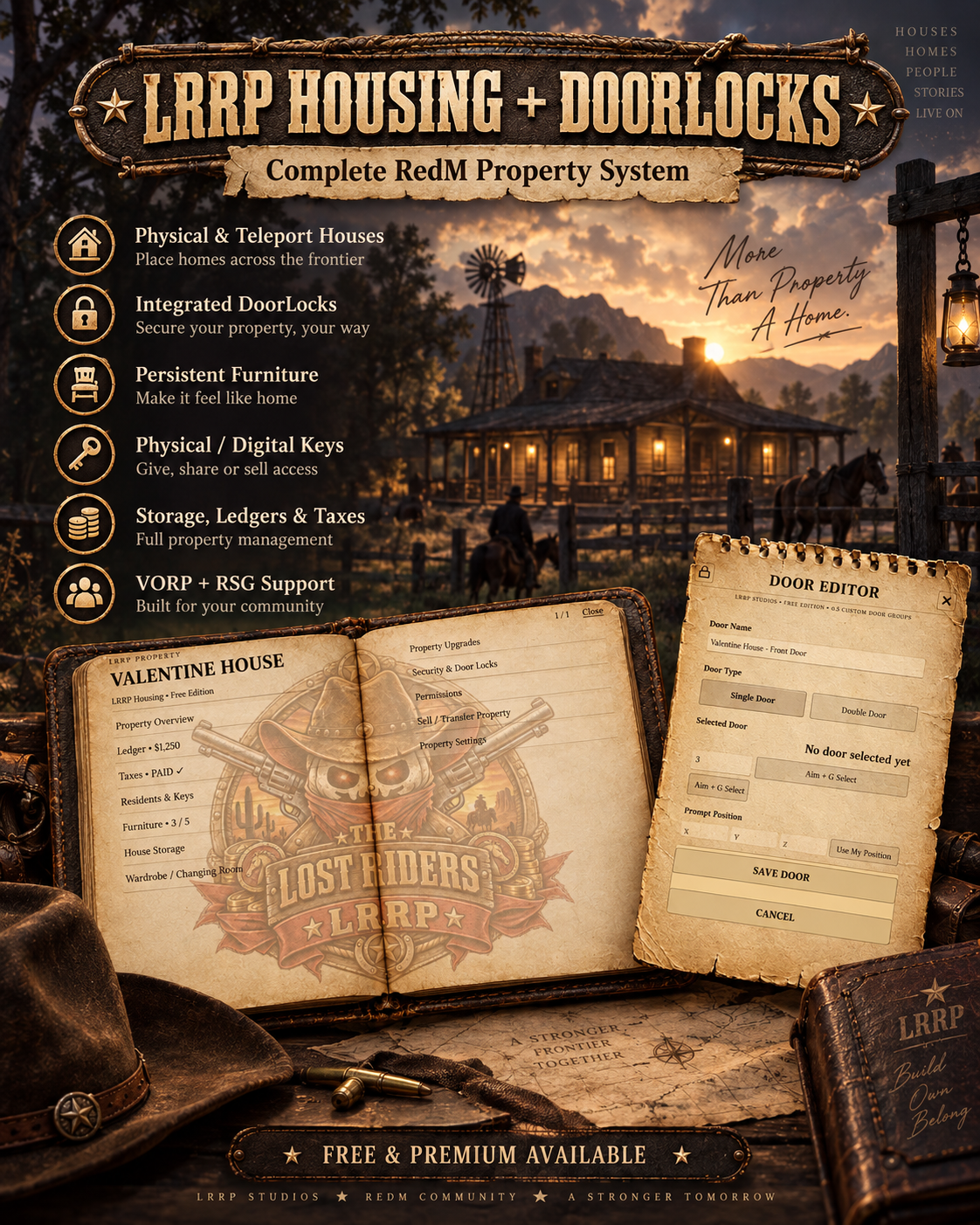
Free Housing System
🏡 LRRP Housing + DoorLocks | FREE & PREMIUM
🤠 Complete Persistent Housing, Property Management & Door Lock System for RedM
Give your players a fully featured property system with LRRP Housing V2, bundled together with LRRP DoorLocks V2.
Create physical houses, teleport interiors, manage owners and tenants, place persistent furniture, use digital or physical keys, run property storage, collect in-game property tax, sell or rent homes, configure upgrades and keep every property synced through the included DoorLocks system. 🔑🏠
Both FREE and PREMIUM editions include the core housing and door systems, with different creation limits.
🛒 DOWNLOAD / PURCHASE
👉
💬 SUPPORT
👉
✨ MAIN HOUSING FEATURES
🏡 Physical properties
🚪 Teleport properties
📝 In-game /createhouse creator
🔑 Digital keys
🗝️ Physical keys
🔐 Hybrid key mode
👤 Property owners
👥 Tenants & keyholders
💰 Property sale system
🏷️ Property rental support
🧾 In-game property tax
⏳ Grace periods
🏚️ Repossession flow
💵 Property balance / economy system
📦 Persistent house storage
👗 Wardrobe positions
🪑 Persistent furniture placement
🔨 Furniture pickup & repositioning
📈 Property upgrades
🧱 Upgrade recipes using house storage
📜 Property history / audit trail
💾 Safe archive & restore
🏨 Motel / rental-ready property fields
🗺️ Property blips
🖼️ Entering / leaving property transition screens
🔄 Persistent SQL storage
🛡️ Server-validated furniture placement
🔗 Full LRRP DoorLocks integration
🐎 VORP support
🌾 RSG support
🧩 Custom framework bridge support
🚪 LRRP DOORLOCKS INCLUDED
Both editions include LRRP DoorLocks V2.
DoorLocks provides:
🔒 Persistent locked / unlocked states
🚪 Single-door support
🚪🚪 Double-door groups
🌐 Synced door states for all players
🛠️ Visual in-game door creator
🎯 Aim-at-door selection
🔑 Housing integration
🧰 Lockpick support
🧾 Persistent SQL storage
🐎 VORP support
🌾 RSG support
🧩 Custom bridge support
Use:
/doorlocks
to open the DoorLocks editor.
Aim at the required door and use the visual selector to capture it.
✅ Double doors are stored as one logical door group.
🏠 PROPERTY CREATOR
Authorised staff or Real Estate jobs can create custom properties directly in-game using:
/createhouse
The creator supports:
🏠 Physical properties
🚪 Multi-door properties
✨ Teleport interiors
📍 Exterior entry points
📍 Interior arrival points
📍 Interior exit points
⭕ Property interaction radius
🪑 Furniture limits
🗺️ Property blips
Physical properties use the integrated LRRP DoorLocks visual selector.
Teleport properties use the LRRP entering / leaving property transition system.
🚪 PHYSICAL PROPERTIES
Physical properties can use one or multiple real map doors.
The default creator supports up to:
16 doors per property
This can be configured.
Housing-managed doors sync directly with:
LRRP_Doorlocks
and do not consume the standalone FREE DoorLocks allowance.
✨ TELEPORT PROPERTIES
Teleport homes allow server owners to connect an exterior entrance to a separate interior.
The creator captures:
📍 Outside entry
🏠 Interior arrival
🚪 Interior exit
The system includes:
🖼️ Property loading images
🌑 Screen transition protection
🧱 Collision loading checks
🛡️ Missing-interior safety rollback
❄️ Temporary player freeze during loading
If RedM reports that the target interior failed to load, the player can automatically be returned to their original position rather than being released into empty space.
👥 OWNERS, TENANTS & KEYHOLDERS
The property notebook can manage:
👤 Property Owner
👥 Tenants
🔑 Keyholders
🗝️ Property Keys
🔐 Lock changes
🏷️ Rental access
Property access is checked server-side and can work through digital, physical or hybrid key modes.
🔑 KEY SYSTEM
Choose between:
💻 DIGITAL
Access is stored digitally.
🗝️ PHYSICAL
Players use an inventory key item.
🔐 HYBRID
Both systems can be used.
Default key item:
hkey
The default purchase setup provides:
3 keys
Key behaviour is configurable inside config.lua.
📖 PROPERTY NOTEBOOK
Owners, tenants and authorised users can manage their property through the custom notebook NUI.
The notebook can provide access to systems including:
🏡 Property information
👥 Tenants
🔑 Keyholders
💰 Property economy
🧾 Tax
📦 Storage
👗 Wardrobe
🪑 Furniture
📈 Upgrades
📜 History
🆓 FREE uses the LRRP-branded notebook.
💎 PREMIUM uses the clean notebook UI.
🪑 PERSISTENT FURNITURE
Players can place configured inventory items as persistent props inside their property.
Controls:
⬆️⬇️⬅️➡️ Arrow Keys — Move
Shift + Up / Down — Raise / Lower
Shift + Left / Right — Rotate
🖱️ Mouse Wheel — Fine positioning
✅ Enter — Place
❌ Backspace — Cancel
Furniture placement is server validated.
If placement fails, the system includes rollback protection so the player's furniture item is not simply lost.
🧰 FURNITURE CATALOGUE
LRRP Housing includes an expanded furniture catalogue compatible with the LRRP Camps furniture system.
Server owners can configure their own:
🪑 Furniture items
📦 Props
🛏️ Beds
🪵 Tables
🔥 Fires
🏮 Lighting
🧶 Rugs
📚 Shelving
📦 Storage objects
🏠 Decorative objects
…and more.
Furniture entries are editable through:
config.lua
📦 HOUSE STORAGE
Properties can include persistent inventory storage.
The framework bridge supports:
🐎 VORP Inventory
🌾 RSG Inventory
🧩 Custom inventory implementations
RSG storage also includes configurable maximum weight support.
👗 WARDROBE SUPPORT
Each property can have a configurable wardrobe position.
This allows property systems to integrate with your server's preferred clothing / appearance setup through the editable bridge and configuration.
📈 PROPERTY UPGRADES
Properties can be upgraded through configurable recipes.
Default upgrade types include:
📦 Storage Capacity
🪑 Furniture Allowance
Upgrade recipes can require items from the house inventory, such as:
🪵 Wood
⛓️ Iron
Upgrade levels, recipes and costs are configurable.
💰 PROPERTY ECONOMY
Each property can use a persistent in-game balance system.
This can be used for:
🧾 Property tax
🏷️ Rent
📈 Upgrade costs
🏠 Property-related transactions
All currency references are strictly part of the in-game RedM economy.
🧾 PROPERTY TAX
LRRP Housing includes configurable recurring property tax.
Options include:
📅 Weekly or Monthly tax
⏳ Grace period
💰 Automatic payment from property balance
🔒 Owner management restrictions while overdue
🏚️ Repossession after the grace period
Default grace period:
3 days
Furniture and upgrades can be retained during repossession.
🏷️ RENTAL SYSTEM
Properties can also support rentals.
Default rental configuration includes:
📅 7-day rental periods
⏳ 3-day grace period
💰 Property-balance-first payment
🏚️ End / repossession behaviour
🪑 Optional furniture retention
💵 PROPERTY SALES
Properties can be configured for sale.
The system supports:
🏡 Property ownership changes
💵 In-game sale proceeds
🔑 New owner access
🚪 Door ownership synchronisation
📜 Transaction history
🛡️ SAFE ARCHIVE & RESTORE
Property data can be safely archived instead of being permanently discarded.
Archive / restore support is designed to preserve:
👤 Ownership
🪑 Furniture
💰 Property balance
📜 History
📈 Upgrades
unless a server owner deliberately implements a permanent purge.
🆓 FREE EDITION
FREE includes the full core Housing + DoorLocks bundle.
🏡 HOUSING FREE LIMITS
✅ All bundled / configured base properties included
✅ Bundled properties do not consume the custom limit
✅ Physical properties
✅ Teleport properties
✅ Storage
✅ Keys
✅ Tax
✅ Rent
✅ Property sales
✅ Furniture
✅ Upgrades
✅ DoorLocks integration
FREE allows:
🏠 5 additional custom properties
and:
🪑 5 player furniture props per property
🚪 DOORLOCKS FREE LIMIT
FREE also includes:
🔒 All bundled / configured door groups
plus:
🚪 5 additional custom door groups
A double door counts as:
1 door group
Housing-managed property doors do not consume this standalone five-door-group allowance.
🎨 FREE BRANDING
The FREE Housing edition uses:
🔒 LRRP-branded notebook UI
💎 PREMIUM EDITION
Premium removes the FREE custom-property and standalone door-group restrictions.
✅ Configurable / unlimited custom properties
✅ Configurable / unlimited custom DoorLock groups
✅ Configurable furniture allowance
✅ All physical property features
✅ All teleport property features
✅ Full key system
✅ Full storage system
✅ Full tax / rent systems
✅ Full upgrades
✅ Full property management
✅ Full DoorLocks integration
✨ Clean notebook UI
🚫 No forced FREE branding
Premium defaults can use:
0 = unlimited
where supported by the configuration.
🆓 FREE vs 💎 PREMIUM
🆓 FREE
🏡 Full Housing System
🚪 Full DoorLocks System
🏠 5 additional custom properties
🪑 5 furniture props per property
🔒 5 additional standalone door groups
📦 Storage
🔑 Keys
💰 Property economy
🧾 Tax
🏷️ Rent
📈 Upgrades
🔒 LRRP-branded notebook
💎 PREMIUM
🏡 Full Housing System
🚪 Full DoorLocks System
♾️ Configurable / unlimited custom properties
♾️ Configurable / unlimited custom door groups
🪑 Configurable furniture allowance
📦 Storage
🔑 Keys
💰 Property economy
🧾 Tax
🏷️ Rent
📈 Upgrades
✨ Clean notebook UI
🐎 FRAMEWORK SUPPORT
LRRP Housing automatically supports:
✅ VORP
Auto-detects:
vorp_core
vorp_inventory
✅ RSG
Auto-detects:
rsg-core
with standard RSG inventory stash support and rsg-inventory upgrade hooks where available.
🧩 CUSTOM
Set:
Config.Framework = 'custom'
and implement the included escrow-ignored bridge functions.
⚙️ REQUIRED CFX / REDM REQUIREMENTS
✅ REQUIRED
🔴 RedM / CFX Server
🗄️ oxmysql
🚪 LRRP_Doorlocks
LRRP DoorLocks is included in the Housing package and must be started before Housing.
FRAMEWORK
Use one of:
🐎 VORP
or
🌾 RSG
or
🧩 Custom bridge
📦 REQUIRED RESOURCE NAMES
⚠️ These folders must remain named exactly:
LRRP_housing
LRRP_Doorlocks
Do not rename them.
📦 INSTALLATION
1️⃣ Extract both included resources
Your resources folder should contain:
LRRP_Doorlocks
LRRP_housing
2️⃣ Import the SQL
For a fresh installation, import:
LRRP_Doorlocks/sql.sql
and:
LRRP_housing/sql.sql
Existing LRRP databases also include non-destructive startup migration support.
3️⃣ Install / start oxmysql
Ensure:
oxmysql
is installed and working.
4️⃣ Start your framework and inventory
For VORP, ensure your normal:
vorp_core
vorp_inventory
resources are running.
For RSG, ensure:
rsg-core
and your supported RSG inventory setup are running.
5️⃣ Start DoorLocks before Housing
Recommended order:
ensure oxmysql

# Framework / inventory first
ensure vorp_core
ensure vorp_inventory

# LRRP bundle
ensure LRRP_Doorlocks
ensure LRRP_housing
Example RSG setup:
ensure oxmysql

ensure rsg-core
ensure rsg-inventory

ensure LRRP_Doorlocks
ensure LRRP_housing
👑 CREATOR / ADMIN ACCESS
The property creator can be authorised through:
🔐 ACE permissions
👑 Framework groups
🏠 Real Estate jobs
Default creator ACE entries include:
LRRPhousing.admin
command.createhouse
Default groups include:
admin
superadmin
owner
god
Default creator job:
realestate
🔐 ACE EXAMPLE
Add:
add_ace group.admin LRRPhousing.admin allow
Permissions are configurable inside:
config.lua.
🏠 CREATOR COMMAND
Use:
/createhouse
to open the housing creator.
🚪 DOORLOCKS COMMAND
Use:
/doorlocks
to open the visual DoorLocks editor.
🗄️ SQL / PERSISTENCE
Both resources use:
🗄️ oxmysql
for persistent data.
Housing persistence covers systems including:
🏡 Properties
👤 Ownership
👥 Access
🪑 Furniture
💰 Property balances
📜 History
📈 Upgrades
📦 Storage references
DoorLocks persist:
🚪 Door groups
🔒 Lock state
📍 Door information
🔑 Access configuration
🔐 CFX ASSET ESCROW / EDITABLE FILES
The package is prepared for CFX Asset Escrow.
🏡 HOUSING ESCROW-IGNORED FILES
Editable:
config.lua
bridge/client.lua
bridge/server.lua
These expose configurable framework, inventory, economy, permissions, furniture, controls, jobs and integration points.
Protected core systems retain:
🔒 Ownership logic
🔒 Synchronisation
🔒 SQL transaction core
🔒 Security checks
🔒 Edition enforcement
🔒 FREE / PREMIUM limits
🚪 DOORLOCKS ESCROW-IGNORED FILES
Editable:
config.lua
lang.lua
bridge/client.lua
bridge/server.lua
Door state, synchronisation and edition enforcement remain protected.
✅ CFX MANIFEST — LRRP HOUSING
Housing includes:
✅ fx_version 'cerulean'
✅ game 'rdr3'
✅ RedM prerelease acknowledgement
✅ lua54 'yes'
✅ Author metadata
✅ Description metadata
✅ Version:
2.0.4
✅ Resource name:
LRRP_housing
✅ Shared scripts
✅ Client scripts
✅ Server scripts
✅ NUI files
✅ NUI ui_page
✅ oxmysql dependency
✅ LRRP_Doorlocks dependency
Housing dependencies:
dependencies {
    'oxmysql',
    'LRRP_Doorlocks'
}
Housing loads:
@oxmysql/lib/MySQL.lua
✅ CFX MANIFEST — LRRP DOORLOCKS
DoorLocks includes:
✅ fx_version 'cerulean'
✅ game 'rdr3'
✅ RedM prerelease acknowledgement
✅ lua54 'yes'
✅ Author metadata
✅ Description metadata
✅ Version:
2.0.3
✅ Resource name:
LRRP_Doorlocks
✅ NUI ui_page
✅ Shared scripts
✅ Client scripts
✅ Server scripts
✅ NUI assets
✅ oxmysql dependency
DoorLocks dependency:
dependencies {
    'oxmysql'
}
DoorLocks also loads:
@oxmysql/lib/MySQL.lua
🖥️ HOUSING NUI FILES
The Housing manifest includes:
html/index.html
html/style.css
html/app.js
html/img/entering_property.png
html/img/leaving_property.png
html/img/book_clean.png
html/img/book_branded.png
html/img/notepad.png
Main page:
ui_page 'html/index.html'
🖥️ DOORLOCKS NUI FILES
DoorLocks includes its:
📝 Admin editor
🔓 Lockpick UI
📓 Notepad UI
🎨 Required interface assets
through its own html/index.html.
🚨 IMPORTANT CFX INSTALL NOTES
⚠️ Keep the resource names exactly:
LRRP_housing
LRRP_Doorlocks
⚠️ oxmysql is required.
⚠️ Start LRRP_Doorlocks before LRRP_housing.
⚠️ Import both SQL files on a fresh install.
⚠️ Use VORP, RSG or configure the supplied custom bridge.
⚠️ Add furniture inventory items that match your configured Config.Furniture entries.
⚠️ Some bundled teleport-property presets are disabled by default because their interiors may depend on interiors / MLOs that are not installed on every server.
⚠️ Custom teleport properties created with /createhouse are not affected by that bundled-property safety setting.
⚠️ FREE and PREMIUM editions must not be run together.
⚠️ Premium should replace the FREE edition.
📦 PACKAGE INCLUDES
🏡 LRRP_housing
🚪 LRRP_Doorlocks
🗄️ Housing SQL
🗄️ DoorLocks SQL
📖 Housing Notebook UI
🔐 DoorLocks Editor UI
🔓 Lockpick UI
🪑 Furniture system
📦 Storage integration
🔑 Key system
📈 Upgrade system
🧾 Property economy / tax systems
🐎 VORP bridge
🌾 RSG bridge
🧩 Custom bridge
🛒 LRRP STUDIO
👉
💬 SUPPORT
👉
🏡 LRRP Studio — Build it. Own it. Make it home.

Free Roulette Script
🎰 LRRP Roulette | FREE & PREMIUM
🤠 Persistent European Roulette Tables for RedM / VORP
Bring fully interactive European single-zero roulette to your RedM server with LRRP Roulette. Players can walk up to physical roulette tables, place dollar bets through the custom NUI, ready up for an early spin, view their live cash balance and receive winnings automatically. 🎲💰
Admins can permanently place roulette tables anywhere in the world, with all placements stored in SQL and restored after server restarts.
Available in both FREE and PREMIUM editions.
🛒 DOWNLOAD / PURCHASE
👉 https://lrrp-studio.tebex.store/
💬 SUPPORT
👉 https://discord.gg/RMPMrdzy8k
✨ MAIN FEATURES
🎰 Full European / UK single-zero roulette
💵 Dollars-only betting
🎲 Standard roulette betting positions
👥 Multiplayer table sessions
⏱️ 60-second betting timer
🔒 Bets lock before the wheel spins
✅ Player Ready system
⚡ Early spin when all active bettors are ready
💰 Live player cash balance display
🔊 Roulette sound effects
🔇 Persistent sound mute option
🪙 Multiple chip denominations
🧾 Persistent roulette logging
💾 SQL-saved table placement
💸 Offline winning payout protection
🏡 LRRP Housing facility compatibility
🛠️ Admin table placement
📍 Persistent world props
🌍 Multi-language support in FREE
🔗 Discord webhook support
🐎 VORP support
🗄️ oxmysql persistence
🎨 Custom roulette NUI
🎯 EUROPEAN ROULETTE
LRRP Roulette uses a proper:
European / UK single-zero wheel
Numbers use the standard single-zero wheel order:
0, 32, 15, 19, 4, 21, 2, 25...
This means the game uses:
✅ Numbers 1–36
✅ Single 0
🚫 No American 00
💵 BETTING SYSTEM
Roulette uses VORP dollars only.
🚫 Gold is not used
🚫 Rider Tokens are not used
Default minimum bet:
$1
Available chip values include:
🪙 $1
🪙 $5
🪙 $10
🪙 $25
🪙 $50
🪙 $100
🪙 $500
🪙 $1,000
Bets are deducted when the chip placement is successfully accepted by the server.
🎲 SUPPORTED BETS & PAYOUTS
LRRP Roulette supports the standard roulette bet types.
🎯 Straight
35:1
↔️ Split
17:1
🔺 Street
11:1
◼️ Corner
8:1
6️⃣ Six Line
5:1
📊 Dozens / Columns
2:1
🔴⚫ Even-Money Bets
1:1
This includes common bets such as:
🔴 Red / Black
⚪ Even / Odd
⬇️ Low / High
🔢 Individual numbers
📊 Dozens
📋 Columns
⏱️ LIVE TABLE SYSTEM
Once the first chip is placed:
⏳ A 60-second table timer begins.
Default configuration:
🕐 Betting Time — 60 seconds
🔒 No More Bets — final 5 seconds
If every player with an active bet presses Ready, the roulette table can spin early instead of waiting for the full timer.
💸 OFFLINE WINNING PAYOUTS
If a player disconnects after placing a valid live bet:
✅ Their bet remains in the current spin.
If that player wins while offline:
💾 Their payout is stored in SQL.
The money can then be paid when they return and open roulette again.
This is handled using:
LRRP_roulette_pending_payouts
💰 LIVE CASH BALANCE
The roulette interface displays the player's current cash balance.
The balance refreshes after actions such as:
🎰 Opening the table
🪙 Placing a bet
🔁 Repeating bets
↩️ Clearing / refunding bets
🏆 Receiving roulette winnings
🔊 ROULETTE AUDIO
The Premium roulette build includes dedicated interface sounds for:
🪙 Chip placement
🎰 Wheel spinning
Audio is set to approximately:
25% volume by default
The UI also includes:
🔇 Sound toggle
The player's mute preference is stored through NUI local storage.
Both:
.ogg
and:
.mp3
versions are included for compatibility.
The roulette UI also contains an embedded audio fallback to help if RedM / CEF fails to load the normal sound path.
🛠️ ADMIN TABLE PLACEMENT
Admins can permanently place roulette tables directly in-game.
Use:
/placeroulette
This places:
p_roulettetable01x
Once saved, players can walk up to the physical roulette table and press:
G — Play Roulette
Placed tables are persisted in SQL.
🎮 PLACEMENT CONTROLS
⬆️⬇️⬅️➡️ Arrow Keys — Move on the ground
⬆️ Page Up — Raise
⬇️ Page Down — Lower
↩️ Q / E — Rotate
✅ Enter — Confirm & Save
❌ Backspace — Cancel
The Premium compatibility build also supports:
Shift + Arrow Up / Down
as an alternative height adjustment.
🎰 DECORATIVE SLOT PROP PLACEMENT
Admins can also use:
/placeslots
This places:
p_register06x
⚠️ This is a decorative prop only.
There is no slot machine game attached to this command.
🌎 DISTANCE-BASED PROP SPAWNING
Saved roulette props are spawned client-side based on distance.
Default configured distances include:
📍 Render Distance — 120.0
🗑️ Delete Distance — 150.0
This avoids requiring the server to continuously manage every placed world prop.
👑 ADMIN PERMISSIONS
Admin placement is checked server-side.
Default ACE permission:
add_ace group.admin lrrp.rouletteplace allow
Default supported VORP groups include:
admin
superadmin
owner
god
moderator
mod
These can be edited in the configuration.
🏡 LRRP HOUSING COMPATIBILITY
LRRP Roulette includes compatibility with the LRRP Housing facility system.
Existing housing integrations can open a property roulette table using the compatibility event:
TriggerEvent('LRRP_lucky_wheel:client:openHouseRoulette', row)
The FREE resource also supports its own event:
TriggerEvent('LRRP_FreeRoulette:client:openHouseRoulette', row)
Each housing roulette table receives its own unique live session based on its facility ID.
This means separate property roulette tables do not all share the same active game. 🏡🎰
🆓 FREE EDITION
The FREE Edition includes the complete core roulette experience.
✅ FREE INCLUDES
🎰 European Roulette
💵 Dollar Betting
🛠️ Admin Table Placement
💾 Persistent SQL Tables
🏡 Housing Compatibility
🎲 Standard Roulette Bets
💸 Offline Payout Protection
🧾 Roulette Logging
🌍 Multi-Language Support
👑 ACE Admin Permissions
⚠️ FREE BET LIMIT
FREE allows a maximum of:
$10 per individual bet action
If a player attempts to place a single bet action above $10, the server blocks it and displays an upgrade message.
The limit is enforced server-side through the protected FREE edition configuration.
💎 PREMIUM EDITION
Premium includes the complete roulette system without the FREE per-bet restriction.
✅ PREMIUM INCLUDES
🎰 Full European Roulette
💵 Unrestricted configured betting
🪙 Full chip selection
🛠️ Persistent admin placement
💾 SQL persistence
🏡 Housing integration
💸 Offline payouts
🔊 Roulette sounds
🔇 Sound toggle
💰 Live cash balance
🧾 Persistent statistics / logging
🔗 Discord webhook support
♾️ PREMIUM BETTING
Premium does not enforce the FREE $10 maximum per individual bet action.
Server owners can configure their roulette economy as required.
🆓 FREE vs 💎 PREMIUM
🆓 FREE
✅ Complete roulette gameplay
✅ European single-zero wheel
✅ Persistent tables
✅ Admin placement
✅ Housing compatibility
✅ SQL logging
✅ Offline payouts
✅ Multi-language support
💵 Maximum $10 per bet action
💎 PREMIUM
✅ Complete roulette gameplay
✅ European single-zero wheel
✅ Persistent tables
✅ Admin placement
✅ Housing compatibility
✅ SQL logging
✅ Offline payouts
✅ Audio system
✅ Cash balance display
♾️ No FREE $10 per-action restriction
🌍 FREE MULTI-LANGUAGE SUPPORT
The FREE package includes:
languages.lua
Supported locale codes include:
🇬🇧 en
🇪🇸 es
🇫🇷 fr
🇩🇪 de
🇮🇹 it
🇵🇹 pt
🇳🇱 nl
🇵🇱 pl
🇷🇺 ru
🇹🇷 tr
🇸🇦 ar
🇮🇳 hi
🇨🇳 zh
🇯🇵 ja
🇰🇷 ko
Select the locale through:
Config.Locale = 'en'
🔗 DISCORD WEBHOOK
Roulette webhook settings are available through the roulette configuration.
The Premium compatibility build can also use a server.cfg override:
set LRRP_roulette_webhook "YOUR_WEBHOOK_HERE"
Webhook functionality can track roulette activity and persistent player statistics depending on configuration.
🗄️ SQL / DATABASE
LRRP Roulette uses:
oxmysql
Database tables include:
LRRP_roulette_placed_props
LRRP_roulette_logs
LRRP_roulette_pending_payouts
These store:
📍 Permanently placed props
🧾 Roulette activity
💸 Offline pending payouts
The FREE and PREMIUM versions intentionally use the same roulette SQL table names so existing placed roulette tables can remain when upgrading.
⚙️ REQUIRED CFX / REDM REQUIREMENTS
✅ REQUIRED
🔴 RedM / CFX Server
🐎 VORP Core
vorp_core
🗄️ oxmysql
oxmysql
CFX ASSET REQUIREMENTS
The manifests also declare:
/assetpacks
and:
/assetpacks-redm
📦 RESOURCE NAMES
The editions use different resource folder names.
🆓 FREE
Keep the folder exactly:
LRRP_FreeRoulette
💎 PREMIUM
The Premium compatibility build intentionally keeps the legacy name:
LRRP_lucky_wheel
⚠️ This is intentional even though the Lucky Wheel gameplay itself has been removed.
The old resource/event name remains so existing LRRP Housing facility integrations do not break.
🎡 IMPORTANT PREMIUM BUILD NOTE
Despite the Premium resource name:
LRRP_lucky_wheel
this package is a roulette-only build.
Removed / disabled from this version:
🚫 Lucky Wheel gameplay
🚫 Lucky Wheel prompts
🚫 Lucky Wheel props
🚫 Lucky Wheel NUI
🚫 Daily free spin system
🚫 Lucky Wheel prize logic
🚫 Lucky Wheel wager logic
🚫 Lucky Wheel SQL creation
🚫 Lucky Wheel webhook/profile logging
The resource name is retained solely for compatibility with existing integrations.
📦 FREE INSTALLATION
1️⃣ Add:
LRRP_FreeRoulette
to your resources.
2️⃣ Import:
install.sql
The resource can also create the roulette tables on startup where supported.
3️⃣ Ensure dependencies load first:
ensure oxmysql
ensure vorp_core
ensure LRRP_FreeRoulette
4️⃣ Add admin ACE permission:
add_ace group.admin lrrp.rouletteplace allow
5️⃣ Restart the server.
📦 PREMIUM INSTALLATION
1️⃣ Delete any old:
LRRP_lucky_wheel
folder completely.
2️⃣ Install the new roulette-only:
LRRP_lucky_wheel
folder.
3️⃣ Import:
install.sql
or allow the resource to initialise its roulette SQL tables where supported.
4️⃣ Start dependencies first:
ensure oxmysql
ensure vorp_core
ensure LRRP_lucky_wheel
5️⃣ Add placement permission:
add_ace group.admin lrrp.rouletteplace allow
6️⃣ Restart the server.
⚠️ Do not merge this build over an older Lucky Wheel folder. Replace the old resource completely.
🚨 IMPORTANT INSTALL NOTES
⚠️ Do not run FREE and PREMIUM together.
⚠️ Premium should replace FREE when upgrading.
⚠️ vorp_core is required.
⚠️ oxmysql is required.
⚠️ Import install.sql.
⚠️ FREE must remain named:
LRRP_FreeRoulette
⚠️ PREMIUM must remain named:
LRRP_lucky_wheel
⚠️ The Premium name is retained for housing/event compatibility.
⚠️ Start dependencies before Roulette.
⚠️ Back up your database before replacing an existing installation.
✅ CFX MANIFEST — FREE
The FREE package includes a CFX-ready fxmanifest.lua with:
✅ fx_version 'cerulean'
✅ game 'rdr3'
✅ Required RedM prerelease acknowledgement
✅ lua54 'yes'
✅ Author metadata
✅ Description metadata
✅ Version:
1.0.0
✅ Shared scripts
✅ Client scripts
✅ Server scripts
✅ NUI page
✅ NUI files
✅ CFX Asset Escrow configuration
✅ Dependency declarations
✅ /assetpacks
✅ /assetpacks-redm
FREE dependencies:
dependencies {
    'vorp_core',
    'oxmysql'
}

dependency '/assetpacks'
dependency '/assetpacks-redm'
🔐 FREE CFX ASSET ESCROW
The FREE package keeps safe customer-editable files outside escrow protection.
Editable / escrow-ignored:
config.lua
config_roulette.lua
languages.lua
README.md
install.sql
The FREE/PREMIUM edition and maximum-bet enforcement remains protected in:
protected/build.lua
This prevents the FREE restriction from being changed through the public config.
✅ CFX MANIFEST — PREMIUM
The Premium package includes:
✅ fx_version 'cerulean'
✅ game 'rdr3'
✅ Required RedM prerelease acknowledgement
✅ lua54 'yes'
✅ Author metadata
✅ Description metadata
✅ Version:
1.2
✅ Shared scripts
✅ Client scripts
✅ Server scripts
✅ NUI page
✅ NUI HTML / CSS / JS
✅ Roulette audio files
✅ Dependency declarations
✅ /assetpacks
✅ /assetpacks-redm
PREMIUM dependencies:
dependencies {
    'vorp_core',
    'oxmysql'
}

dependency '/assetpacks'
dependency '/assetpacks-redm'
🖥️ NUI — FREE
The FREE manifest declares:
html/index.html
html/roulette.css
html/roulette.js
Main NUI page:
ui_page 'html/index.html'
🖥️ NUI — PREMIUM
The Premium manifest declares:
html/index.html
html/roulette.css
html/roulette.js
html/sounds/place_chip.mp3
html/sounds/place_chip.ogg
html/sounds/wheel_spin.mp3
html/sounds/wheel_spin.ogg
Main NUI page:
ui_page 'html/index.html'
🧪 USEFUL COMMANDS
👑 Admin
/placeroulette
Place a permanent roulette table.
/placeslots
Place the decorative register prop.
🧪 Client Testing
/openroulette
Open roulette for testing near a configured table.
/roulettedist
Check roulette table distance information.
🖥️ Server Console
roulette_clear_discord_profiles
Clears persistent Discord roulette profile data where supported.
📂 PACKAGE CONTENTS
Depending on edition, the package contains:
📄 fxmanifest.lua
⚙️ config.lua
🎰 config_roulette.lua
🌍 languages.lua — FREE
🔐 Protected edition configuration — FREE
💻 Roulette client
🖥️ Roulette server
🎨 Roulette NUI
🔊 Roulette audio — Premium
🗄️ install.sql
📖 README.md
🛒 LRRP STUDIO
👉 https://lrrp-studio.tebex.store/
💬 SUPPORT
👉 https://discord.gg/RMPMrdzy8k
🎰 LRRP Studio — Place your bets and let the wheel decide.
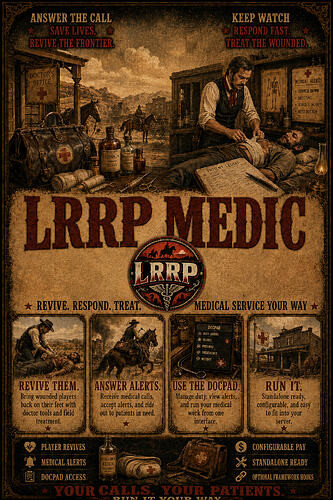
Free Medic Script
LRRP Medic — Free Edition
download -
support - The Lost Riders MMORPG
sends alerts to doctors and sets waypoint to patient for the doctor thats accepted it
everything handles within the /docpad
LRRP Medic is a standalone doctor, medical alert and revival system built for RedM servers.
The resource works entirely by itself by default and does not require VORP, LRRP Jobs, oxmysql or any other framework resource. Optional framework hooks can be enabled by server owners through the configuration.
Doctors receive access to a fully integrated DocPad where they can view medical alerts, monitor duty status, see other doctors and revive nearby patients.
Features
- Fully standalone by default
- No required framework dependencies
- Persistent standalone doctor permissions
- Persistent revive limits, statistics and doctor wallet
- Integrated LRRP DocPad
- Active medical alert display
- Doctor duty system
- Accept, route and release medical alerts
- Revive nearby downed players
- Automatic doctor revive statistics
- Optional payment for every successful revive
- Default revive payment set to $50
- Payment goes to the doctor’s standalone medical wallet when no economy framework is enabled
- Optional VORP integration
- Optional LRRP Jobs integration
- Optional framework doctor-job detection
- Optional VORP usable DocPad and Revive Tonic items
- Server-side distance and downed-player validation
- Admin permission support through ACE and configured identifiers
- SQL included for all core medical items
- Additional optional doctor consumable SQL included
- Configuration and installation guide included
Free Edition Restriction
The Free Edition allows each non-admin doctor to successfully revive:
1 patient every 6 hours
After using their available revive, further attempts will display:
Please upgrade to premium to revive more patients.
The Free Edition limitation is enforced server-side and is not available inside the editable configuration.
Administrators can override the revive restriction.
Doctor Management
Administrators can grant doctor access using:
/makedoctor [server id]
Doctor access can be removed using:
/removedoctor [server id]
Doctors created through the standalone system receive access to the DocPad, duty system, medical alerts and patient revival features.
Commands
/docpad
Opens the doctor DocPad.
/medicduty
Toggles on-duty or off-duty status.
/alertmedic [optional reason]
Sends a medical alert to available doctors.
/mediccash
Displays the doctor’s standalone medical wallet balance.
/makedoctor [server id]
Grants standalone doctor access.
/removedoctor [server id]
Removes standalone doctor access.
Medical Alerts
Players can create a medical alert using /alertmedic.
Available doctors can:
- View the patient’s name
- View the alert reason
- Accept the alert
- Place a GPS route to the patient
- Release the alert for another doctor
- Complete the alert by reviving the patient
Only one doctor can accept an open alert at a time.
Framework Compatibility
The resource uses standalone mode by default.
Server owners can optionally configure:
- VORP Core
- VORP Inventory
- VORP doctor jobs
- LRRP Jobs
- Custom doctor job names
- Framework cash payments
- Standalone doctor permissions
None of these integrations are required for the resource to start.
Included Items
The included SQL covers the primary items used by the resource:
- Doc Pad
- Medical Bag
- Revive Tonic
Optional SQL is also included for additional medical tonics, wraps, syringes and remedies.
Dependencies
None by default.
Optional:
- VORP Core
- VORP Inventory
- LRRP Jobs
Installation
- Extract
LRRP_Medic_Freeinto your resources folder. - Import the included item SQL if required.
- Review
config.lua. - Add the resource to your server configuration:
ensure LRRP_Medic_Free
- Grant your administrators the following ACE permission if required:
add_ace group.admin lrrp.medic.admin allow
Important
The editable configuration and SQL files are included for server setup and compatibility.
The Free Edition DocPad branding and revive restriction are not intended to be modified.
Developed for immersive RedM roleplay servers by Lost Riders MMORPG.
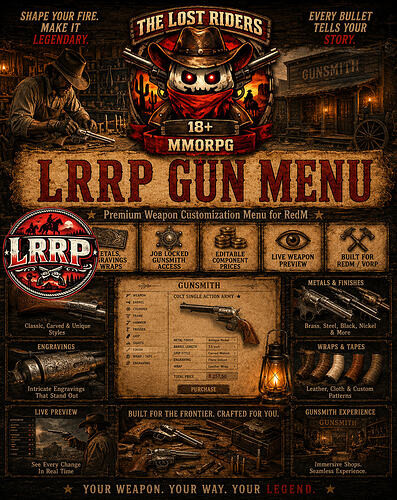
Free Weapon Customization
# LRRP Gun Menu
support - https://discord.gg/RMPMrdzy8k
Give your gunsmiths a professional, immersive weapon-customisation system built specifically for RedM and VORP.
**LRRP Gun Menu** allows authorised gunsmiths to preview and apply weapon components through a detailed old-west parchment interface. Players can see their weapon clearly while browsing compatible stocks, grips, sights, metals, engravings, wraps and other available customisations.
Every component change is priced individually, with a default cost of **$25 per changed component**. The price and accepted gunsmith jobs can be configured through the included public configuration file.
## Features
* Immersive parchment-style gunsmith interface
* Live in-game weapon preview
* Current-versus-preview weapon damage display
* Immediate component previews before purchasing
* Compatible component filtering
* Searchable customisation options
* Undo individual preview changes
* Revert to the weapon’s saved configuration
* Restore a weapon to its standard components
* Cash-only payment system
* Default price of **$25 per changed component**
* Editable component price
* Gunsmith job-restricted access
* Minimum gunsmith grade support
* Default integration with `LRRP_jobs`
* Optional VORP character-job fallback
* Support for other job resources through configurable exports
* Server-side validation of access, ownership, components and pricing
* Automatic refund if the database save fails
* No Rider Tokens or alternative currency required
## Gunsmith Job Integration
The resource uses `LRRP_jobs` by default and recognises gunsmith workplaces whose job key, family or associated skill matches the configured gunsmith term.
Server owners may configure:
* Accepted gunsmith job names
* Exact or partial job-name matching
* Minimum required job grade
* Active-employment exports
* Job-definition exports
* A custom access export
* VORP job fallback
`LRRP_jobs` is supported by default but is **not a hard dependency**. Another compatible job resource may be used by changing the public configuration.
## Editable Configuration
Only the following public configuration file is intentionally excluded from Asset Escrow:
```
```
```
config/public_config.json
```
This allows server owners to configure their gunsmith integration and component price without exposing the protected resource logic.
Default component price:
```
```
```
$25 per changed component
```
The final price is calculated and validated by the server. Client-submitted totals are never trusted.
## Security
The resource validates:
* Gunsmith employment and grade
* Distance from the gunsmith location
* Weapon ownership
* Compatible weapon components
* The number of components changed
* The final cash price
* Database save completion
The branded interface, logo and protected resource files include integrity validation. Modified protected files will prevent the gun menu from operating until the original files are restored.
## Requirements
* RedM
* VORP Core
* VORP Inventory
* oxmysql
* A configured gunsmith job
## Installation
1. Keep the resource folder named `LRRP_GunMenu`.
2. Import `weapons.sql` where the required database additions are not already installed.
3. Configure `config/public_config.json`.
4. Add `ensure LRRP_GunMenu` after VORP, VORP Inventory, oxmysql and the selected jobs resource.
5. Restart the server.
## Support
Support is available through our Discord:
---
## Script Information
**Code is accessible**
No — protected using Cfx Asset Escrow. The public job and pricing configuration remains editable.
**Subscription-based**
No
**Lines approximately**
Approximately 8,400 lines
**Requirements**
RedM, VORP Core, VORP Inventory, oxmysql and a configured gunsmith job. `LRRP_jobs` is supported by default.
**Support**
Yes
---
## Asset Information
**Assets are accessible**
No — the branded LRRP interface and logo are protected.
**Subscription-based**
No
**Polygons (model and LOD)**
Not applicable — no custom 3D model is included.
**Texture size and amount**
Not applicable — this is a scripted NUI resource rather than a model pack.
**Requirements & dependencies**
RedM, VORP Core, VORP Inventory and oxmysql.
**Support**
Yes
---
## Mapping Information
**Code is accessible**
No
**Subscription-based**
No
**MLO**
No
**Number of rooms**
Not applicable
**Number of entities**
Not applicable
**Requirements & dependencies**
No MLO or custom map dependency is included.
**Support**
Yes
support - https://discord.gg/RMPMrdzy8k

Developed for immersive RedM roleplay servers by Lost Riders MMORPG.
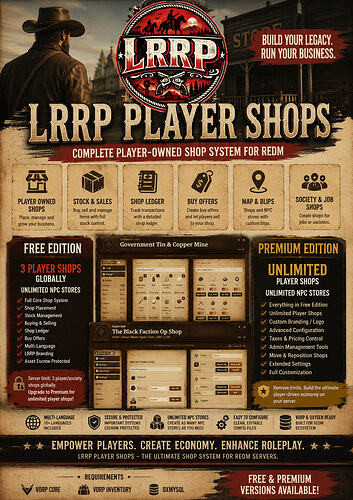
Free Player Shops
LRRP Player Shops v2 — FREE
download - https://lrrp-studio.tebex.store/
support - LRRP Studio
Give your players the ability to own, manage and operate their own shops with a clean, configurable player-shop system built for RedM.
LRRP Player Shops Free gives servers the full core shop experience with a global limit of 3 player-owned shops, while still allowing unlimited NPC stores across the map.
Perfect for testing the system before upgrading to the Premium edition.
Features
-
Player-owned shop system
-
 Society / job shop support
 -
Stock management
-
Player buying and selling
-
Shop ledger system
-
 Configurable pricing
 -
 Buy offers
 -
Configurable shop blips
-
In-game shop placement
-
Shop moving / repositioning
-
Admin controls
-
 Shop tax support
 -
Configurable shop storage
-
Server-side transaction validation
-
 Protected shop ownership checks
 -
Multi-language support
-
 Unlimited NPC stores
 -
Editable configuration files
Free Edition Limit
The Free version allows:
3 player/society shops globally per server
Once the server reaches the limit, players will receive an upgrade message explaining that the server must upgrade to Premium to place additional player shops.
NPC Stores Are Unlimited
NPC/configured stores are completely separate from the Free shop limit.
You can create:
- 5 NPC shops
- 50 NPC shops
- 100+ NPC shops
without using any of the 3 available player-shop slots.
NPC Stores
Both Free and Premium include support for unlimited configurable NPC stores.
NPC shops can be configured separately and do not require a player owner.
Great for:
- General stores
- Butchers
- Gunsmiths
- Stable shops
- Job stores
- Black markets
- Specialty traders
- Custom server stores
Multi-Language Support
English is included as the default language.
Included languages:
- English
- Spanish
- Portuguese
- French
- German
- Italian
- Dutch
- Polish
- Turkish
- Russian
Changing the language is simple through the editable configuration.
Additional translations can also be added without modifying the protected core.
Branding
The Free edition uses permanent LRRP branding.
The LRRP branding is part of the Free edition and cannot be replaced through the normal configuration.
Want to use your own server logo?
Upgrade to LRRP Player Shops Premium.
Asset Escrow Ready
Important core functionality is protected while keeping the files server owners actually need fully editable.
Editable
- Configuration
- Languages / locales
- NPC shops
- Shop settings
- Prices
- Blips
- UI styling
- Integration settings
- SQL installer
Protected
- Free edition shop-limit enforcement
- Shop creation validation
- Transaction validation
- Ownership validation
- Security logic
- Protected server callbacks
- Edition detection
- LRRP Free branding enforcement
Requirements
Requires:
-
vorp_core -
vorp_inventory -
oxmysql
No Other LRRP Resources Required
This is its own LRRP resource.
You do not need:
- LRRP Jobs
- LRRP Ranch
- LRRP Mexico
- LRRP Law
- LRRP Plantation
- LRRP Backpacks
- or any other LRRP system
to use the core Player Shops resource.
 Resource Name
The Free version must remain named:
LRRP_player_shops_free
The resource contains protected resource-name validation.
Premium Edition
Upgrade to LRRP Player Shops Premium for:
-
Unlimited player-owned shops
-
Custom server branding / logo
-
Unlimited NPC shops
- Full configurable shop system
- No Free player-shop limit
Developed by LRRP Studio
Free Slots Scripts
lot machine gameplay
✅ Custom Blackwater fishing-themed UI
✅ Normal winning combinations
✅ 2-symbol match payouts
✅ 🎣 Fishing Rod BONUS symbol
✅ 🎁 10-spin Bonus Board
✅ 💰 Progressive Global Jackpot
✅ 🏦 Shared Global Slot Bank / Reserve
✅ 📊 Persistent player statistics
✅ 📊 Persistent machine statistics
✅ 💵 Wager & payout tracking
✅ 📈 Profit / loss tracking
✅ 📝 Persistent Discord ledger/profile tracking
✅ 🔄 AUTO SPIN
✅ 🎁 Separate AUTO BONUS system
✅ 🛠️ Admin-placeable slot machines
✅ 💾 Machine locations persist after restarts
✅ ⚙️ Configurable payouts and economy settings
✅ 🗄️ SQL storage by default
✅ 💾 Optional KVP storage support
✅ 🔐 ACE / identifier placement permissions
🆓 FREE EDITION
The FREE Edition includes the complete core slot system, including the bonus board, progressive jackpot, global bank, statistics and persistent machine placement.
⚠️ FREE VERSION LIMIT
Players can use the slots normally until a BONUS is won anywhere on the server.
Once a bonus has been won:
🔒 Slot gameplay is locked server-wide for 24 hours
Players attempting to use a machine during the cooldown will receive:
Try again in X hours or upgrade to Premium.
✅ The bonus that triggered the cooldown is still completed and paid normally.
✅ The cooldown is persistent.
✅ Restarting the resource or server will not reset the timer.
✅ After 24 hours the machines automatically unlock.
The FREE Edition also contains LRRP branding.
💎 PREMIUM EDITION
Premium removes the Free Edition limitations and gives your server the unrestricted version of LRRP Slots.
✅ Unlimited slot gameplay
✅ No 24-hour global BONUS cooldown
✅ Clean customer-facing slot machine UI
✅ No Free Edition branding
✅ Full bonus system
✅ Full progressive jackpot
✅ Full persistent statistics
✅ Full server bank / reserve system
✅ Persistent admin machine placement
✅ Greater configuration control
Perfect for servers wanting the complete casino experience without global usage restrictions. 🎰🔥
🎣 BONUS SYSTEM
Landing the special Fishing Rod BONUS symbol can trigger the dedicated bonus system.
Players receive access to a:
🎁 10-Spin Bonus Board
The bonus runs separately from standard slot gameplay and gives players another opportunity to win.
The system also includes a dedicated:
🔄 AUTO BONUS
alongside the normal:
🔄 AUTO SPIN
💰 PROGRESSIVE JACKPOT
LRRP Slots contains a global progressive jackpot.
A configurable portion of wagers can contribute towards the jackpot, allowing the prize pool to grow as players continue using the machines.
Jackpot information is stored persistently so it can survive server/resource restarts.
🏦 GLOBAL SLOT BANK
A shared global slot bank / reserve is included to help server owners manage the slot economy.
The system can track:
💵 Money wagered
💰 Money paid out
📈 Profit
📉 Loss
🎰 Machine performance
👤 Player performance
🏦 Global reserves
📊 PERSISTENT STATISTICS
LRRP Slots tracks and stores extensive statistics including:
✅ Player statistics
✅ Individual machine statistics
✅ Total wagers
✅ Total payouts
✅ Profit / loss
✅ Jackpot information
✅ Global slot bank
✅ Persistent placed machines
✅ Discord ledger/profile information
SQL storage is enabled by default.
🛠️ ADMIN SLOT PLACEMENT
Admins / approved creators can place slot machines directly in-game.
Commands
/slots
Begin placing a new slot machine.
/delslot
Delete the nearest placed slot machine.
/slotids
Print your identifiers to the server console.
Placement Controls
⬆️ W / Arrow Keys — Move
⬅️ A — Move
⬇️ S — Move
➡️ D — Move
🔄 Q / E — Rotate
⚡ Shift — Faster movement
✅ Enter — Save machine
❌ Backspace — Cancel placement
Fallback placement commands are also included.
Placed machines are saved persistently and automatically return after server restarts.
🔐 PERMISSIONS
Placement permissions can be configured through identifiers or ACE permissions.
Example:
add_ace group.admin lrrp_slots.place allow
⚙️ REQUIREMENTS
🔴 RedM
🐎 VORP Core
🗄️ oxmysql
📦 INSTALLATION
1️⃣ Download the selected FREE or PREMIUM package.
2️⃣ Extract the resource into your server resources folder.
3️⃣ Keep the resource folder named exactly:
LRRP_slots
4️⃣ Import:
lrrp_slots.sql
5️⃣ Ensure your dependencies load before LRRP Slots.
Example:
ensure oxmysql
ensure vorp_core
ensure LRRP_slots
6️⃣ Restart the server/resource.
⚠️ Do not run FREE and PREMIUM together.
Premium is designed to replace the Free version.
📝 OPTIONAL DISCORD WEBHOOK
A webhook can be configured for slot ledger/profile information.
Example:
set lrrp_slots_webhook "YOUR_WEBHOOK_HERE"
🔧 EDITABLE / CONFIGURABLE FILES
The resource includes editable configuration files for server owners.
Escrow-Ignored / Editable
📄 payouts.lua
📄 config.server.lua
📄 lrrp_slots.sql
📄 README.md
Configuration options include:
⚙️ Stake limits
⚙️ Payout weights
⚙️ Target return
⚙️ Progressive jackpot settings
⚙️ Global slot bank settings
⚙️ Placement permissions
⚙️ Currency settings
⚙️ Webhook configuration
⚙️ SQL / KVP storage
Core protected functionality remains secured where applicable.
💾 STORAGE
LRRP Slots uses oxmysql / SQL storage by default for persistent information.
KVP storage is also supported for servers that intentionally prefer resource-based KVP storage.
Stored information can include:
💾 Statistics
💾 Jackpot progress
💾 Global slot bank
💾 Player information
💾 Machine information
💾 Placed machines
💾 FREE Edition cooldown state
🎰 FREE OR PREMIUM?
🆓 FREE
Full core slot system with LRRP branding and a server-wide 24-hour cooldown after a BONUS is won.
💎 PREMIUM
Unlimited gameplay with no Free cooldown and a clean, non-branded customer-facing slot UI.
🛒 GET LRRP SLOTS
👉
🎥 VIDEO PREVIEW
👉
💬 LRRP STUDIO SUPPORT
👉
LRRP Studio
Creating immersive systems for RedM. 🤠🐎
Free Combat Games
⚔️ LRRP Combat Games | FREE & PREMIUM
🎮 RedM PvP & Zombies Combat System
Bring structured PvP and cooperative combat events to your RedM server with LRRP Combat Games.
Players can jump into multiple combat modes, fight across dedicated arenas, compete for leaderboard positions, or work together against increasingly difficult waves of zombies. 🧟♂️🔥
Choose the FREE Edition to let your community try the system, or upgrade to PREMIUM to unlock every included map and unrestricted Zombies progression.
🎥 VIDEO PREVIEWS
🧟 Zombies Preview
👉 https://www.tiktok.com/@thelostridersmmorpg/video/7649577613798673686
💣 Search & Destroy Preview
👉 https://www.tiktok.com/@thelostridersmmorpg/video/7649183996957429014
🛒 DOWNLOAD / PURCHASE
👉 https://lrrp-studio.tebex.store/
💬 SUPPORT
👉 https://discord.gg/RMPMrdzy8k
🎮 INCLUDED GAME MODES
⚔️ Team Deathmatch
Fight as a team and eliminate the opposition.
💣 Search & Destroy
Objective-based combat featuring the built-in plant/taskbar system.
🔫 Free For All
Every player for themselves.
🧟 Zombies
Work together against increasingly difficult zombie rounds.
🆓 FREE EDITION
The FREE version gives players access to the core LRRP Combat Games experience while keeping Premium content visible inside the menu.
✅ FREE Includes
🏘️ Valentine Combat Map
⚔️ Team Deathmatch
🔫 Free For All
💣 Search & Destroy
🧟 Zombies
🏆 SQL Leaderboards
📍 Placeable Combat Games menu
🗺️ Built-in menu blip
💾 Persistent menu placement
🎯 Built-in plant/revive taskbar
🌍 Multi-language support
🖼️ Editable menu logo
🛠️ Admin placement commands
🧟 FREE Zombies Limit
FREE players can progress through:
Rounds 1–5
After completing round 5, the Combat Games match ends safely and the players are returned from the match.
They are not kicked from the RedM server.
🗺️ FREE Map Limit
The FREE version includes:
✅ Valentine
Premium maps remain visible in the Combat Games menu but display an upgrade message when selected.
This gives your players a proper preview of the complete system before upgrading. 🔥
💎 PREMIUM EDITION
Premium unlocks the full Combat Games package.
✅ PREMIUM Includes
⚔️ Team Deathmatch
🔫 Free For All
💣 Search & Destroy
🧟 Unlimited Zombies progression
🏘️ Valentine Map
⛓️ Jail Map
🌾 Fields Map
🏜️ Desert Arena Map
🏆 SQL Leaderboards
📍 Admin-placeable Combat menu
🗺️ Persistent blip support
💾 Persistent menu placement
🎯 Built-in plant/revive taskbar
🌍 Multi-language system
🖼️ Editable menu logo
💬 Optional Discord leaderboard integration
🚫 No Valentine-only restriction
🚫 No 5-round Zombies restriction
Premium unlocks all included Combat Games content. 💎
🗺️ PREMIUM MAPS
🏘️ Valentine
Western town combat environment.
⛓️ Jail
Close-quarters combat map.
🌾 Fields
Open-area combat environment.
🏜️ Desert Arena
Dedicated desert combat arena.
⚠️ Desert Arena requires the Spooni map:
https://spooni.pages.dev/map?pin=214
This map must be installed before using the Desert Arena option.
🏆 LEADERBOARDS
LRRP Combat Games includes persistent SQL leaderboard support.
Player results can be stored through the included database system, allowing your community to compete for leaderboard positions across Combat Games.
Optional Discord leaderboard posting is also available and can be configured using your own Discord webhook.
📍 ADMIN COMBAT MENU PLACEMENT
Server admins can place the Combat Games access point wherever they want.
Commands
/placecombatmenu
📍 Places the Combat Games menu at your current location.
The position is saved using resource KVP storage and survives server restarts.
/removecombatmenu
🗑️ Removes the custom placement.
After removal, the resource returns to the default configured location following restart.
🔐 ADMIN PERMISSION
Combat menu placement uses ACE permissions.
Add:
add_ace group.admin lrrp.combat.admin allow
The configured permission is:
Config.AdminAce = 'lrrp.combat.admin'
🌍 MULTI-LANGUAGE SUPPORT
LRRP Combat Games includes a full editable language system.
Included locale support:
🇬🇧 English
🇪🇸 Spanish
🇫🇷 French
🇩🇪 German
🇵🇱 Polish
🇹🇭 Thai
🇵🇹 Portuguese
🇮🇹 Italian
🇳🇱 Dutch
🇹🇷 Turkish
🇷🇺 Russian
🇸🇦 Arabic
🇮🇳 Hindi
🇮🇩 Indonesian
🇻🇳 Vietnamese
🇨🇳 Chinese
🇯🇵 Japanese
🇰🇷 Korean
🇵🇭 Filipino
🇲🇾 Malay
🇷🇴 Romanian
🇨🇿 Czech
🇸🇪 Swedish
English, Spanish, French, German, Polish and Thai include the main fully filled translations.
Other included locales contain the important public messages and fall back to English where required.
You can also add your own translations through:
languages.lua
🖼️ CUSTOM LOGO
The Combat Games menu logo can easily be replaced.
Editable logo:
html/img/logo.png
Simply replace it with your own PNG logo and restart the resource.
🎯 BUILT-IN MINIGAME / TASKBAR
LRRP Combat Games includes its own built-in taskbar system for gameplay such as:
💣 Planting objectives
❤️ Revive interactions
✅ syn_minigame is NOT required.
⚙️ REQUIREMENTS
Required
🔴 RedM
🗄️ oxmysql
Optional / Recommended
🐎 VORP Core
VORP Core is used when available to provide improved character names within leaderboard information.
The resource remains dependent on oxmysql.
📦 INSTALLATION
1️⃣ Download either the FREE or PREMIUM package.
2️⃣ Extract the resource into your server resources folder.
3️⃣ Keep the resource folder named exactly:
LRRP_combat_games
4️⃣ Import both included SQL files:
sql/LRRP_combat_games.sql
sql/LRRP_combat_zombies.sql
5️⃣ Add the resource to your server.cfg.
ensure oxmysql
ensure LRRP_combat_games
If using VORP:
ensure oxmysql
ensure vorp_core
ensure LRRP_combat_games
6️⃣ Add the ACE permission for your admins if you want them to place the menu:
add_ace group.admin lrrp.combat.admin allow
7️⃣ Restart your server.
⚠️ Do not run FREE and PREMIUM together.
Premium is intended to replace the Free edition.
📋 CFX / REDM MANIFEST INFORMATION
✅ fx_version 'cerulean'
✅ game 'rdr3'
✅ RedM prerelease acknowledgement included
✅ Lua 5.4 enabled
✅ Proper ui_page declaration
✅ NUI files declared in fxmanifest.lua
✅ oxmysql dependency declared
✅ Asset Pack dependencies declared
✅ Escrow ignore configuration included
✅ Required resource name documented
✅ SQL installation files included
✅ README installation instructions included
The package also declares:
/assetpacks
/assetpacks-redm
through the CFX manifest.
🔐 ESCROW / EDITABLE FILES
The package is prepared for CFX Asset Escrow.
Public editable / escrow-ignored files include:
languages.lua
README.md
html/img/logo.png
🔒 protected_config.lua remains protected.
This protects the FREE/PREMIUM restrictions while still allowing customers to edit their language and branding files.
📁 INCLUDED DATABASE FILES
🗄️ LRRP_combat_games.sql
🧟 LRRP_combat_zombies.sql
Both must be imported into the database before use.
🆓 FREE VS 💎 PREMIUM
🆓 FREE
✅ All 4 game modes
✅ Valentine map
✅ Zombies rounds 1–5
✅ SQL leaderboards
✅ Menu placement
✅ Blip support
✅ Multi-language support
✅ Custom logo support
✅ Built-in taskbar
🔒 Premium maps locked
💎 PREMIUM
✅ All 4 game modes
✅ Valentine
✅ Jail
✅ Fields
✅ Desert Arena
✅ Unlimited Zombies progression
✅ SQL leaderboards
✅ Menu placement
✅ Multi-language support
✅ Built-in taskbar
✅ No Free Edition gameplay restrictions
🎥 WATCH THE GAMEPLAY
🧟 Zombies
👉 https://www.tiktok.com/@thelostridersmmorpg/video/7649577613798673686
💣 Search & Destroy
👉 https://www.tiktok.com/@thelostridersmmorpg/video/7649183996957429014
🛒 DOWNLOAD
👉 https://lrrp-studio.tebex.store/
💬 LRRP STUDIO SUPPORT
👉 https://discord.gg/RMPMrdzy8k
LRRP Studio — immersive RedM systems built for your community. 🤠⚔️
Free Character Selection
**LRRP Characters Free**
VORP + RSG
support - https://discord.gg/RMPMrdzy8k
download - https://lrrp-studio.tebex.store/
A complete replacement for the standard VORP character resource, featuring a custom old-western torn-paper interface across character selection, character creation, appearance editing and clothing customisation.
The entire interface has been redesigned to feel more immersive within RedM while preserving the existing VORP character flow, database structure and compatibility events.
The Free edition supports **one newly created character**. Players who already had multiple characters before installing the resource will keep access to all of their existing characters, but they will not be able to create additional characters unless they upgrade to Premium.
## Features
### Western character-selection interface
* Custom torn-paper UI inspired by official frontier records.
* Character information certificate displayed beside the selected character.
* Character name, nickname, occupation, rank, age, gender, money and description.
* Detailed registry fingerprint.
* Existing, empty and unavailable character slots clearly displayed.
* Existing characters are never deleted when installing the Free edition.
### Character creator
* Complete character-creation flow.
* Heritage and head selection.
* Facial features and proportions.
* Body shape and build.
* Hair, facial hair and eyebrow customisation.
* Lifestyle and complexion details.
* Makeup and facial overlays.
* Character name, nickname, age and description.
* Whistle customisation.
* Outfit and clothing creation.
* Live character preview throughout the creator.
### Clothing and appearance studio
* Old-west tailor catalogue interface.
* Live clothing preview.
* Clothing categories, styles and colour variants.
* Saved outfit support.
* Individual clothing-component removal and reset options.
* Face, upper-body, full-body and feet camera views.
* Mouse drag to rotate the character.
* Mouse wheel to zoom.
* A/D character-position adjustment.
* W/S vertical camera adjustment.
* Arrow-key menu navigation and slider adjustment.
### Converted VORP menus
The older VORP menus used by the resource have been converted into the matching parchment style, including:
* Appearance
* Heritage
* Body
* Age
* Hair
* Facial hair
* Eyebrows
* Facial features
* Face presets
* Lifestyle
* Makeup
* Whistle
* Clothing components
* Outfits
### Free-edition character limit
* One newly created character.
* Character limit is validated server-side.
* Existing characters are grandfathered and remain accessible.
* Attempting to create an additional character displays a Premium upgrade notification.
* The Free edition includes fixed LRRP branding.
### Selector-location presets
The resource includes:
* **Default:** vanilla-safe exterior location requiring no MLO.
* **Spooni St Denis Nightclub:** optional selector preset for servers using Spooni’s nightclub MLO.
* **Custom:** configurable positions for another MLO or selector scene.
Spooni’s nightclub is optional and is not required for the resource to start.
### Job-system compatibility
The included integration bridge supports:
* LRRP job systems.
* Standard VORP character jobs.
* Custom job resources.
LRRP integration is supplied as the default option, but no private LRRP job resource is required. Server owners can edit the accessible job bridge to connect their own job script.
### Compatibility
* Preserves standard VORP character data.
* Preserves existing VORP character events.
* Includes `provide 'vorp_character'` for resource compatibility.
* Includes public character-created, selected, deleted and logout hooks.
* Does not require any additional private LRRP resources.
## Installation
1. Back up your current character resource and database.
2. Delete or disable `vorp_character` or `vorp_characters`.
3. Copy the included `LRRP_Characters` folder into your resources directory.
4. Import `install.sql`.
5. Add `ensure LRRP_Characters` after the required VORP resources.
6. Do not run `vorp_character` and `LRRP_Characters` together.
Recommended order:
```
```
```
ensure oxmysql
ensure vorp_core
ensure vorp_menu
ensure vorp_inputs
ensure weathersync
ensure LRRP_Characters
```
## Requirements
* RedM
* VORP Core
* VORP Menu
* VORP Inputs
* oxmysql
* weathersync
`vorp_inventory` is optional and is only used when the starter-loadout option is enabled.
## Performance
The interface is only active while character selection, creation or clothing menus are open.
Before posting, add a current Resource Monitor screenshot from your live test server:
* Menu closed: `[insert measured resmon result]`
* Character selector open: `[insert measured resmon result]`
* Clothing studio open: `[insert measured resmon result]`
## Download
https://the-lost-riders-mmorpg.tebex.io/package/7578532
## Support
https://discord.gg/RMPMrdzy8k
## Checklist
* I have reviewed the latest version of the Releases rules.
* I have included a detailed description of my work as described in the rules.
* I have included a download link or a store link.
* I have filled out the required information at the end of the topic.
## Required information
| | |
|----|----|
| Code is accessible | No – protected using Cfx Asset Escrow. Configuration, translations, integration bridge, SQL and documentation remain accessible. |
| Subscription-based | No |
| Lines (approximately) | Approximately 75,000 lines including clothing and hair catalogue data; approximately 13,600 functional code and UI lines excluding catalogue data |
| Requirements & dependencies | RedM, oxmysql, vorp_core, vorp_menu, vorp_inputs and weathersync. vorp_inventory is optional. |
| Support | https://discord.gg/RMPMrdzy8k |
Free Hitman Script
Track them down. Take the contract. Collect the proof. Get paid.
LRRP Hitman adds a full assassination contract system to RedM with pictured target dossiers, roaming NPC targets and configurable rewards.
Players receive a contract showing the target’s picture, known town, clue, background story and contract value. They must locate the correct NPC, eliminate them, recover their identification and return the proof for payment.
Features
 50 configured human target profiles
 Pictured target dossiers with face images
 Targets roam naturally around their assigned areas
Unique towns, clues and backstories
Recover identification from the target’s body
Return proof to receive payment
 Shuffled target selection to reduce repeated NPCs
Permanent admin Hitman locations
/placehitman admin placement command
/hitmanreset [server id] cooldown reset command
Configurable payouts and personal cooldowns
Optional XP / reputation integration
Multi-language support
VORP Core supported by default
 RSG-Core supported
Free Edition
The Free Edition allows:
2 assassination contracts globally every 24 hours.
The limit is server-wide and stored in SQL, meaning a server restart does not reset it.
Once the daily limit is reached, players are shown an upgrade message.
XP & Progression
XP is disabled by default.
Server owners can connect:
• LRRP Jobs / criminal_activities
• RSG reputation
• Another skill system
• Their own custom XP resource
Editable hooks are included for custom integrations.
Server owners can configure their own:
• Cooldown time
• Payout values
• Level-based rewards
• XP values
• XP scaling
Languages
Included localisation support:
English
Spanish
French
German
Additional languages can be added through the editable locale files.
Asset Escrow
Core gameplay and Free Edition limit logic are protected using CFX Asset Escrow.
The following remain editable:
• config.lua
• Framework bridge
• XP/progression hooks
• Locale files
• SQL
• Documentation
No third-party obfuscation or remote code loading is used.
Requirements
RedM
VORP Core or RSG-Core
oxmysql
Compatible framework inventory
Resource folder must remain:
lrrp_hitman
 Resource Information
Approximate code: 1,853 lines
Dossier images: 152
Image size: approximately 15.6 MiB
Custom maps: None
Custom streamed vehicles: None
Custom 3D ped models: None
 Performance
Resource Monitor / profiler:
[ATTACH YOUR ACTUAL RESMON SCREENSHOT HERE]
Do not invent a value here — use a screenshot from the resource running on your server. CFX specifically asks for script performance information.
Download
[FREE TEBEX PACKAGE LINK]
 Support
[DISCORD / SUPPORT LINK]
Code is accessible
No — core code protected; config, bridge, hooks, locales and SQL accessible
Subscription-based
No
Lines (approximately)
~1,853
Requirements & dependencies
RedM, oxmysql, VORP Core or RSG-Core
Support
Yes
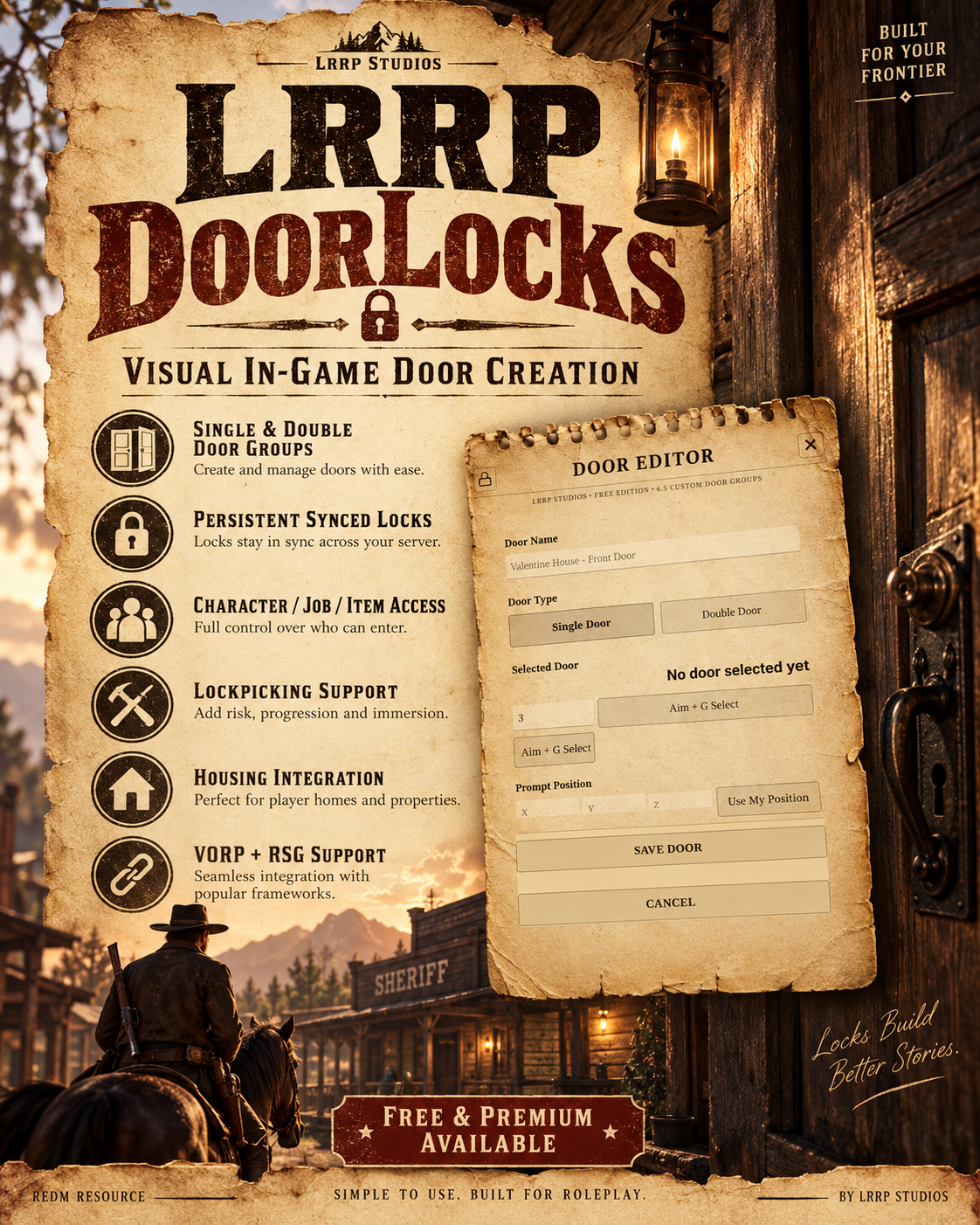
Free Doorlocks Script
🚪 LRRP DoorLocks | FREE & PREMIUM
🔐 Persistent RedM Door Locking System for VORP, RSG & Custom Frameworks
Take full control of doors across your RedM server with LRRP DoorLocks.
Create, edit and manage persistent single doors and double-door groups directly in-game using a visual admin editor. Door states are synchronised for all players and saved through SQL so they remain consistent after server restarts. 🔒🤠
Available in both FREE and PREMIUM editions.
🛒 DOWNLOAD / PURCHASE
👉
💬 SUPPORT
👉
✨ MAIN FEATURES
🚪 Persistent single-door locks
🚪🚪 Double-door groups
🔒 Synced locked / unlocked states
🛠️ In-game visual door creator
🎯 Aim-at-door selection
💾 SQL persistence
🌐 Server-synchronised door states
🔑 Configurable access control
🧰 Lockpick support
🏡 LRRP Housing integration
🐎 VORP support
🌾 RSG support
🧩 Custom framework bridge support
🌍 Editable language file
👑 Admin ACE permissions
📓 Built-in admin NUI
🔐 Persistent door group configuration
⚙️ Editable config and bridge files
🛠️ VISUAL DOOR CREATOR
Use:
/doorlocks
to open the LRRP DoorLocks editor.
Admins can:
🎯 Aim directly at a door
🚪 Capture door model information
📍 Save its location
🔄 Configure lock state
👥 Configure access
🚪 Combine double doors
💾 Save the result permanently
The editor is designed so admins do not need to manually search for door hashes or build every entry by hand.
🚪 SINGLE DOORS
Create normal single-door locks anywhere across the map.
Each configured door can store:
📍 Position
🧱 Door model
🔒 Locked state
🔑 Access rules
💾 Persistent database information
🚪🚪 DOUBLE DOOR GROUPS
LRRP DoorLocks supports paired doors.
Two physical doors can be stored together as:
1 logical door group
This is useful for locations such as:
🏦 Banks
🏠 Houses
🏨 Hotels
🚔 Law offices
🏪 Stores
🏛️ Government buildings
Both doors remain synchronised as part of the same configured lock.
🔒 PERSISTENT DOOR STATES
Door states are stored using:
🗄️ oxmysql
This means doors remain configured after:
✅ Resource restarts
✅ Server restarts
✅ Player reconnects
The server remains authoritative over the door state to help keep all clients synchronised.
🌐 SYNCHRONISATION
LRRP DoorLocks keeps lock state synced across connected players.
When a configured door changes state:
🔒 Lock
🔓 Unlock
the updated state is distributed so players see the same result.
🔑 ACCESS CONTROL
Access rules can be configured depending on your server setup.
The resource is designed to work through its editable framework bridge for systems such as:
👑 Admin access
💼 Job access
👤 Player access
🏡 Housing ownership
🔑 Property access systems
Additional behaviour can be implemented through the editable bridge files.
🔓 LOCKPICK SUPPORT
LRRP DoorLocks includes a lockpick interface for compatible gameplay.
This can be configured depending on how your server handles illegal door access.
Server owners can control lockpick behaviour through the configuration and bridge files.
🏡 LRRP HOUSING INTEGRATION
LRRP DoorLocks is also the door system used by LRRP Housing.
Housing can create and manage physical property doors through DoorLocks while keeping those property-managed doors separate from the standalone DoorLocks FREE allowance.
If using Housing:
✅ Start LRRP_Doorlocks before LRRP_housing.
🆓 FREE EDITION
The FREE Edition includes the complete core DoorLocks system.
FREE INCLUDES
✅ Single doors
✅ Double doors
✅ Visual door editor
✅ Persistent SQL storage
✅ Synced states
✅ Framework bridge
✅ Lockpick support
✅ Housing integration
FREE LIMIT
FREE allows:
🚪 5 additional custom door groups
A double-door setup counts as:
1 door group
Bundled / configured doors do not need to count toward the custom allowance depending on the package configuration.
Housing-managed property doors are handled through Housing and do not consume the standalone FREE custom DoorLocks allowance.
💎 PREMIUM EDITION
Premium removes the FREE custom door-group restriction.
✅ Complete DoorLocks system
♾️ Configurable / unlimited custom door groups
✅ Single doors
✅ Double doors
✅ Visual creator
✅ Persistent SQL storage
✅ Lockpick support
✅ Housing integration
✅ Framework bridges
✨ No FREE custom-door limitation
Where supported by configuration:
0 = unlimited
🆓 FREE vs 💎 PREMIUM
🆓 FREE
🚪 Full DoorLocks system
🔒 Persistent states
🚪🚪 Double doors
🛠️ Visual creator
🗄️ SQL storage
🏡 Housing integration
🔓 Lockpick support
🚪 5 additional custom door groups
💎 PREMIUM
🚪 Full DoorLocks system
🔒 Persistent states
🚪🚪 Double doors
🛠️ Visual creator
🗄️ SQL storage
🏡 Housing integration
🔓 Lockpick support
♾️ Configurable / unlimited custom door groups
🐎 FRAMEWORK SUPPORT
LRRP DoorLocks is designed to support:
✅ VORP
Can be integrated with your VORP setup through the included bridge.
✅ RSG
Supports RSG through the framework bridge.
🧩 CUSTOM
Custom framework setups can be added through the escrow-ignored bridge files.
⚙️ REQUIRED CFX / REDM REQUIREMENTS
✅ REQUIRED
🔴 RedM / CFX Server
🗄️ oxmysql
OPTIONAL / DEPENDING ON YOUR SETUP
🐎 VORP
🌾 RSG
🏡 LRRP Housing
🔓 Your preferred lockpick integration if using external lockpick logic
📦 REQUIRED RESOURCE NAME
The resource folder must remain exactly:
LRRP_Doorlocks
⚠️ Do not rename the resource.
📦 INSTALLATION
1️⃣ Install the resource
Place:
LRRP_Doorlocks
inside your server resources folder.
2️⃣ Import the SQL
Import the included:
sql.sql
into your database.
3️⃣ Ensure oxmysql is installed
Start:
ensure oxmysql
before DoorLocks.
4️⃣ Start DoorLocks
Recommended order:
ensure oxmysql
ensure LRRP_Doorlocks
If using a framework, start it first:
ensure oxmysql
ensure vorp_core
ensure vorp_inventory
ensure LRRP_Doorlocks
or for RSG:
ensure oxmysql
ensure rsg-core
ensure rsg-inventory
ensure LRRP_Doorlocks
5️⃣ If using LRRP Housing
Start DoorLocks first:
ensure oxmysql
ensure LRRP_Doorlocks
ensure LRRP_housing
Your framework / inventory should still start before both resources.
👑 ADMIN ACCESS
The in-game DoorLocks editor should be restricted to authorised staff.
Admin access can be configured through:
🔐 ACE permissions
👑 Framework groups
🧩 Custom bridge logic
Exact access rules can be changed inside the editable configuration / bridge files.
🚪 ADMIN COMMAND
Use:
/doorlocks
to open the visual DoorLocks editor.
🗄️ SQL / DATABASE
LRRP DoorLocks uses:
🗄️ oxmysql
for persistent door information.
Stored information includes:
🚪 Door groups
📍 Positions
🧱 Models
🔒 Lock state
🔑 Access configuration
🚪 Double-door grouping
🔐 CFX ASSET ESCROW / EDITABLE FILES
The package is prepared for CFX Asset Escrow.
Editable / escrow-ignored files include:
📄 config.lua
🌍 lang.lua
💻 bridge/client.lua
🖥️ bridge/server.lua
This allows server owners to configure:
⚙️ Framework support
🔑 Access logic
🌍 Language
🔓 Lockpick behaviour
👑 Admin permissions
🏡 Integrations
while keeping the protected DoorLocks core secure.
✅ CFX MANIFEST INFORMATION
LRRP DoorLocks includes a CFX-ready fxmanifest.lua.
The manifest includes:
✅ fx_version 'cerulean'
✅ game 'rdr3'
✅ Required RedM prerelease acknowledgement
✅ lua54 'yes'
✅ Author metadata
✅ Resource description
✅ Version metadata
✅ Resource name
✅ NUI ui_page
✅ Shared scripts
✅ Client scripts
✅ Server scripts
✅ NUI files
✅ oxmysql dependency
✅ Asset Escrow ignore entries
🔗 DECLARED CFX DEPENDENCY
The manifest declares:
dependencies {
    'oxmysql'
}
The server also loads:
@oxmysql/lib/MySQL.lua
oxmysql must therefore be installed and started before:
LRRP_Doorlocks
🖥️ NUI
LRRP DoorLocks includes its own interface for systems such as:
📝 Door editor
🔓 Lockpick UI
📓 Notepad / configuration interface
The NUI is declared through the resource manifest.
🚨 IMPORTANT CFX INSTALL NOTES
⚠️ Resource folder must remain exactly:
LRRP_Doorlocks
⚠️ oxmysql is required.
⚠️ Import the included sql.sql before use.
⚠️ Start oxmysql before DoorLocks.
⚠️ If using LRRP Housing, start DoorLocks before Housing.
⚠️ Configure framework access through the supplied config / bridge files.
⚠️ Do not run FREE and PREMIUM editions together.
⚠️ Premium should replace the FREE version.
📦 PACKAGE INCLUDES
🚪 LRRP DoorLocks Resource
🛠️ Visual Door Creator
🔒 Persistent Lock System
🚪🚪 Double-Door Support
🔓 Lockpick Interface
📓 Admin NUI
🗄️ SQL File
⚙️ Editable Config
🌍 Editable Language File
🐎 VORP Bridge
🌾 RSG Bridge
🧩 Custom Bridge Support
🛒 LRRP STUDIO
👉
💬 SUPPORT
👉
🚪 LRRP Studio — Lock it. Sync it. Control access.

Free Horse Racing
LRRP Horse Racing
Free -
Premium -
Support - LRRP Studio
Bring proper multiplayer horse racing to your RedM server with a complete race-lobby system, multiple race tiers, player voting, mounted checks, payouts and a brand-new HD Western parchment UI.
Built standalone-first, with VORP as the default framework and optional RSG compatibility. No LRRP jobs, stables or horse-system resources are required.
Features
-
2–5 player multiplayer horse races
-
 Bronze /
  Silver /
  Gold / Platinum race tiers
 -
Configurable buy-ins and race payouts
-
 Majority Vote to Start system
 -
 Players vote for the finish-line location
-
Mounted-horse checks before payment is taken
-
Jockey fires a revolver to start the race
-
Race countdown and start sequence
-
Race and finish-line blips
-
 Weapon restrictions while racing
 -
 Dismount grace period, forfeits and race timeout handling
 -
First-place rewards + second-place payouts for larger races
-
Persistent wages/refunds
-
Persistent race logging
-
New HD parchment, wood & Western racing UI
-
 Editable integration bridge for jobs, reputation, XP, achievements or custom systems
 -
Automatic database-table creation + manual SQL included
-
 Optional configurable winner webhook
 -
Editable config and integration files
-
 Required resource name:
 LRRP_horse_racing
FREE Edition
The Free Edition contains the complete core racing experience with LRRP-branded racing UI.
2 successfully started races globally/server-wide every 24 hours
Free allowance persists through server restarts
 Upgrade notification once the global allowance is exhausted
All four race tiers available
 Full multiplayer racing mechanics
PREMIUM Edition
Premium removes the Free restrictions and is designed for servers wanting the full system.
Unlimited races
Clean unbranded UI artwork for your own server identity
Full editable configuration
Standalone/custom integration hooks
 Full racing functionality with no global race allowance
Framework & Compatibility
VORP is supported by default. RSG is also supported and can be selected through the configuration.
The resource is standalone-first — it does not require LRRP Jobs, LRRP Stables or the LRRP Horse System.
Developers/server owners can optionally connect it to:
LRRP systems • custom jobs • horse systems • reputation • XP • achievements • other compatible resources
Dedicated editable bridge hooks are provided for race eligibility, race starts and player finishes.
Requirements
-
RedM
-
oxmysql
-
VORP Core (default) or RSG Core
- Resource folder must remain
LRRP_horse_racing
No mandatory LRRP resource dependencies.
Installation
Drop LRRP_horse_racing into your resources, ensure oxmysql and your chosen framework load first, run/allow the included SQL or leave automatic table creation enabled, configure config.lua, then:
ensure LRRP_horse_racing
Performance / Resource Information
The racing logic is primarily interaction/race-state driven rather than continuously running race logic for every player. The package is approximately 2.5 MB Free / 2.3 MB Premium, with the HD UI artwork accounting for most of the package size.
Important for the CFX post: add your real RedM resmon reading or profiler screenshot after testing it on the server. I haven’t run these builds inside an actual RedM client, so I won’t invent a resource-monitor number. CFX specifically asks release authors to include script performance indicators.
CFX Release Information
Code is accessible
No — core protected; config, bridges, UI & installation files editable
Subscription-based
No
Lines (approximately)
~2,250
Requirements & dependencies
RedM, oxmysql, VORP Core or RSG Core
Support
Yes
Free Blips Script
LRRP Custom Blips — Standalone RedM Blip Pack
LRRP Custom Blips is a lightweight standalone resource that adds custom streamed blip artwork for RedM.
No framework, database or external script dependency is required.
The resource is available in two editions:
Free — LRRP_FreeBlips
https://the-lost-riders-mmorpg.tebex.io/package/7644661
Premium — LRRP_Blips
https://the-lost-riders-mmorpg.tebex.io/package/7644664
Support — LRRP Studio
Join the LRRP Studio Discord Server!
LRRP Studio is a community focused on providing scripts as well hosting a Liberty Riders RP RedM and Liberty Riders FiveM server. Join us to test our scripts and get a tour. | 306 members
Preview
[UPLOAD YOUR BLIP PREVIEW/COLLAGE DIRECTLY TO THE CFX FORUM HERE]
A video or in-game screenshots showing the blips on the RedM map are also recommended.
Free Version
LRRP_FreeBlips contains 3 custom streamed RedM blips:
- Dynamite Mining
- Gemstone Mine
- Blackjack
The Free version is fully standalone and can be installed without VORP, RSG or any other framework.
Premium Version
LRRP_Blips contains 78 registered custom blips, including standard, silver and gold variants.
Included Premium Blips
Motherlode Mine, Coal Mine, Tin & Copper Mine, Iron Mine, Silver Mine, Gold Mine, Gemstone Mine, Salt Mine, Fuksin Mine, Bank, Blackjack, Blacksmith, Boatyard, Brewery, Butcher, Camp, Cooking, Criminal/Bounty, Doctors, Dynamite Mining, Farming, Fishing, General Store, Gunsmith, Horse, Hotel, Hunting, Jeweler, Law, Livestock, Lumber, Mine, Moonshine, Native, Poker, Roulette, Saloon, Smeltery, Stable, Tailor and Train.
Premium also contains additional Gold and Silver themed variants, including:
Gold Blacksmith, Gold Brewery, Gold Butcher, Gold Cooking, Gold Criminal/Bounty, Gold Doctor, Gold Farming, Gold Fishing, Gold Gunsmith, Gold Hunting, Gold Livestock and Gold Stable.
Silver Blacksmith, Silver Brewery, Silver Butcher, Silver Cooking, Silver Criminal/Bounty, Silver Doctor, Silver Dynamite, Silver Farming, Silver Fishing, Silver Gunsmith, Silver Horse, Silver Hunting, Silver Jewelers, Silver Law, Silver Livestock, Silver Lumber, Silver Mine, Silver Moonshine, Silver Native, Silver Smeltery, Silver Stable, Silver Tailor and Silver Train.
Premium also includes Slots and additional stable/horse artwork.
Features
- Custom streamed RedM blip artwork
- 3 custom blips in Free
- 78 registered blips in Premium
- Standalone
- No framework required
- No database required
- No external dependencies
- Editable
config.lua - Sprite registry included
- Export support for retrieving sprite hashes
- Existing LRRP resource compatibility
- Resource-name protection
- Cfx Asset Escrow compatible
- Installation documentation included
- Blip/sprite list included
- Lightweight runtime design
Using the Blips
Blips can be used directly with their supplied sprite hashes.
SetBlipSprite(blip, 2107943776, true)
Premium also provides an export:
local sprite = exports['LRRP_Blips']:GetBlipSprite('Gold')
SetBlipSprite(blip, sprite, true)
A complete sprite/hash list is supplied with the resource.
Installation — Free
Place:
LRRP_FreeBlips
inside your RedM resources directory.
Add this to server.cfg:
ensure LRRP_FreeBlips
The resource must remain named exactly:
LRRP_FreeBlips
Installation — Premium
Place:
LRRP_Blips
inside your RedM resources directory.
Add this to server.cfg:
ensure LRRP_Blips
The resource must remain named exactly:
LRRP_Blips
Do not run LRRP_FreeBlips and LRRP_Blips at the same time.
Compatibility
The Premium version maintains compatibility with existing LRRP sprite assignments for resources including mining, dynamite mining, smelting and job blips.
LRRP_Blips acts as the master owner of the streamed blips.ytd and blips+hi.ytd dictionaries.
Older resources that contain duplicate copies of these dictionaries should have those duplicate YTD files removed.
Performance
The resource does not use a permanent client-side polling loop.
Client functionality consists primarily of configuration/export lookups, while server-side compatibility/resource checks run during startup.
Before submitting this topic, attach an in-game resmon screenshot here showing the measured resource usage.
Streamed Asset Size
Free
-
blips.ytd— approximately 163 KiB -
blips+hi.ytd— approximately 464 KiB - Approximately 626 KiB combined
Premium
-
blips.ytd— approximately 195 KiB -
blips+hi.ytd— approximately 576 KiB - Approximately 772 KiB combined
Requirements
- RedM
- No framework
- No database
- No third-party dependencies
Cfx Release Information
Code is accessible
No — configuration and documentation remain editable
Subscription-based
No
Lines (approximately)
Free: ~97 / Premium: ~227 Lua lines
Requirements & dependencies
RedM only; no external dependencies
Support
Yes
Streamed Assets
Assets are accessible
No — protected through Cfx Asset Escrow
Subscription-based
No
Polygons (model and LOD)
N/A — 2D streamed blip textures only
Texture size and amount
3 custom blips Free / 78 registered Premium; 2 streamed YTD dictionaries
Requirements & dependencies
RedM
Support
Yes
Support
Support is available through the LRRP Studio Discord:
Join the LRRP Studio Discord Server!
LRRP Studio is a community focused on providing scripts as well hosting a Liberty Riders RP RedM and Liberty Riders FiveM server. Join us to test our scripts and get a tour. | 306 members
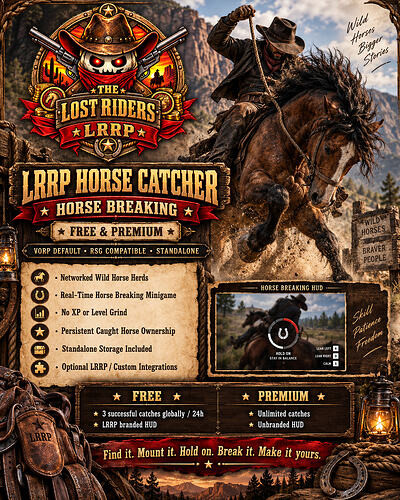
Free Horse Catch & Keep
LRRP Horse Catcher
Free -
Premium -
Support - LRRP Studio
Turn the wilderness into your next stable. LRRP Horse Catcher brings networked wild horse herds, immersive horseback breaking and permanent caught-horse ownership to RedM — complete with a new HD Western Horse Breaking HUD.
Built standalone-first, with VORP as the default framework and optional RSG Core support. No LRRP Jobs, LRRP Stables or LRRP Horse System is required.
 Features
-
Networked wild horse herds across the world
-
Mount and break wild horses in real time
-
Interactive balance minigame — hit E inside the moving green zone
-
Different breeds have different breaking times and difficulty
-
 Harder horses use tougher breaking behaviour — no artificial XP requirement
-
Only one player can actively claim/break the same horse
-
Server-side validation and horse claiming
-

 Male & female horse support
 -
Preserves the horse you actually caught instead of replacing it with a generic horse
-
Persistent caught-horse ownership
-
 Call, select and store caught horses with the included standalone system
 -
Configurable wild herds, breeds and spawning behaviour
-
Caught horses are protected from immediately becoming wild again
-
Reset/recovery handling
-
HD parchment / wood / leather Horse Breaking HUD
-
Editable configuration
-
Optional horse-storage and job integration hooks
-
Included duplicate-safe SQL
-
Required resource name:
LRRP_HorseCatcher
No XP / Level Grind
Horse Catcher does not require a Horse Trainer level or XP system.
Difficulty comes from the horse itself. Breed configuration can control breaking duration, timing, success-zone difficulty and behaviour, meaning valuable horses can genuinely be harder to tame without forcing players through an XP grind.
Standalone Horse Storage
You don’t need another LRRP horse resource just to use Horse Catcher.
The included standalone ownership system allows players to manage successfully caught horses, including:
/caughthorses — view caught horses
/caughthorse — select a caught horse
/callcaught — call the selected horse
/storecaught — store the current caught horse
Already using another horse/stable system? The configurable storage bridge can instead hand successful catches to LRRP Stables or another compatible/custom horse resource.
FREE Edition
The Free Edition includes the complete core horse-catching and breaking experience with the LRRP-branded HD Horse Breaking HUD.
-
3 successful wild-horse catches globally/server-wide every 24 hours
-
The allowance is shared across the whole server — not per player
-
 Failed breaking attempts do not consume the allowance
 -
Allowance persists through server restarts
-
 Players are shown the remaining wait when the allowance is exhausted
 -
Premium upgrade notification after the global limit is reached
-
Full breaking gameplay and standard horse system included
PREMIUM Edition
Premium unlocks the full unrestricted Horse Catcher system:
-
Unlimited successful horse catches
-
Clean unbranded Horse Breaking HUD
-
Full breed and herd configuration
-
Editable configuration
-
Standalone / LRRP / custom integration options
-
Configure your own herd locations
-
Configure breaking difficulty
-
No global catch allowance
No subscription — one-time Premium purchase.
Framework & Compatibility
VORP is the default framework.
RSG Core is also supported and can be selected through configuration.
Horse Catcher is designed to be standalone-first. LRRP systems are optional integrations rather than required dependencies.
Compatible architecture:
VORP • RSG • Standalone Storage • LRRP integration • Custom horse/stable integrations
Requirements
-
RedM
-
oxmysql
-
VORP Core (default) or RSG Core
-
 Resource folder must remain
 LRRP_HorseCatcher
No mandatory LRRP resource dependency.
Installation
- Place
LRRP_HorseCatcherinside your resources folder. - Import the included
install.sql. - Set
Config.Framework = 'vorp'or'rsg'. - Configure the standalone/custom horse-storage options if required.
- Ensure
oxmysqland your selected framework start first. - Add:
ensure LRRP_HorseCatcher
Then configure your herds, breeds, breaking settings and optional integrations.
Performance & Resource Information
Horse spawning uses configurable herd/spawn logic, while the breaking NUI is displayed during active horse-breaking gameplay rather than operating as a permanent full-screen interface.
The current Premium build contains approximately 3,278 lines of Lua/NUI code. No custom 3D horse models, MLOs or maps are included; horses use Red Dead Redemption 2 game assets.
Before publishing the CFX topic, add a real resmon reading or profiler screenshot from your test server. CFX requires script releases to provide performance/resource-usage information, and I won’t invent a measurement that hasn’t actually been taken.
CFX Required Information — Code
Code is accessible
No — core runtime protected; configuration, SQL and documentation remain editable
Subscription-based
No
Lines (approximately)
~3,278
Requirements & dependencies
RedM, oxmysql, VORP Core or RSG Core
Support
Yes
CFX Required Information — Assets
Assets are accessible
UI artwork included with resource
Subscription-based
No
Polygons / LOD
N/A — no custom 3D models
Texture size & amount
1 Horse Breaking NUI frame per edition; no streamed world textures/models
Requirements & dependencies
Included NUI / base-game RDR2 horse assets
Support
Yes
CFX Required Information — Map / MLO
Assets are accessible
N/A
Subscription-based
No
MLO
No
Number of rooms
N/A
Number of entities
N/A — no custom map entities
Requirements & dependencies
None
Support
Yes
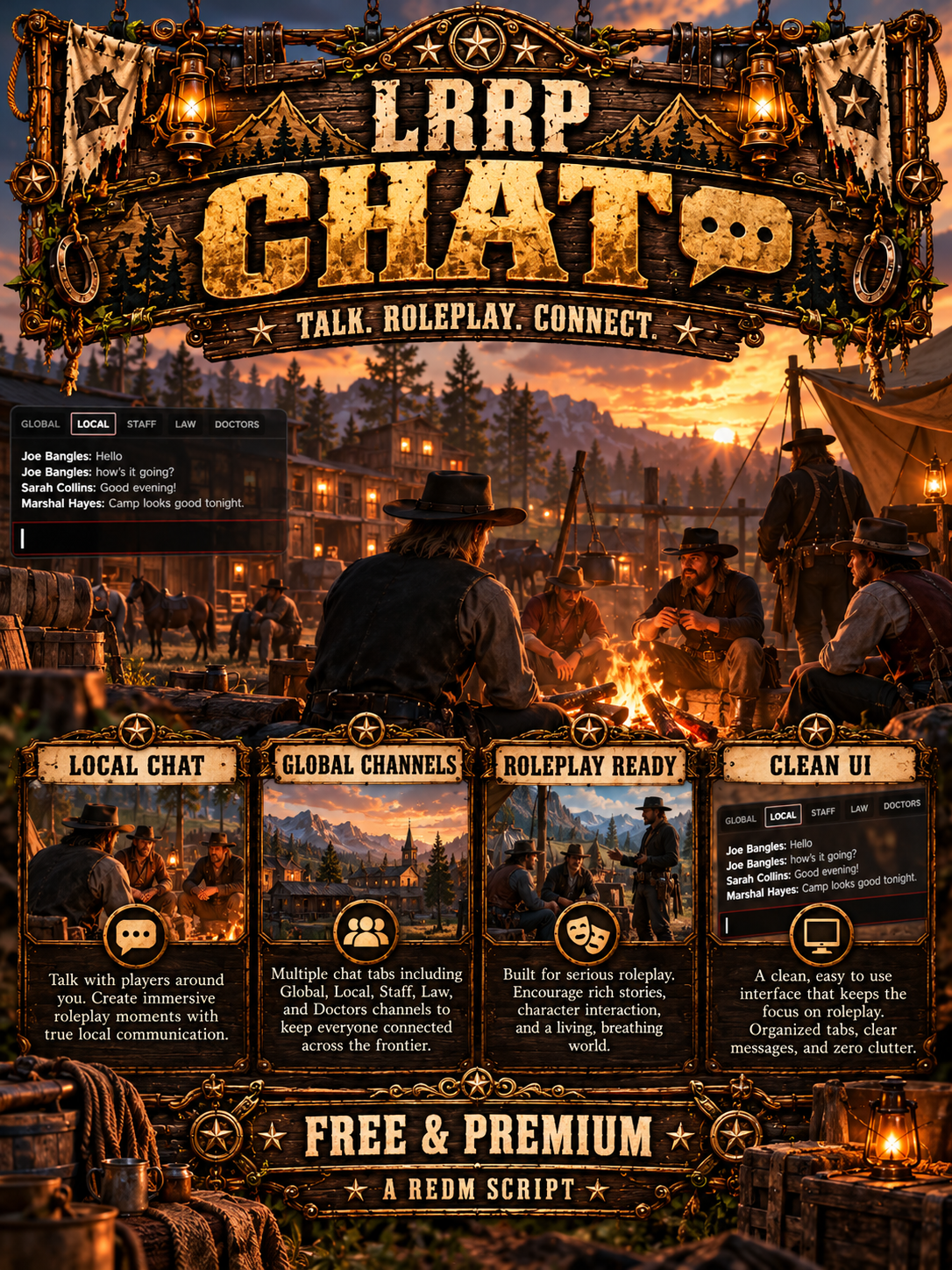
Free ChatBox Script


# LRRP Chat — Free
Download - https://lrrp-studio.tebex.store/
Support - https://discord.gg/H6ZNuZycSY
Replace the standard RedM chat with a polished, streamlined chat system designed for VORP roleplay servers.
LRRP Chat provides server-wide Global communication, proximity-based Local communication, active character names and reliable character connection notices—all through a clean lower-left interface.
## Features
* Complete replacement for the standard CFX chat
* Global server-wide channel
* 25-metre Local proximity channel
* Overhead Local roleplay text
* Active VORP character names
* Character connected and disconnected notices
* Restricted Staff channel
* ACE and txAdmin staff permission support
* Command suggestions and message history
* Configurable channel colours
* Configurable Local distance
* Configurable message fade settings
* Safe NUI focus management
* `/fixchat` emergency focus reset
* Routing-bucket awareness
* Standard `chat:addMessage` compatibility
* Optional external channel integrations
* Standalone operation
## Free Edition Welcome
When a player connects, they privately receive:
**The Lost Riders MMORPG**
*(upgrade to premium to edit)*
Only the connecting player sees this message. It is never broadcast to Global or Local chat.
## Optional LRRP Signs Integration
LRRP Signs is not required.
When both resources are installed, Local messages automatically use the LRRP Signs overhead `/me` renderer. Without LRRP Signs, LRRP Chat uses its own built-in overhead renderer.
Both resources continue to work independently.
## Optional Job Channels
Law and Doctor channels are disabled by default.
An escrow-ignored integration file is included so server owners can connect LRRP job resources or another compatible job and duty system without exposing the protected chat routing and permission logic.
## Installation
A detailed README is included.
The original folder located at:
`resources/gameplay/chat`
must be deleted and replaced with `LRRP_chat`.
The resource declares itself as a provider of the standard `chat` dependency for improved compatibility with other resources.
## Requirements
* RedM
* VORP Core for character-name functionality
* No SQL required
## Commands
* `T` — Open chat
* `TAB` — Change channel
* `SHIFT + TAB` — Previous channel
* `/fixchat` — Release stuck chat focus
Developed for immersive RedM roleplay servers by Lost Riders MMORPG.
crafting bundle - https://forum.cfx.re/t/paid-bundle-crafting-job-shop-mail-scripts/5413631
shop system - https://forum.cfx.re/t/free-redm-shop-store-front-script/5412027/2
ranch - https://forum.cfx.re/t/free-redm-ranch-script/5411524/18
tattoo - https://forum.cfx.re/t/free-tattoo-script/5418812
stable & Breeding - https://forum.cfx.re/t/free-stable-breeding/5416994
fishing - https://forum.cfx.re/t/free-fishing-script/5418418/2
cock fighting - https://forum.cfx.re/t/free-cockfighting-script/5421492
chat box - https://forum.cfx.re/t/free-chat-box-system/5421465
signs - https://forum.cfx.re/t/free-signs-chat-system/5421463
lumberyard - https://forum.cfx.re/t/free-strawberry-lumberyard-map/5421259
community service - https://forum.cfx.re/t/free-community-service-script/5421055
weapon customization - https://forum.cfx.re/t/free-weapon-customization/5416997/2
enhanced ui - https://forum.cfx.re/t/vorp-inventory-enhanced-ui-persistent-sorting/5420509
mining & motherlode - https://forum.cfx.re/t/free-mining-motherlode-system/5418436/2
loading screen - https://forum.cfx.re/t/free-loading-screen/5418955
moonshine - https://forum.cfx.re/t/free-hideout-system/5418899
hunting guide - https://forum.cfx.re/t/free-hunting-objectives/5418620
medic - https://forum.cfx.re/t/free-medic-docpad-script/5418565
landlords - https://forum.cfx.re/t/free-player-owned-hotels/5418449
cafe's - https://forum.cfx.re/t/free-cafe-tycoon/5418443
store robbery's - https://forum.cfx.re/t/free-cash-register-robbery/5418442
boat yard - https://forum.cfx.re/t/free-boatyard-script/5418440
planting - https://forum.cfx.re/t/free-planting-script/5418434
npc looting - https://forum.cfx.re/t/free-npc-loot-robbery/5418432
goldpan - https://forum.cfx.re/t/free-goldpan-script/5418420
char selection - https://forum.cfx.re/t/free-character-selection-clothing-store/5416592/3
grave digger - https://forum.cfx.re/t/free-grave-digger-script/5417000/2
legendary animals - https://forum.cfx.re/t/free-legendary-animals-script/5417086
plantation - https://forum.cfx.re/t/free-plantation-worker-script/5417005
burglar - https://forum.cfx.re/t/free-house-robbery-system/5417001
bull riding - https://forum.cfx.re/t/free-bull-riding-script/5416889
law & bounty - https://forum.cfx.re/t/free-lrrp-law-bounty-pack/5414198/5
traders market - https://forum.cfx.re/t/free-traders-market-marketplace-script/5416180
betting - https://forum.cfx.re/t/free-betting-script/5413318
pvp - https://forum.cfx.re/t/free-combat-games-zombies/5413194
slot machine - https://forum.cfx.re/t/free-redm-slots-machine-script/5411642

Free Loading Screen
# LRRP Loading Screen
premium version removes all branding
download - https://lrrp-studio.tebex.store/
support - https://discord.gg/RMPMrdzy8k
Give your RedM server a polished and immersive introduction with the **LRRP Loading Screen Free Edition**.
This standalone loading screen includes a complete ready-to-use layout, LRRP-branded background video, music, server information, social links, staff display and player information.
The Free Edition is designed for server owners who want a professional loading screen without needing to configure their own video or audio.
## Features
* Standalone RedM loading screen
* No framework dependencies
* LRRP-branded loading video
* Included background music
* Fixed video and audio configuration
* Customisable server name and welcome text
* Customisable server information
* Discord and social media links
* Staff team display
* Online player information
* Loading progress display
* Clean and responsive user interface
* Easy installation
* Detailed README and installation instructions included
## Free Edition Restrictions
The supplied video and music are fixed in the Free Edition and cannot be changed through the provided configuration.
Upgrade to the Premium Edition to use your own unbranded video, music and server media.
## Installation
1. Stop your server.
2. Open your server resources folder.
3. Navigate to:
`resources > standalone`
4. Delete or rename your existing folder named:
`loadingscreen`
5. Place the included `loadingscreen` folder inside the `standalone` folder.
6. Add the following to your `server.cfg` if it is not already present:
`ensure loadingscreen`
7. Restart your server.
## Requirements
* RedM server
* No framework required
* No SQL required
## Support
Support is available through the official Lost Riders development support channels.
Please follow the included installation instructions before requesting support.
Developed for immersive RedM roleplay servers by Lost Riders MMORPG.
Free Poster Script
support - LRRP Studio
Bring your RedM world to life with a simple, immersive poster placement system designed for roleplay servers.
LRRP Posters FREE allows staff to place custom image posters directly onto walls around the map using an easy in-game placement system and a clean RP-style interface.
Features
Place custom image posters using direct image URLs
Clean RP-style paper / notepad UI
Posters align directly to walls
Adjustable placement position
Adjustable height and rotation
Multiple poster sizes
Posters are hidden correctly behind walls
Optimised visibility and distance rendering
Persistent poster saving
Admin poster management menu
Teleport to existing posters
Reposition existing posters
Change poster image or size
Delete posters
VORP admin group support
ACE permission support
Compatible with LRRP_signs
Resource-name protection
Persistent SQL storage
Designed specifically for RedM
FREE Version Limit
The FREE version allows:
1 active poster server-wide
Once one poster is placed, another cannot be created until the existing poster is removed.
Want unlimited poster placement? Upgrade to LRRP Posters Premium.
Commands
/poster
Open the poster placement menu.
/posters
Open the poster management menu.
 Placement Controls
Arrow Keys — move poster
Shift + Arrow Keys — adjust height / rotation
G — confirm placement
Backspace — cancel placement
Requirements
RedM
VORP Core
oxmysql
Protected Core
Important core functionality is designed for CFX Asset Escrow, while configuration, UI, SQL and other relevant files remain editable.
The resource must remain named:
LRRP_Posters
Renaming the protected resource will prevent it from running.
Information
Details
Code is accessible
Partial (UI, Config, SQL editable)
Subscription-based
No
Lines (lines of code)
~500+
Requirements
RedM, VORP Core, oxmysql
Support
Yes
Free Inventory Icon's

# LRRP Inventory Icon Pack – 1,000+ RedM Icons
download - https://lrrp-studio.tebex.store/
support - https://discord.gg/H6ZNuZycSY
Upgrade your RedM inventory with the **LRRP Inventory Icon Pack**, featuring **1,000+ ready-to-use PNG item icons** covering a huge range of server items.
Designed primarily for **VORP Inventory**, this pack gives server owners a large collection of consistent inventory images for existing items, custom resources and completely custom economies.
### Included
* 1,000+ inventory item icons
* Food & drinks
* Hunting & animal items
* Weapons & ammunition
* Mining materials
* Lumber & crafting materials
* Farming items
* Medical supplies
* Horse-related items
* Tools
* Documents
* Ingredients
* Resources & materials
* Custom server items
* And much more
* PNG format
* Transparent backgrounds
* Inventory-ready sizing
* Easy to rename for custom items
## VORP Installation
Extract the downloaded ZIP.
Copy the required images into:
```
```
```
resources > vorp > vorp_inventory > html > img > items
```
Or:
```
```
```
vorp_inventory/html/img/items
```
The image filename should match the image/item name used by your inventory configuration.
For example:
```
```
```
gold_ore.png
pickaxe.png
water.png
bread.png
```
You can install individual icons or copy the entire collection into your inventory image folder.
## Compatibility
Built primarily for:
**VORP Inventory / RedM**
The PNG files can also be used with other RedM inventory systems that support custom item images.
This is an **image asset pack**. It does not automatically create or register inventory items in your database.
## Perfect For
Custom economies, crafting systems, mining, farming, hunting, cooking, businesses, jobs, horse systems, weapons, custom resources and servers looking to greatly expand their available inventory artwork.
## Usage
You may use and modify the included icons for your own RedM server and its resources.
Redistribution, resale, re-uploading or repackaging the complete icon collection as another icon pack is not permitted.
## Important
Always back up your existing:
```
```
```
vorp_inventory/html/img/items
```
folder before replacing existing inventory images.
---
**LRRP Inventory Icon Pack**
**1,000+ RedM Inventory Icons**
Created by **LRRP – Bo Jangles**
Developed for immersive RedM roleplay servers by Lost Riders MMORPG.
crafting bundle - https://forum.cfx.re/t/paid-bundle-crafting-job-shop-mail-scripts/5413631
shop system - https://forum.cfx.re/t/free-redm-shop-store-front-script/5412027/2
ranch - https://forum.cfx.re/t/free-redm-ranch-script/5411524/18
tattoo - https://forum.cfx.re/t/free-tattoo-script/5418812
stable & Breeding - https://forum.cfx.re/t/free-stable-breeding/5416994
fishing - https://forum.cfx.re/t/free-fishing-script/5418418/2
cock fighting - https://forum.cfx.re/t/free-cockfighting-script/5421492
chat box - https://forum.cfx.re/t/free-chat-box-system/5421465
signs - https://forum.cfx.re/t/free-signs-chat-system/5421463
lumberyard - https://forum.cfx.re/t/free-strawberry-lumberyard-map/5421259
community service - https://forum.cfx.re/t/free-community-service-script/5421055
weapon customization - https://forum.cfx.re/t/free-weapon-customization/5416997/2
enhanced ui - https://forum.cfx.re/t/vorp-inventory-enhanced-ui-persistent-sorting/5420509
mining & motherlode - https://forum.cfx.re/t/free-mining-motherlode-system/5418436/2
loading screen - https://forum.cfx.re/t/free-loading-screen/5418955
moonshine - https://forum.cfx.re/t/free-hideout-system/5418899
hunting guide - https://forum.cfx.re/t/free-hunting-objectives/5418620
medic - https://forum.cfx.re/t/free-medic-docpad-script/5418565
landlords - https://forum.cfx.re/t/free-player-owned-hotels/5418449
cafe's - https://forum.cfx.re/t/free-cafe-tycoon/5418443
store robbery's - https://forum.cfx.re/t/free-cash-register-robbery/5418442
boat yard - https://forum.cfx.re/t/free-boatyard-script/5418440
planting - https://forum.cfx.re/t/free-planting-script/5418434
npc looting - https://forum.cfx.re/t/free-npc-loot-robbery/5418432
goldpan - https://forum.cfx.re/t/free-goldpan-script/5418420
char selection - https://forum.cfx.re/t/free-character-selection-clothing-store/5416592/3
grave digger - https://forum.cfx.re/t/free-grave-digger-script/5417000/2
legendary animals - https://forum.cfx.re/t/free-legendary-animals-script/5417086
plantation - https://forum.cfx.re/t/free-plantation-worker-script/5417005
burglar - https://forum.cfx.re/t/free-house-robbery-system/5417001
bull riding - https://forum.cfx.re/t/free-bull-riding-script/5416889
law & bounty - https://forum.cfx.re/t/free-lrrp-law-bounty-pack/5414198/5
traders market - https://forum.cfx.re/t/free-traders-market-marketplace-script/5416180
betting - https://forum.cfx.re/t/free-betting-script/5413318
pvp - https://forum.cfx.re/t/free-combat-games-zombies/5413194
slot machine - https://forum.cfx.re/t/free-redm-slots-machine-script/5411642